
Увод
This user manual provides comprehensive instructions for the HETP 5200mAh PD USB C Portable Power Bank. This compact and convenient power bank is designed to provide emergency power for your USB-C compatible devices, including iPhone 15/16 series, Samsung Galaxy, Google Pixel, LG, and Moto phones, as well as other USB-C charging port devices like the Nintendo Switch.

Image: Two HETP 5200mAh portable power banks, one pink and one blue, featuring their built-in USB-C connectors and digital percentagе приказује.
Шта је у кутији
Након отварања паковања, проверите да ли су све компоненте присутне:
- 2 x HETP USB-C Portable Power Bank (5200mAh)
- КСНУМКС к УСБ-Ц кабл за пуњење
- 1 x Упутство за употребу (овај документ)

Image: The contents of the product package, including two portable power banks, two USB-C charging cables, and the user manual.
Сетуп
1. Почетно пуњење преносне батерије
Before first use, it is recommended to fully charge your HETP Portable Power Bank. Use the provided USB-C charging cable and connect it to the power bank's USB-C input port. Connect the other end of the cable to a compatible USB power adapter (not included).
- The Smart LCD digital display will show the charging progress.
- A full recharge typically takes approximately 2.5-3 hours.

Image: A pink HETP power bank connected to a wall charger via a USB-C cable, illustrating the fast recharging capability. A smartphone in the background shows a full charge.
2. Повезивање са вашим уређајем
The HETP Portable Power Bank features a built-in USB-C connector for direct plug-and-play charging. Simply plug the power bank's integrated USB-C connector directly into your compatible device's USB-C charging port.
Important Note on Phone Cases:
This portable USB-C charger is compatible with phone cases that have a thickness of less than 1.7 inches (approximately 4mm) around the charging port. If your phone case exceeds this thickness, you may need to remove your phone case for the USB-C connector to properly plug into the charging slot.

Image: A visual guide demonstrating the maximum phone case thickness (less than 4mm) for proper connection of the power bank's built-in USB-C plug.
Упутство за употребу
1. Checking Battery Percentage
To check the remaining battery percentage of your power bank, simply press the small button located next to the digital display. The LCD screen will illuminate and show the current charge level.
2. Пуњење вашег уређаја
Once the power bank is securely connected to your device, charging will typically begin automatically. The power bank's 5200mAh capacity is sufficient to provide at least one full charge for most Android phones, making it ideal for emergency backup power.
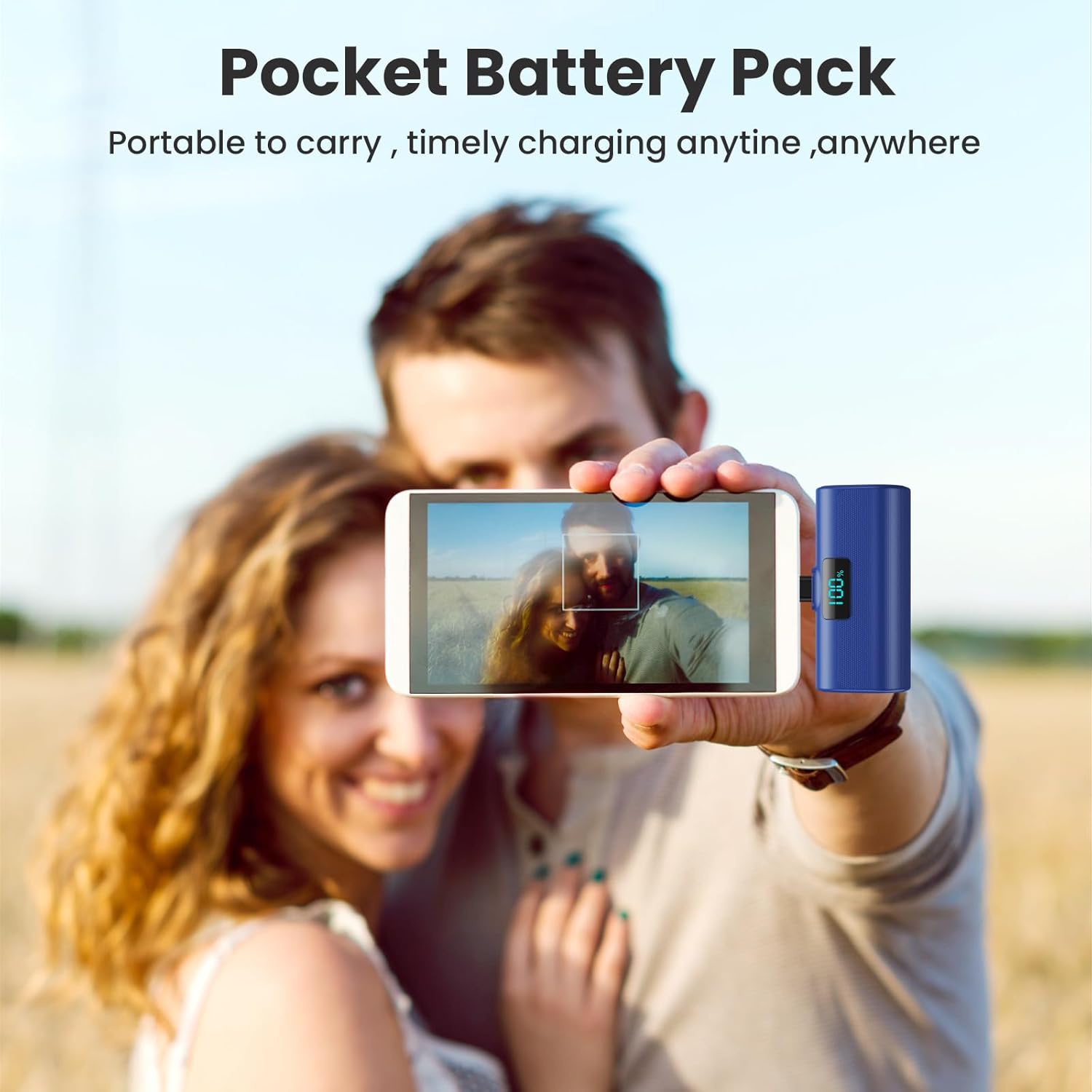
Image: A user holding a blue HETP power bank connected to their smartphone, highlighting its compact size and ease of use for on-the-go charging.
3. Пролазно пуњење
The HETP Portable Power Bank supports pass-through charging. This means you can charge your phone while simultaneously recharging the power bank itself. Connect the power bank to your phone, and then connect the power bank to a power source using a USB-C cable.
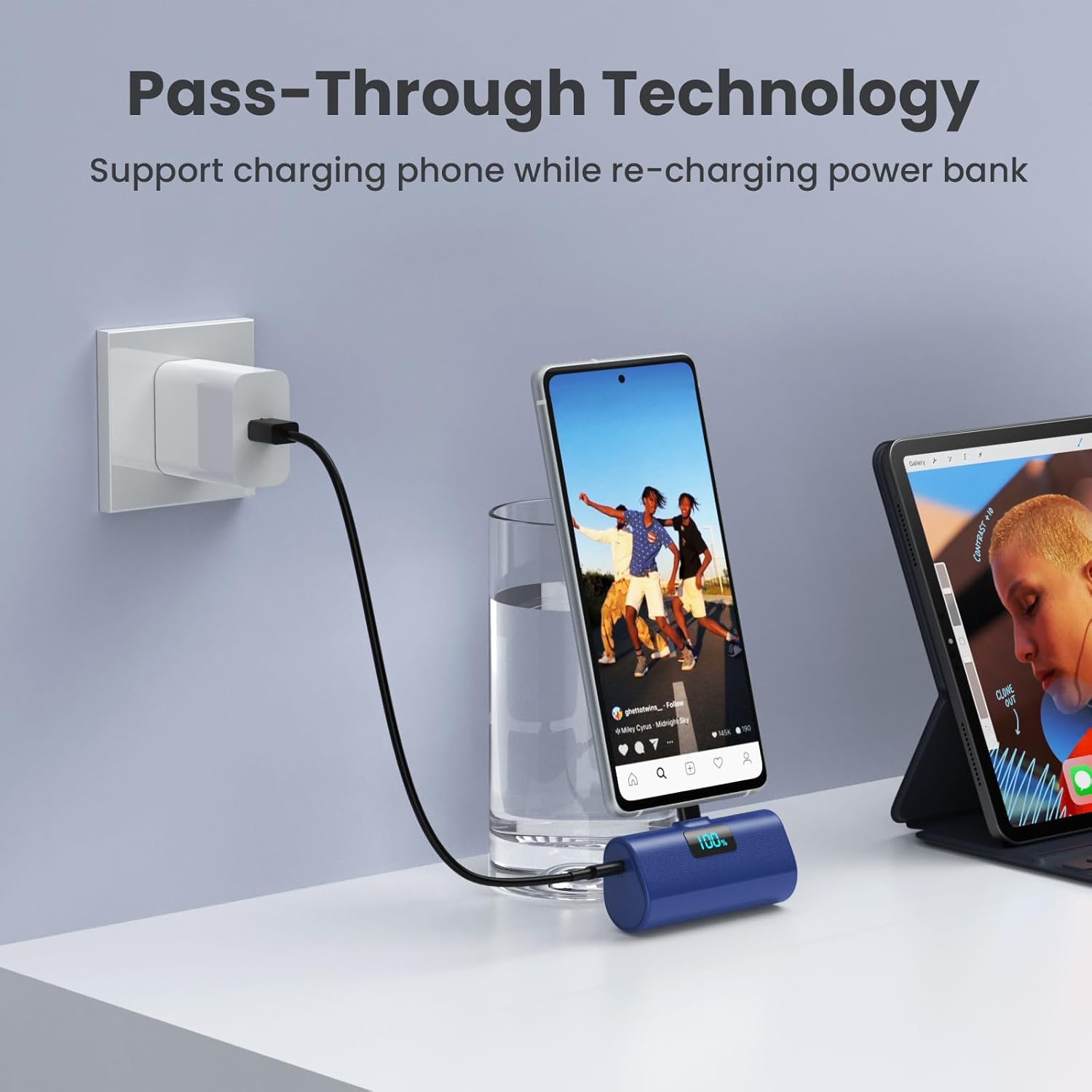
Image: A blue HETP power bank connected to a smartphone, which is simultaneously being charged by a wall adapter, illustrating the pass-through charging feature.
Одржавање
- Држите преносни пуњач даље од екстремних температура, директне сунчеве светлости и влаге.
- Не растављајте или покушавајте сами да поправите уређај.
- Очистите спољашњост меком, сувом крпом. Избегавајте употребу јаких хемикалија или абразивних материјала.
- Чувати на хладном и сувом месту када се не користи дуже време.
Решавање проблема
Повер Банк се не пуни
- Уверите се да је USB-C кабл за пуњење безбедно повезан и са преносном батеријом и са адаптером за напајање.
- Проверите да ли адаптер за напајање исправно функционише и да ли је повезан са активном електричном утичницом.
- Try using a different USB-C charging cable or power adapter.
Device Not Charging from Power Bank
- Ensure the power bank's built-in USB-C connector is fully and securely inserted into your device's charging port.
- Check the power bank's battery percentage. If it's low, recharge the power bank.
- If you are using a phone case, ensure its thickness around the charging port is less than 1.7 inches (approx. 4mm). Remove the case if it's too thick.
- Restart your device and try connecting the power bank again.
Споро пуњење
- Ensure both the power bank and your device support PD (Power Delivery) fast charging for optimal speeds.
- Check if the charging cable used for recharging the power bank is a high-quality USB-C cable.

Слика: Интерна view diagram of the power bank highlighting its multiple safety features, such as temperature protection, short circuit protection, and overcharge protection.
Спецификације
| Феатуре | Детаљ |
|---|---|
| Број модела | ХКС45Кс9 |
| Капацитет батерије | 5200 Милиamp Сати (мАх) |
| Тип конектора | USB Type C (Built-in) |
| Димензије производа | 3 к 1.5 к 1.02 инча |
| Тежина артикла | 3.49 унци |
| Боја | Pink+Blue (as per product variant) |
| Посебне карактеристике | 2-Pack, Lipstick Size, PD USB C Fast Charging, Pocket Size, Airline Approved Safety Travel |
Гаранција и подршка
Your HETP Portable Power Bank comes with a 365-Days replacement warranty and lifetime technical support. For any questions or assistance, please contact our customer support team. Contact information can typically be found on the product packaging or through your purchase platform.