
ANCwear ANC-107
ANCwear Smart Watch ANC-107 User Manual
Model: ANC-107
Увод
This manual provides detailed instructions for the setup, operation, and maintenance of your ANCwear Smart Watch ANC-107. Please read this manual thoroughly to ensure proper use and to fully utilize all features of your device.

Image: The ANCwear Smart Watch ANC-107 with a black strap, displaying time, step count, distance, and calories burned on its screen.
Шта је у кутији
Након распакивања, проверите да ли су присутне све ставке наведене у наставку:
- Паметни сат к 1
- Charging Cable x 1 (Magnetic)
- Упутство за употребу к 1
Водич за подешавање
Follow these steps to set up your ANCwear Smart Watch ANC-107 and connect it to your smartphone.
1. Download the Da Fit App
The ANCwear Smart Watch ANC-107 requires the Да Фит application for full functionality. Download the app from your smartphone's app store (App Store for iOS, Google Play for Android) or by scanning the QR code provided in the watch's packaging or on the watch screen during initial setup.
Alternatively, you can visit the official download page: http://plus.crrepa.com/app-download/dafit

Image: Screenshot showing the Da Fit app download page on a smartphone.
2. Омогућите Блуетоотх
Ensure Bluetooth is enabled on your smartphone. Navigate to your phone's settings and turn on Bluetooth.

Image: Screenshot of a smartphone's Bluetooth settings, showing Bluetooth enabled.
3. Pair Your Smart Watch
- Open the Da Fit app on your smartphone.
- Navigate to the 'Device' section or look for an option to 'Add Device' or 'Bind Device'.
- The app will scan for available devices. Select "ANC-107" from the list of found devices.
- Потврдите захтев за упаривање и на паметном телефону и на паметном сату ако се то од вас затражи.
If you encounter issues, ensure no other devices are actively paired with the watch and try restarting both the watch and your phone's Bluetooth.

Image: Screenshot of the Da Fit app showing the device pairing process, with "ANC-107" selected.
Упутство за употребу
Екран и бројчаници
The ANCwear Smart Watch ANC-107 features a 1.83-inch HD touchscreen display. You can customize the watch face to suit your style. The Da Fit app offers over 200 built-in watch faces, and you can also use your own photos.
- Мењање бројчаника: Long-press the watch screen to quickly switch between pre-loaded watch faces. For more options, open the Da Fit app, navigate to the 'Watch Faces' section, and select from the gallery or upload a custom image.

Image: The ANCwear Smart Watch displaying different customizable watch faces, including a cat, a health dashboard, and a digital clock.
Мониторинг здравља
The watch provides continuous health tracking features:
- Монитор пулса: Прати ваш откуцај срца 24/7. View real-time data on the watch or detailed historical data in the Da Fit app.
- Праћење спавања: Monitors your sleep patterns, including deep sleep, light sleep, and REM sleep. Access sleep quality reports in the app.
- Blood Pressure & SpO2 Monitor: Utilizes PPG technology to measure blood pressure and blood oxygen saturation (SpO2). These measurements are for reference only and not for medical diagnosis.

Image: A person exercising with the watch, showing heart rate data on the screen and a graph of heart rate over time.

Image: A person sleeping, with the watch on their wrist, showing sleep duration and sleep stage breakdown.
Спортски режими
The watch supports over 120 sports modes, accurately tracking your activity data including steps, distance, calories burned, and heart rate during workouts.
- Activating a Sports Mode: Swipe on the watch screen to find the 'Sports' icon, tap it, and select your desired activity.
- ГПС праћење: For outdoor activities like running or cycling, the watch can use your smartphone's GPS to map your route. Ensure your phone is with you and connected via Bluetooth.
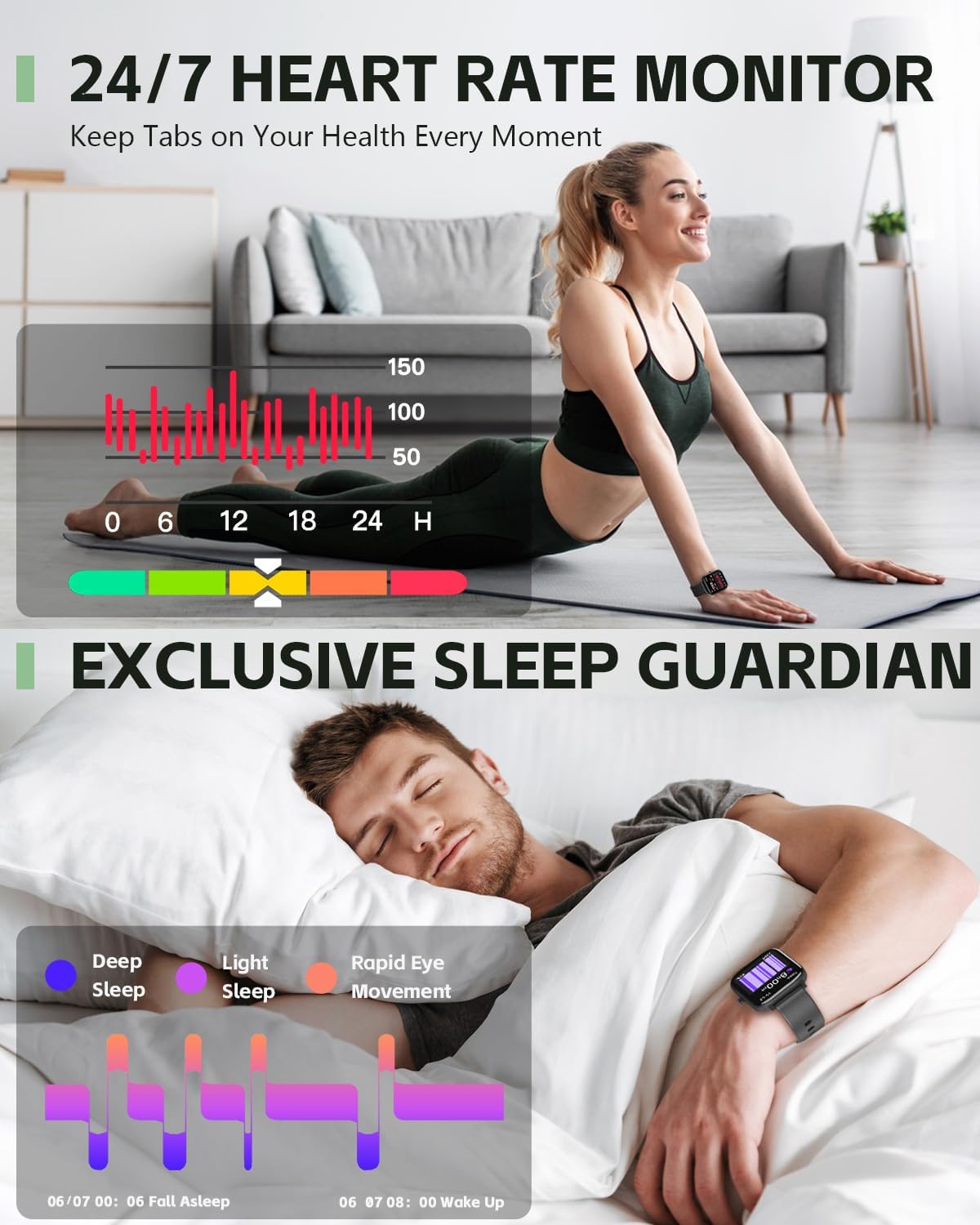
Image: A person cycling outdoors, wearing the ANCwear Smart Watch which displays cycling data such as duration, BPM, calories, steps, and distance.
Notifications and Remote Control
- Паметни подсетници: Receive notifications for incoming calls, text messages, and social media alerts directly on your watch. Configure notification settings within the Da Fit app.
- Даљински затварач: Use your watch as a remote control for your smartphone camera. Open the camera function in the Da Fit app, then shake your wrist or tap the watch screen to take a photo.
- Контрола музике: Контролишите репродукцију музике на свом паметном телефону (пуштање, паузирање, прескакање нумера) директно са свог сата.

Image: A couple relaxing on a couch, with one person wearing the ANCwear Smart Watch and controlling music on a smartphone.
Остале карактеристике
- Подсетник за пиће воде: Поставите подсетнике да останете хидрирани током целог дана.
- Вежбе дисања: Вођене вежбе дисања које ће вам помоћи да се опустите.

Image: A person drinking water, with the ANCwear Smart Watch displaying a "Reminder to Drink Water" notification.
Одржавање
Пуњење
The ANCwear Smart Watch ANC-107 uses a magnetic charging cable. Connect the magnetic end to the charging points on the back of the watch and the USB end to a power source (e.g., computer USB port, USB wall adapter).
- Време пуњења: Приближно 2 сата за потпуно пуњење.
- Трајање батерије: Up to 10 days of typical usage, and up to 30 days in standby mode.

Image: The back of the ANCwear Smart Watch connected to its magnetic charging cable, showing charging indicators.
Отпорност на воду
The watch has an IP68 water resistance rating, meaning it is protected against dust and can withstand immersion in water up to 1.5 meters for up to 30 minutes. It is suitable for daily use, showering, and swimming in shallow water.
Важно: Avoid using the watch in hot water, saunas, or steam rooms, as steam can penetrate the seals and cause damage. Not suitable for diving or high-pressure water activities.

Image: The ANCwear Smart Watch being worn by a person swimming underwater, illustrating its IP68 water resistance.
Решавање проблема
If you encounter issues with your ANCwear Smart Watch ANC-107, please refer to the following common solutions:
| Проблем | Решење |
|---|---|
| Cannot pair with smartphone / App not finding watch |
|
| Inaccurate health data (Heart Rate, Sleep, etc.) |
|
| Кратко трајање батерије |
|
| Обавештења се не појављују |
|
Спецификације
| Феатуре | Детаљ |
|---|---|
| Број модела | АНЦ-107 |
| Величина екрана | 1.83 Inches HD Touch Screen |
| Повезивање | Блуетоотх |
| Отпорност на воду | IP68 (10M Proof, Sweat, Bathing) |
| Капацитет батерије | 230 Милиamp Сати |
| Типична употреба Трајање батерије | До 10 дана |
| Време приправности | До 30 дана |
| Време потпуног пуњења | Прибл. 2 сата |
| Мониторинг здравља | Heart Rate, Sleep, Blood Pressure, SpO2 |
| Спортски режими | 120+ режима |
| Компатибилан ОС | Андроид, иОС |
| Тежина артикла | 3.52 унци |
| Димензије производа | 5.91 к 3.54 к 0.75 инча |
Гаранција и подршка
ANCwear is committed to providing quality products and customer satisfaction.
- гаранција: Your ANCwear Smart Watch ANC-107 comes with a 2-year sales service warranty.
- враћа: Нуди се политика враћања у року од 30 дана.
- Служба за кориснике: For any issues or inquiries, please contact ANCwear customer support. Contact details are typically found on the product packaging or the official ANCwear webсајту.
Ask a question about this manual
Ask about setup, troubleshooting, compatibility, parts, safety, or missing instructions. Manuals+ will review the question and use this page’s manual context to help answer it.