
Увод
Thank you for choosing the Xtrike Me GW-610 Gaming Mouse. This manual provides detailed instructions for setting up, operating, and maintaining your new gaming mouse. The GW-610 offers both wired and 2.4G wireless connectivity, customizable RGB lighting, and a high-precision optical sensor with adjustable DPI settings, designed for an enhanced gaming experience.
Садржај пакета
- Xtrike Me GW-610 Gaming Mouse
- USB Type-C to USB-A Cable (1.5m)
- 2.4G USB Receiver (usually stored inside the mouse)
- Кориснички приручник (овај документ)
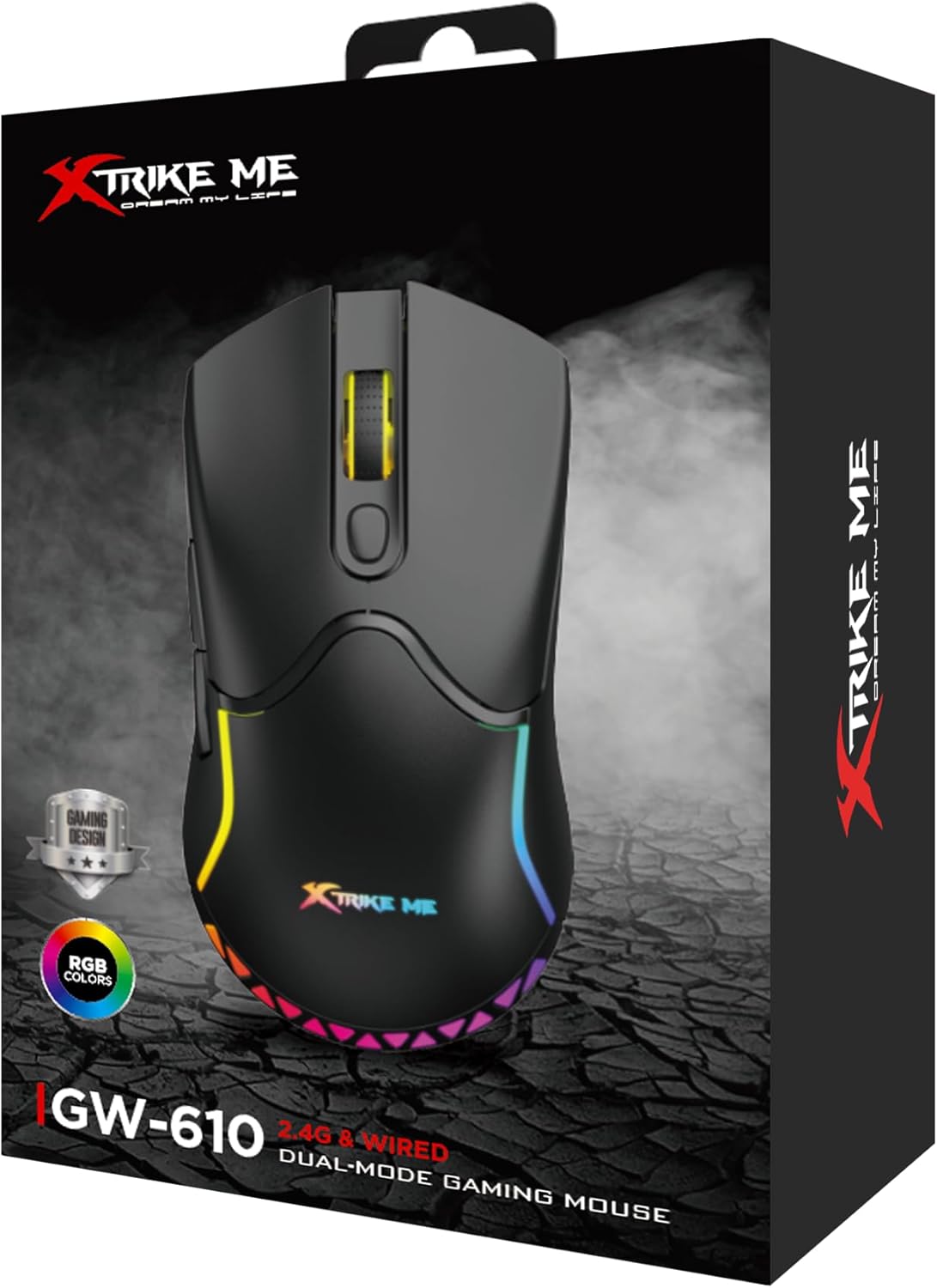
Image: The retail packaging box for the Xtrike Me GW-610 Gaming Mouse, showing the mouse and its key features.
Упутства за подешавање
1. Жична веза
- Connect the USB Type-C end of the provided cable to the mouse.
- Повежите USB-A крај кабла са доступним USB портом на рачунару.
- Миш ће бити аутоматски детектован и спреман за употребу.
2. Wireless (2.4G) Connection
- Locate the 2.4G USB receiver, usually stored in a compartment on the underside of the mouse.
- Remove the receiver and plug it into an available USB port on your computer.
- Укључите миш помоћу прекидача за напајање који се налази на доњој страни.
- Миш ће се аутоматски повезати са пријемником.
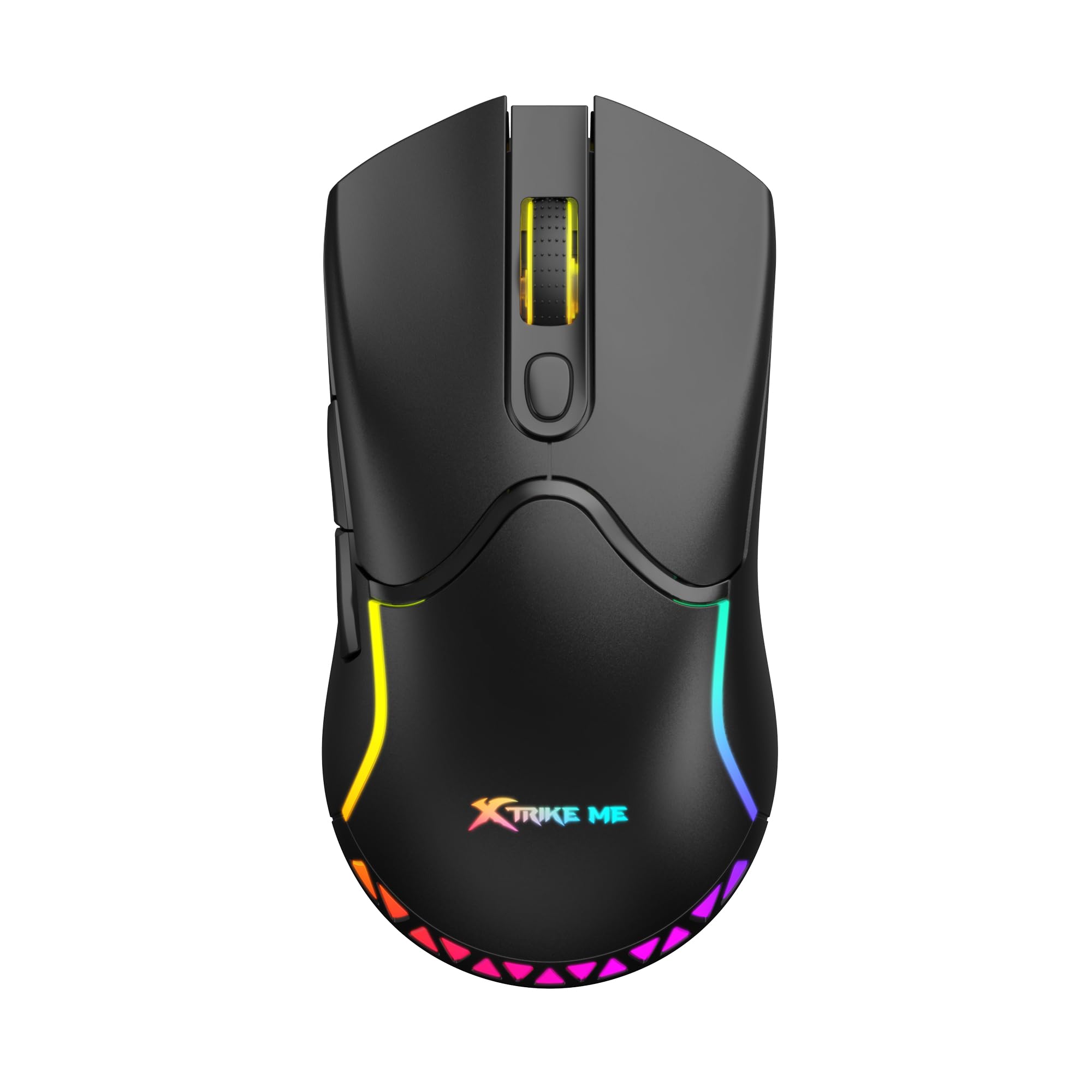
Слика: Врх view of the Xtrike Me GW-610 Gaming Mouse, showcasinњегов ергономски дизајн и RGB осветљење.
Упутство за употребу
Button Functions (7 Buttons)
- Леви клик: Стандардна функција примарног клика.
- Десни клик: Стандардна функција секундарног клика.
- Точак за померање: Scrolls up/down, and acts as a middle click button.
- Дугме за циклус DPI-ја: Changes the mouse sensitivity (DPI) through preset levels.
- Дугме за напред: Навигација напред у web претраживачи или file истраживачи.
- Дугме за назад: Навигација уназад web претраживачи или file истраживачи.
- RGB Lighting Control Button: (Specific function may vary, often cycles through lighting modes or turns lights on/off. Refer to software if available for full customization.)

Слика: Под углом view of the Xtrike Me GW-610 Gaming Mouse, highlighting the side buttons and ergonomic shape.
ДПИ Адјустмент
Press the DPI cycle button (usually located behind the scroll wheel) to switch between the following sensitivity levels:
- 800 ДПИ
- 1600 ДПИ (подразумевано)
- 2400 ДПИ
- 3200 ДПИ
- 4800 ДПИ
- 8000 ДПИ
Each DPI level may be indicated by a change in the mouse's LED color or a brief flash.
РГБ контрола осветљења
The mouse features multi-color RGB lighting effects. Use the dedicated RGB lighting control button (if present, or a combination of buttons) to cycle through different lighting modes or to turn the lighting on/off. The lighting effects include a flowing light pattern.

Слика: Са стране view of the Xtrike Me GW-610 Gaming Mouse, showing the illuminated RGB strip along its body.
Пуњење миша
When using the mouse in wireless mode, it is powered by a built-in 500mAh lithium-ion battery. To charge the mouse:
- Connect the USB Type-C end of the provided cable to the mouse.
- Повежите USB-A крај кабла са USB портом са напајањем на рачунару или са USB адаптером за зид.
- The charging indicator (if present) will show the charging status.
- Потпуно пуњење траје око 3 сата.
The mouse can be used in wired mode while charging. A full charge provides approximately 20 hours of use with RGB lighting on, or 100 hours with RGB lighting off.
Одржавање
- Чишћење: Користите меку, суву крпу за чишћење миша. За тврдокорну прљавштину, благо дamp cloth can be used, ensuring no liquid enters the mouse. Do not use harsh chemicals or abrasive cleaners.
- Складиштење: Чувајте миша на хладном и сувом месту, даље од директне сунчеве светлости и екстремних температура.
- Нега каблова: Избегавајте прекомерно савијање или увијање USB кабла како бисте спречили оштећења.
Решавање проблема
| Иссуе | Могуће решење |
|---|---|
| Миш не реагује (жичани) |
|
| Миш не реагује (бежични) |
|
| DPI се не мења |
|
| РГБ осветљење не ради |
|
Спецификације
| Бранд | Кстрајк ме |
| Број модела | XT-GW-610 |
| Тип сензора | Оптицал |
| Број дугмади | 7 |
| Повезивање | 2.4G Wireless, Wired (Type-C) |
| Operating Distance (Wireless) | 10 метара |
| ДПИ подешавања | 800-1600-2400-3200-4800-8000 (Default: 1600) |
| Свитцх Ратинг | 3 милиона кликова |
| Poll Rate | 500Хз |
| Тип батерије | Литијум-јонски |
| Капацитет батерије | 500мАх |
| Usage Time (Lights On) | 20 сата |
| Usage Time (Lights Off) | 100 сата |
| Време пуњења | 3 сата |
| Оператинг Волtage (Wired) | 5V/300mA (with charging) |
| Оператинг Волtage (Wireless) | 3.7В/≤35мА |
| Позадинско осветљење | РГБ |
| Интерфејс | Типе-Ц |
| Цабле Ленгтх | 1.5 метара |
| Димензије | 127 к 66 к 39 мм |
| Тежина | 90 грама |
| Подршка за ОС | Виндовс 7 или новији |
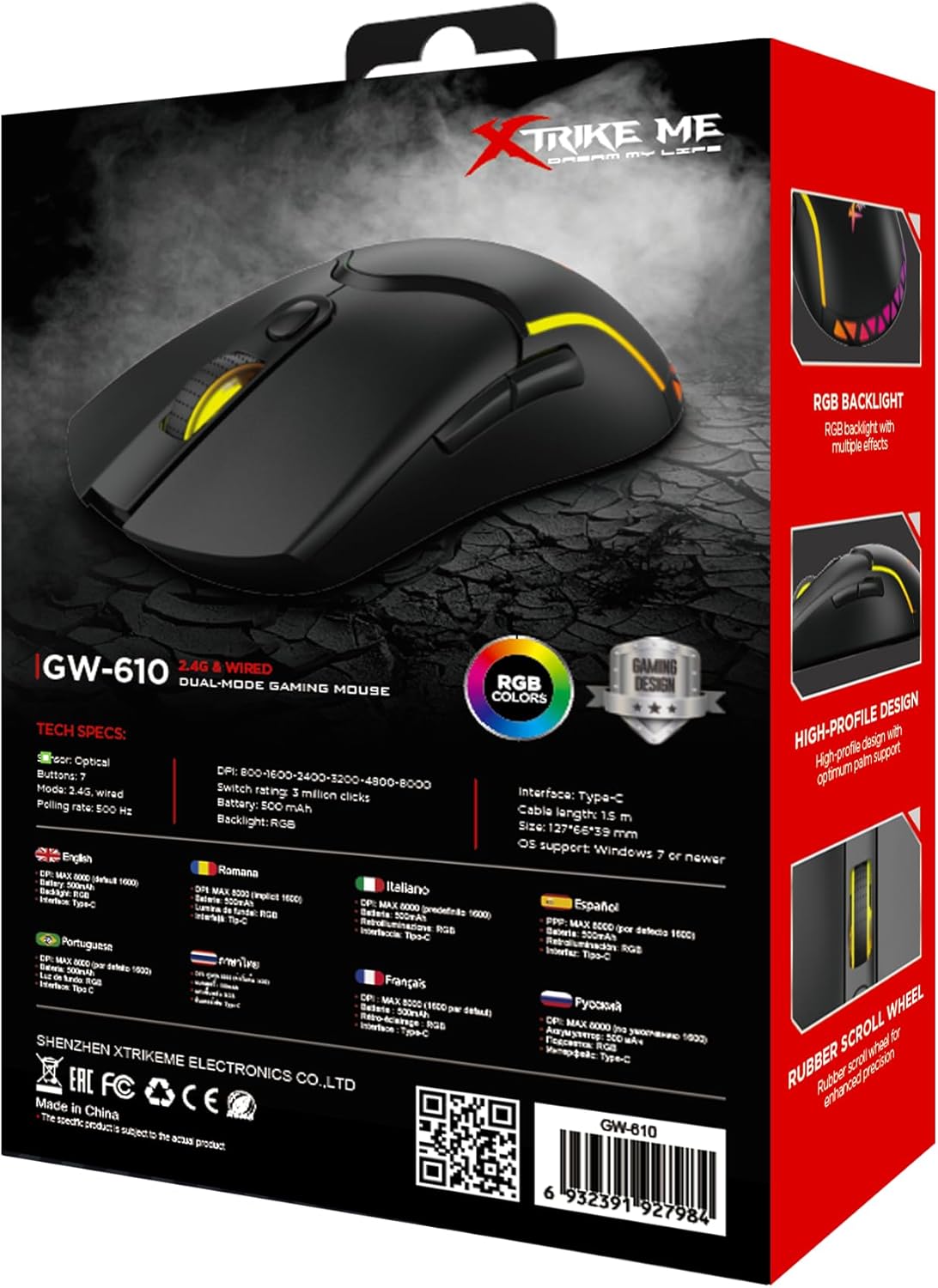
Image: The back of the Xtrike Me GW-610 Gaming Mouse box, displaying detailed technical specifications in multiple languages.
Гаранција и подршка
The Xtrike Me GW-610 Gaming Mouse comes with a standard manufacturer's warranty. For specific warranty terms and conditions, please refer to the warranty card included with your product or visit the official Xtrike Me webсајту.
For technical support, troubleshooting assistance, or to inquire about replacement parts, please contact Xtrike Me customer service or visit their official webсајт: