
1. Производ је готовview
The Wokyo Portable Mini Projector (Model CA164965161) is a compact and lightweight device designed for displaying media from various sources. Its small form factor allows for easy portability, making it suitable for home cinema, outdoor viewing, or business presentations.
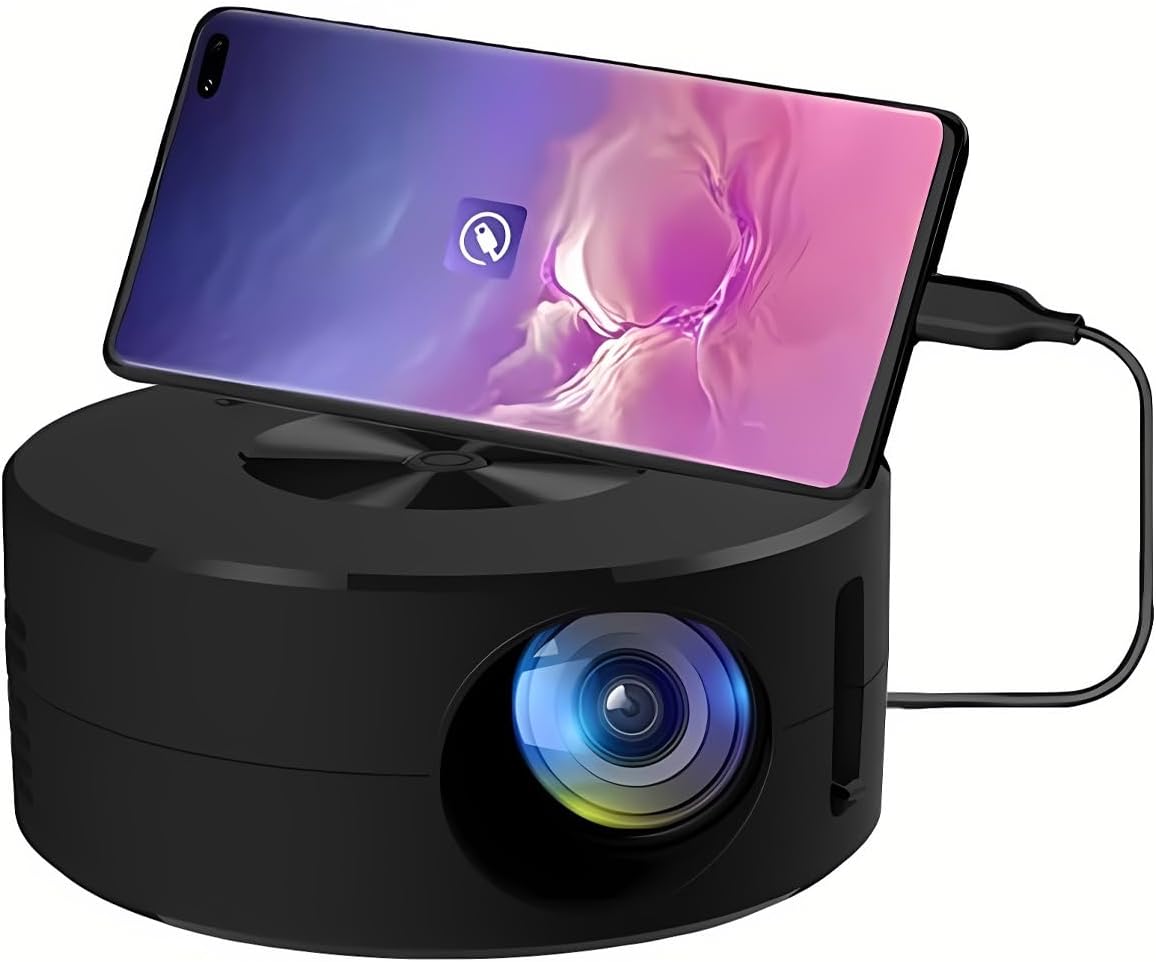
Слика 1.1: Предња страна view of the Wokyo Portable Mini Projector.
Key features of this projector include:
- Компактан дизајн: Smaller than a typical smartphone, facilitating easy transport.
- Жичано пресликавање екрана: Supports direct connection to mobile phones and tablets using their charging cables for screen display, eliminating the need for additional adapters.
- High Clarity Support: Capable of supporting resolutions up to 1920x1080p, providing clear image quality.
- Издржљива конструкција: Manufactured from environmentally friendly ABS material.
- Efficient Light Source: Utilizes an LCD light source for lower energy consumption and extended lifespan.
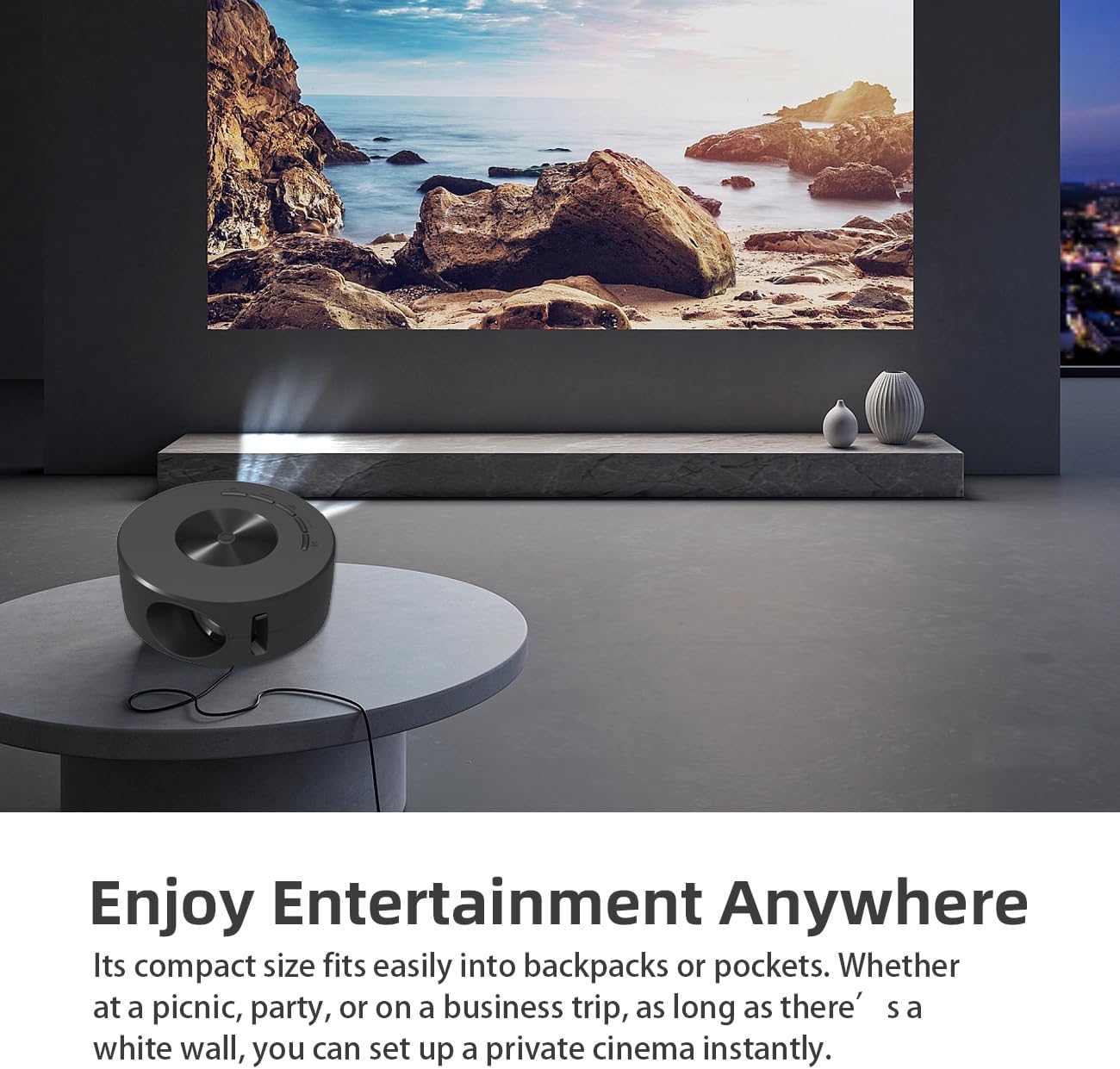
Image 1.2: Projector in use, demonstrating its compact size and projection capability.
2. Садржај пакета
Проверите да ли су све ставке наведене у наставку укључене у пакет вашег производа:

Image 2.1: All items included in the Wokyo Portable Mini Projector package.
- Wokyo Portable Mini Projector
- Ремоте Цонтрол
- УСБ кабл
- Упутство за употребу
- Цолор Бок
- Фоам Бок
- Parcel Bag
3. Димензије производа
The projector features a compact design for portability.

Image 3.1: Product dimensions of the Wokyo Portable Mini Projector.
- пречник: Приближно 4.33 инча (110 мм)
- Висина: Приближно 1.85 инча (47 мм)
- Тежина: Отприлике 10.6 унци
4. Почетно подешавање
4.1 Прикључак за напајање
To power the projector, connect it to a suitable power source. The projector requires a 5V 2A power input.

Image 4.1: Power connection options for the projector.
- Ensure your power source (e.g., phone charger, power bank) provides at least 5V 2A output.
- Connect the provided USB cable to the projector's power input port.
- Connect the other end of the USB cable to your chosen power source.
- The projector will power on automatically or can be turned on using the power button.
4.2 Device Connection (Wired Screen Mirroring)
The projector supports wired screen mirroring from mobile phones and tablets using their standard charging cables.
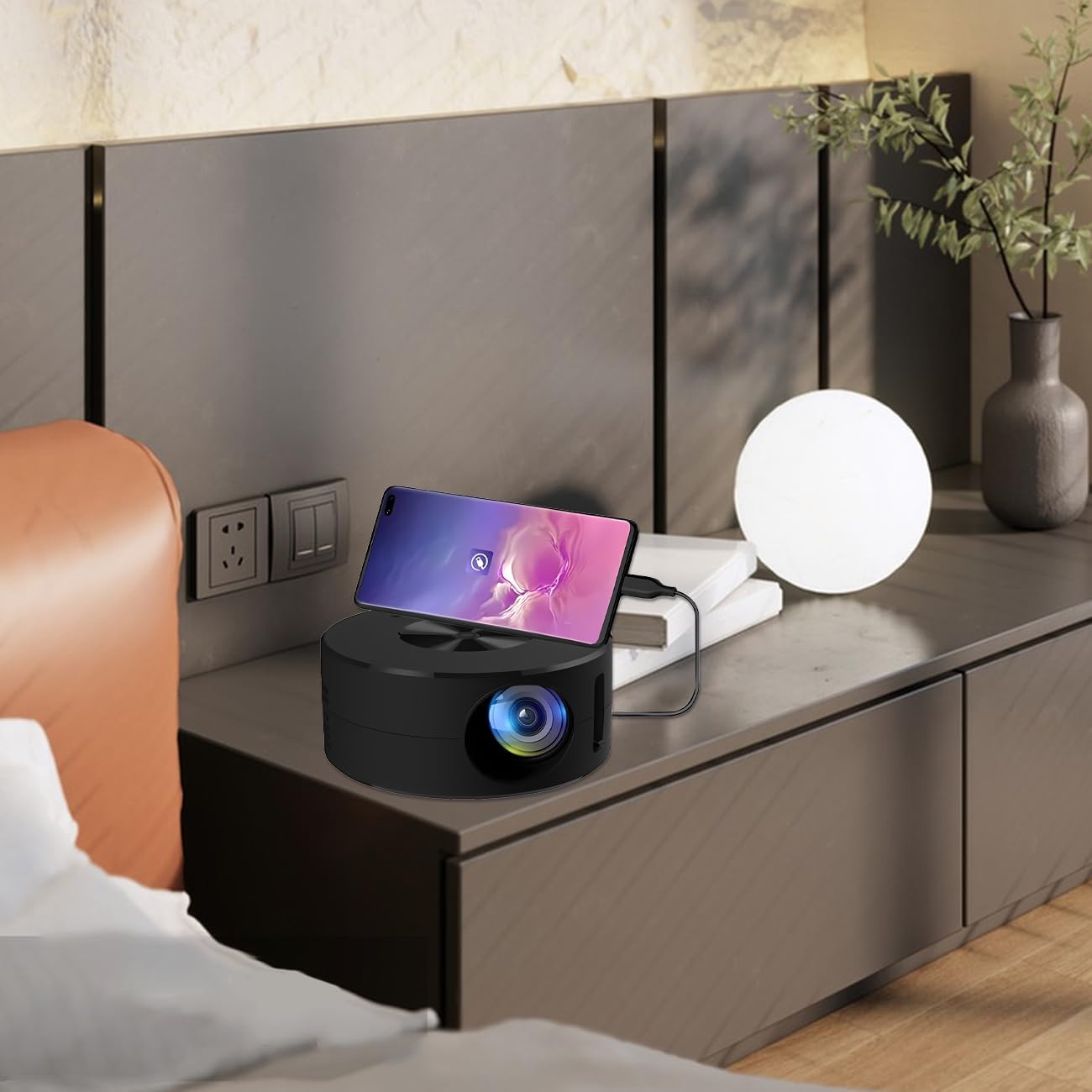
Image 4.2: Smartphone connected to the projector for wired screen mirroring.
- Connect your mobile phone or tablet to the projector using its original charging cable.
- The projector should automatically detect the connection and initiate screen mirroring.
- Follow any on-screen prompts on your device or the projector to confirm the connection.
5. Упутство за употребу
5.1 Basic Controls and Ports
Familiarize yourself with the projector's control buttons and input/output ports.

Слика 5.1: Готовоview of projector ports and controls.
- Дугме за напајање: Укључује/искључује пројектор.
- Навигациона дугмад (горе/доле/лево/десно/ОК): Користи се за навигацију кроз меније и потврђивање избора.
- УСБ порт: За повезивање УСБ уређаја за складиштење података.
- Порт за слушалице: За повезивање спољних аудио уређаја.
- ИР улаз: For receiving signals from the remote control.
- 5V 2A Power Input: За повезивање напајања.
- Уграђени стерео звучник: Обезбеђује аудио излаз.
5.2 Подешавање фокуса
To achieve a clear image, adjust the focus ring located around the projector lens. Rotate the ring until the projected image appears sharp.
5.3 Коришћење даљинског управљача
The included remote control allows for convenient operation of the projector from a distance. Ensure the remote has batteries installed and is pointed towards the projector's IR sensor.
6. Одржавање
Правилно одржавање осигурава дуготрајност и оптималне перформансе вашег пројектора.
- Чишћење сочива: Use a soft, lint-free cloth specifically designed for optical lenses. Avoid abrasive materials or harsh chemicals. Gently wipe the lens to remove dust or smudges.
- Чишћење екстеријера: Обришите спољашњост пројектора меком, сувом крпом. Не користите течна средства за чишћење директно на уређају.
- вентилација: Ensure the projector's ventilation openings are not blocked during operation to prevent overheating.
- Складиштење: When not in use, store the projector in a cool, dry place away from direct sunlight and excessive dust.
КСНУМКС. Решавање проблема
Погледајте следећу табелу за уобичајене проблеме и њихова решења.
| Проблем | Могући узрок | Решење |
|---|---|---|
| Нема пројектоване слике | Напајање није повезано; Извор улаза није изабран; Уређај није правилно повезан. | Ensure power is connected (5V 2A). Check device connection. Verify screen mirroring is active on your device. |
| Слика је мутна | Фокус није подешен. | Rotate the focus ring around the lens until the image is clear. |
| Нема звука | Volume too low; External audio device connected; Device audio output settings. | Increase projector volume. Disconnect external audio devices if using internal speaker. Check audio settings on the connected source device. |
| Даљински управљач не ради | Batteries low/dead; Obstruction between remote and projector; Remote not pointed at IR sensor. | Replace remote batteries. Ensure clear line of sight to the projector's IR sensor. |
8. Техничке спецификације
Detailed specifications for the Wokyo Portable Mini Projector.
| Феатуре | Спецификација |
|---|---|
| Бранд | Вокио |
| Број модела | ЦА164965161 |
| Тежина артикла | 10.6 унци |
| Димензије производа | 4.33 к 4.33 к 1.97 инча |
| Боја | Црно |
| Посебна карактеристика | Преносивост |
| Технологија повезивања | Блуетоотх |
| Display Resolution (Native) | 320 к 180 |
| Display Resolution (Maximum Supported) | 1920 к 1080 |
9. Гаранција и подршка
For warranty information or technical support, please refer to the contact details provided with your purchase documentation or visit the official Wokyo webсајт. Сачувајте рачун као доказ о куповини за потребе гаранције.