
Увод
This manual provides comprehensive instructions for the installation, operation, maintenance, and troubleshooting of your Yeelight YLKG07YL Smart Dimmer. Please read this manual thoroughly before use to ensure proper functionality and safety.
Производ је завршенview
The Yeelight YLKG07YL is a mountable smart dimmer designed to control compatible lighting fixtures. It features Wi-Fi connectivity and touch/push-button control for convenient operation.
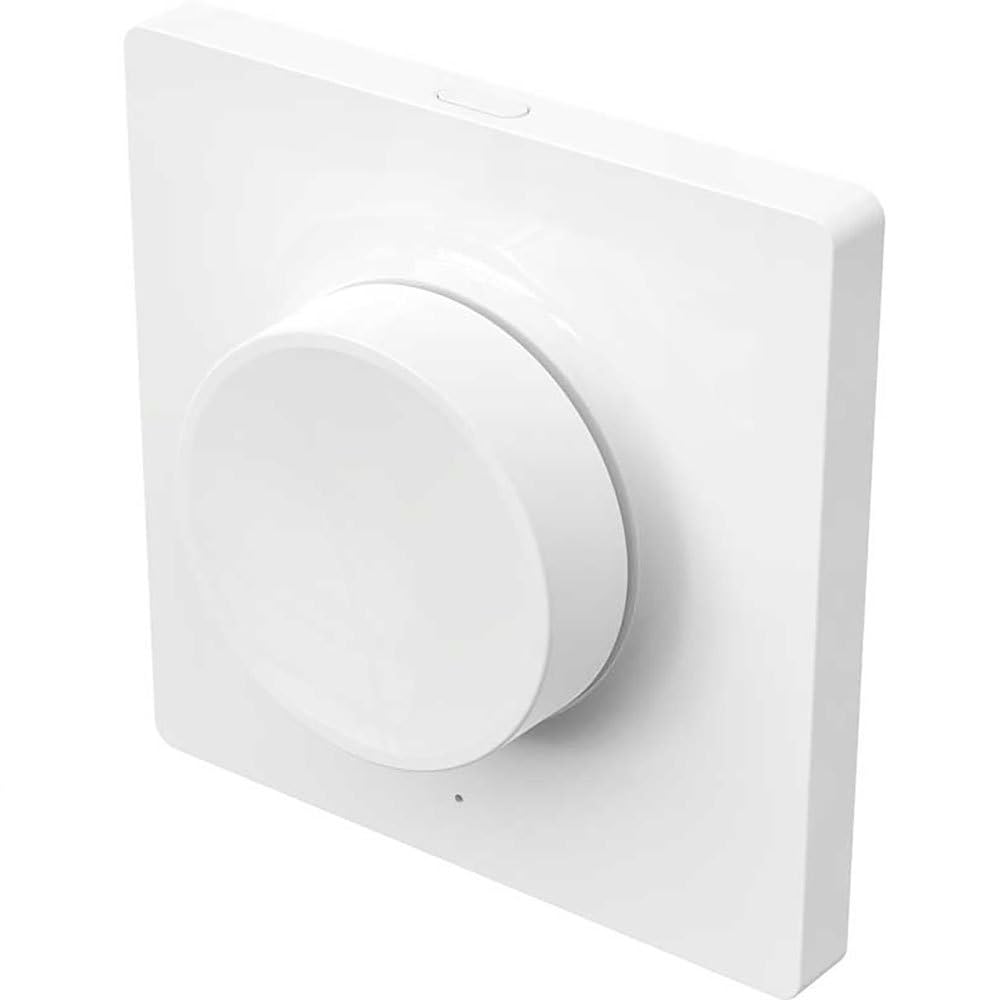
Figure 1: Yeelight YLKG07YL Smart Dimmer. This image displays the front of the dimmer, highlighting its sleek design and touch-sensitive control area.
Безбедносне информације
- Увек искључите напајање на прекидачу пре инсталације или одржавања.
- Инсталацију треба да обави квалификовани електричар ако нисте сигурни.
- Не излажите уређај претераној влази или екстремним температурама.
- Ensure the dimmer is compatible with your lighting fixtures before installation.
Подешавање и инсталација
- Искључивање струје: Turn off the main power supply to the circuit at the circuit breaker. Verify power is off using a voltagе тестер.
- Уклоните стари прекидач: Carefully remove the existing wall switch from its electrical box. Disconnect the wires, noting their connections.
- Ожичите димер: Connect the wires from the electrical box to the Yeelight YLKG07YL dimmer according to the wiring diagram (refer to product packaging for specific diagrams). Ensure secure connections.
- Монтирајте димер: Gently push the wired dimmer into the electrical box. Secure it with screws. Attach the faceplate.
- Врати снагу: Turn the main power supply back on at the circuit breaker.
- Pairing (Wi-Fi): Follow the instructions in the Yeelight app to pair the dimmer with your Wi-Fi network and smart home system.
Упутство за употребу
The Yeelight YLKG07YL Smart Dimmer offers both physical and smart control options.
Physical Control:
- Он/Офф: Press the main button to toggle the connected lights on or off.
- Затамњење: Touch and hold the designated dimming area (if applicable, or use up/down buttons) to adjust brightness.
Smart Control (via Yeelight App):
- Open the Yeelight application on your smartphone or tablet.
- Select the YLKG07YL dimmer from your device list.
- Use the in-app controls to turn lights on/off, adjust brightness, set schedules, or integrate with other smart home devices.
Одржавање
- Чишћење: Wipe the dimmer's surface with a soft, dry cloth. Do not use abrasive cleaners or solvents.
- Ажурирања фирмвера: Regularly check the Yeelight app for available firmware updates to ensure optimal performance and security.
- Услови животне средине: Уверите се да радно окружење остаје у прописаним опсезима температуре и влажности како бисте спречили оштећења.
Решавање проблема
| Проблем | Могући узрок | Решење |
|---|---|---|
| Диммер не реагује | No power, incorrect wiring, device malfunction. | Check circuit breaker. Verify wiring connections. Contact support if issue persists. |
| Lights flicker or do not dim properly | Incompatible bulb type, overloaded circuit, faulty wiring. | Ensure bulbs are dimmable and compatible. Check total wattage. Re-check wiring. |
| Повезивање на Ви-Фи није могуће | Incorrect Wi-Fi password, router too far, network issues. | Verify Wi-Fi password. Move router closer or use a Wi-Fi extender. Restart router. |
Спецификације
- Модел: YLKG07YL
- Димензије: 10 к 5 к 1.3 цм (Д к Ш к В)
- Тежина: 1 килограма
- Материјал: Plastic (body), Aluminium (contact)
- Повезивање: Ви-Фи
- Метод контроле: Touch, Push-button
- Тип монтаже: Валл Моунт
- Тренутна оцена: 1 А
- ИП оцена: IP65 (International Protection Marking)
Информације о гаранцији
This Yeelight YLKG07YL Smart Dimmer comes with a Двогодишња гаранција произвођача from the date of purchase. This warranty covers defects in materials and workmanship under normal use. It does not cover damage caused by misuse, accidents, unauthorized modifications, or improper installation. Please retain your proof of purchase for warranty claims.
Подршка
For technical assistance, troubleshooting, or warranty inquiries, please visit the official Yeelight website or contact their customer support. You can often find FAQs and additional resources online.
Службено Webсајт: ввв.иеелигхт.цом