
Увод
This manual provides comprehensive instructions for the setup, operation, maintenance, and troubleshooting of your Timex Men's Command Encounter 45mm Watch. Please read this manual carefully to ensure proper use and longevity of your timepiece.
Производ је завршенview
The Timex Command Encounter is a robust digital watch designed for durability and functionality. It features a 45mm square case, a digital negative display, and is water-resistant up to 100 meters. The watch includes standard timekeeping functions, a chronograph, timer, and alarm.

Слика 1: Предња страна view of the Timex Command Encounter 45mm Watch. This image displays the watch face with its digital negative display, showing the time, date, and various mode indicators like CHRONO, TIMER, and ALARM. The watch features a green case and strap with a camouflage pattern on the display bezel.
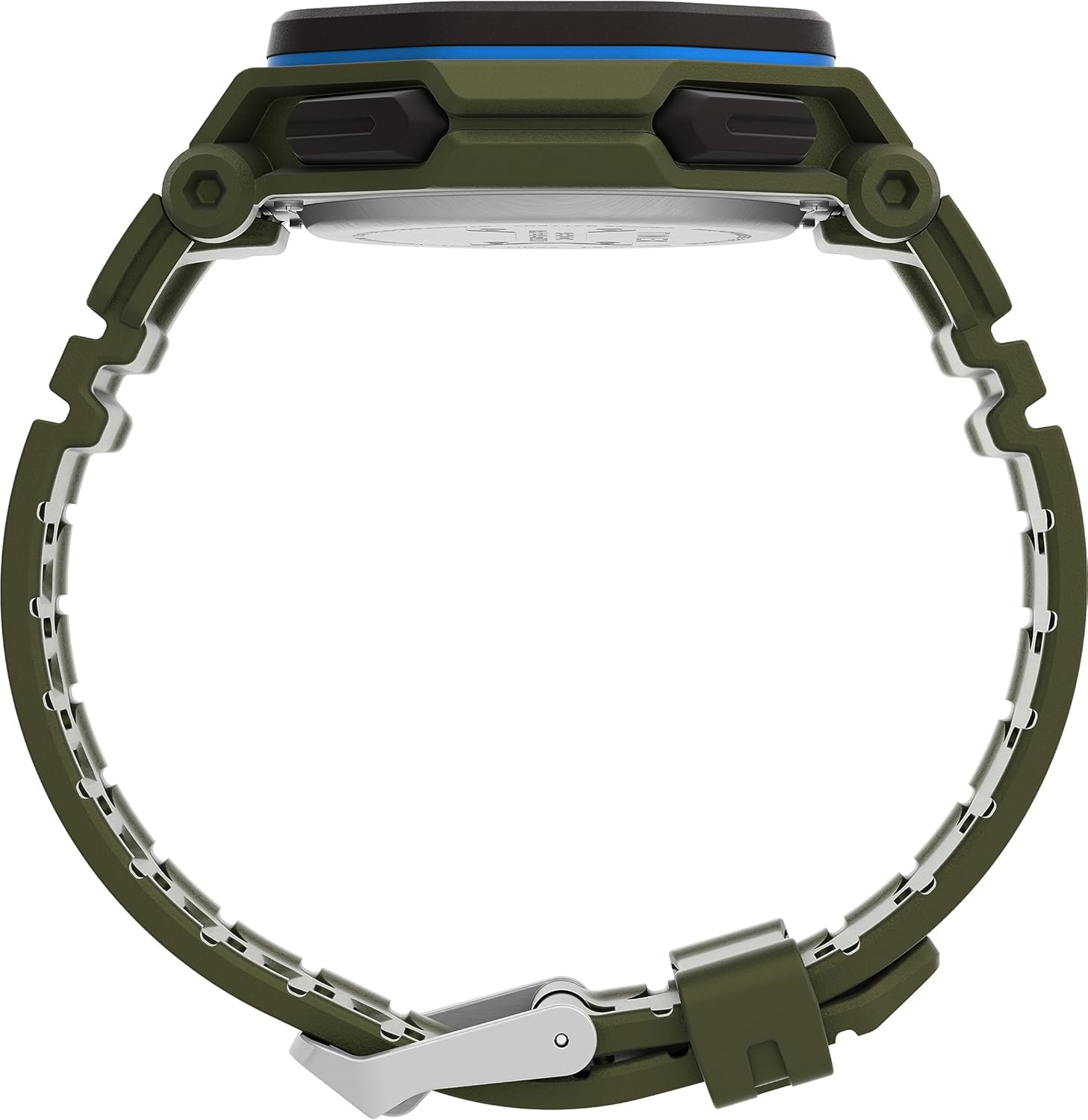
Слика 2: Страна view of the Timex Command Encounter 45mm Watch. This image highlights the profile сата, емисијеasing the robust case design and the textured green strap. The buttons on the side of the watch are also visible.

Слика 3: Задња страна view of the Timex Command Encounter 45mm Watch. This image focuses on the stainless steel case back, which is engraved with "TIMEX", "SHOCK RESISTANT", "WATER RESISTANT 100M", and "STAINLESS STEEL BACK". The four screws securing the case back are also visible.
Сетуп
1. Initial Power On and Battery
Your Timex Command Encounter watch comes with a pre-installed Lithium Metal battery (CR2025). The watch should be ready for use upon arrival. If the display is blank, press any button to activate it. If the watch does not power on, the battery may need replacement (refer to the Maintenance section).
2. Подешавање времена и датума
- Притисните тастер МОДЕ button (typically on the lower left) repeatedly until the time setting mode is displayed. The seconds digits will likely be flashing.
- Притисните тастер РЕСЕТ button (typically on the lower right) to cycle through the adjustable fields: seconds, hours, minutes, year, month, day.
- Користите СТАРТ button (typically on the upper right) to increase the value of the flashing field. Hold the button to rapidly advance the digits.
- Када су сва подешавања исправна, притисните дугме МОДЕ дугме да бисте изашли из режима подешавања и вратили се на нормалан приказ времена.
3. Формат 12/24 сата
While in the time setting mode, when the hour digits are flashing, pressing the СТАРТ button may toggle between 12-hour (with AM/PM indicator) and 24-hour formats. Consult the specific button functions for your model if this does not work as described.
Упутство за употребу
1. Основно мерење времена
The watch displays the current time (hours, minutes, seconds) and date (month, day, day of week) in its primary mode. The negative display provides clear visibility in various lighting conditions.
2. INDIGLO® Night-Light
To activate the INDIGLO® night-light, press the ИНДИГЛО button (typically on the upper left). The entire display will illuminate for a few seconds, allowing for easy reading in low-light environments.
3. Хронограф (штоперица)
- Притисните тастер МОДЕ button until "CHRONO" or "STW" appears on the display.
- Притисните СТАРТ за почетак мерења времена.
- Притисните СТАРТ again to pause timing. Press СТАРТ да се настави.
- To record a lap or split time, press SPL/SET while the chronograph is running. The display will momentarily show the lap time.
- To stop the chronograph, press СТОП.
- To reset the chronograph to zero, press РЕСЕТ после заустављања.
4. Timer (Countdown)
- Притисните тастер МОДЕ button until "TIMER" or "TMR" appears on the display.
- To set the countdown time, press РЕСЕТ to select the flashing digit (hours, minutes, seconds). Use СТАРТ да подесите вредност.
- Притисните СТАРТ за почетак одбројавања.
- Притисните СТАРТ again to pause. Press СТАРТ да се настави.
- Када тајмер достигне нулу, огласиће се аларм. Притисните било које дугме да бисте зауставили аларм.
5. Аларм
- Притисните тастер МОДЕ button until "ALARM" or "ALM" appears on the display.
- To set the alarm time, press РЕСЕТ to select the flashing digit (hours, minutes). Use СТАРТ да подесите вредност.
- Да бисте активирали или деактивирали аларм, притисните SPL/SET. An alarm icon will appear/disappear on the display.
- Када се аларм огласи, притисните било које дугме да бисте га утишали.
Одржавање
1. Чишћење сата
Редовно чистите сат меком крпомamp cloth. For stubborn dirt, a mild soap solution can be used, followed by rinsing with clean water and thorough drying. Avoid using harsh chemicals or abrasive materials, as these can damage the watch case or strap.
2. Отпорност на воду
Your Timex Command Encounter watch is water-resistant up to 100 meters (330 feet). This means it is suitable for showering, swimming, and snorkeling. Do not press any buttons while the watch is submerged in water, as this can compromise the water resistance seal. Avoid exposing the watch to extreme temperature changes, which can also affect the seals.
3. Замена батерије
The watch uses a CR2025 Lithium Metal battery. Battery life varies depending on usage, especially the frequency of INDIGLO® night-light activation. When the display dims or functions become erratic, it's time to replace the battery. Battery replacement should ideally be performed by a qualified watch technician to ensure the water resistance seal is properly re-seated.
If replacing the battery yourself, carefully remove the four screws on the case back (refer to Figure 3). Gently pry open the case back. Note the battery's orientation before removal. Replace with a new CR2025 battery, ensuring proper polarity. Carefully re-seat the gasket and secure the case back with the screws. Self-replacement may void warranty or compromise water resistance if not done correctly.
Решавање проблема
| Проблем | Могући узрок | Решење |
|---|---|---|
| Екран је празан или замагљен. | Празан или празна батерија. | Замените ЦР2025 батерију. |
| Време/датум је нетачан. | Not set correctly or reset due to battery change. | Follow the "Setting Time and Date" instructions in the Setup section. |
| Дугмад не реагују. | Сат је можда у закључаном режиму или је батерија веома празна. | Try pressing all buttons to see if any respond. If not, replace battery. If still unresponsive, contact support. |
| Вода унутар сата. | Compromised water resistance seal (e.g., buttons pressed underwater, extreme temperature changes, damaged gasket). | Одмах однесите сат у квалификовани сервис за поправку сатова. Не покушавајте сами да га осушите. |
Спецификације
- Број модела: TW2V93700VQ
- Величина кућишта: 45мм
- Материјал ремена: Green (8 inch)
- Тип приказа: Дигитални негативни приказ
- Материјал сочива: Минерално стакло
- Отпорност на воду: 100 метара (330 стопа)
- Тип батерије: 1 литијум-метална батерија (CR2025)
- Карактеристике: Chronograph, Timer, Alarm, INDIGLO® Night-Light
- Земља порекла: Кина
Гаранција и подршка
Timex watches are manufactured to high standards and come with a limited warranty. For specific warranty details, please refer to the warranty card included with your purchase or visit the official Timex webсајт. Сачувајте доказ о куповини за потребе гаранције.
For technical support, service, or parts, please contact Timex Customer Service. Contact information can typically be found on the Timex webсајту или на паковању.
Званични Тајмекс Webсајт: ввв.тимек.цом