
1. Увод
This manual provides detailed instructions for the installation, operation, and maintenance of your Septekon 2K Outdoor Security Camera P30. Please read this manual thoroughly before using the product to ensure proper setup and functionality. Keep this manual for future reference.

Image 1.1: Septekon 2K Outdoor Security Camera P30 with live view on a smartphone.
2. Производ је готовview
2.1 Садржај пакета
- Septekon 2K Outdoor Security Camera P30
- Повер Адаптер
- Монтажни завртњи и анкери
- Упутство за употребу
2.2 Кључне карактеристике
- 2K Ultra Clear Image: 3MP high-definition lens with 2304x1296 resolution for detailed video.
- Напредни ноћни вид: Equipped with 8 infrared LEDs, providing clear vision up to 65 feet in darkness.
- Real-Time Motion Alert & Smart Siren: Instant mobile alerts and an audible siren to deter intruders.
- Improved Dual Wi-Fi Antenna: Ensures a stable 2.4G WiFi connection over longer distances.
- Двосмерни аудио: Уграђени микрофон и звучник за комуникацију.
- ИП66 водоотпоран: Дизајниран за спољашњу употребу, отпоран на прашину и воду.
- Безбедно складиштење: Supports local storage via Micro SD card (up to 128GB, not included) and optional cloud storage with AES256 encryption.
- Вишекориснички приступ: Share camera access with family and friends through the app.
- Амазон Алека компатибилан: Integrate with Alexa for voice control and viewинг.
3. Водич за подешавање
3.1 Физичка инсталација
- Изаберите локацију: Изаберите локацију на отвореном са чистим view of the area you wish to monitor. Ensure the location is within range of your 2.4G WiFi network and has access to a power outlet.
- Монтирајте камеру: Use the provided mounting screws and anchors to securely attach the camera to a wall or suitable surface. Adjust the camera angle for optimal coverage.
- Прикључите напајање: Plug the power adapter into the camera and then into a power outlet. The camera will power on.
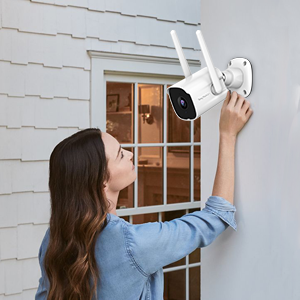
Image 3.1: Proper installation of the security camera on an exterior wall.
3.2 Преузимање апликације и креирање налога
- Преузмите апликацију: Тражи the "Septekon" app in your smartphone's app store (iOS or Android) and download it.
- Креирајте налог: Отворите апликацију и пратите упутства на екрану да бисте креирали нови кориснички налог.
3.3 Мрежна веза
- Додај уређај: In the Septekon app, tap the "+" icon to add a new device. Select your camera model.
- Повежите се на Ви-Фи: Follow the app's instructions to connect the camera to your 2.4G WiFi network. Ensure your smartphone is also connected to the same 2.4G network during setup. The camera's dual antenna design enhances signal stability.
- Упаривање: The app will guide you through the pairing process, which typically involves scanning a QR code displayed on your phone with the camera lens.

Image 3.2: Illustration of two-way audio functionality and the stable WiFi connection provided by dual antennas.
4. Упутство за употребу
4.1 Уживо View
Once connected, open the Septekon app and select your camera to view the live feed. You can monitor your property in real-time with 2K resolution.

Image 4.1: Demonstrates the 2K ultra-clear video quality, capable of capturing fine details like a license plate.
4.2 Двосмерни аудио
Додирните икону микрофона у преносу уживо view to speak through the camera's speaker. This allows for direct communication with visitors or to deter unwanted individuals.
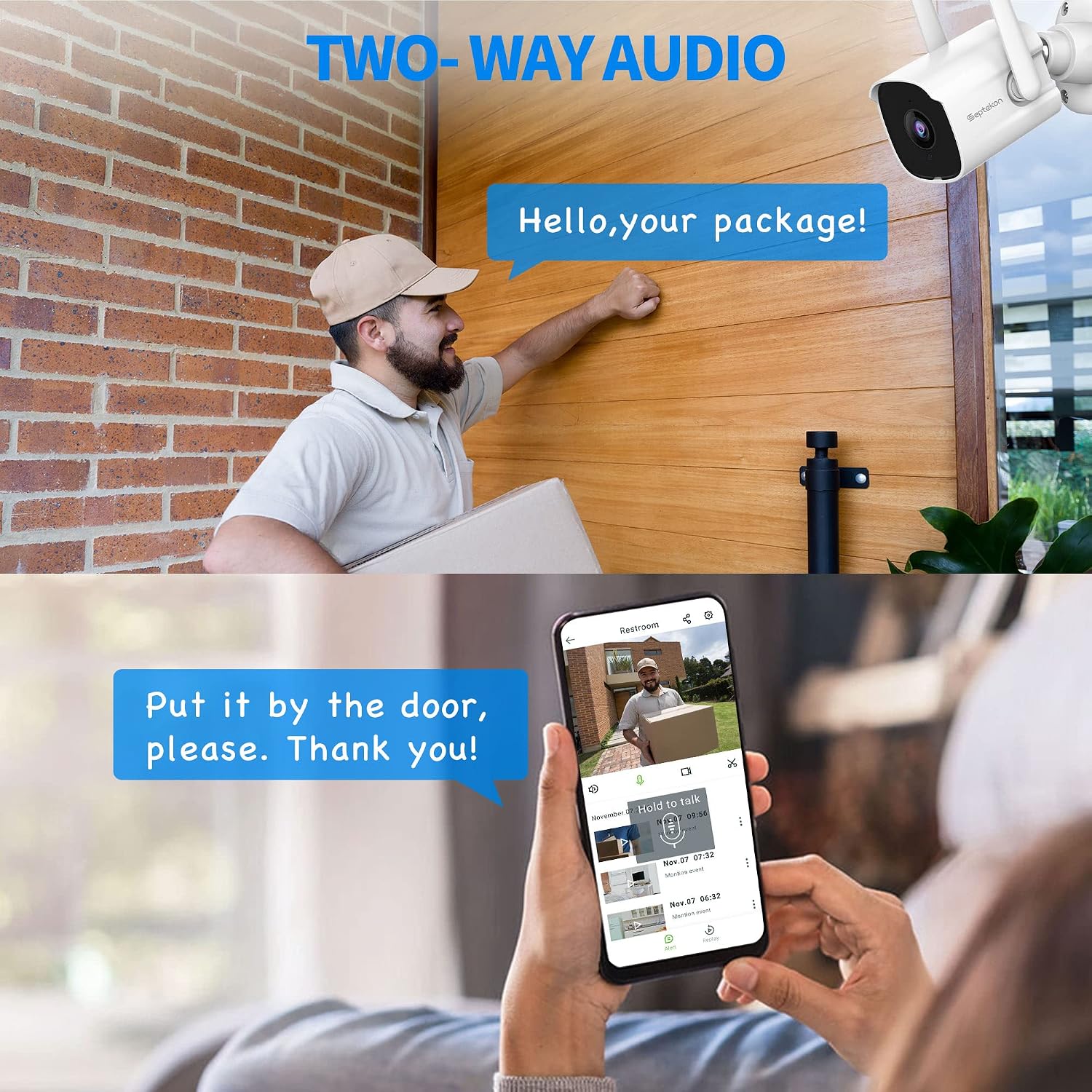
Image 4.2: Using the two-way audio feature to communicate with a delivery person at the door.
4.3 Детекција покрета и упозорења
The camera automatically detects motion and sends instant alerts to your mobile phone. You can customize motion detection zones and sensitivity settings within the app. In case of suspicious activity, the smart siren can be activated remotely to scare away intruders.
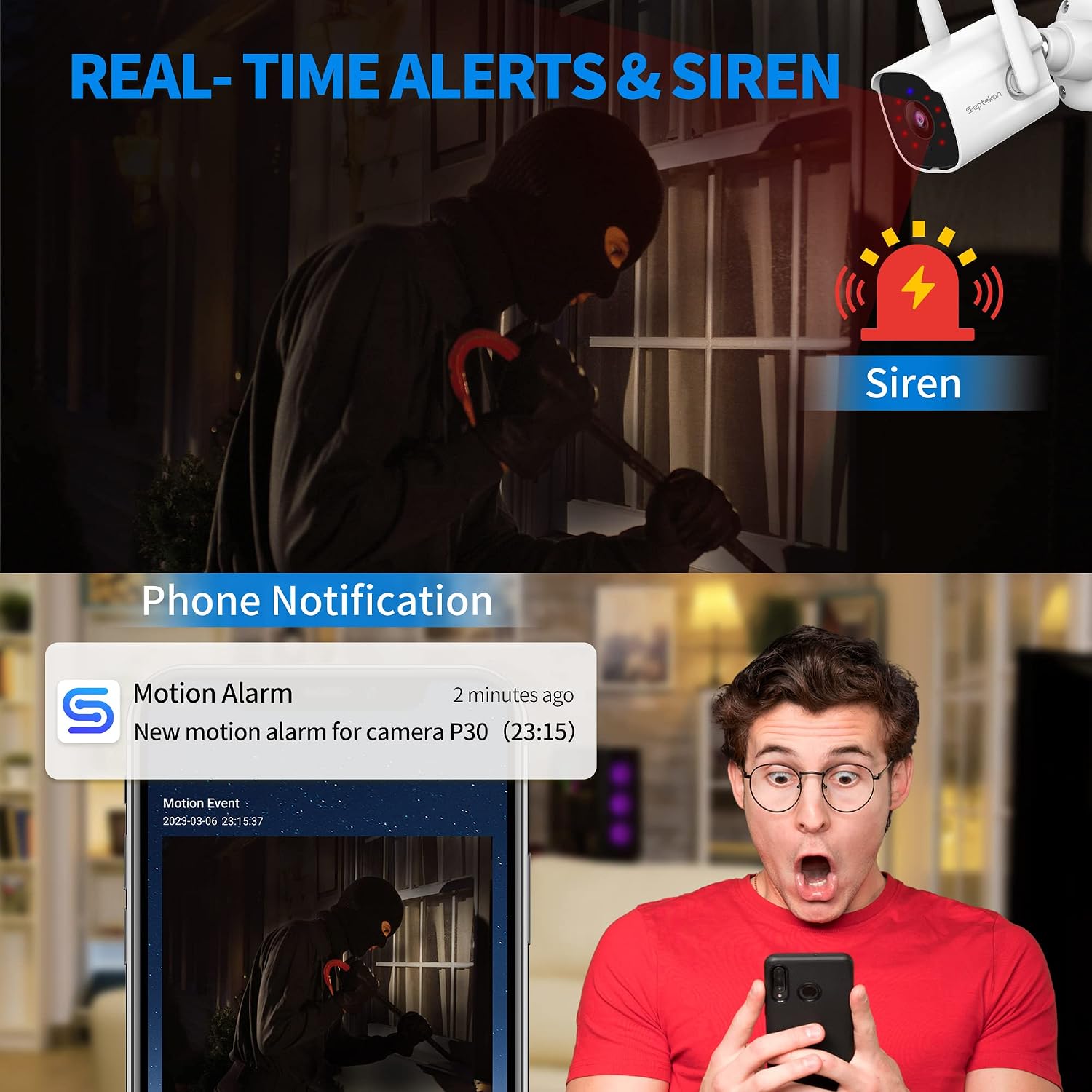
Image 4.3: A smartphone displaying a motion detection alert from the Septekon app, indicating an event and the option to activate a siren.
4.4 Ноћни вид
The camera automatically switches to advanced infrared night vision in low-light conditions, providing clear black-and-white video up to 65 feet.

Image 4.4: A smartphone displaying the enhanced night vision capabilities of the camera, showing a clear view у мраку.
4.5 Снимање и складиштење
Recordings can be stored locally on a Micro SD card (not included, up to 128GB) or via optional cloud storage. All data is protected with enterprise-class AES256 encryption.

Image 4.5: The cloud storage interface on a smartphone, displaying various recorded video events.
4.6 Вишекориснички приступ
You can create guest accounts within the Septekon app to share live views and recorded videos with family members or trusted individuals.
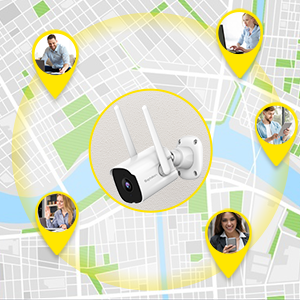
Image 4.6: Illustration of multiple users accessing the camera feed simultaneously from various locations.
4.7 Интеграција са Амазон Алексом
The camera is compatible with Amazon Alexa. Enable the Septekon skill in your Alexa app to view your camera feed on compatible Alexa-enabled devices by voice command (e.g., "Alexa, show me the backyard").
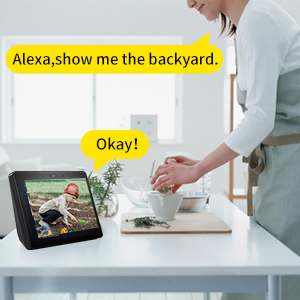
Image 4.7: A user interacting with an Alexa-enabled smart display to view феед камере.
5. Одржавање
- Чишћење: Повремено обришите објектив и тело камере меком крпомamp cloth to remove dust and dirt. Do not use harsh chemicals.
- Провера везе: Regularly verify that the camera has a stable power supply and a strong Wi-Fi connection.
- Ажурирања фирмвера: Check the Septekon app for available firmware updates to ensure optimal performance and security.
КСНУМКС. Решавање проблема
- Камера ван мреже: Ensure the camera is powered on and connected to a stable 2.4G WiFi network. Restart the camera and your router if necessary.
- Лош квалитет слике: Check the lens for dirt or obstructions. Ensure adequate lighting for optimal day vision. For night vision, ensure no strong light sources are directly facing the camera.
- Упозорења о покрету нису примљена: Verify motion detection settings in the app. Check your phone's notification settings for the Septekon app.
- Проблеми са двосмерним звуком: Ensure your phone's microphone is enabled for the app and the camera's speaker is not obstructed.
- SD картица не снима: Ensure the SD card is correctly inserted and formatted within the app. Check if the card is full or corrupted.
7. Спецификације
| Модел | П30 |
| Резолуција снимања видео записа | 3 МП (2304x1296) |
| Повезивање | 2.4G Wi-Fi (Wired Power) |
| Ноћни вид | До 65 стопа |
| Отпорност на временске услове | ИП66 водоотпоран |
| Опције складиштења | Микро СД картица (до 128 ГБ), складиштење у облаку |
| Аудио | Двосмерни аудио |
| Детекција покрета | Yes, with Smart Siren |
| Компатибилни уређаји | Smartphone (iOS/Android), Amazon Alexa |
| Извор напајања | Електрични са каблом (6 вати) |
| Тип монтаже | Валл Моунт |
| Viewинг Англе | 105 степени |
| Тежина артикла | 10.8 унци |
8. Гаранција и подршка
For warranty information, technical support, or any inquiries regarding your Septekon 2K Outdoor Security Camera P30, please refer to the contact information provided on the Septekon official website or within the Septekon app. Please retain your proof of purchase for warranty claims.