
TakTark WN100
TakTark Sound Machine User Manual
Модел: ВН100
Увод
The TakTark Sound Machine is a portable device designed to create a calming auditory environment, aiding in relaxation, sleep, and focus. It features a variety of soothing sounds, customizable timer settings, and a memory function for convenience. Its compact design and dual power options make it suitable for use in various settings, including nurseries, bedrooms, and during travel.

Figure 1: TakTark Sound Machine (Model WN100)
Безбедносне информације
This product is not a toy. Always use according to voltage/power requirements and handle with care to avoid electric shock. Prolonged exposure to high sound levels can cause damage to hearing. Always use at safe and comfortable volume levels.
Садржај пакета
Молимо вас да проверите да ли су све ставке присутне у пакету:
- 1x TakTark White Noise Machine
- КСНУМКСк УСБ кабел за пуњење
- 1к упутство за употребу

Figure 2: Product Packaging Detail (showing contents and contact information)
Производ је завршенview и карактеристике
The TakTark Sound Machine is designed with user convenience and effectiveness in mind. Key features include:
- 20 умирујућих звукова: A diverse selection including white noise, nature sounds, lullabies, and other calming melodies.
- 5 Подешавања тајмера: Options for 30, 60, 90 minutes, or continuous play.
- Меморијска карактеристика: Remembers your last sound, volume, and timer settings.
- Компактан и преносив: Lightweight and small, ideal for travel and on-the-go use.
- USB Power and Battery Operation: Can be powered via USB or its built-in rechargeable battery for cordless use.

Figure 3: Portability of the Sound Machine
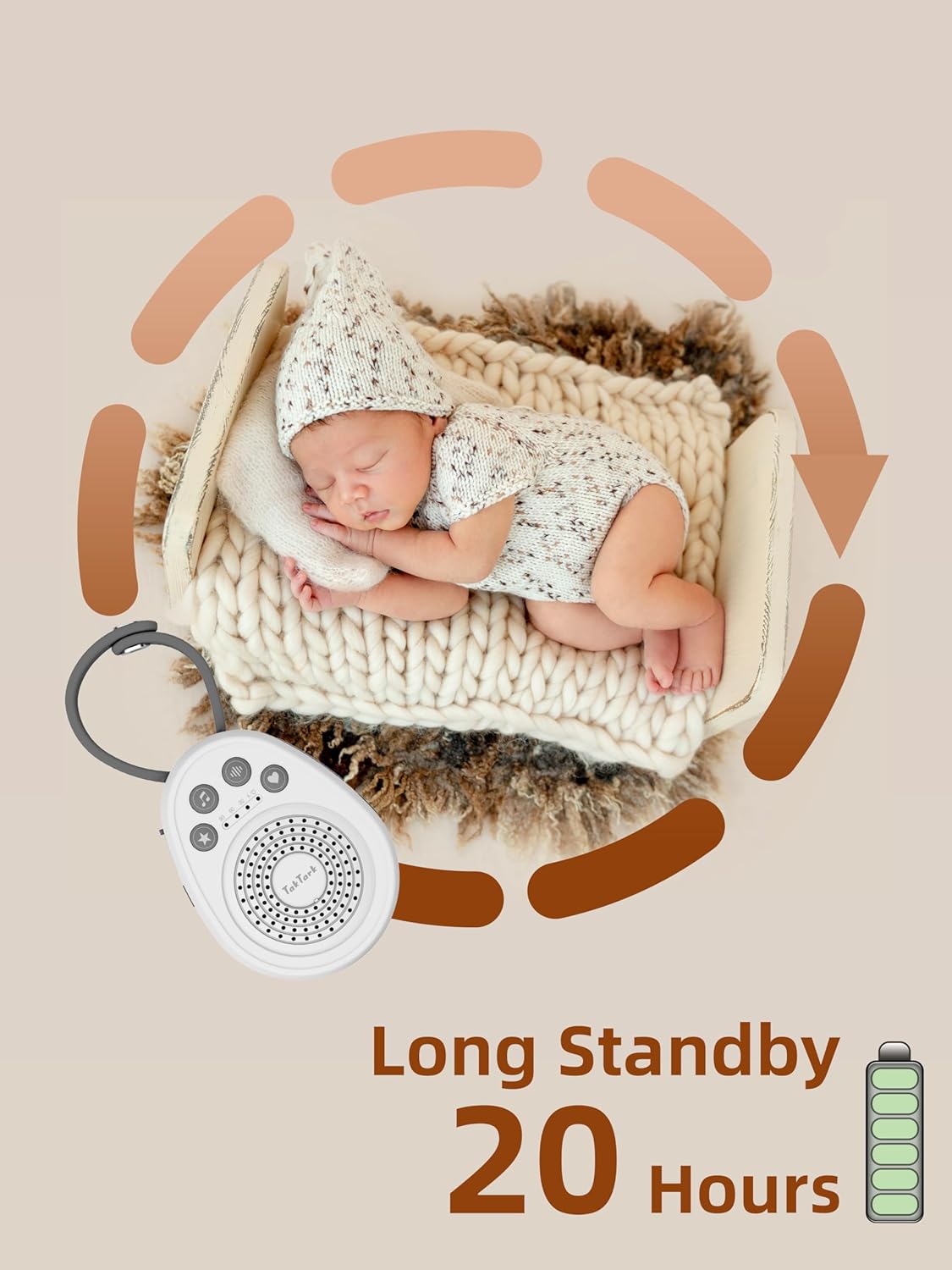
Figure 4: Long Standby Time (Up to 20 Hours)
Сетуп
Пратите ове кораке за почетно подешавање:
- Укључено: Connect the device using the provided USB cable to a USB power source (e.g., computer, power bank, wall adapter) or ensure the built-in battery is charged. Press and hold the power button (U) да бисте укључили уређај.
- Initial Sound Selection: The device will start playing the last selected sound. You can change the sound as described in the 'Operating Instructions' section.
- Подешавање јачине звука: Подесите јачину звука на угодан ниво помоћу дугмади за јачину звука.
- Подешавање тајмера: Select your desired timer duration or continuous play.
Упутство за употребу
Укључивање/искључивање
- Да бисте укључили, притисните и држите дугме за напајање (U) until the indicator light illuminates.
- To turn off, press and hold the power button (U) again until the indicator light turns off.
Избор звука
The device offers 20 unique soothing sounds across four categories. Press the sound selection button (♪) to cycle through the available sounds.

Figure 5: Sound Categories
The 20 sounds include:
- Nature Sounds (9): Wave, Rain, Piano, Bird, Thunder, Bonfire, Loss of TV signal, and two additional nature sounds.
- Light Music (5): Various calming melodies.
- White Noise (5): Different variations of white noise.
- Fetal Sound (1): A single fetal heartbeat sound.
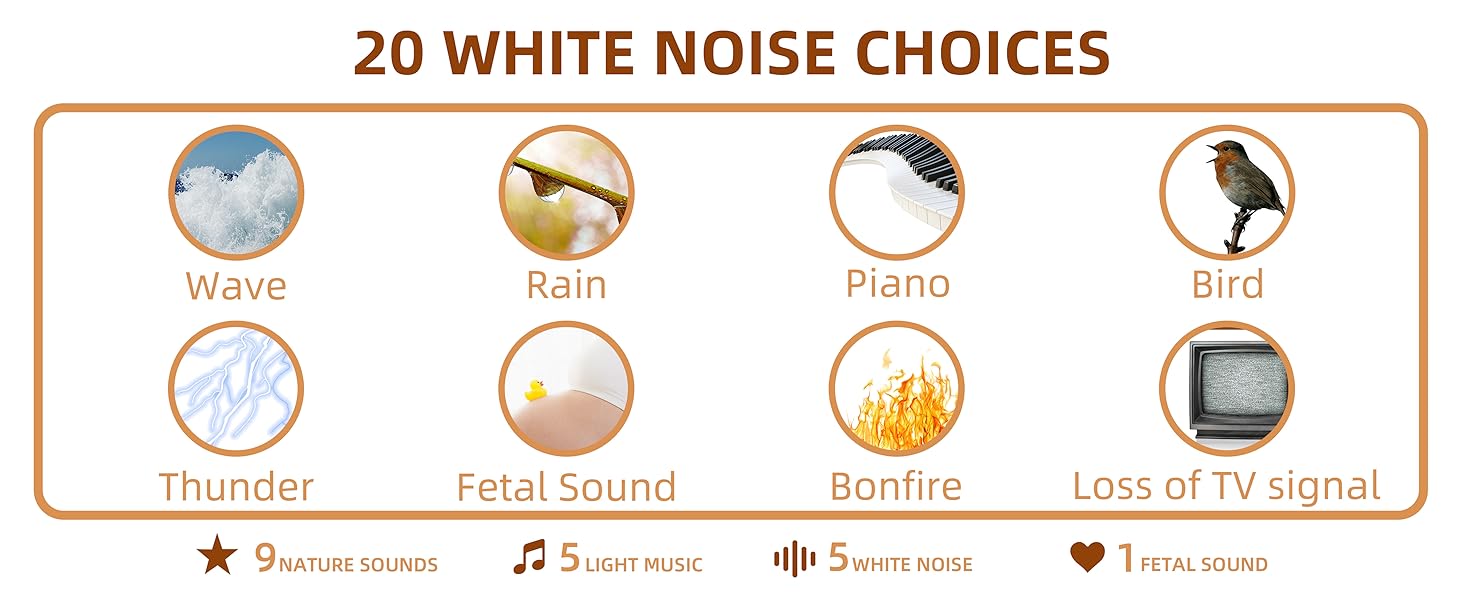
Figure 6: Detailed Sound Options
Подешавање јачине звука
The device features 16 adjustable volume levels. Use the volume up (🔊+) and volume down (🔊-) buttons to set the desired sound level.
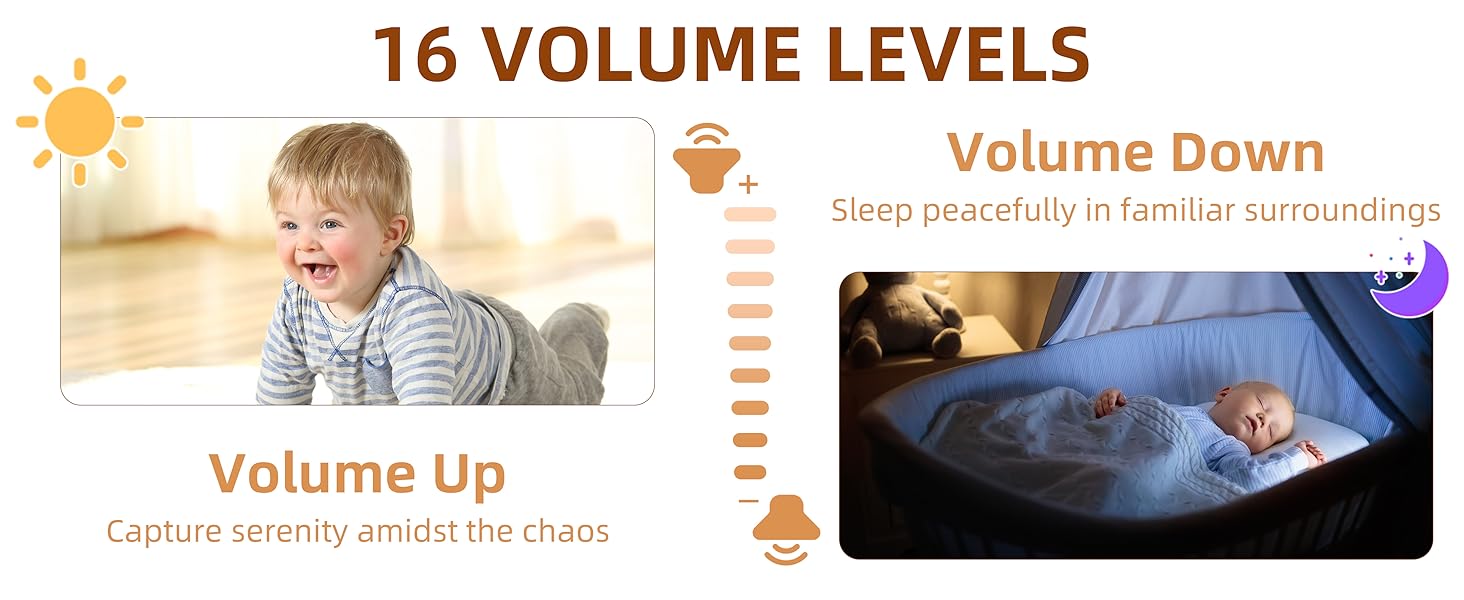
Figure 7: Volume Levels
Подешавања тајмера
The sound machine includes an auto-off timer function. Press the timer button (⏱) to cycle through the available settings:
- КСНУМКС минута
- КСНУМКС минута
- КСНУМКС минута
- Continuous Play (indicated by no timer light)

Figure 8: Auto Timer Function
Функција меморије
The device is equipped with a memory function that saves your last used sound, volume level, and timer setting. When you power on the machine, it will automatically resume play with these saved preferences.
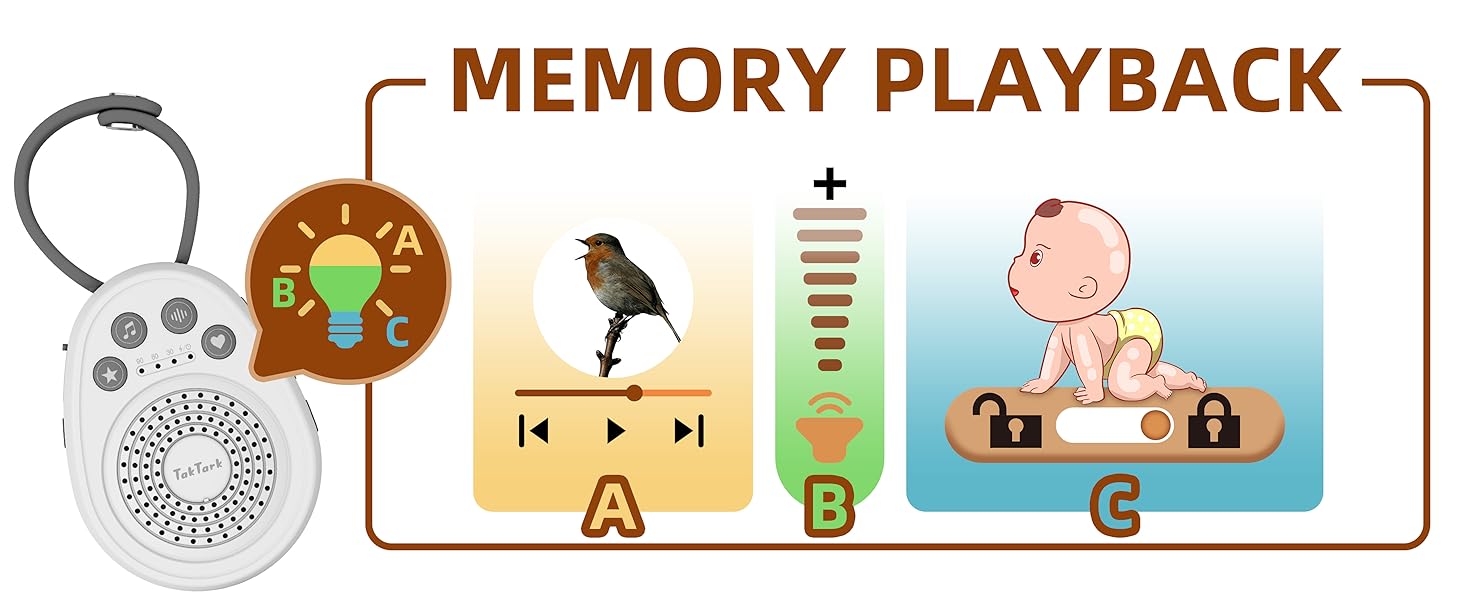
Figure 9: Memory Playback Feature
Цхилд Лоцк
To prevent accidental changes to settings, the sound machine includes a child lock feature. Locate the lock switch on the side of the device and slide it to the locked position. This will disable the control buttons.

Слика 10: Функција закључавања за децу
Одржавање
To ensure the longevity and proper functioning of your TakTark Sound Machine:
- Очистите уређај меком, сувом крпом. Не користите течна средства за чишћење или абразивне материјале.
- Држите уређај даље од воде и прекомерне влаге.
- Избегавајте испуштање уређаја или излагање јаким ударима.
- Чувати на хладном и сувом месту када се не користи дуже време.
Решавање проблема
If you encounter issues with your sound machine, please refer to the following common solutions:
- Уређај се не укључује: Ensure the battery is charged or the device is connected to a working USB power source. Check the USB cable for damage.
- Нема звука: Check the volume level and increase it if necessary. Ensure the device is not muted.
- Дугмад не реагују: Check if the child lock feature is enabled. Slide the lock switch to the unlocked position.
- Квалитет звука је лош: Ensure the speaker is not obstructed. Try a different sound to see if the issue persists.
- Тајмер не ради: Verify that a timer setting (30, 60, or 90 minutes) is selected and not continuous play.
Ако проблем и даље постоји након покушаја ових решења, обратите се корисничкој подршци.
Спецификације
| Спецификација | Детаљ |
|---|---|
| Број модела | ВН100 |
| Димензије (Д к Ш к В) | 4.33 к 3.15 к 1.42 инча |
| Тежина | 3.53 унци |
| Тип батерије | 1 литијум-метална батерија (укључена) |
| Извор напајања | USB Powered, Battery Powered |
| Број звукова | 20 |
| Подешавања тајмера | 30, 60, 90 minutes, Continuous |
| Волуме Левелс | 16 |
| Боја | Бела |
| Материјал | Пластика |
| Произвођач | ТакТарк |
| Земља порекла | Кина |
Гаранција и подршка
For warranty information or technical support, please contact TakTark customer service:
- Емаил: инфо@тактарк.цц
- Фејсбук: https://www.facebook.com/Taktarkbabymonitor
Ask a question about this manual
Ask about setup, troubleshooting, compatibility, parts, safety, or missing instructions. Manuals+ will review the question and use this page’s manual context to help answer it.