
Увод
Thank you for choosing the KAIDI KD-771 True Wireless Bluetooth 5.1 Earbuds. These earbuds are designed to provide a seamless and high-quality audio experience with the convenience of wireless connectivity. This manual will guide you through the setup, operation, and maintenance of your new earbuds.
The KD-771 earbuds utilize Bluetooth technology for connection to various sound-playing devices, including smartphones, tablets, and notebooks. Their completely wireless design ensures practical and simplified handling and usage.
Безбедносне информације
- Не излажите слушалице или кућиште за пуњење екстремним температурама, влази или течностима.
- Избегавајте испуштање, ударање или растављање уређаја.
- Чувати ван домашаја деце и кућних љубимаца.
- Користите само одобрене каблове и адаптере за пуњење.
- Дуготрајно слушање на високим нивоима јачине звука може проузроковати оштећење слуха. Подесите јачину звука на безбедан ниво.
Сетуп
1. Распакивање и почетна наплата
Upon opening the package, ensure all components are present: the KAIDI KD-771 earbuds, the charging case, and this user manual. Before first use, fully charge the earbuds and the charging case.
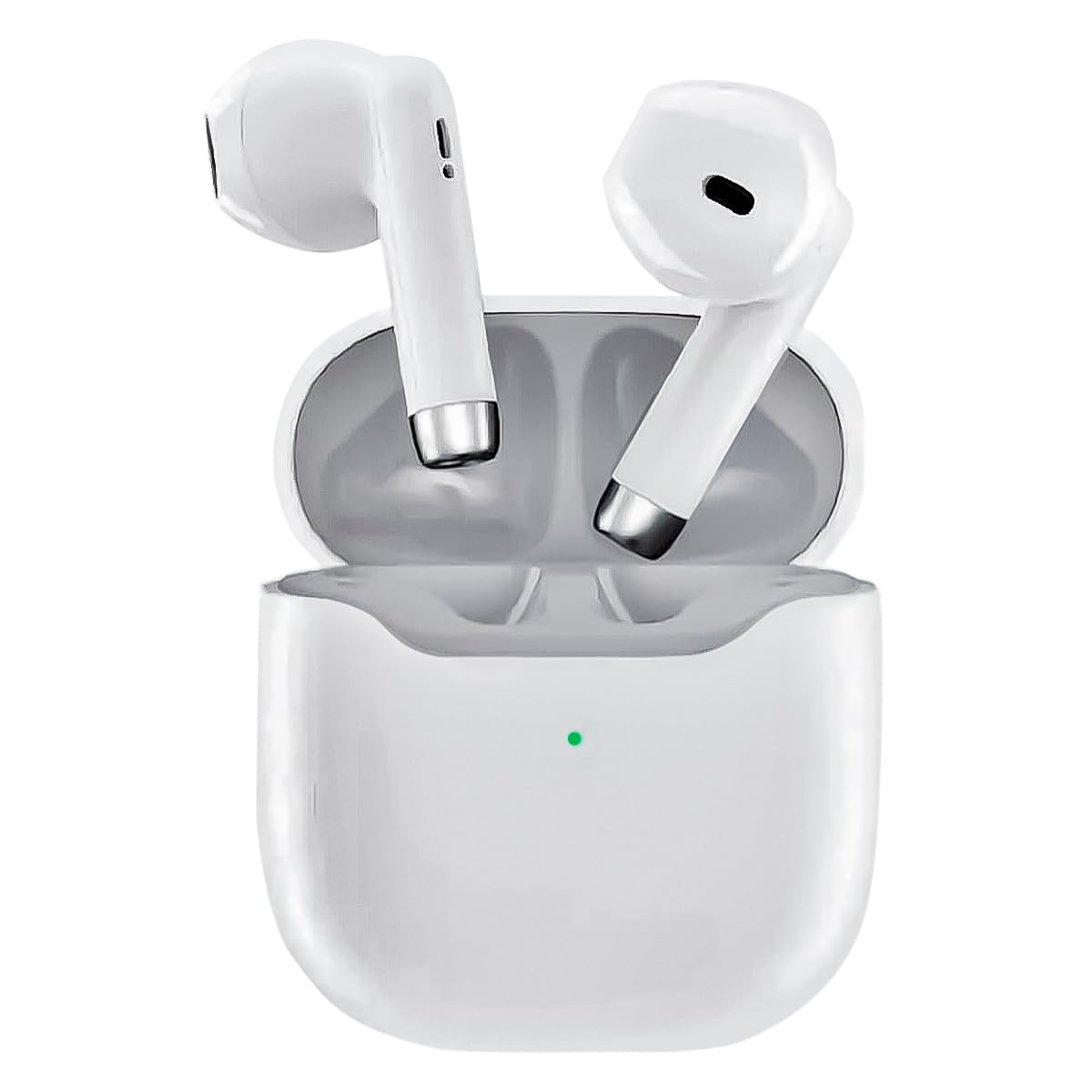
Image: The KAIDI KD-771 True Wireless Bluetooth 5.1 Earbuds and their charging case.
Place the earbuds into the charging case. Connect the charging case to a power source using a compatible USB cable (not included). The indicator light on the case will show charging status. Once fully charged, the indicator light will change or turn off.
2. Упаривање са уређајем
The KD-771 earbuds are compatible with multiple platforms, including smartphones, tablets, and laptops.

Image: The KAIDI KD-771 earbuds shown alongside various compatible devices, including smartphones, tablets, and laptops, illustrating multi-platform compatibility.
- Укључено: Отворите кућиште за пуњење. Слушалице ће се аутоматски укључити и ући у режим упаривања. Можда ћете видети индикаторске лампице које трепере на слушалицама.
- Активирајте Блуетоотх: On your device (smartphone, tablet, etc.), go to the Bluetooth settings and ensure Bluetooth is enabled.
- Изаберите слушалице: In the list of available Bluetooth devices, look for "KD-771" (or a similar name) and select it to connect.
- Потврда: Once connected, your device will confirm the pairing, and the earbud indicator lights may stop flashing or change color.

Image: The KAIDI KD-771 earbuds in their charging case, with a smartphone displaying a successful Bluetooth 5.0 connection and battery levels.
The earbuds feature Bluetooth 5.1 for high-speed transmission and stable connections.
Упутство за употребу
The KD-771 earbuds are controlled via touch sensors located on each earbud.
1. Укључивање/искључивање
- Укључено: Open the charging case, and the earbuds will automatically power on. Alternatively, if powered off outside the case, touch and hold the touch area on both earbuds for a few seconds until you hear a power-on prompt.
- Искључивање: Place the earbuds back into the charging case and close the lid. They will automatically power off and begin charging. Alternatively, if outside the case, touch and hold the touch area on both earbuds for several seconds until you hear a power-off prompt.
2. Контрола музике
- Пусти/паузирај: Једном додирните било коју слушалицу.
- Следећа нумера: Двапут додирните десну слушалицу.
- Претходни запис: Двапут додирните леву слушалицу.
3. Контрола позива
- Одговори/заврши позив: Једном додирните било коју слушалицу.
- Одбиј позив: Додирните и држите било коју слушалицу 2 секунди.
4. Гласовни асистент
- Активирање гласовног помоћника: Triple tap either earbud to activate your device's voice assistant (e.g., Siri, Google Assistant).
Одржавање
1. Чишћење
Редовно чишћење помаже у одржавању оптималних перформанси и хигијене.
- Користите меку, суву крпу која не оставља влакна да бисте обрисали слушалице и кућиште за пуњење.
- Не користите абразивна средства за чишћење, раствараче или аеросолне спрејеве.
- Gently clean the charging contacts on both the earbuds and the case with a dry cotton swab if necessary.
2. Складиштење
Када се не користе, чувајте слушалице у њиховој футроли за пуњење како бисте их заштитили и одржали напуњеним. Уређај чувајте на хладном и сувом месту, даље од директне сунчеве светлости и екстремних температура.
Решавање проблема
| Проблем | Могуће решење |
|---|---|
| Слушалице се не упарују |
|
| Само једна слушалица ради |
|
| Ниска јачина звука или лош квалитет звука |
|
| Проблеми са пуњењем |
|
Спецификације

Слика: Експлодирана view of a KAIDI KD-771 earbud, highlighting its internal components designed for high-resolution sound.
- Модел: КД-771
- Бренд: КАИДИ
- Технологија повезивања: Бежични Блуетоотх КСНУМКС
- Положај уха: Ин-еар
- Фактор облика слушалица: Ин-еар
- Метод контроле: Додирните
- Контрола буке: Адаптивно поништавање буке
- импеданса: 50 Охмс
- Материјал: Пластика
- Боја: Бела
- Тежина производа: 100 g (earbuds + case)
- Укључене компоненте: Заштитна футрола
- Компатибилни уређаји: Блуетоотх уређаји
- Посебне карактеристике: Lightweight, Bluetooth
- Тип извора напајања: Electric power (rechargeable internal battery)
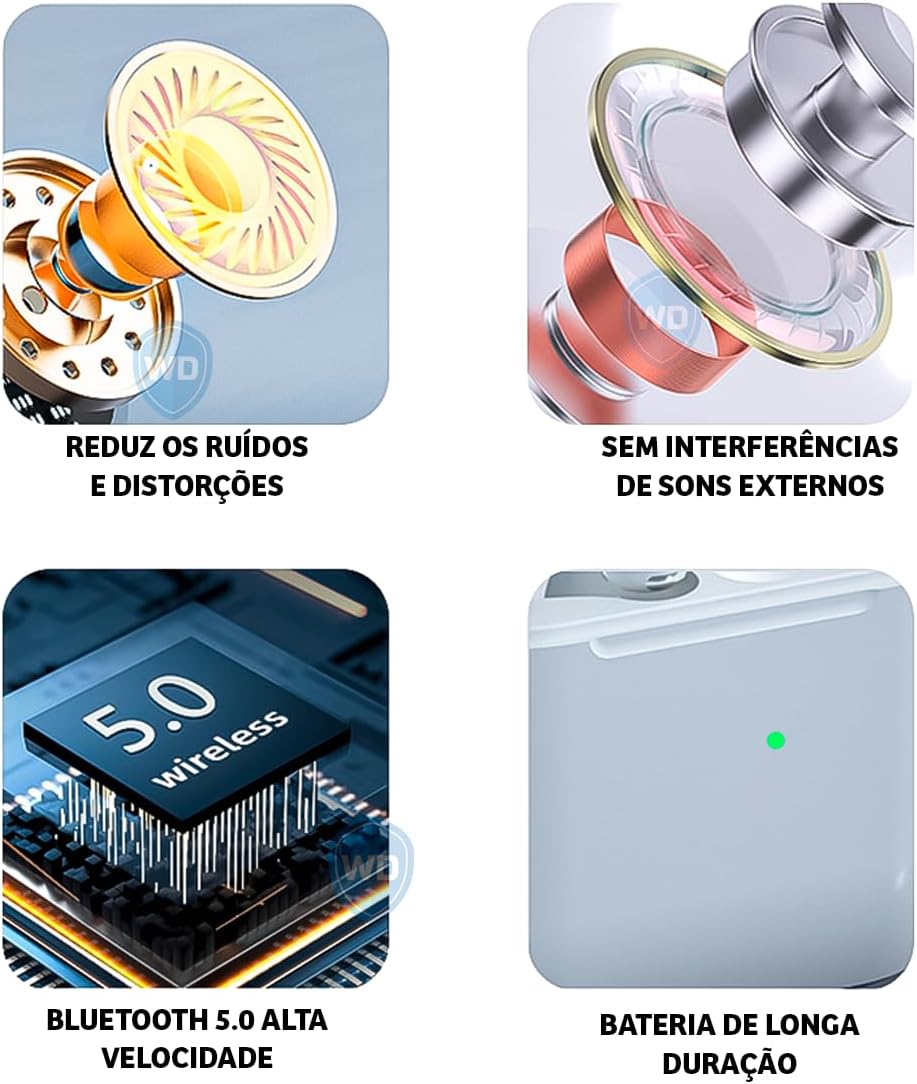
Image: A visual representation of key features: noise reduction and distortion reduction, absence of external sound interference, high-speed Bluetooth 5.0, and long-lasting battery life.
Информације о гаранцији
The KAIDI KD-771 earbuds come with a manufacturer's warranty of 30 days from the date of purchase. This warranty covers manufacturing defects under normal use. It does not cover damage caused by misuse, accidents, unauthorized modifications, or normal wear and tear.
Сачувајте доказ о куповини за гаранцијске захтеве.
Корисничка подршка
For further assistance, technical support, or warranty inquiries, please contact your retailer or the KAIDI customer service department. Refer to the packaging or the official KAIDI webсајт за контакт детаље.