
1. Увод
The Promate Capsule-3 is a portable Bluetooth speaker designed to deliver high-definition audio with versatile connectivity options. This manual provides essential information for setting up, operating, and maintaining your speaker to ensure optimal performance.
2. Шта је у кутији
Carefully unpack your Promate Capsule-3 speaker. The package should contain the following items:
- 1 x Promate Capsule-3 Bluetooth Speaker
- 1 к Упутство за употребу
3. Производ је готовview
The Promate Capsule-3 speaker features a 5W audio output, True Wireless Stereo (TWS) technology for pairing two speakers, and integrated rainbow LED lights. It supports multiple playback modes including Bluetooth v5.3, TF Card, USB Media Port, and 3.5mm AUX input. The compact design includes a lanyard for portability, and it is powered by a built-in 500mAh rechargeable lithium battery providing up to 6 hours of playtime.
Video 1: Promate Capsule-3 Speaker Overview. This video provides a brief introduction to the Promate Capsule-3 Bluetooth Speaker, highlighting its key features and design.

Image 1: True Wireless Stereo Sound. The image displays the Promate Capsule-3 speaker, emphasizing its 5-watt output and True Wireless Stereo (TWS) capability for enhanced audio.

Image 2: Rainbow LED Lights. This image shows the speaker with its vibrant rainbow LED lights, illustrating its ability to enhance the ambiance of any environment.
4. Подешавање
4.1 Пуњење звучника
- Connect the charging cable to the DC 5V port on the speaker.
- Повежите други крај кабла са УСБ адаптером за напајање (није укључен) или УСБ портом рачунара.
- The LED indicator will show charging status. Once fully charged, the indicator will change or turn off.
4.2 Укључивање/искључивање
- To power on, press and hold the Power button until the LED lights illuminate and an audible prompt is heard.
- To power off, press and hold the Power button again until the LED lights turn off and an audible prompt is heard.
5. Упутство за употребу
5.1 Блуетоотх упаривање
- Уверите се да је звучник укључен и у режиму упаривања путем Bluetooth-а (LED индикатор ће трептати).
- На свом уређају (паметном телефону, таблету, лаптопу) омогућите Блутут и потражите доступне уређаје.
- Select "Promate Capsule-3" from the list.
- Након упаривања, звучник ће емитовати звучну потврду, а ЛЕД индикатор ће престати да трепери.
5.2 Упаривање са правим бежичним стерео (TWS) системом
To achieve stereo sound, you can pair two Promate Capsule-3 speakers together:
- Ensure both Capsule-3 speakers are powered on and not connected to any Bluetooth device.
- On one speaker (this will be the primary speaker), press and hold the TWS pairing button (refer to controls section for button identification).
- The speakers will search for each other and automatically pair. An audible prompt will confirm successful TWS connection.
- Сада повежите уређај са примарним звучником путем Bluetooth-а као што је описано у одељку 5.1. Звук ће се репродуковати стерео преко оба звучника.

Image 3: Easy Music Navigation. This image highlights the speaker's control buttons, indicating simple navigation for music playback and call management.
5.3 Multi-Mode Playback
The speaker supports various audio input methods:
- Блуетоотх: Connect wirelessly to your device (see 5.1).
- ТФ картица: Insert a TF (Micro SD) card loaded with audio fileу слот за ТФ картицу. Звучник ће се аутоматски пребацити у режим ТФ картице и почети репродукцију.
- USB Media Port: Убаците УСБ флеш диск са звуком fileу USB порт. Звучник ће се аутоматски пребацити у USB режим и почети репродукцију.
- АУКС улаз: Connect an audio device using a 3.5mm AUX cable to the AUX port. The speaker will automatically switch to AUX mode.

Image 4: Multiple Connectivity Options. The image illustrates the various input ports available on the speaker, including Wireless BT, AUX Port, USB Drive, and TF Card slot.
6. Контроле
The Promate Capsule-3 features intuitive touch controls and quick access buttons for managing your audio experience:
- Дугме за напајање: Притисните и држите за укључивање/искључивање.
- Дугме за репродукцију/паузу: Press to play or pause audio. During a call, press to answer/end.
- Јачина звука (+): Притисните да бисте повећали јачину звука. Притисните и држите за следећу нумеру.
- Утишавање (-): Притисните да бисте смањили јачину звука. Притисните и држите за претходну нумеру.
- Дугме за режим (М): Притисните да бисте пребацивали између режима Bluetooth, TF картице, USB и AUX.
- Контрола ЛЕД светла: Specific button or combination (refer to speaker markings) to cycle through or turn off LED light modes.
7. Одржавање
- Чишћење: Користите меку, суву крпу за чишћење спољашњости звучника. Не користите абразивна средства за чишћење или раствараче.
- Складиштење: Чувајте звучник на хладном и сувом месту, даље од директне сунчеве светлости и екстремних температура.
- Одржавање батерије: To prolong battery life, fully charge the speaker before first use and recharge it regularly, even if not in use for extended periods. Avoid fully discharging the battery frequently.
- Отпорност на воду: Овај звучник НИЈЕ водоотпоран. Избегавајте излагање води или прекомерној влази.
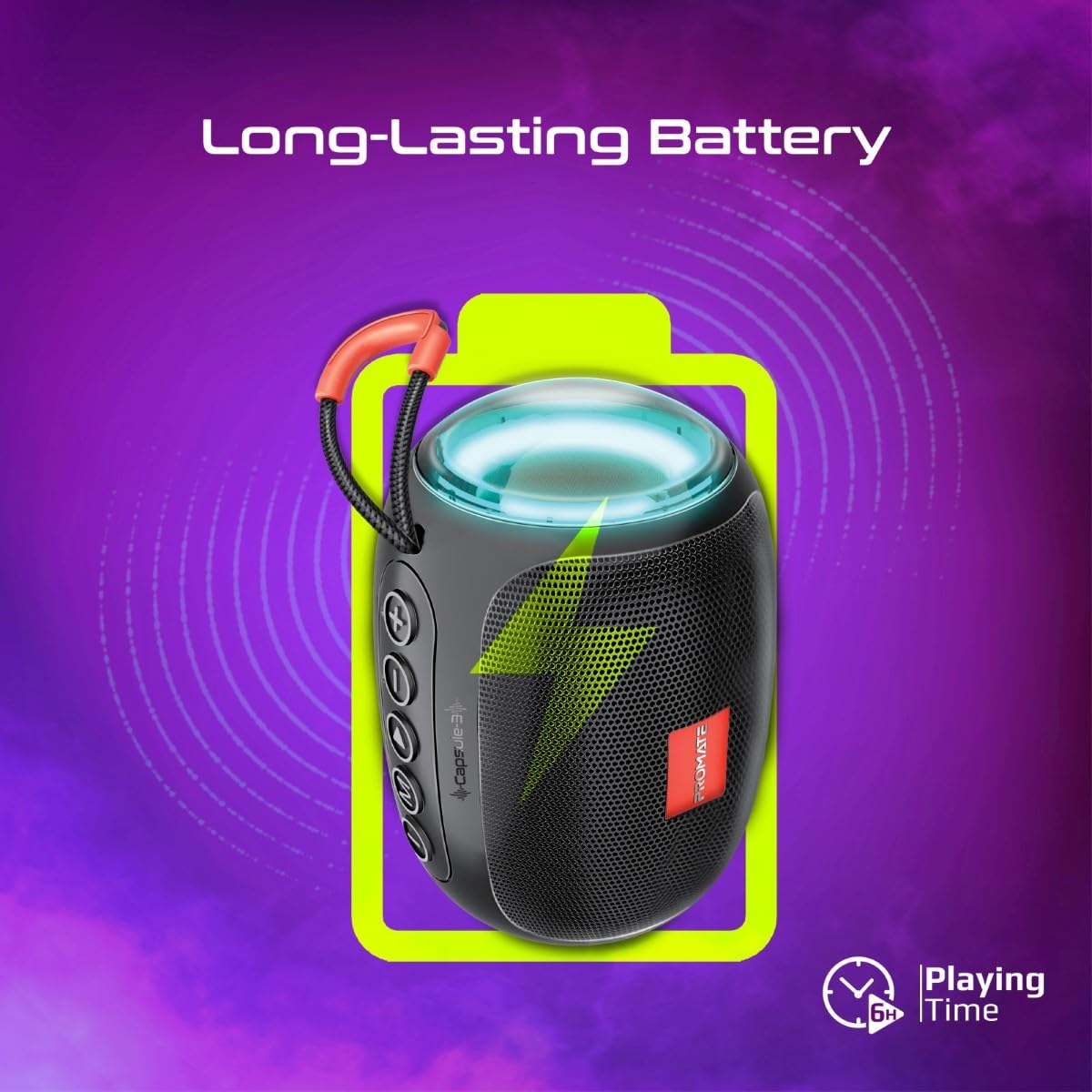
Image 5: Long-Lasting Battery. The image highlights the speaker's extended battery life, indicating over 6 hours of continuous playtime on a single charge.
КСНУМКС. Решавање проблема
| Проблем | Могући узрок | Решење |
|---|---|---|
| Звучник се не укључује. | Ниска батерија. | Потпуно напуните звучник. |
| Није могуће упаривање преко Bluetooth-а. | Звучник није у режиму упаривања; Bluetooth уређај је искључен; превише је удаљен од звучника. | Ensure speaker is in pairing mode. Turn device Bluetooth off/on. Move device closer to speaker (within 10 meters). |
| Нема звука. | Volume too low; incorrect input mode; paused playback. | Increase volume. Check input mode (Bluetooth, AUX, TF, USB). Ensure music is playing. |
| Упаривање TWS-а не успева. | Speakers already connected to another device; too far apart. | Disconnect speakers from any Bluetooth devices. Ensure speakers are close to each other. Try re-initiating TWS pairing. |
9. Спецификације
| Феатуре | Детаљ |
|---|---|
| Назив модела | Capsule-3 |
| Материјал | акрилонитрил бутадиен стирен (АБС) |
| Излаз звучника | 5 Ваттс |
| Блуетоотх верзија | в5.3 |
| Домет | До 10 метара |
| Капацитет батерије | Уграђена 500мАх пуњива литијумска батерија |
| Плаитиме | До 6 сати |
| Порт за пуњење | ДЦ 5В (УСБ) |
| Опције повезивања | Bluetooth, 3.5mm AUX, USB Port, TF Card Slot |
| Контролни метод | Додирна дугмад |
| Посебне карактеристике | LED Lights, True Wireless Stereo (TWS) support, Portable design |
| Димензије производа | 9 Д x 9 Ш x 16 В центиметара |
| Тежина артикла | 410 грама |
| Отпорност на воду | Није водоотпоран |
10. Гаранција и подршка
For warranty information, technical support, or service inquiries, please refer to the warranty card included with your product or visit the official Promate webсајт. Сачувајте рачун као доказ о куповини.

Image 6: Music On-The-Go. This image depicts the speaker in an outdoor setting, highlighting its compact and portable design, suitable for travel and outdoor activities.