
Laser EPS-LT10B-128
Laser TWS Earbuds with LED Battery Display User Manual
Model: EPS-LT10B-128
Увод
Thank you for choosing the Laser TWS Earbuds. These true wireless stereo earbuds are designed to provide a high-fidelity audio experience with convenient features such as an LED battery display, intuitive tap controls, and an ergonomic design for comfortable, extended use. The included rechargeable case ensures your earbuds are always ready for use. This manual will guide you through the setup, operation, and maintenance of your new earbuds.
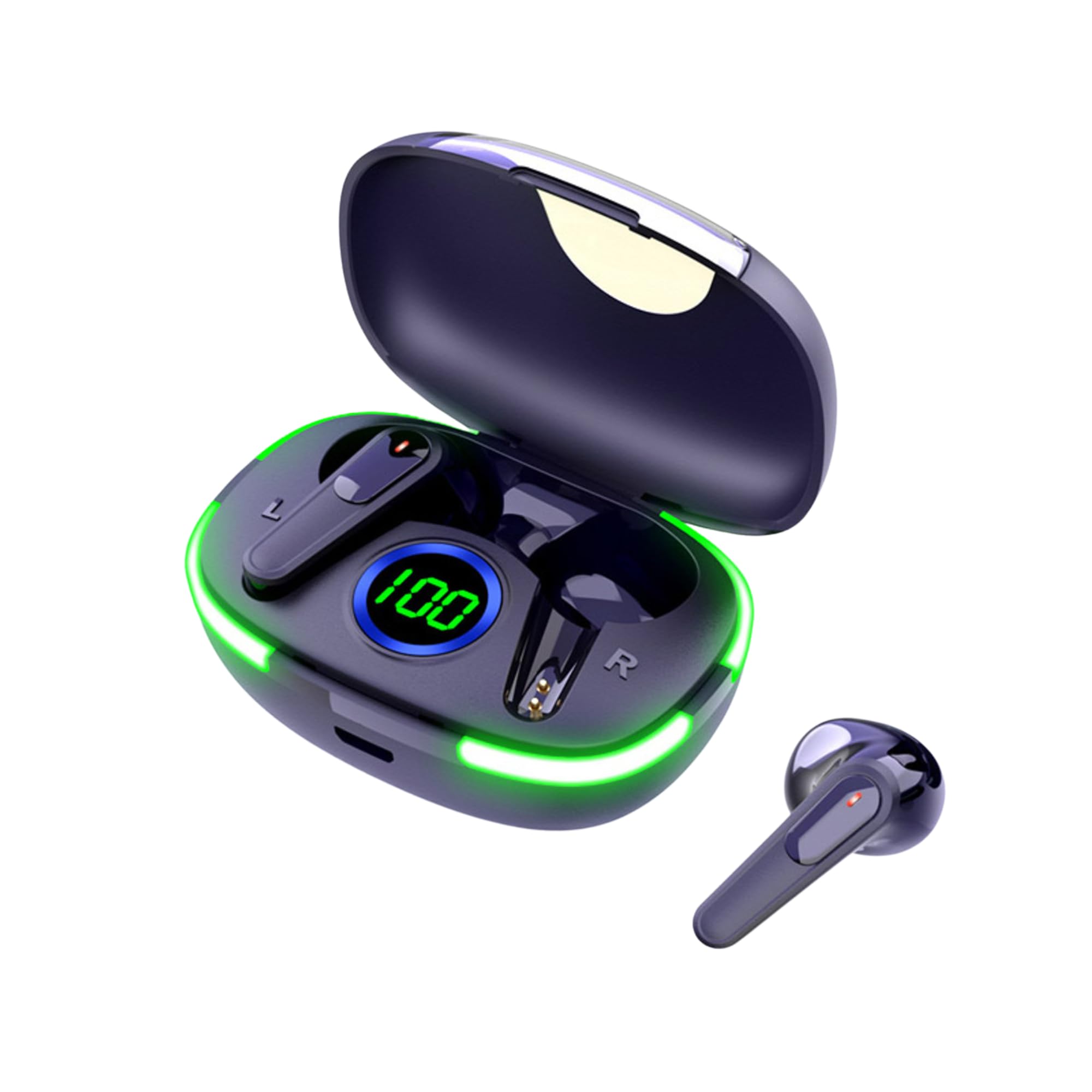
Image: The Laser TWS Earbuds, showcasing the charging case with its LED display and one earbud placed outside the case.
Садржај пакета
Уверите се да су све ставке присутне у пакету:
- 1 x Pair of Laser TWS Earbuds
- 1 x Charging Case with Battery Display
- 1 к Типе-Ц кабл за пуњење
- 1 к Упутство за употребу
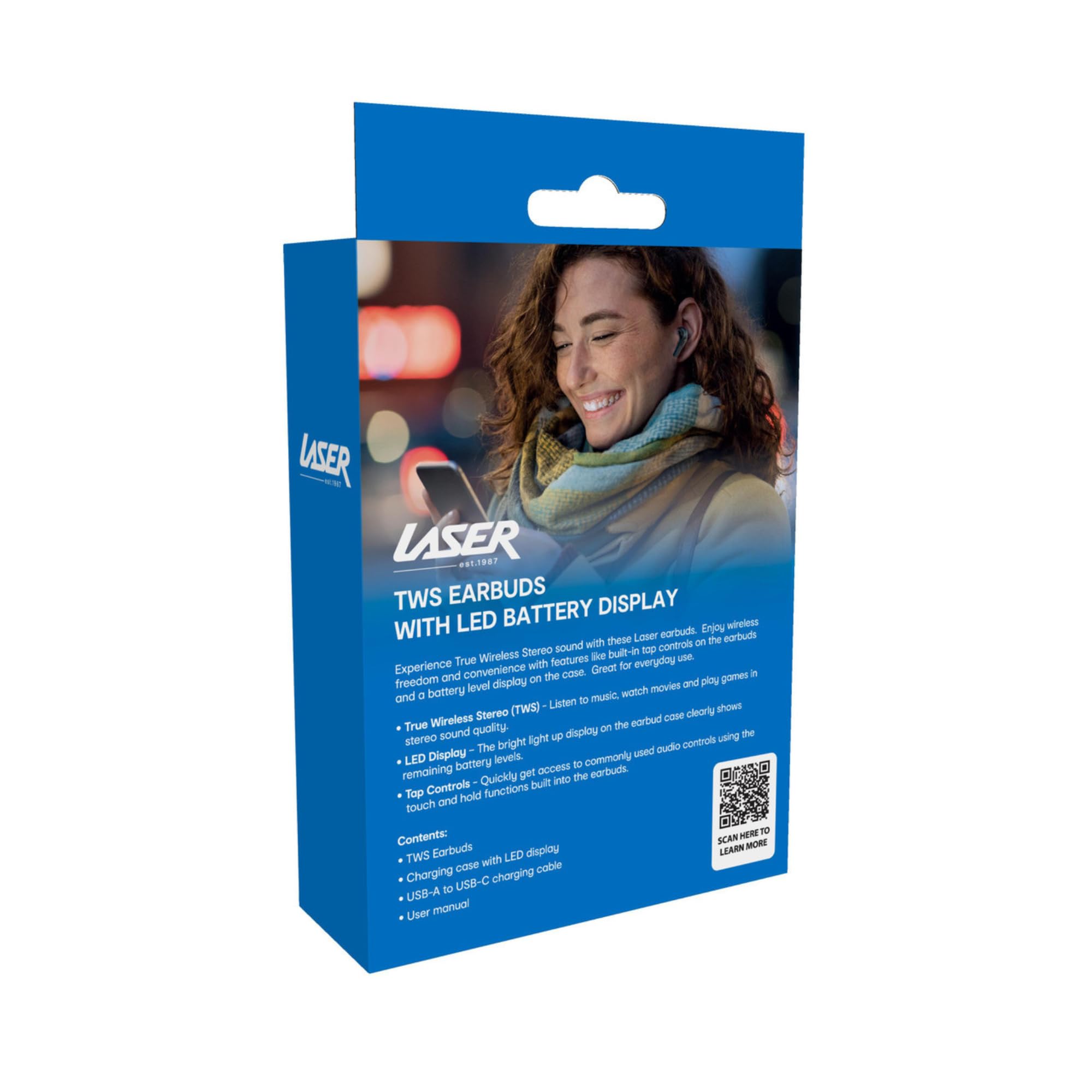
Image: The retail packaging for the Laser TWS Earbuds, indicating contents and features.
Сетуп
1. Пуњење слушалица и футроле
Before first use, fully charge the earbuds and the charging case. The LED display on the case indicates the battery level.
- Повежите приложени кабл за пуњење типа C са портом за пуњење на кућишту и УСБ извором напајања.
- The LED display will show the charging progress. A full charge takes approximately 1 hour.
- The earbuds charge automatically when placed inside the charging case. The case can recharge the earbuds up to 3 times on a single charge.
Слика: Крупни план view of the charging case's LED display, showing the battery percentage, indicating the charge level.
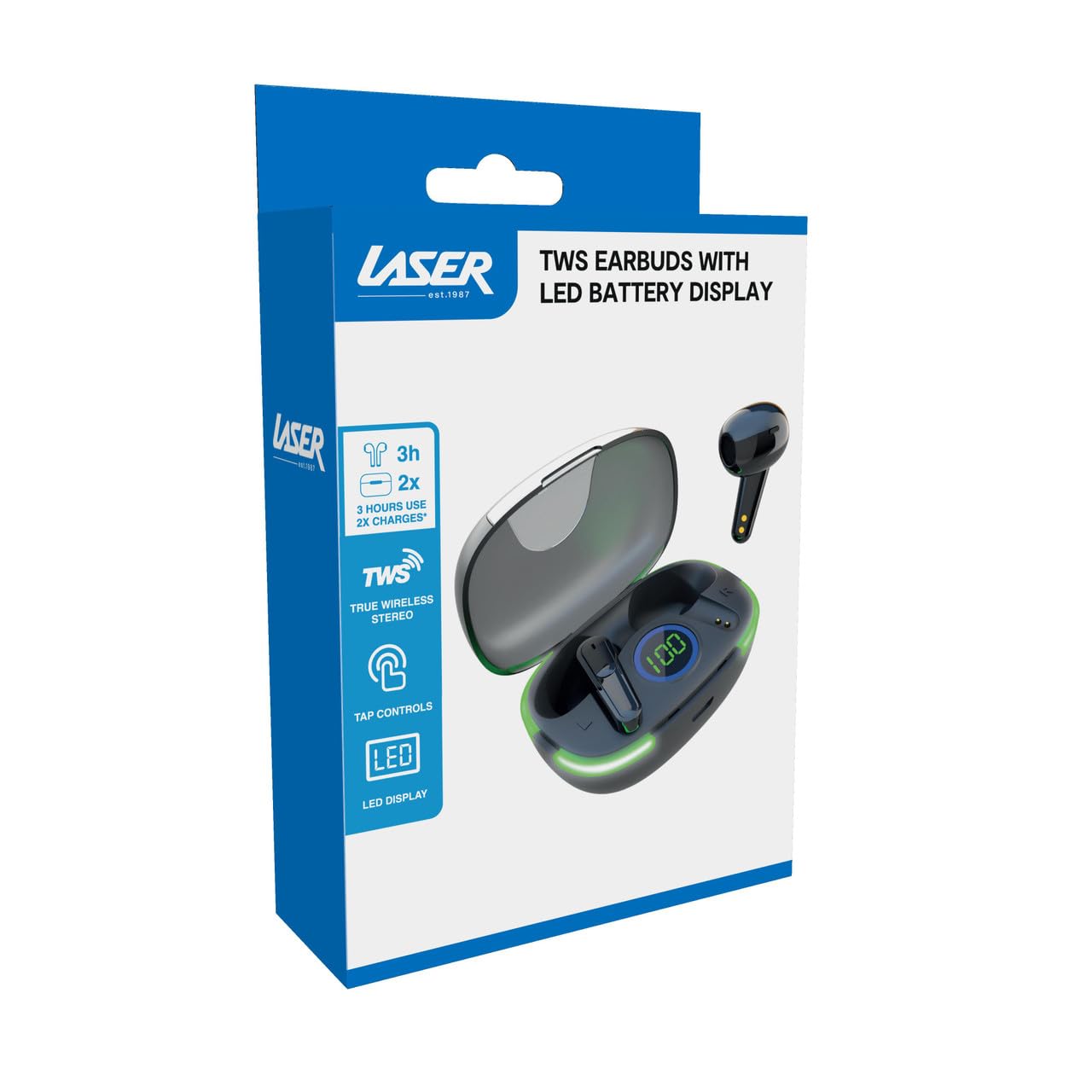
Image: Another close-up of the LED display on the charging case, highlighting the digital battery indicator.
2. Упаривање са уређајем
The earbuds use Bluetooth for wireless connectivity.
- Отворите кућиште за пуњење. Слушалице ће аутоматски ући у режим упаривања.
- На свом уређају (паметном телефону, таблету, лаптопу) омогућите Блутут и потражите нове уређаје.
- Select "Laser TWS Earbuds" or "EPS-LT10B-128" from the list of available devices.
- Када се повежете, чућете звук потврде и слушалице ће бити спремне за употребу.
- The earbuds support multi-device compatibility, allowing pairing with various devices.
Упутство за употребу
Ношење слушалица
The earbuds are designed for ergonomic comfort and a secure fit. Gently insert each earbud into your ear canal and twist slightly to ensure a snug and comfortable position. This helps optimize sound quality and stability.
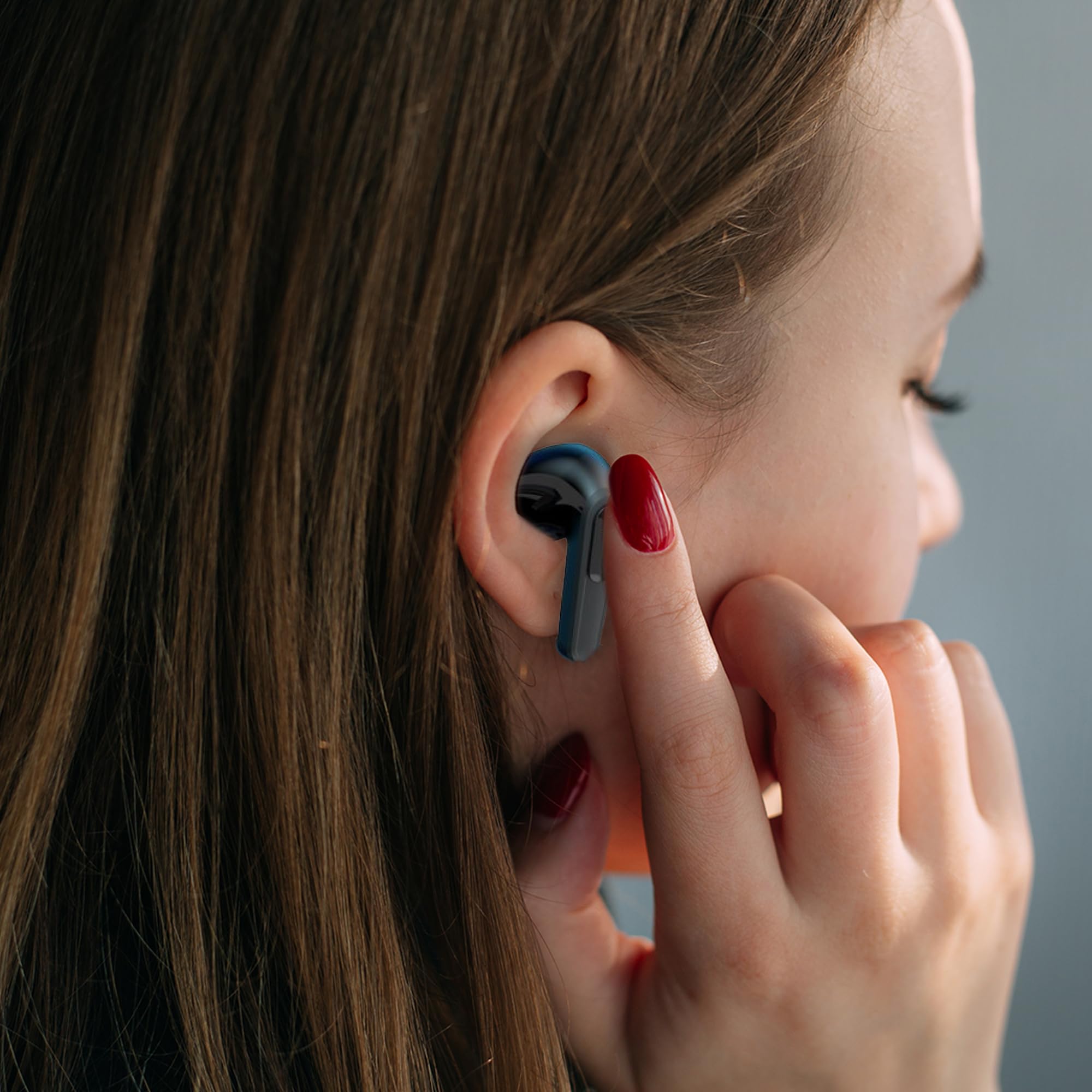
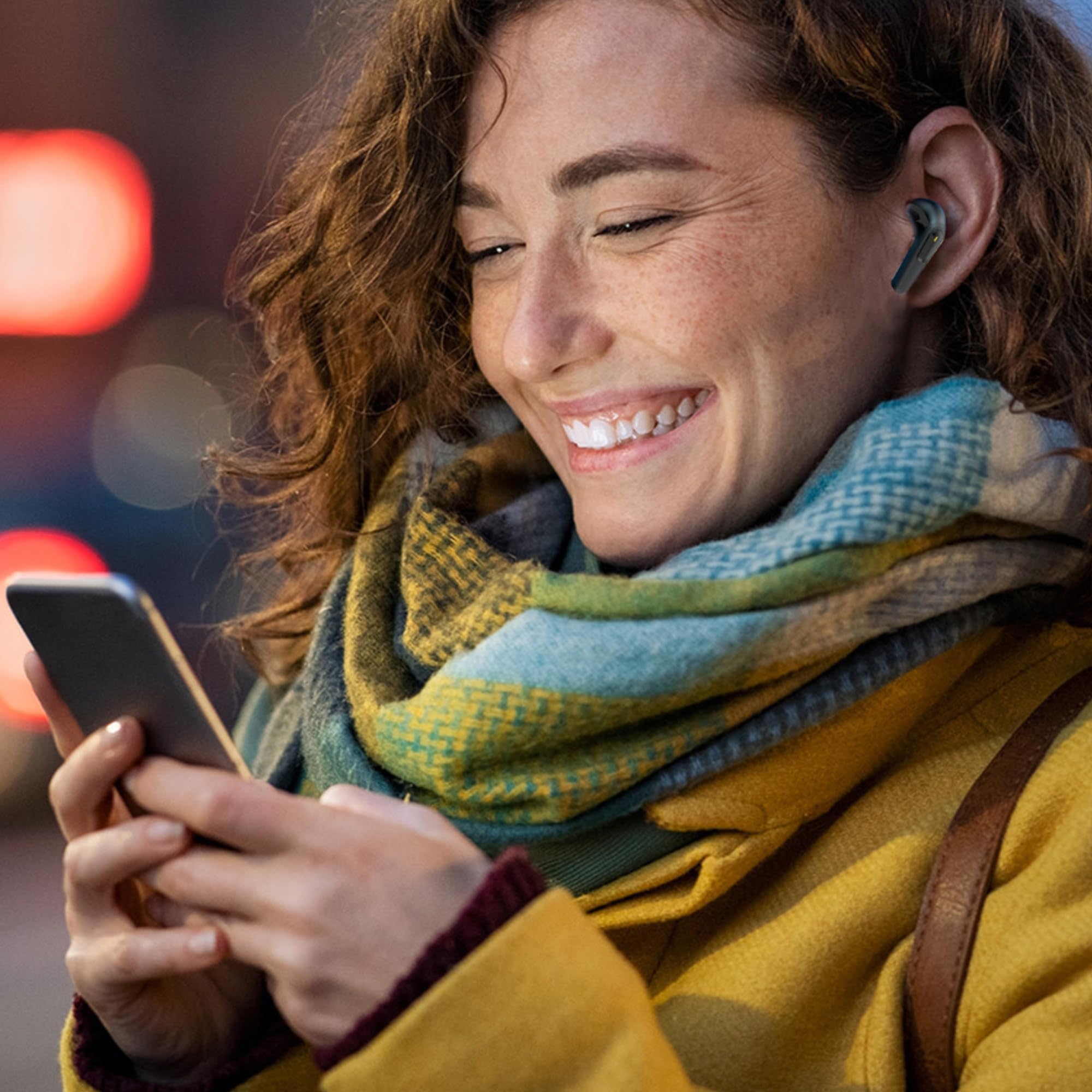
Image: A woman comfortably wearing one of the Laser TWS Earbuds while interacting with her smartphone.
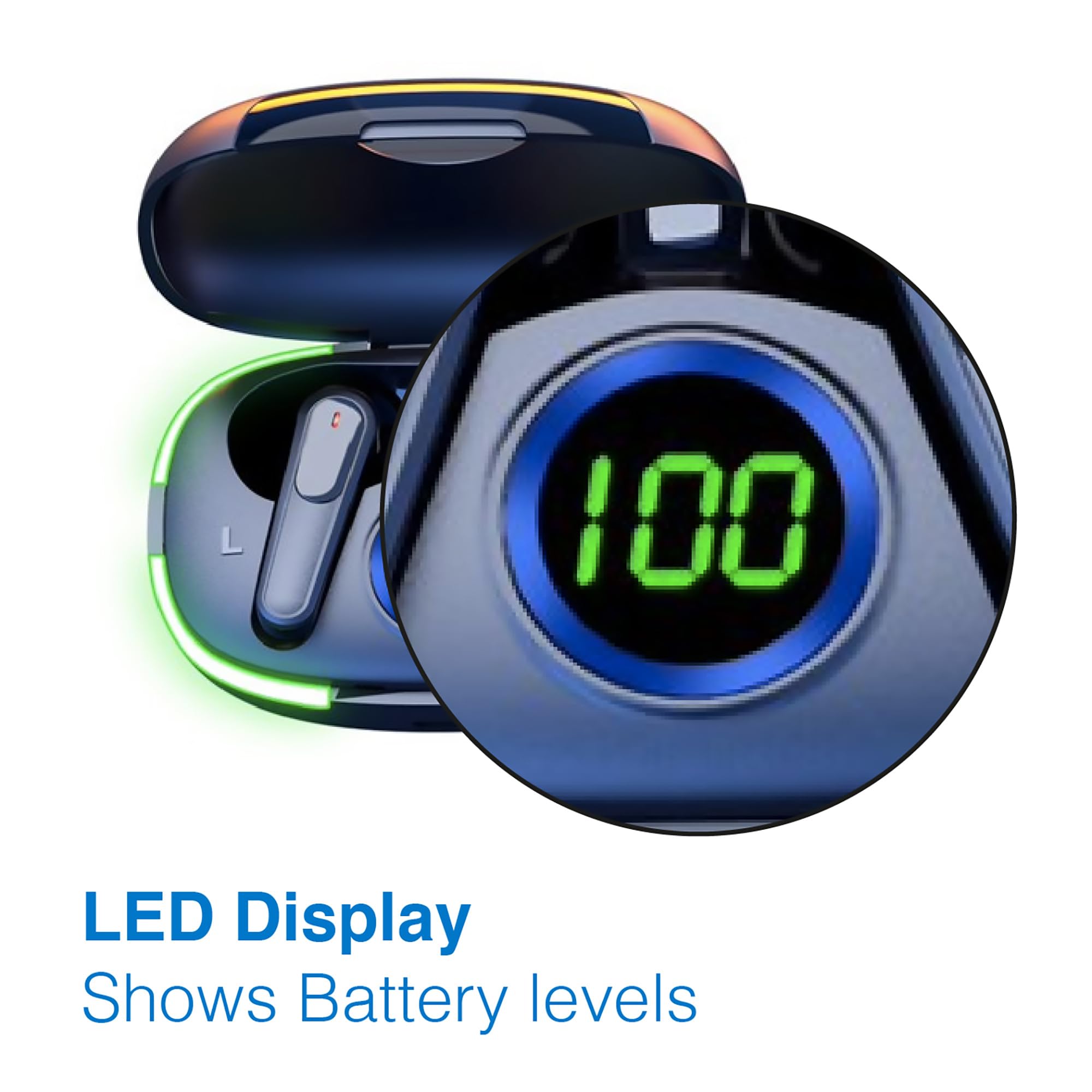
Image: A man walking outdoors, wearing a Laser TWS Earbud, demonstrating the ergonomic design for active use.
True Wireless Stereo Experience
These earbuds provide a true wireless stereo experience, delivering high-fidelity sound with clear channel separation for an immersive audio experience, whether for music, movies, or gaming.
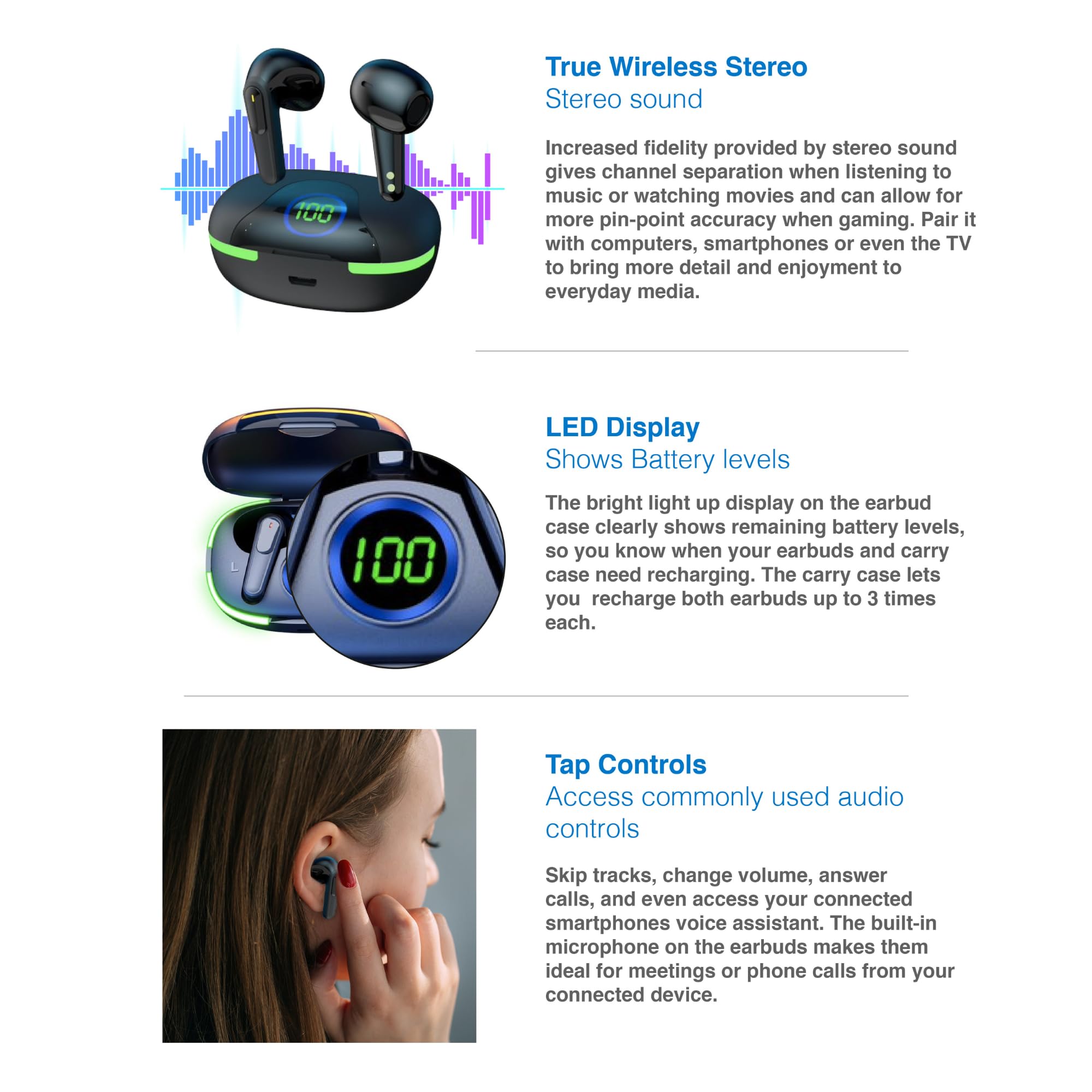
Image: A graphic representation of the True Wireless Stereo feature, showing the earbuds in their case with sound wave visualizations.
Додирните Контроле
The earbuds feature intuitive tap controls for easy management of audio playback and calls without needing to access your connected device.
| Акција | Контрола |
|---|---|
| Пусти/паузирај музику | Један додир на обе слушалице |
| Нект Трацк | Двапут додирните десну слушалицу |
| Превиоус Трацк | Двапут додирните леву слушалицу |
| Одговори/Заврши позив | Један додир на обе слушалице |
| Одбаци позив | Дуго притисните било коју слушалицу |
| Activate Voice Assistant (Siri, Google Assistant, Alexa) | Трипут додирните било коју слушалицу |

Image: A person's hand touching an earbud, illustrating the tap control functionality.
Уграђен микрофон
Each earbud includes a built-in microphone, enabling hands-free calls and meetings without needing to switch to your device.
Одржавање
- Чишћење: Редовно чистите слушалице и кућиште за пуњење меком, сувом крпом која не оставља влакна. Избегавајте употребу абразивних материјала или јаких хемикалија.
- Складиштење: Када се не користе, чувајте слушалице у њиховој футроли за пуњење како бисте их заштитили и одржали напуњеним.
- Одржавање батерије: Да бисте продужили век трајања батерије, избегавајте често потпуно пражњење слушалица и футроле. Редовно их пуните, чак и ако их не користите стално.
- Отпорност на воду: These earbuds are not water resistant. Avoid exposure to water, sweat, or high humidity.
Решавање проблема
| Проблем | Решење |
|---|---|
| Слушалице се не упарују | Ensure earbuds are charged. Turn off and on Bluetooth on your device. Forget the device in Bluetooth settings and re-pair. Place earbuds back in case and take them out again. |
| Нема звука из једне слушалице | Check battery level of both earbuds. Re-pair the earbuds. Try resetting the earbuds (refer to manufacturer's webсајт за посебна упутства за ресетовање ако је потребно). |
| Кућиште за пуњење се не пуни | Ensure the charging cable is securely connected. Try a different USB power source or cable. |
| Tap controls not responding | Ensure earbuds are properly seated in your ears. Clean the touch sensitive area. Re-pair the earbuds. |
If you encounter persistent issues, please refer to the official Laser support webсајт за даљу помоћ.
Спецификације
| Феатуре | Детаљ |
|---|---|
| Модел | EPS-LT10B-128 |
| Технологија повезивања | Блуетоотх бежични |
| Контрола буке | Звучна изолација |
| Трајање батерије (слушалице) | Прибл. 3 сата |
| Време пуњења | Прибл. 1 сат |
| Пуњења кућишта за пуњење | До 3 пута |
| Максимална радна удаљеност | 10 метара |
| Тип контроле | Контрола додиром, гласовна контрола |
| Материјал | Пластика |
| Тежина артикла | 30 грама |
| Димензије | 62.2 x 42.5 x 32.6 цм (Производ) |
| Ниво отпорности на воду | Није водоотпоран |
Гаранција и подршка
The Laser TWS Earbuds come with a 1 година гаранције од датума куповине. Молимо вас да сачувате доказ о куповини за потребе гаранције.
For further support, troubleshooting, or warranty information, please visit the official Laser webсајт:
You may also contact Laser customer service directly for assistance.