
1. Увод
Хвала вам на куповиниasing the WiMiUS K9 Projector. This manual provides essential information for setting up, operating, and maintaining your projector. Please read it thoroughly before use to ensure proper functionality and to maximize your viewинг искуство.
The WiMiUS K9 is a high-performance projector featuring native Full HD 1080P resolution with 4K support, AI auto-focus and keystone correction, WiFi 6, Bluetooth 5.2, and integrated Netflix certification with Dolby Audio support.
2. Безбедносне информације
- Не гледајте директно у сочиво пројектора када је укљученоamp је укључен.
- Осигурајте одговарајућу вентилацију око пројектора како бисте спречили прегревање.
- Avoid placing the projector in dusty, humid, or extremely hot/cold environments.
- Користите само адаптер за напајање који се испоручује са пројектором.
- Држите пројектор даље од воде или других течности.
- Не покушавајте сами да растављате или поправљате пројектор. За помоћ контактирајте корисничку подршку.
3. Садржај пакета
Проверите да ли су све ставке присутне у пакету:
- WiMiUS K9 Projector
- ХДМИ кабл
- Ремоте Цонтрол
- Повер Цабле
- Цлотх Цлотх
- Поклопац објектива
- Кориснички приручник (овај документ)
4. Производ је готовview
Familiarize yourself with the projector's components and connection ports.
Слика: Предња и бочна страна view of the WiMiUS K9 Projector, showing the lens and ventilation.
4.1. Портови и везе
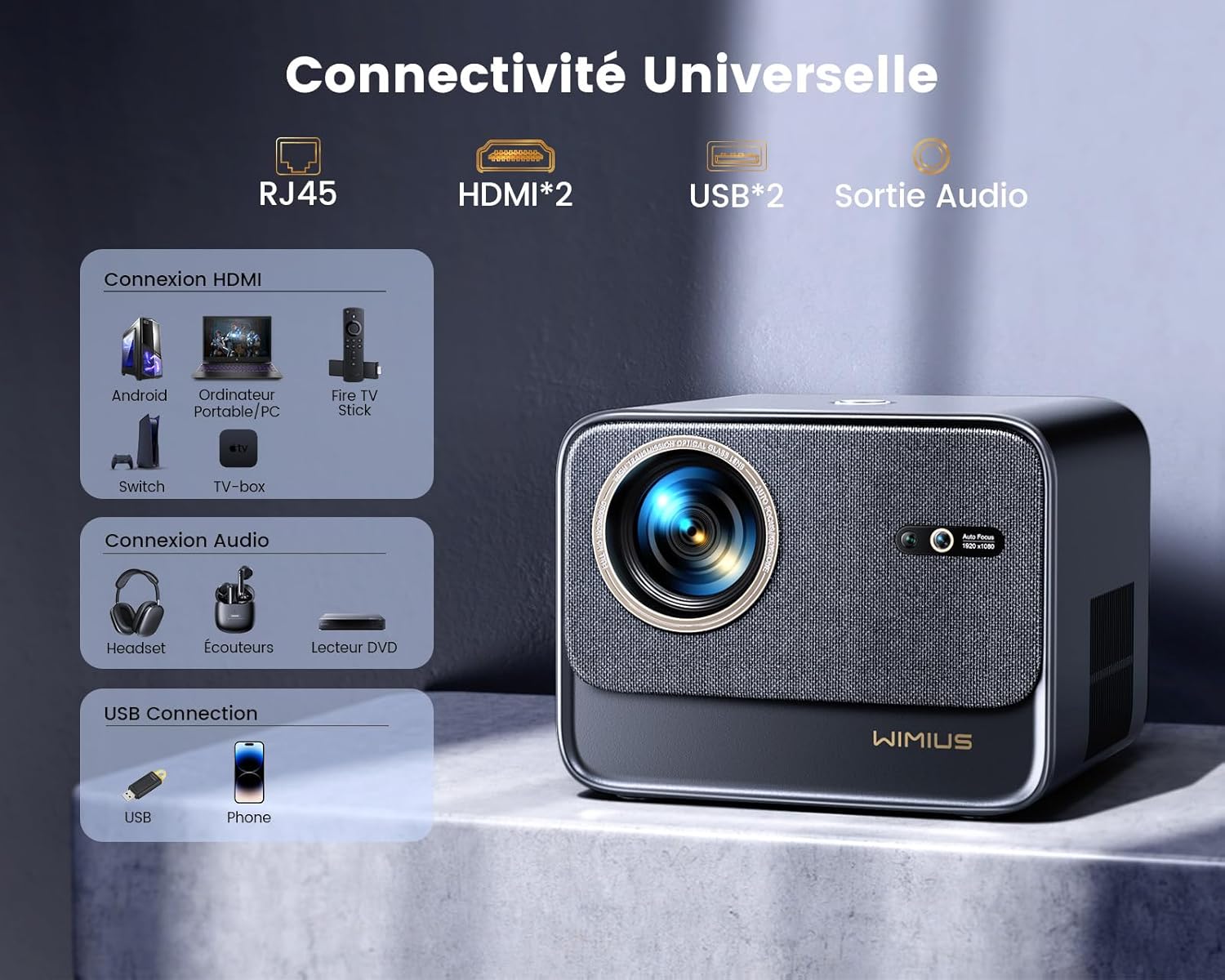
Слика: Позади view of the WiMiUS K9 Projector, highlighting the Ethernet (RJ45), HDMI (x2), USB (x2), and Audio Out ports.
- RJ45 (Етернет): За жичану интернет везу.
- HDMI (x2): Connect to devices like TV sticks, game consoles (PS5), laptops, or TV boxes. Supports HDMI ARC.
- УСБ (к2): Connect USB drives for media playback or charge compatible devices.
- Аудио излаз (3.5 мм прикључак): Повежите екстерне звучнике или слушалице.
5. Подешавање
КСНУМКС. Постављање
Place the projector on a stable, flat surface or mount it according to your preference. Ensure the lens is unobstructed. The projector supports a screen size of 50-300 inches with a projection ratio of 1.33:1.
5.2. Прикључак за напајање
- Повежите кабл за напајање са улазом за напајање пројектора.
- Укључите други крај кабла за напајање у утичницу.
- Притисните дугме за напајање на пројектору или даљинском управљачу да бисте га укључили.
5.3. Аутоматско фокусирање и корекција трапезоидног изобличења
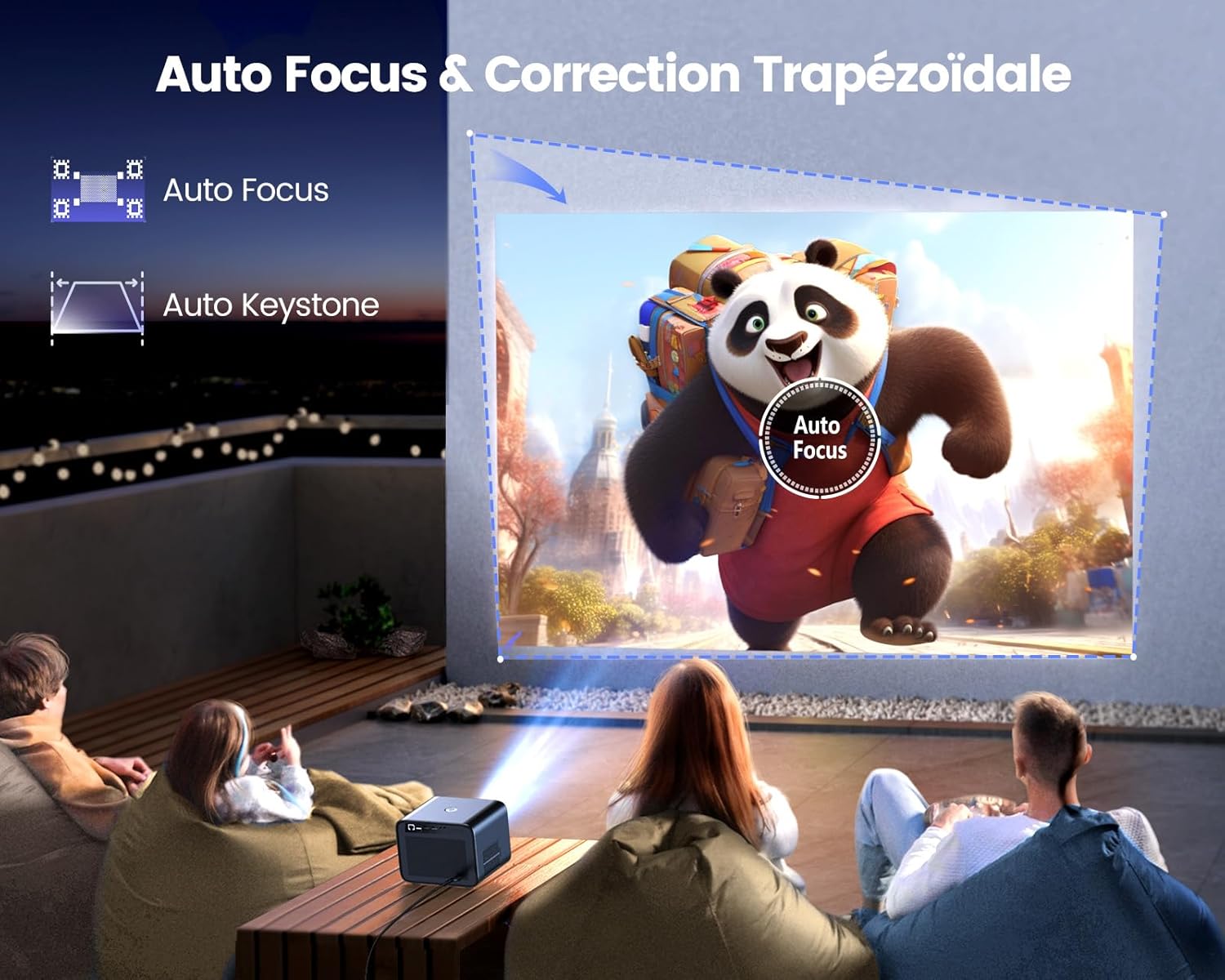
Image: Illustration of the projector automatically adjusting focus and keystone to achieve a rectangular image.
The WiMiUS K9 features AI-powered auto-focus and auto-keystone correction. Upon startup or movement, the projector will automatically adjust the image to be clear and rectangular within approximately 3 seconds. If manual adjustment is needed, use the remote control to fine-tune focus or keystone settings.
5.4. Функција зумирања
The projector includes a 50%-100% zoom function, allowing you to adjust the image size without physically moving the projector. Access this feature through the projector's menu or dedicated remote control buttons.
6. Упутство за употребу
6.1. Навигација и кориснички интерфејс

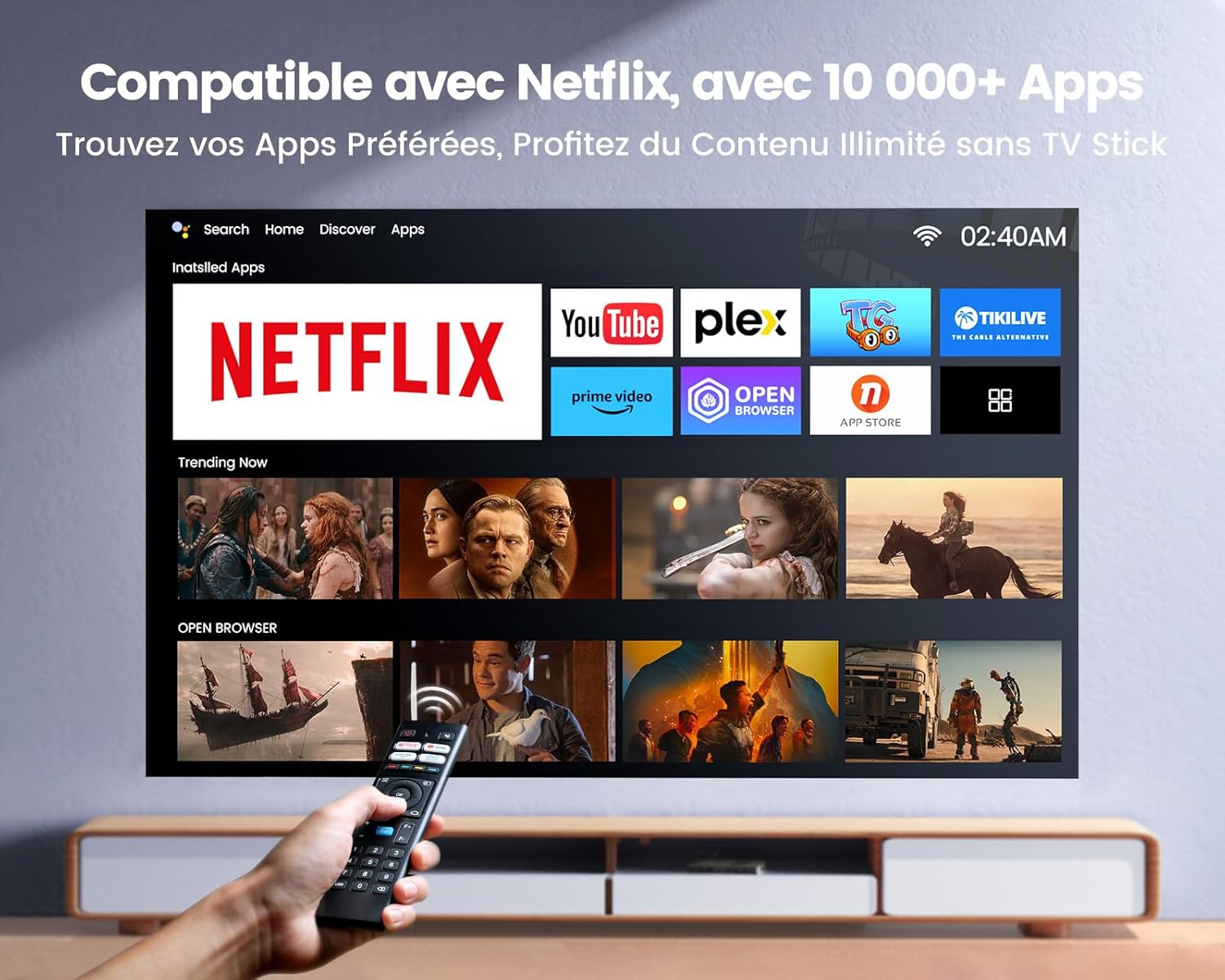
Image: The projector's home screen displaying various streaming applications like Netflix, YouTube, and Prime Video, controlled by a remote.
Use the provided remote control to navigate the projector's Linux-based operating system. The interface provides access to certified applications such as Netflix, Amazon Prime Video, and YouTube, along with other streaming services.
6.2. Повезивање спољних уређаја
The K9 projector offers multiple connectivity options:
- ДВИ: Connect your TV stick, game console (e.g., PS5), laptop, or TV box using an HDMI cable. Select the corresponding HDMI input from the projector's source menu.
- УСБ: Insert a USB flash drive into a USB port to play media fileс директно.
- Етхернет (РЈ45): За стабилну жичану интернет везу, прикључите Ethernet кабл у RJ45 порт.
6.3. Wireless Connectivity (WiFi 6 & Bluetooth 5.2)

Image: A person enjoying a video game projected by the WiMiUS K9, illustrating the fast WiFi 6 connection.
- ВиФи 6: Connect to your wireless network for internet access and streaming. Navigate to the network settings in the projector's menu to connect to a WiFi 6 network. This enables seamless streaming and screen mirroring from iOS/Android phones and tablets.
- Блуетоотх КСНУМКС: Pair with Bluetooth headphones, speakers, or soundbars for enhanced audio. Go to Bluetooth settings in the menu, enable Bluetooth, and select your device to pair. The projector supports Dolby Audio output to connected Bluetooth devices.
6.4. Подешавања звука (Долби Аудио)
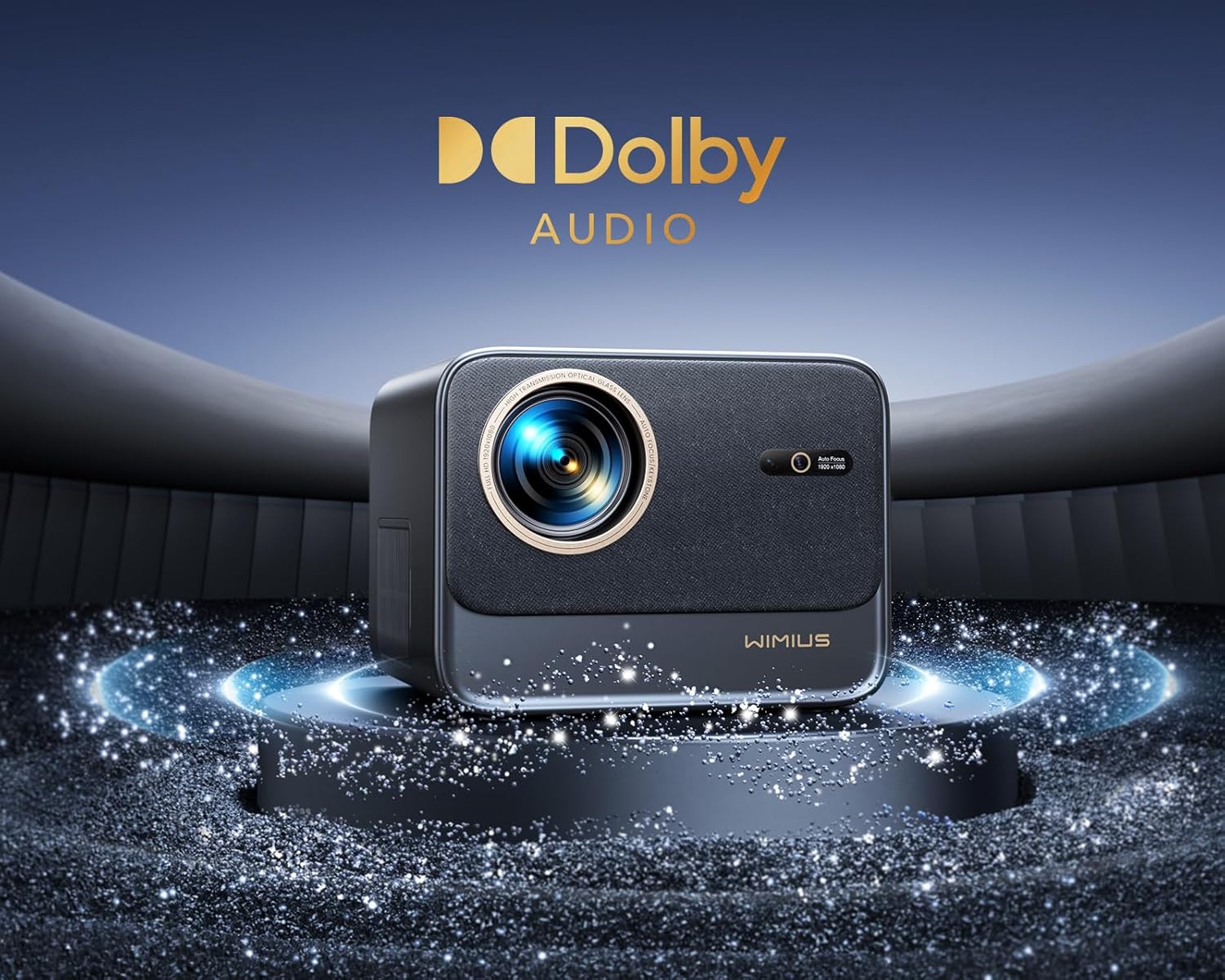
Image: The WiMiUS K9 Projector prominently displaying the Dolby Audio logo, indicating its audio capabilities.
The K9 projector supports Dolby Audio, providing a cinematic sound experience. You can output audio through the built-in speakers, the 3.5mm audio jack, or wirelessly via Bluetooth 5.2 to compatible audio devices.
7. Одржавање
7.1. Чишћење сочива
Gently wipe the projector lens with the provided cleaning cloth or a soft, lint-free cloth. Avoid using abrasive cleaners or excessive pressure, which can damage the lens coating.
7.2. Dust Prevention
The WiMiUS K9 features a fully sealed optical machine design to effectively block dust and reduce black spots on the projection. Periodically clean the projector's exterior with a soft cloth. Ensure ventilation openings are clear of obstructions.
7.3. Складиштење
When not in use for extended periods, store the projector in a cool, dry place, protected from dust and extreme temperatures. Use the lens cap to protect the lens.
КСНУМКС. Решавање проблема
If you encounter issues with your WiMiUS K9 Projector, refer to the following common problems and solutions:
- Нема слике:
- Уверите се да је кабл за напајање безбедно повезан и да је пројектор укључен.
- Check the input source selection (HDMI 1, HDMI 2, etc.) matches your connected device.
- Verify the connected device (laptop, TV stick) is powered on and outputting a signal.
- Замућена слика:
- Allow the auto-focus function to complete its adjustment.
- If needed, manually adjust the focus using the remote control.
- Ensure the projection surface is flat and the projector lens is clean.
- Distorted Image (not rectangular):
- Дозволите да се аутоматска корекција трапезоидног изобличења заврши.
- If necessary, manually adjust keystone correction via the projector's menu.
- Нема звука:
- Проверите ниво јачине звука и на пројектору и на повезаном изворном уређају.
- Ensure external speakers or headphones are correctly connected and powered on if used.
- Verify Bluetooth audio is correctly paired and selected as the output.
- WiFi/Bluetooth Connection Issues:
- Ensure the WiFi network is active and within range. Re-enter the password if necessary.
- For Bluetooth, ensure the device is in pairing mode and within range.
- Restart the projector and the device you are trying to connect.
За додатну помоћ, погледајте контакт информације у одељку Гаранција и подршка.
9. Спецификације
| Бранд | ВиМиУС |
| Модел | K9 |
| Нативе Ресолутион | 1920 x 1080p (Full HD) |
| Подржана резолуција | Up to 4K Ultra HD (60Hz) |
| Осветљеност | 32000 лумена (1100 ANSI лумена) |
| Однос контраста | 40000:1 |
| Оперативни систем | Linux (Netflix Certified) |
| Повезивање | WiFi 6, Bluetooth 5.2, 2x HDMI (ARC), 2x USB, Ethernet (RJ45), 3.5mm Audio Out |
| Посебне карактеристике | AI Auto Focus, AI Auto Keystone Correction, Dolby Audio Support, Fully Sealed Optical Machine, 50-100% Zoom |
| Препоручена употреба | Home Cinema, Gaming Console |
| Укључене компоненте | Projector, HDMI Cable, Remote Control, Power Cable, Cleaning Cloth, Lens Cap, User Manual |
10. Гаранција и подршка
The WiMiUS K9 Projector comes with a 3 година гаранције од дана куповине.
For technical support, warranty claims, or any questions regarding your projector, please contact WiMiUS customer service. Refer to the contact information provided in the physical user manual included with your product or visit the official WiMiUS webсајт за детаље подршке.
When contacting support, please have your product model (K9) and purchase details ready.