
Увод
This manual provides instructions for the Akasa AK-CR-12 2-in-1 USB 3.2 Dual Card Reader. This device offers expanded connectivity for common memory cards, including SD, SDHC, SDXC, microSD, microSDHC, and microSDXC, in a compact aluminum housing. It is designed for compatibility with various devices featuring either USB Type-C or USB Type-A connectors.
Карактеристике производа
- Дизајн са два порта: Features both USB Type-A and Type-C connectors for versatile device compatibility.
- Пренос података велике брзине: Supports USB 3.2 Gen 1, providing data transfer rates up to 5Gbps.
- Дуал Цард Слотс: Simultaneously reads and writes SD and microSD cards.
- Широка компатибилност оперативних система: Works with macOS, Windows, Linux, and Android systems.
- Издржљива конструкција: Premium aluminum housing enhances heat dissipation and protection.
- Плуг & Плаи: За већину оперативних система нису потребни драјвери.
- Врућа замена: Allows for connection and disconnection without restarting the device.
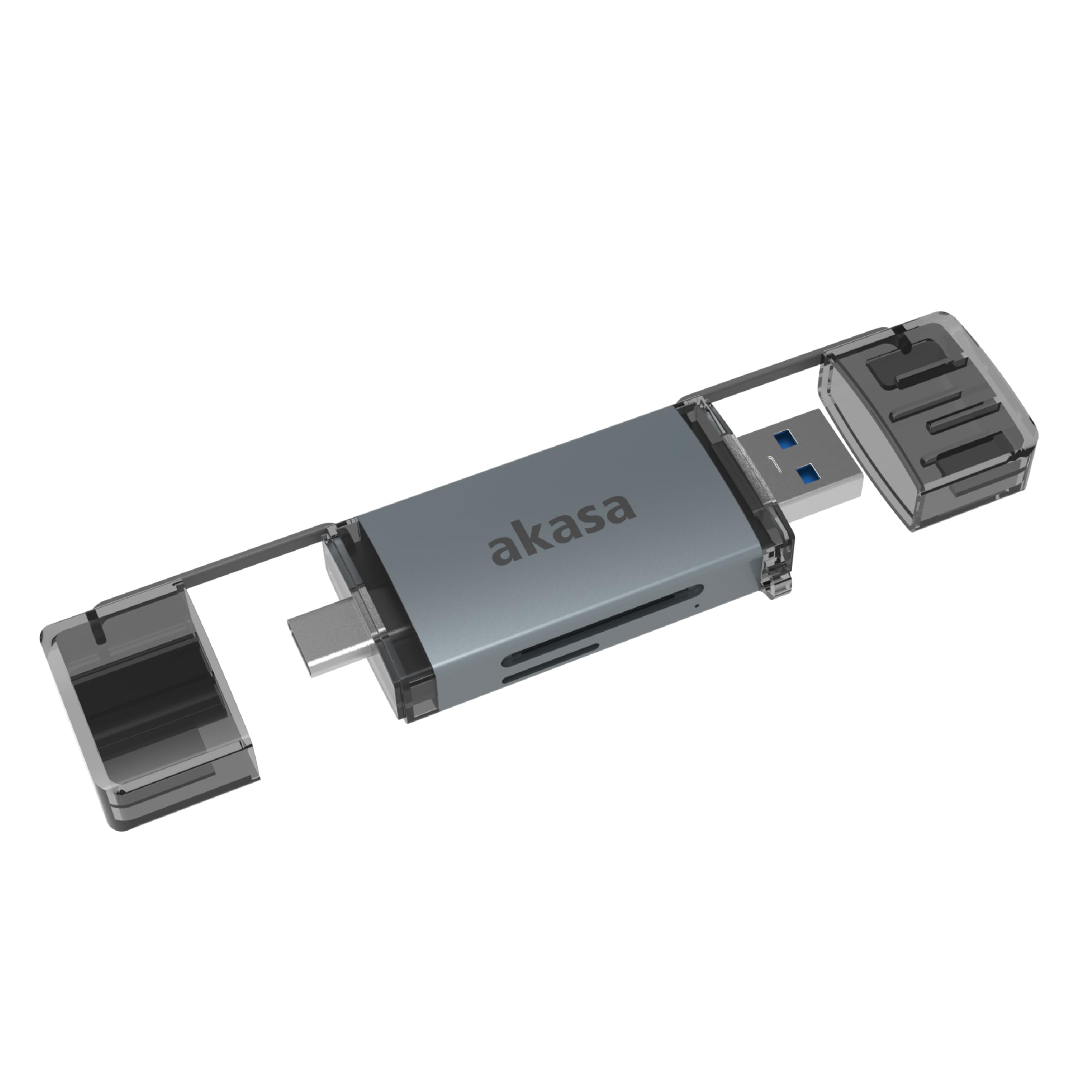
Image: The Akasa AK-CR-12 connected to a laptop, highlighting its USB 3.2 Gen 1 high-speed data transmission capability of up to 5Gbps, compared to USB 2.0's 480Mbps.

Слика: Крупни план view of the Akasa AK-CR-12, emphasizing its aluminum housing designed for enhanced heat dissipation and protection, and its ease of plugging into various devices.
Подешавање и рад
- Уметните меморијску картицу: Gently insert your SD or microSD card into the corresponding slot on the Akasa AK-CR-12. Ensure the card is inserted correctly with the contacts facing down.
- Повежите се са уређајем:
- For devices with a USB Type-C port (e.g., modern laptops, smartphones, tablets), connect the USB Type-C end of the card reader.
- For devices with a USB Type-A port (e.g., older laptops, desktop PCs), connect the USB Type-A end of the card reader.
- Приступ подацима: Once connected, your operating system should automatically detect the card reader and the inserted memory card. The memory card will appear as a removable drive. You can then access, transfer, and manage fileкао што бисте то урадили са било којим другим уређајем за складиштење.
- Безбедно избацивање: Before disconnecting the card reader, always safely eject the removable drive through your operating system's interface to prevent data corruption.
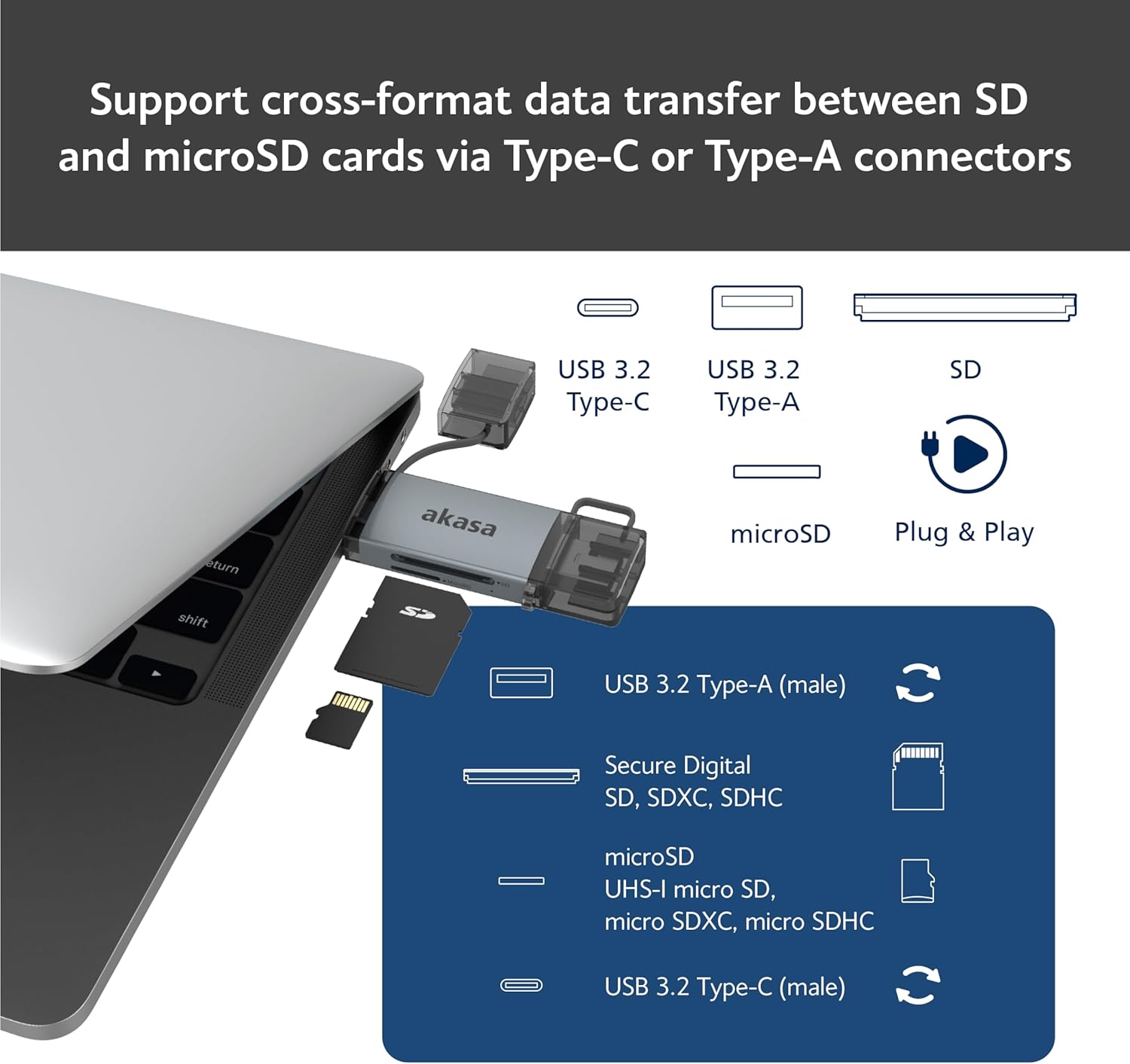
Image: An illustration demonstrating how to support cross-format data transfer between SD and microSD cards using the Type-C or Type-A connectors of the Akasa AK-CR-12, showing the different connector types and card slots.
Компатибилност
The Akasa AK-CR-12 is designed for broad compatibility with various operating systems and devices:
- Оперативни системи:
- мацОС 10.6.2 или новији
- Виндовс КСП/7/8/10/11
- Linux Fedora FC8 or higher
- Андроид систем
- Компатибилни уређаји: Personal Computers, Laptops, Smartphones, Tablets.
- Memory Card Types: Secure Digital (SD, SDHC, SDXC, UHS-I), microSD (microSD, microSDHC, microSDXC).
Note for Smartphone/Tablet Devices:
If an adapter is needed for smartphone/tablet devices, the device must have USB OTG (On-The-Go) functionality to utilize the card reader feature.
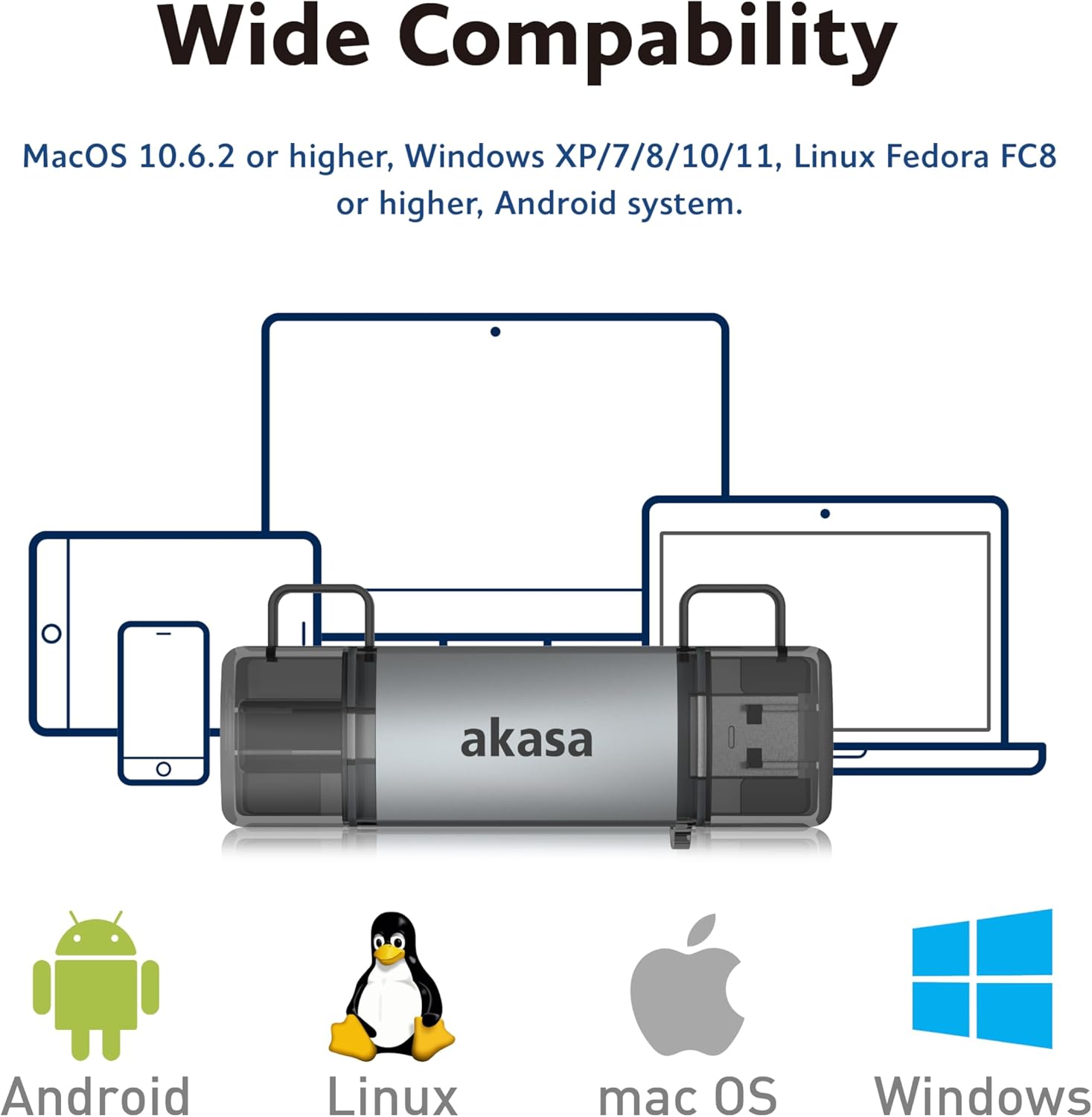
Image: The Akasa AK-CR-12 positioned centrally with logos for Android, Linux, macOS, and Windows operating systems, illustrating its wide compatibility across different platforms.
Спецификације
| Феатуре | Детаљ |
|---|---|
| Апликација | External USB 3.2 Gen 1 Card Reader |
| Димензије | 84.5 к 25.35 к 11.4 мм |
| Упстреам Портс | USB 3.2 Type-C (male) & USB 3.2 Type-A (male) |
| Memory Card Types | Secure Digital (UHS-I micro SD, micro SDXC, micro SDHC), microSD (micro SD, micro SDXC, micro SDHC) |
| Максимална брзина преноса података | 5Gb/s (USB 3.2 Gen 1 / USB 3.0), 480Mb/s (USB 2.0) |
| Компатибилност ОС | macOS 10.6.2 or higher, Windows XP/7/8/10/11, Linux Fedora FC8 or higher, Android System |
| Плуг & Плаи | Подржано |
| Хот Сваппабле | Подржано |
| Код производа | АК-ЦР-12 |
| Тежина артикла | 20 грама |

Image: A detailed diagram illustrating the physical dimensions of the Akasa AK-CR-12, including its length (84.5mm), width (25.35mm), and thickness (11.4mm).
Решавање проблема
- Уређај није откривен:
- Ensure the card reader is firmly connected to your device's USB port.
- Испробајте други УСБ порт на рачунару или уређају.
- Verify that the memory card is correctly inserted into the card reader.
- Test the card reader on another compatible device to rule out a port issue.
- Спори пренос података:
- Ensure you are connected to a USB 3.0/3.2 port for optimal speeds. Connecting to a USB 2.0 port will result in lower transfer rates (up to 480Mb/s).
- Check the speed class of your memory card; slower cards will limit transfer speeds.
- Избегавајте пребацивање много малих files simultaneously, as this can reduce overall speed.
- Не могу приступити Files:
- Ensure the memory card is not write-protected (check for a physical lock switch on SD cards).
- Verify the memory card is formatted correctly for your operating system.
- Try accessing the card directly if your device has a built-in card reader to confirm the card itself is functional.
- Smartphone/Tablet Compatibility:
- Confirm your smartphone or tablet supports USB OTG (On-The-Go) functionality. This is essential for the device to recognize external USB storage.
- Some devices may require enabling OTG in their settings.
Одржавање
- Чишћење: Use a soft, dry cloth to clean the exterior of the card reader. Avoid liquid cleaners or solvents.
- Складиштење: Читач картица чувајте на хладном и сувом месту, даље од директне сунчеве светлости и екстремних температура.
- Заштита: Keep the protective caps on the USB connectors when not in use to prevent dust and damage.
- Руковање: Избегавајте испуштање уређаја или излагање јаким ударима.
Гаранција и подршка
For warranty information and technical support, please refer to the official Akasa webсајт или контактирајте локалног продавца. Сачувајте рачун као доказ о куповини.
Akasa Official Webсајт: ввв.акаса.цом.тв