
1. Увод
This manual provides instructions for the iTOMA Model CKS507 Clock Radio. This device combines an alarm clock with a large LED display, FM radio, dual alarms, two USB charging ports, a night light, and both automatic and manual dimmer functions. It also features APP control for enhanced functionality and ease of use.

Figure 1: iTOMA CKS507 Clock Radio overview.
2. Кључне карактеристике
- Ultra Clear 1.4-inch White LED Display: Large numbers for easy readability from any angle, with 4-level manual and auto brightness adjustment.
- АПП контрола: Manage alarms, radio, and other settings via the dedicated iTOMA App for iOS and Android.
- Двоструки аларми: Set two independent alarms with customizable wake-up modes (radio or buzzer) and 4 alarm week modes (Every day, single day, weekdays, weekends).
- ФМ радио: Digital tuning with memory storage for up to 20 programmable stations (87.5-108MHz). Features a sleep-to-music timer (10-90 minutes).
- Блуетоотх повезивање: Бежично преносите аудио са уређаја који подржавају Bluetooth.
- Two USB Charging Ports: Includes one USB Type-A and one USB Type-C port (2.1A 5V) for charging mobile devices.
- Ноћно светло: Two-level night light for ambient illumination.
- Одгода функција: 9-minute snooze, up to 6 times.
- Crescendo Wake-up Control: Јачина звука аларма се постепено повећава.
3. Садржај пакета
Проверите да ли су све ставке присутне у пакету:
- 1 x iTOMA CKS507 Clock Radio
- 1 к адаптер за напајање
- 1 x Упутство за употребу (шест језика)
4. Подешавање
4.1 Прикључак за напајање
- Unpack the iTOMA CKS507 Clock Radio and its power adapter.
- Connect the power adapter to the DC input port on the back of the clock radio.
- Plug the power adapter into a standard electrical outlet. The clock will automatically set itself to the correct year, month, date, day, and time upon initial power-up and after any power interruption.
4.2 App Control Setup
The iTOMA App provides convenient control over various clock functions.
- Преузмите апликацију: Тражи "iTOMA" in the App Store (iOS) or Google Play Store (Android) and download the application.
- Power On and Bluetooth Activation: Ensure the clock radio is powered on. Press the BT button on the clock. The Bluetooth indicator on the clock display should flash, indicating it is in pairing mode.
- Повежите се путем апликације:
- Open the iTOMA App on your mobile device.
- Tap "Connect" within the App.
- In the pop-up interface, select "Settings" and then connect to the Bluetooth device named "507".
- Потврда: A successful connection will be indicated by an audible tone from the clock. The App and Bluetooth indicator lights on the clock will remain steadily on.
- Решавање проблема са везом: If the App cannot connect, ensure your mobile device's Bluetooth is enabled and the clock's Bluetooth is active (indicator flashing or steady).

Figure 2: Steps for connecting the iTOMA App.
5. Упутство за употребу
5.1 Подешавање времена и датума
The clock automatically sets the time upon power-up. Manual adjustment is also possible.
- Ручно подешавање времена: Користите ВРЕМЕНСКИ СКЛОП button to adjust the year, date, day of the week, and time. Refer to the detailed instructions in the included multi-language manual for specific button sequences.
- временска зона: Adjust the time zone according to your location.
- Формат 12/24 сата: Изаберите жељени формат приказа времена.
5.2 функција аларма
Радио-сат има два независна аларма.

Figure 3: Dual alarm clock functionality.
- Подешавање аларма: Use the dedicated alarm buttons or the iTOMA App to set Alarm 1 and Alarm 2.
- Wake-up Modes: Choose to wake up to the FM radio or a buzzer sound.
- Alarm Week Modes: Select from four options: Every day, single day only, weekdays only, or weekends only.
- Јачина звука аларма: Adjust the alarm volume (16 levels). The alarm sound will gradually increase (crescendo wake-up).
- Одгода: Када се огласи аларм, притисните дугме СНООЗЕ button to temporarily silence it for 9 minutes. This can be repeated up to 6 times.
- Disabling Alarm: To turn off an alarm, use the physical alarm switch on the back of the unit or disable it via the App. Remember to re-enable it for the next day if needed.
5.3 ФМ Радио
Enjoy your favorite radio stations with digital tuning.

Figure 4: FM Radio tuning and presets via App.
- подешавање: Use the tuning controls on the unit or the App to find FM stations (87.5-108MHz).
- Пресетс: Store up to 20 favorite radio stations for quick access.
- Волумен: Adjust the radio volume from 0-16 levels.
- Антена: Ensure the external cable antenna is properly extended for optimal reception.
- Мерач спавања: Set a programmable sleep-to-music timer (10-90 minutes) to fall asleep to your chosen radio station. The radio will automatically turn off after the set duration.
5.4 Стримовање звука преко Bluetooth-а
Connect your mobile device to stream music wirelessly.

Figure 5: Bluetooth music streaming.
- Притисните тастер BT button on the clock radio to enter Bluetooth pairing mode. The Bluetooth indicator will flash.
- On your mobile device, go to Bluetooth settings and select "507" from the list of available devices to pair.
- Once paired, the Bluetooth indicator on the clock will stop flashing and remain steady. You can now stream audio from your device to the clock radio.
5.5 Затамњивач дисплеја
Adjust the display brightness for comfort.

Figure 6: Display brightness levels and auto dimmer.
- Ручни димер: Користите ДИММЕР button to cycle through 4 brightness levels (L-1, L-2, L-3, OFF).
- Аутоматско затамњивање: The clock features an auto-dimmer function that adjusts the display brightness based on ambient light conditions, reducing brightness for uninterrupted sleep.
5.6 Ноћно светло
The integrated night light provides soft illumination.
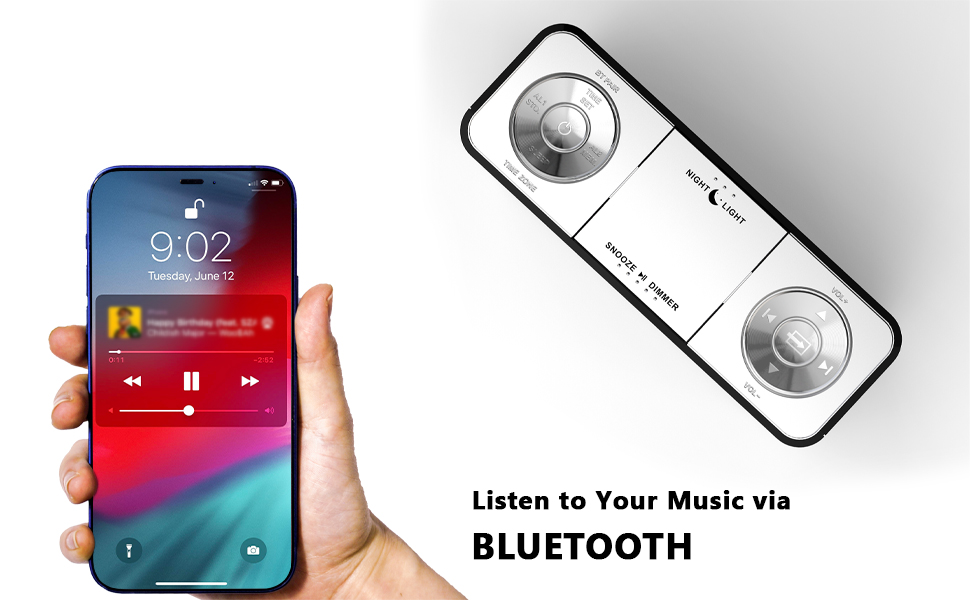
Figure 7: Night light feature.
- Притисните тастер НОЋНО СВЕТЛО button to activate or adjust the two-level night light.
5.7 УСБ порта за пуњење
Charge your mobile devices conveniently.
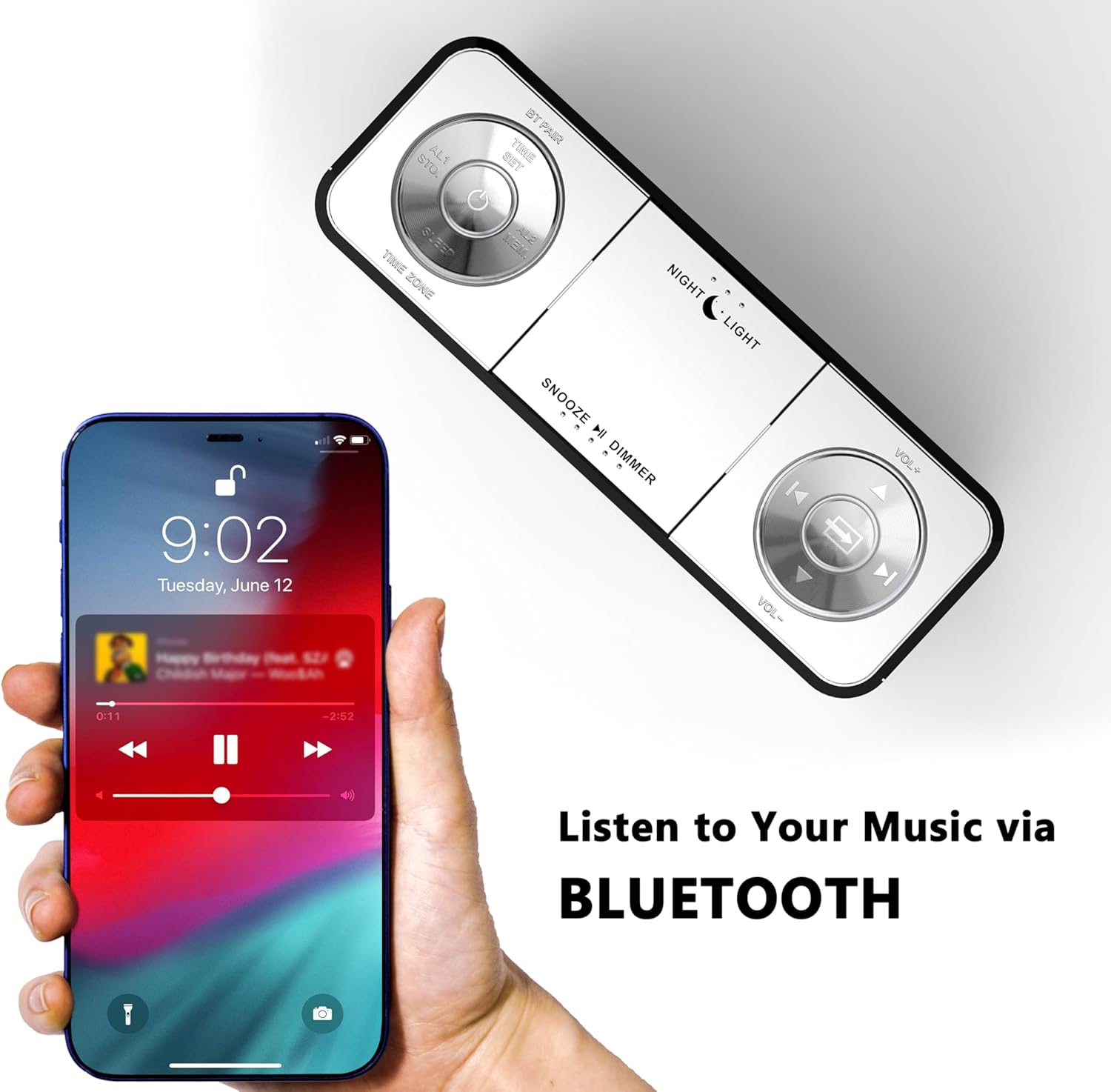
Figure 8: USB charging ports in use.
- The clock radio includes one USB Type-A and one USB Type-C charging port (2.1A 5V total output).
- Connect your mobile phone, tablet, or other USB-powered devices to these ports for charging.
6. Одржавање
- Чишћење: Обришите уређај меком, сувом крпом. Не користите абразивна средства за чишћење или раствараче.
- Искључивање струје: Искључите адаптер за напајање из зидне утичнице ако уређај неће бити коришћен дуже време.
- Пласман: Place the clock radio on a stable, flat surface away from direct sunlight, heat sources, and moisture.
КСНУМКС. Решавање проблема
| Проблем | Могући узрок | Решење |
|---|---|---|
| Приказ сата је празан или не ради. | No power or power interruption. | Ensure the power adapter is securely plugged into the clock and a working electrical outlet. |
| Time/Date is incorrect after power interruption. | No battery backup for settings. | The clock automatically resets time upon power restoration. If manual settings were lost, re-enter them using the TIME SET button or App. |
| Cannot connect to the iTOMA App. | Bluetooth is off on the clock or mobile device; incorrect pairing process. | Ensure Bluetooth is enabled on your mobile device. Press the BT button on the clock to activate pairing mode. Follow App connection steps carefully. |
| Слаб ФМ радио пријем. | Антена није издужена или је сигнал лош. | Fully extend the external cable antenna. Try repositioning the antenna or the clock radio for better signal. |
| Аларм се не оглашава. | Alarm is not set, turned off, or volume is too low. | Verify alarm settings (time, mode, active days) via the clock or App. Ensure alarm volume is set to an audible level. Check the physical alarm switch on the back. |
| УСБ пуњење не ради. | Уређај није компатибилан или је кабл неисправан. | Ensure your device is compatible with 5V USB charging. Try a different USB cable. Confirm the clock radio is powered on. |
8. Спецификације
| Бранд | иТОМА |
| Број модела | ЦКС507 |
| Боја | Вхите Лед |
| Дисплаи Типе | Дигитал ЛЕД |
| Димензије производа | 158 mm x 90 mm |
| Извор напајања | Цордед Елецтриц |
| Материјал оквира | Пластика |
| Тежина артикла | 1.19 фунти |
| ФМ Фреквенцијски опсег | 87.5-108 МХз |
| УСБ излаз за пуњење | 2.1A 5V (Type-A and Type-C ports) |

Слика 9: Димензије производа.
9. Корисничка подршка
For further assistance, troubleshooting, or warranty information, please contact iTOMA customer support.
- Произвођач: иТОМА
- Подршка на мрежи: Refer to the official iTOMA webвеб-сајт или контакт информације наведене у паковању производа за најновије канале подршке.