
1. Увод
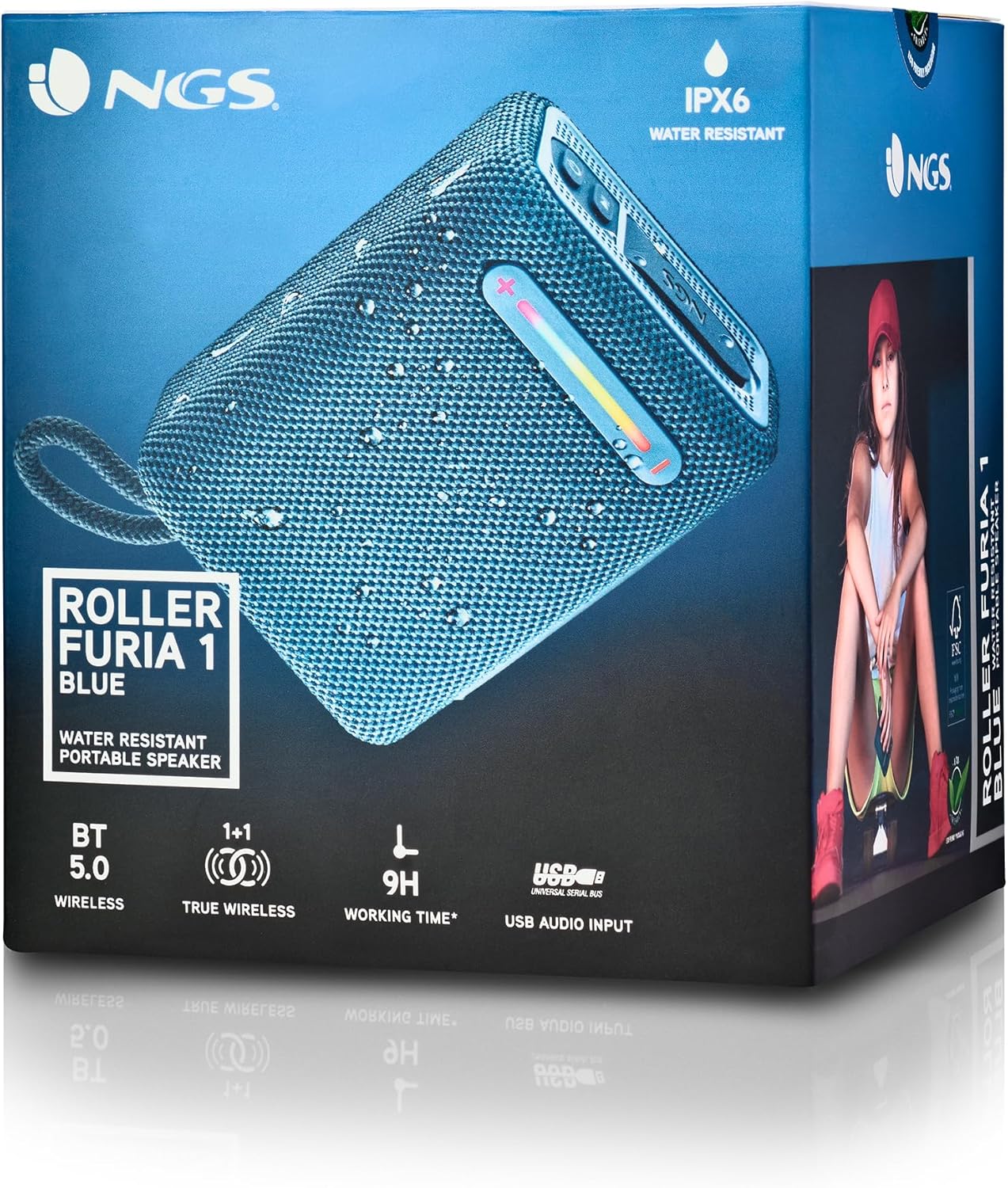
Thank you for choosing the NGS Roller Furia 1 portable speaker. This device is designed to provide high-quality audio with advanced features such as Bluetooth 5.0 connectivity, True Wireless Stereo (TWS) functionality, RGB lighting, and IPX6 water resistance. This manual provides essential information for the safe and efficient use of your speaker.
2. Садржај пакета
Молимо вас да проверите пакет за следеће ставке:
- NGS Roller Furia 1 Portable Speaker
- УСБ кабл за пуњење типа Ц
- Трака за ношење
- Упутство за употребу (овај документ)
3. Производ је готовview
Упознајте се са компонентама и контролама звучника.
Ова слика пружа детаљан view of the NGS Roller Furia 1 speaker, indicating its approximate dimensions (10cm length, 7.5cm height) and labeling the USB input and AUX input ports. It also highlights the RGB light strip and the power button.
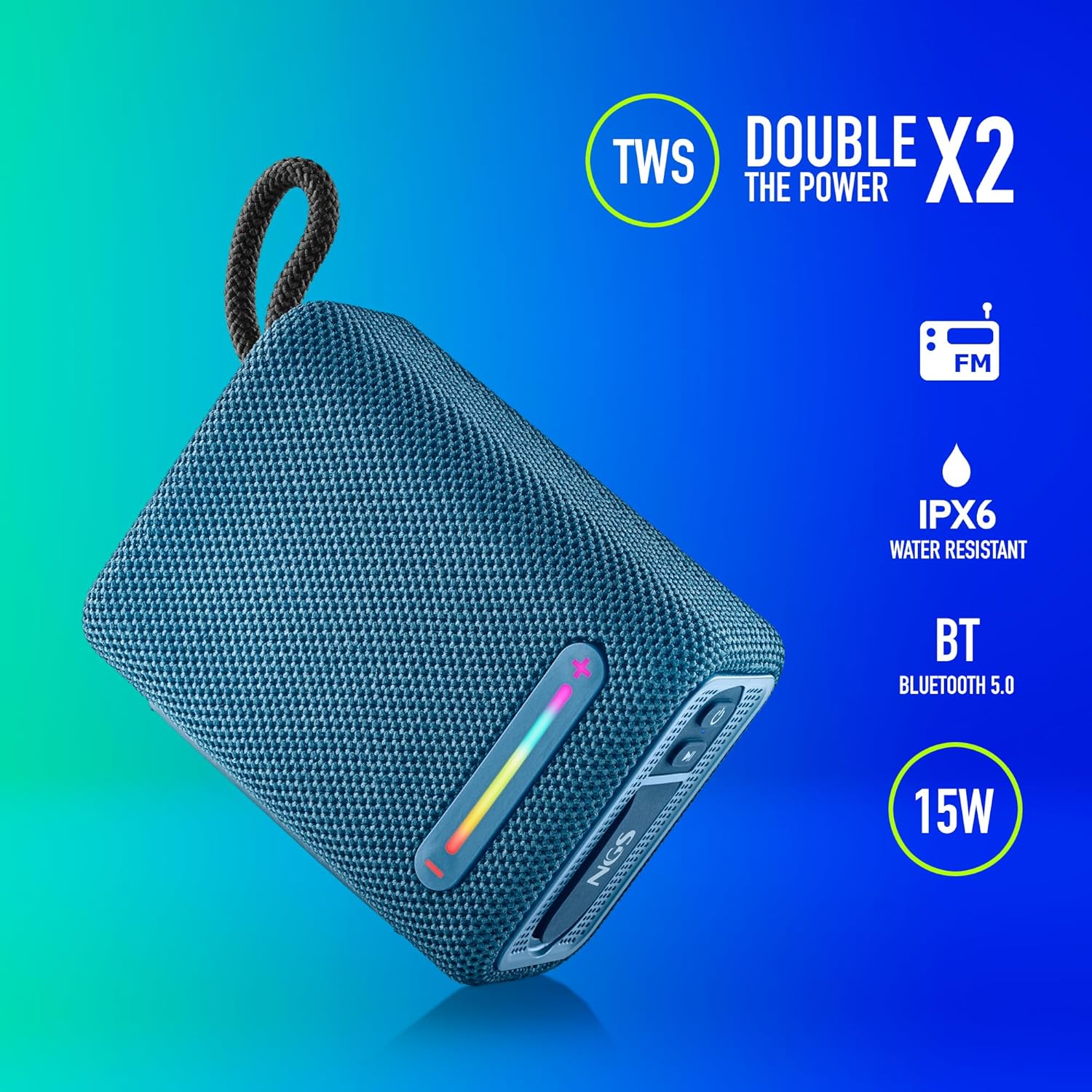
This image illustrates the NGS Roller Furia 1 Blue speaker from an angled view, emphasizing its key features: True Wireless Stereo (TWS) for pairing two speakers, IPX6 water resistance, Bluetooth 5.0 connectivity, and 15 Watts of audio power.
Контроле и портови:
- Дугме за напајање: Press and hold to turn the speaker on or off. Short press to play/pause audio.
- Дугме за појачавање јачине звука / следећу нумеру (+): Кратко притисните да бисте повећали јачину звука. Дуго притисните да бисте прешли на следећу нумеру.
- Дугме за смањивање јачине звука / претходну нумеру (-): Кратко притисните да смањите јачину звука. Дуго притисните да бисте прешли на претходну нумеру.
- Дугме за режим (М): Short press to switch between Bluetooth, USB, and AUX input modes.
- РГБ светло дугме: Press to cycle through different RGB light modes or turn them off.
- УСБ улазни порт: For playing audio from USB memory devices (up to 32GB).
- АУКС улазни порт: For connecting external audio devices via a 3.5mm audio cable (not included).
- УСБ Типе-Ц порт за пуњење: За пуњење унутрашње батерије звучника.
4. Подешавање
4.1 Пуњење звучника
- Повежите приложени USB Type-C кабл за пуњење са портом за пуњење звучника.
- Повежите други крај кабла са УСБ адаптером за напајање (није укључен) или УСБ портом рачунара.
- The charging indicator light will illuminate. Once fully charged, the light will change or turn off (refer to the speaker's LED behavior).
- A full charge provides approximately 9 hours of playback at 50% volume.
4.2 Укључивање/искључивање
- Да бисте укључили, притисните и држите Дугме за напајање until you hear an audible prompt and the indicator lights illuminate.
- За искључивање притисните и држите тастер Дугме за напајање again until you hear an audible prompt and the indicator lights turn off.
5. Упутство за употребу
5.1 Блуетоотх упаривање
- Ensure the speaker is powered on and in Bluetooth mode (the indicator light will flash, indicating it's ready for pairing). If not, press the Дугме за режим (М) da biste prešli na Bluetooth režim.
- На свом мобилном уређају омогућите Блуетоотх и потражите доступне уређаје.
- Изаберите „NGS ROLLER FURIA 1„са листе уређаја“.
- Након упаривања, звучник ће емитовати звучну потврду, а индикаторска лампица за Bluetooth ће престати да трепери и остати непрекидно светлећа.
- Звучник ће аутоматски покушати да се поново повеже са последњим упареним уређајем када се укључи.
5.2 Упаривање са правим бежичним стерео (TWS) системом
TWS allows you to pair two NGS Roller Furia 1 speakers together for a stereo sound experience.
- Ensure both NGS Roller Furia 1 speakers are powered on and in Bluetooth pairing mode (indicator lights flashing).
- On one of the speakers (this will be the primary speaker), double-press the Дугме за режим (М). The speaker will emit a sound, indicating it's searching for another TWS speaker.
- The two speakers will automatically connect to each other. Once connected, you will hear a confirmation sound, and the indicator light on the primary speaker will flash slowly, while the secondary speaker's light will remain solid.
- Сада повежите свој мобилни уређај са примарним звучником путем Блутута као што је описано у одељку 5.1.
5.3 Репродукција са УСБ-а
- Insert a USB memory device (up to 32GB) containing MP3 audio files into the USB Input Port.
- The speaker will automatically switch to USB mode and begin playing audio. If not, press the Дугме за режим (М) да изаберете УСБ режим.
- Користите Јачина звука (+) и Смањивање јачине звука (-) buttons for track control and volume adjustment.
5.4 АУКС улаз
- Connect one end of a 3.5mm audio cable (not included) to the AUX Input Port on the speaker.
- Повежите други крај кабла са аудио излазом вашег екстерног уређаја.
- Звучник ће се аутоматски пребацити у AUX режим. Ако не, притисните Дугме за режим (М) да изаберете АУКС режим.
- Контролишите репродукцију и јачину звука са свог екстерног уређаја.
5.5 РГБ светлосних режима
The speaker features an integrated RGB light strip.
- Притисните тастер РГБ светло дугме да се креће кроз различите светлосне обрасце и боје.
- Continue pressing the button to turn the lights off.
5.6 Volume Control and Call Management
- Подешавање јачине звука: Кратко притисните на Јачина звука (+) or Смањивање јачине звука (-) дугмад.
- Одговори/заврши позив: When a call comes in while connected via Bluetooth, short press the Дугме за напајање to answer or end the call.
- Одбиј позив: Дуго притисните Дугме за напајање да одбијете долазни позив.
6. Одржавање
6.1 Чишћење
- Обришите звучник меком, сувом крпом.
- Do not use abrasive cleaners, alcohol, benzene, or other chemical solvents, as these may damage the surface or components.
6.2 Складиштење
- Чувајте звучник на хладном и сувом месту, даље од директне сунчеве светлости и екстремних температура.
- Ако складиштите батерију дуже време, периодично је пуните како бисте продужили њен век трајања.
6.3 Отпорност на воду (IPX6)
- The NGS Roller Furia 1 is IPX6 water resistant, meaning it can withstand powerful water jets. It is suitable for outdoor use and can resist rain or splashes.
- Не урањајте звучник у воду.
- Ensure the rubber flap covering the ports is securely closed to maintain water resistance.
КСНУМКС. Решавање проблема
| Проблем | Могући узрок | Решење |
|---|---|---|
| Звучник се не укључује. | Батерија је празна. | Пуните звучник помоћу приложеног USB Type-C кабла. |
| Нема звука. | Volume is too low or muted. Incorrect input mode. Device not paired. | Increase volume on speaker and connected device. Press the Дугме за режим (М) to select the correct input. Re-pair the Bluetooth device. |
| Блуетоотх упаривање није успело. | Звучник није у режиму упаривања. Уређај је предалеко. Сметње. | Ensure speaker is in pairing mode (flashing light). Move device closer (within 10m). Turn off other Bluetooth devices. |
| Упаривање TWS-а не успева. | Speakers are too far apart. One speaker is already paired to a device. | Ensure both speakers are close to each other. Disconnect any Bluetooth devices from both speakers before initiating TWS pairing. |
| Изобличење звука. | Volume too high. Low battery. | Reduce volume. Charge the speaker. |
8. Спецификације
| Феатуре | Детаљ |
|---|---|
| Назив модела | Roller Furia 1 |
| Број модела | ЕЛЕЦ-СПК-0865 |
| Бранд | НГС |
| Технологија повезивања | Bluetooth 5.0, Auxiliary, USB |
| Излазна снага звучника | 15 Ваттс |
| Фреквенцијски одзив | 2480 МХз |
| Однос сигнала и шума | 80 дБ |
| Оцена водоотпорности | ИПКС6 |
| Тип батерије | 3.7В/2500мАх литијумска батерија |
| Просечан век трајања батерије | До 9 сати (при 50% запремине) |
| Домет | До 10 метара |
| УСБ подршка | Up to 32GB memory devices |
| Димензије (Д к Ш к В) | 5D x 9.9W x 7.5H centimetres (approximate) |
| Материјал | Stoff (Fabric) |
9. Гаранција и подршка
The NGS Roller Furia 1 portable speaker comes with a limited warranty. Please refer to the warranty card included in your package or visit the official NGS webсајт за детаљне услове гаранције.
For technical support, troubleshooting assistance, or inquiries about your product, please contact NGS customer service through their official webсајт или контакт информације наведене у документацији вашег производа.