
IMIKI SF1
IMIKI SF1 Упутство за употребу паметног сата
Модел: СФ1
1. Увод
The IMIKI SF1 Smart Watch is a sophisticated wearable device designed to enhance your daily life with advanced health monitoring, smart connectivity, and a durable, stylish design. Featuring a vibrant AMOLED display and a comfortable magnetic strap, the SF1 offers a seamless user experience for tracking fitness, managing calls, and staying informed.
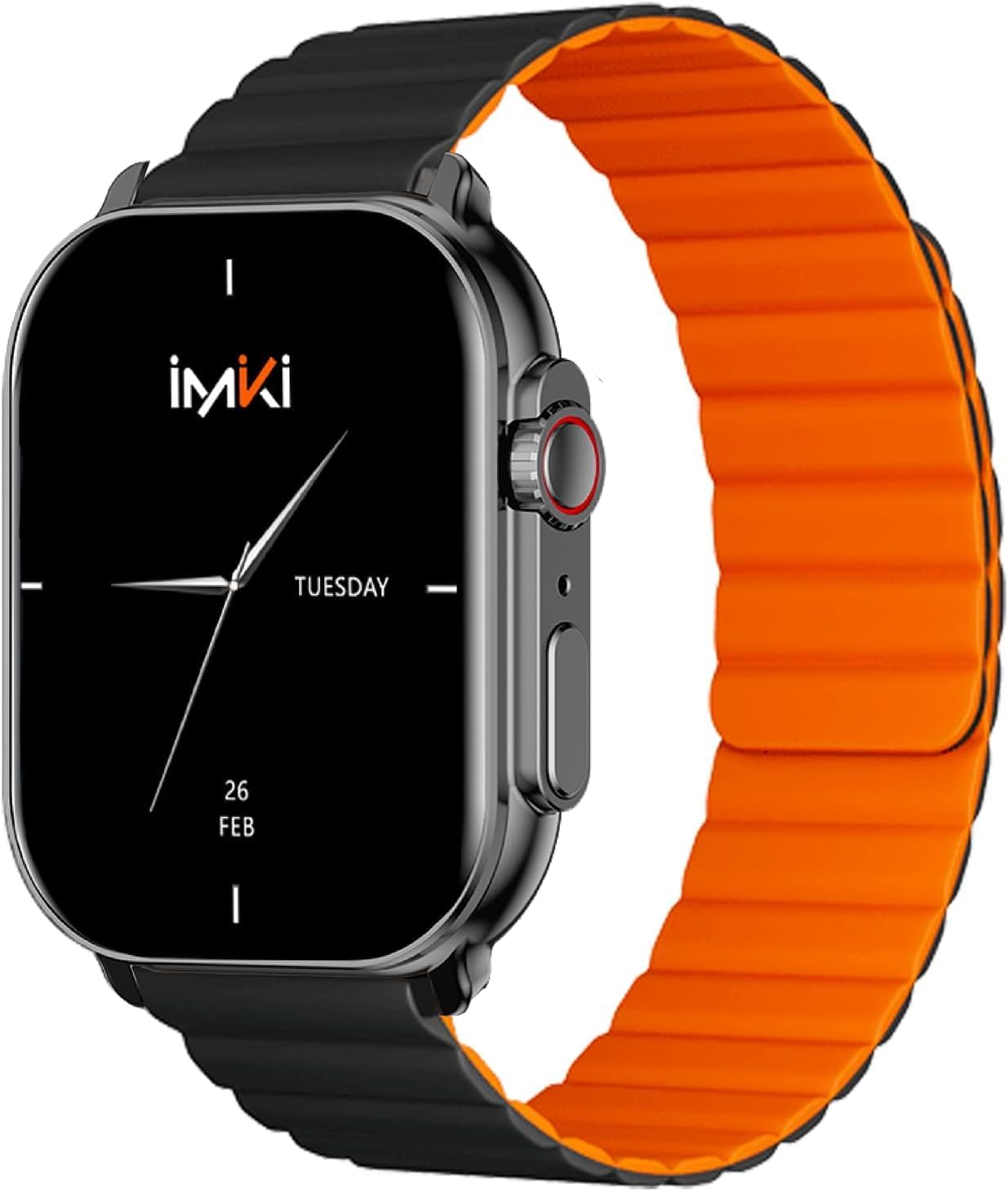
Image: The IMIKI SF1 Smart Watch, showcasing its sleek design and magnetic strap.
2. Шта је у кутији
- IMIKI SF1 Smart Watch (with magnetic strap)
- Кабл за пуњење
- Упутство за употребу
3. Подешавање
3.1 Пуњење уређаја
Before first use, fully charge your IMIKI SF1 Smart Watch. Connect the magnetic charging cable to the charging points on the back of the watch and plug the USB end into a compatible power adapter (5V/1A recommended). A full charge typically takes approximately 2 hours.
3.2 Преузимање пратеће апликације
To unlock the full functionality of your IMIKI SF1, download the official companion app on your smartphone. Тражи "IMIKI" in the Apple App Store (for iOS devices) or Google Play Store (for Android devices).
3.3 Упаривање са вашим паметним телефоном
- Уверите се да је Блуетоотх омогућен на вашем паметном телефону.
- Open the IMIKI companion app.
- Follow the on-screen instructions within the app to search for and connect to your SF1 Smart Watch. The watch will typically appear as "IMIKI SF1" in the list of available devices.
- Потврдите захтев за упаривање и на сату и на паметном телефону ако се то од вас затражи.
3.4 Adjusting the Magnetic Strap
The IMIKI SF1 features a convenient magnetic silicone strap. To adjust, simply wrap the strap around your wrist and allow the magnetic ends to secure themselves for a comfortable and snug fit. Ensure the watch is not too tight or too loose for accurate health monitoring.

Image: The magnetic strap of the IMIKI SF1 Smart Watch, illustrating its adjustable and secure design.
4. Упутство за употребу
4.1 Основна навигација
- екран осетљив на додир: Превуците прстом нагоре, надоле, лево или десно да бисте се кретали кроз меније и обавештења. Додирните да бисте изабрали ставке.
- Mechanical Feedback Crown: Rotate the crown to scroll through lists, adjust volume, or change brightness. Press the crown to return to the home screen or confirm selections.

Слика: Са стране view of the IMIKI SF1 Smart Watch, highlighting the mechanical feedback crown for navigation.
4.2 Smartphone Connection and Calls
The IMIKI SF1 supports Bluetooth 5.3 for stable and efficient connection to your smartphone. You can manage calls directly from your watch, including answering, rejecting, and making calls, even with hands-free functionality. The adaptive noise cancellation feature helps ensure clear audio during calls.
4.3 Customizing Dials and Features
Utilize the companion app to customize your watch faces and access various functions. The app allows you to personalize the display to suit your style and preferences.
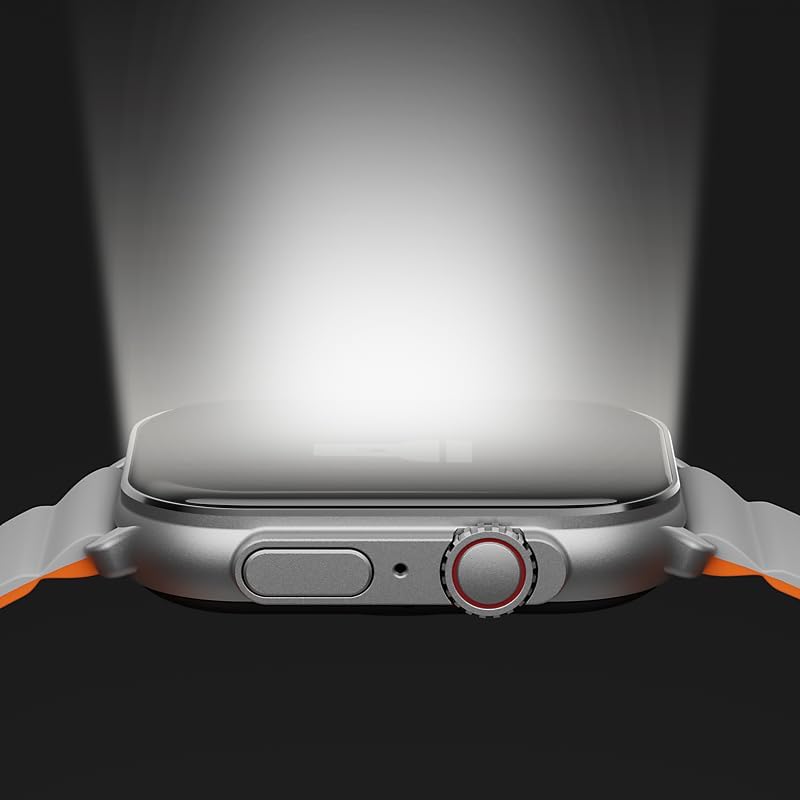
Image: The IMIKI SF1 Smart Watch display, illustrating various app icons and data screens for daily activities, heart rate, and stress monitoring.
5. Health and Fitness Monitoring
The IMIKI SF1 is equipped with an optical sensor for comprehensive health tracking. It supports 105 training modes to accurately record your exercise statistics. Key health features include:
- Мерење откуцаја срца: Континуирано прати ваш пулс током целог дана.
- Детекција засићености крви кисеоником (SpO2): Measures the oxygen levels in your blood.
- Праћење активности: Бележи кораке, пређену удаљеност, потрошене калорије и активне минуте.
- Праћење сна: Analyzes sleep patterns to help you understand your sleep quality.

Image: The back of the IMIKI SF1 Smart Watch, showing the optical sensors used for heart rate and blood oxygen measurement.
6. Отпорност на воду
The IMIKI SF1 Smart Watch has an ИП68 водоотпорна оцена, meaning it is resistant to dust and can withstand immersion in water up to 1.5 meters for 30 minutes. This makes it suitable for daily use, including hand washing, rain, and shallow water activities. Avoid hot water, steam, or prolonged immersion in deep water.
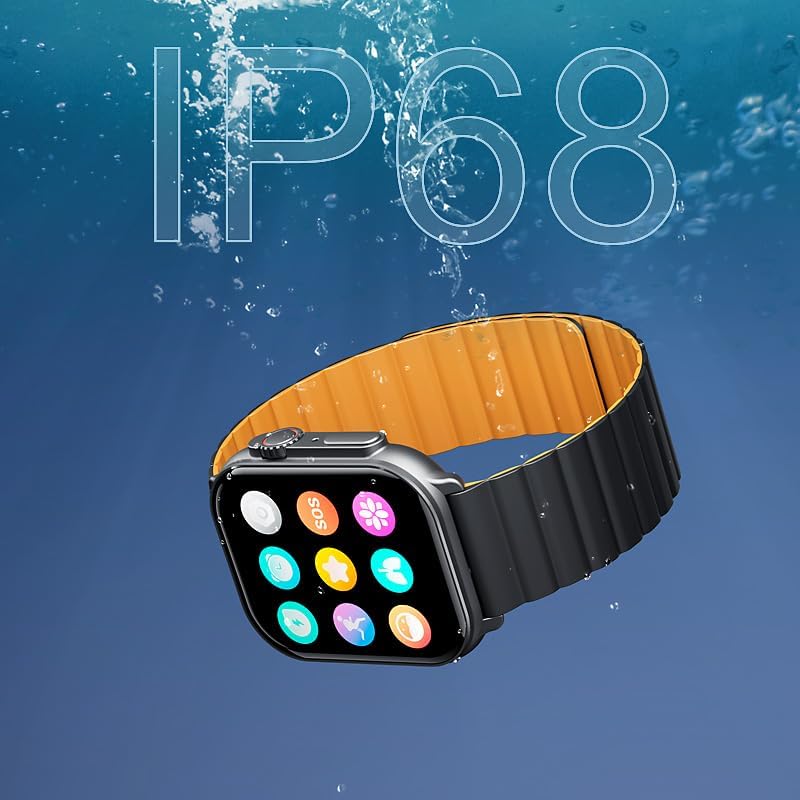
Image: The IMIKI SF1 Smart Watch submerged in water, illustrating its IP68 water resistance rating.
7. Трајање батерије
The IMIKI SF1 is equipped with a 280mAh battery, offering impressive autonomy:
- Типична употреба: До 15 дана трајања батерије.
- Intensive Use: До 7 дана трајања батерије.
The device fully charges in approximately 2 hours.
8. Одржавање
- Чишћење: Редовно бришите екран и каиш сата меком, сувом крпом. За тврдокорну прљавштину, благо дamp Може се користити тканина, након чега следи сушење.
- Контакти за пуњење: Ensure the charging contacts on the back of the watch are clean and free of debris to maintain efficient charging.
- Складиштење: Када се сат не користи дуже време, чувајте га на хладном и сувом месту.
- Избегавајте хемикалије: Не користите јаке хемикалије, раствараче за чишћење или јаке детерџенте за чишћење сата, јер могу оштетити завршну обраду или унутрашње компоненте.
КСНУМКС. Решавање проблема
- Сат се не укључује: Ensure the watch is fully charged. If it still doesn't turn on, try pressing and holding the crown button for 10-15 seconds to force a restart.
- Не може се упарити са паметним телефоном:
- Уверите се да је Bluetooth омогућен на вашем телефону и сату.
- Уверите се да је сат у домету Bluetooth-а вашег телефона.
- Поново покрените и сат и телефон.
- Обришите Bluetooth кеш меморију на телефону (ако је применљиво) и покушајте поново да упарите.
- Нетачна очитавања здравственог стања: Ensure the watch is worn snugly on your wrist, not too loose or too tight. Clean the optical sensor on the back of the watch.
- Kratko trajanje baterije: Reduce screen brightness, disable unnecessary notifications, or limit continuous health monitoring features to extend battery life.
10. Спецификације
| Феатуре | Спецификација |
|---|---|
| Модел | СФ1 |
| Дисплаи | 2.01 Inch AMOLED Display |
| Повезивање | Блуетоотх 5.3 |
| Капацитет батерије | 280мАх литијум-јонски |
| Типично трајање батерије | До 15 дана |
| Intensive Battery Life | До 7 дана |
| Време пуњења | Прибл. 2 сата |
| Отпорност на воду | ИП68 |
| Димензије | 45.8 к 37 к 10.2 мм |
| Тежина | 39.8 г |
| Подржани језици | енглески, француски, немачки, италијански, шпански |
11. Гаранција и подршка
The IMIKI SF1 Smart Watch comes with a standard manufacturer's warranty. For detailed warranty information, please refer to the warranty card included in your product packaging or visit the official IMIKI website. For technical support, troubleshooting assistance, or service inquiries, please contact IMIKI customer support through the contact information provided on the official webсајту или у оквиру пратеће апликације.
Ask a question about this manual
Ask about setup, troubleshooting, compatibility, parts, safety, or missing instructions. Manuals+ will review the question and use this page’s manual context to help answer it.