
Keysonic KSKM-8200M-RF
KeySonic KSKM-8200M-RF Wireless Desktop Set User Manual
Model: KSKM-8200M-RF
Увод
This user manual provides detailed instructions for the KeySonic KSKM-8200M-RF Wireless Desktop Set, which includes a full-size keyboard and a wireless mouse. Designed for seamless integration with Windows operating systems, this set offers a comfortable and efficient user experience with its ergonomic design and reliable 2.4 GHz wireless connection.
Please read this manual thoroughly before using the product to ensure proper setup, operation, and maintenance.

Image: The KeySonic KSKM-8200M-RF wireless keyboard and mouse set, showcasing its sand/cream multi-color design.
Сетуп
Садржај пакета
- KeySonic KSKM-8200M-RF Wireless Keyboard
- KeySonic Wireless Mouse
- USB Receiver (typically stored in the mouse battery compartment)
- 2 x AA Batteries (pre-installed or included)
- Кориснички приручник (овај документ)
Почетно подешавање
- Уметните батерије: Ensure the included AA batteries are correctly inserted into both the keyboard and the mouse. The battery compartments are usually located on the underside of each device.
- Пронађите УСБ пријемник: The small USB receiver is often stored inside the mouse's battery compartment for safe keeping during transport. Remove it carefully.
- Повежите УСБ пријемник: Plug the USB receiver into an available USB port on your personal computer.
- Уређаји за укључење: Turn on the keyboard and mouse using their respective power switches (if available). The devices should automatically connect to the receiver.
- Инсталација драјвера: For most Windows operating systems, the necessary drivers will install automatically. Wait for the installation to complete before use.
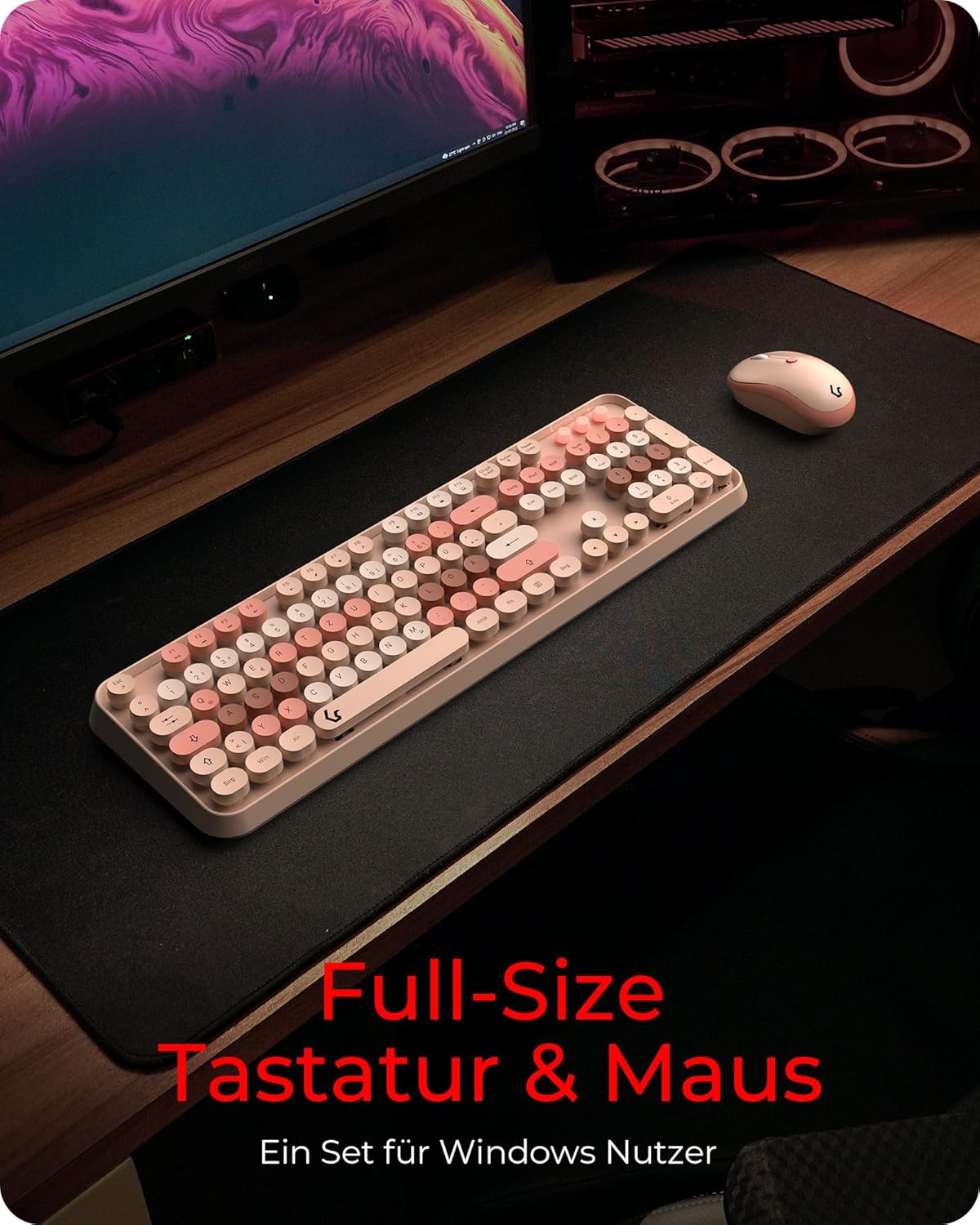
Image: The KeySonic KSKM-8200M-RF desktop set positioned on a desk, ready for use after setup.
Упутство за употребу
Функције тастатуре
- Изглед у пуној величини: The keyboard features a standard full-size layout, providing all necessary keys for general computing purposes.
- Centered Keystroke: The round keycaps are designed to ensure a centered and precise keystroke, enhancing typing accuracy and ergonomics.
- Silent Competency: Utilizing Rubberdome key technology, the keyboard offers a smooth and quiet typing experience, reducing noise in your workspace.
- Мултимедијални тастери: Dedicated or function-key combined multimedia controls (e.g., volume, play/pause) are integrated for convenient media management. Refer to the key legends for specific functions.

Слика: Крупни план view of the KeySonic keyboard, highlighting the round, multi-colored keycaps designed for centered keystrokes.

Image: A user demonstrating typing on the KeySonic keyboard, illustrating its quiet operation and comfortable design.
Функције миша
- Амбидекстрални дизајн: Миш је дизајниран за удобну употребу и леворуким и десноруким корисницима.
- ДПИ подешавање: The mouse features adjustable DPI (Dots Per Inch) settings, allowing you to customize cursor sensitivity for different tasks and individual working pace. A dedicated DPI button is usually located near the scroll wheel.
- Бежична повезаност: Both the keyboard and mouse utilize a reliable 2.4 GHz wireless connection, providing flexibility and freedom of movement up to a certain range from the USB receiver.
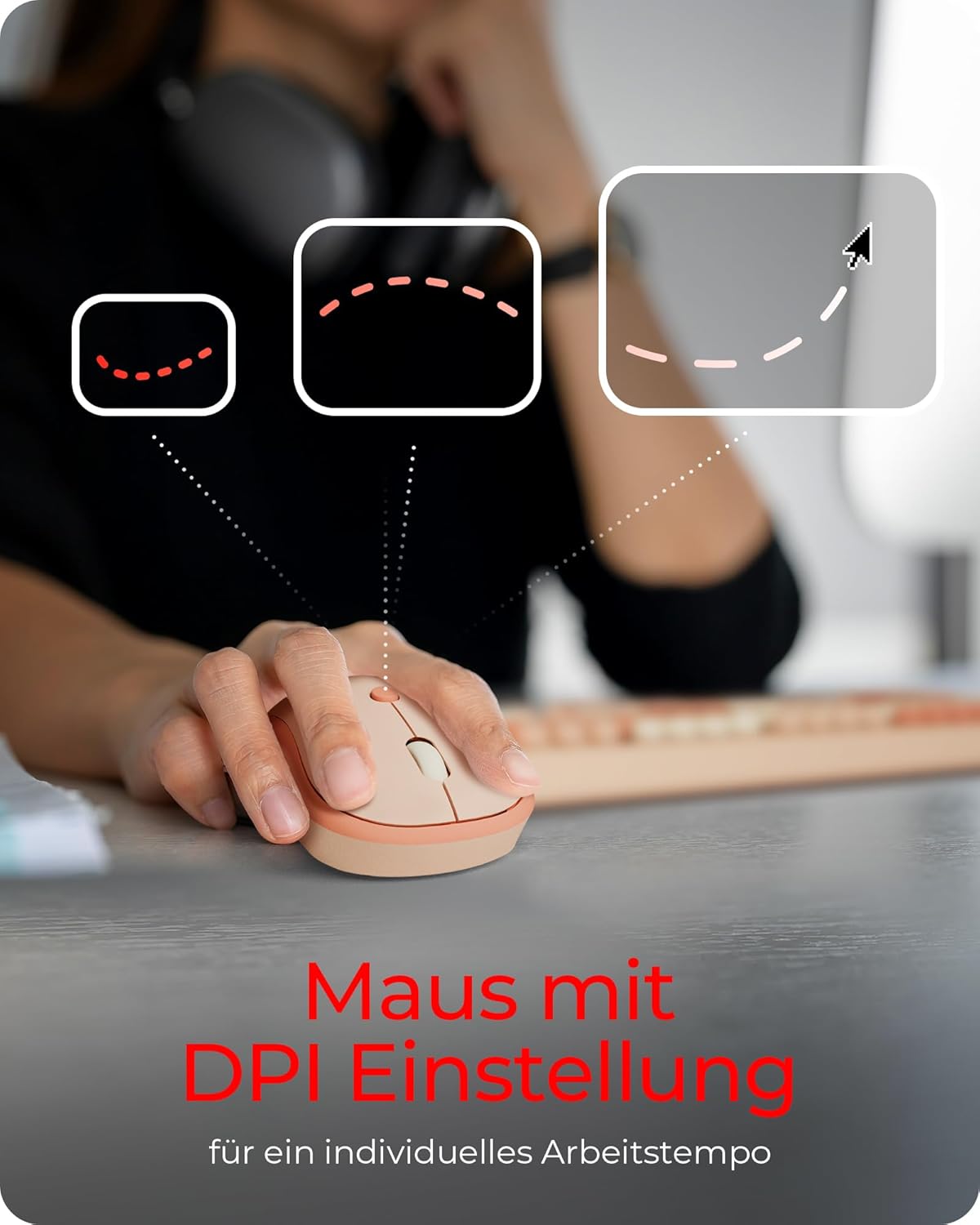
Image: A hand resting on the KeySonic mouse, with graphics illustrating the concept of DPI adjustment for personalized cursor speed.

Image: The KeySonic keyboard and mouse placed on a couch, demonstrating the flexibility and range offered by its 2.4 GHz wireless connection.
Одржавање
To ensure the longevity and optimal performance of your KeySonic Desktop Set, follow these maintenance guidelines:
- Чишћење: Редовно чистите тастатуру и миш меком, сувом крпом која не оставља влакна. За тврдокорну прљавштину, благо обришитеampОперите крпу водом или благим, неабразивним средством за чишћење. Избегавајте прекомерну влагу.
- Замена батерије: When the devices show signs of low power (e.g., erratic cursor movement, unresponsive keys), replace the AA batteries in both the keyboard and mouse. Ensure correct polarity when inserting new batteries.
- Складиштење: Када се уређаји не користе дуже време, искључите их да бисте уштедели трајање батерије. Чувајте их на хладном и сувом месту, даље од директне сунчеве светлости и екстремних температура.
- УСБ пријемник: Keep the USB receiver free from dust and debris. When transporting the mouse, store the receiver in its dedicated slot within the mouse's battery compartment.
Решавање проблема
If you encounter issues with your KeySonic Desktop Set, please refer to the following common problems and solutions:
| Проблем | Могући узрок | Решење |
|---|---|---|
| Тастатура/миш не реагује | Low batteries, USB receiver disconnected, device not powered on, interference. | Replace batteries. Ensure USB receiver is securely plugged in. Turn on devices. Move closer to the receiver or away from other wireless devices. |
| Неправилно кретање курсора | Low mouse battery, dirty optical sensor, unsuitable surface. | Replace mouse battery. Clean the optical sensor on the mouse's underside. Use a mouse pad or a smooth, non-reflective surface. |
| Кључеви се не региструју | Low keyboard battery, debris under key, software issue. | Replace keyboard battery. Gently clean around the affected key. Restart your computer. |
| Проблеми са бежичном везом | Distance from receiver, interference, receiver fault. | Ensure devices are within range (typically up to 10 meters). Minimize interference from other 2.4 GHz devices. Try a different USB port. |
Ако проблем и даље постоји након што сте испробали ова решења, обратите се корисничкој подршци.
Спецификације
| Феатуре | Детаљ |
|---|---|
| Модел | КСКМ-8200М-РФ |
| Бранд | Keysonic |
| Технологија повезивања | 2.4 GHz бежични (USB пријемник) |
| Компатибилни уређаји | Персонал Цомпутер |
| Компатибилност оперативног система | Виндовс |
| Тип тастатуре | Wireless Full Keyboard |
| Keyboard Key Technology | Руббердоме |
| Mouse Hand Orientation | Амбидектроус |
| Извор напајања | Баттери Поверед |
| Батерије су потребне | 2 к АА (укључено) |
| Боја | Sand/Cream |
| Димензије производа (Д к Ш к В) | 14.1 к 45.3 к 3.7 цм |
| Тежина артикла | 990 г |
| Посебна карактеристика | Ергономски |
Гаранција и подршка
KeySonic products are manufactured to high-quality standards. For information regarding warranty coverage, terms, and conditions, please refer to the warranty card included with your product or visit the official Keysonic webсајту.
For technical support, troubleshooting assistance beyond this manual, or inquiries about replacement parts, please contact Keysonic customer service through their official support channels. Keep your purchase receipt and product model number (KSKM-8200M-RF) handy when contacting support.
Ask a question about this manual
Ask about setup, troubleshooting, compatibility, parts, safety, or missing instructions. Manuals+ will review the question and use this page’s manual context to help answer it.