
Увод
This manual provides detailed instructions for the installation, operation, maintenance, and troubleshooting of your Galax NVIDIA GeForce RTX 3050 EX 6GB GDDR6 Graphics Card. Please read this manual thoroughly before using the product to ensure proper functionality and longevity.
Подешавање и инсталација
1. Физичка инсталација
Before beginning, ensure your computer is powered off and unplugged from the wall outlet. Open your computer case to access the motherboard's PCI-Express x16 slot.
- Припремите матичну плочу: Locate an available PCI-Express x16 slot on your motherboard. Remove any expansion slot covers from your computer case that correspond to the slot.
- Убаците графичку картицу: Carefully align the graphics card with the PCI-Express x16 slot. Apply even pressure to both ends of the card until it is fully seated in the slot. You should hear a click as the retention clip engages.
- Обезбедите картицу: Користите завртње да причврстите графичку картицу за носач слота за проширење кућишта рачунара.
- Прикључак за напајање: This model of the GeForce RTX 3050 EX typically draws power directly from the PCI-Express slot and may not require an additional PCIe power connector from your power supply. Verify your specific model's requirements.
- Затворите случај: Once the card is securely installed, close your computer case and reconnect all cables.
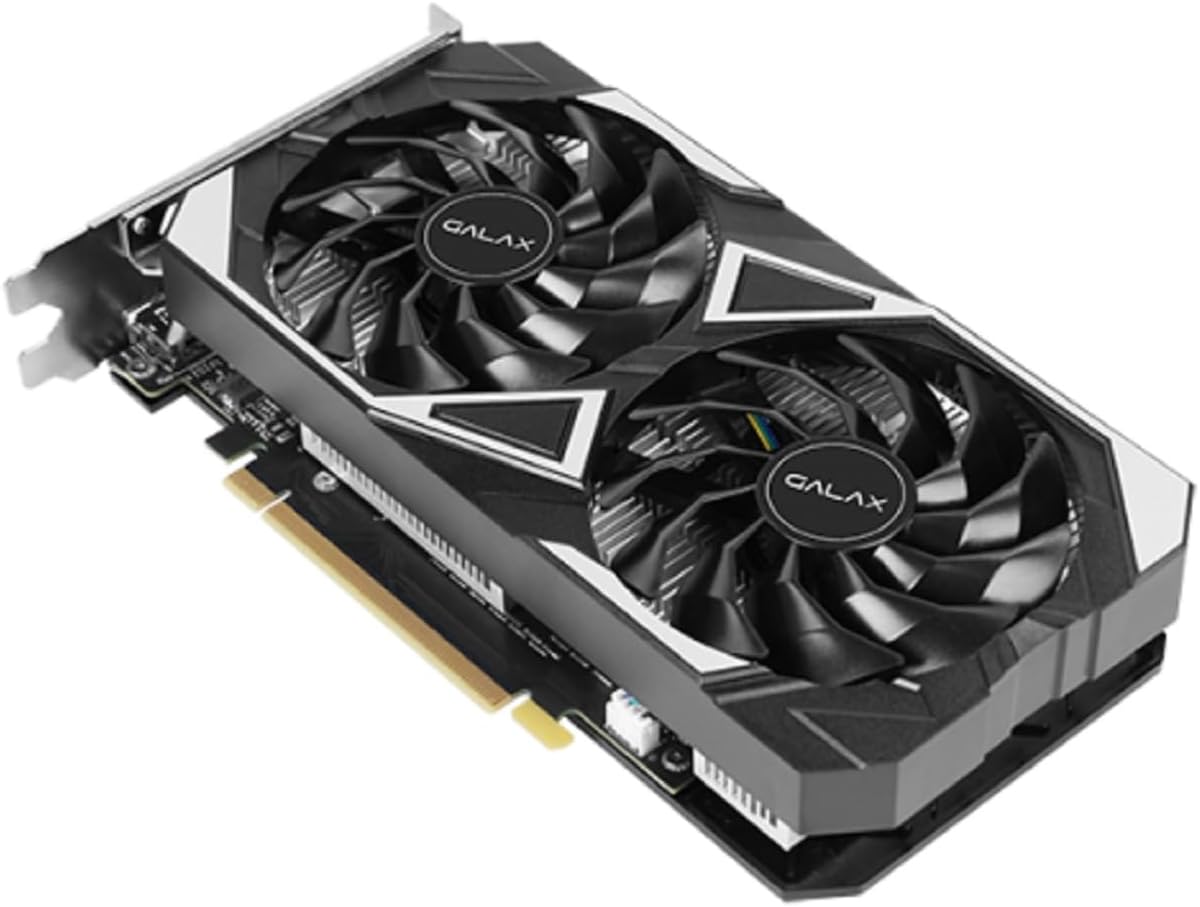
Image: The Galax RTX 3050 EX graphics card, illustrating its dual-fan design and PCI-Express interface for installation.
2. Инсталација драјвера
Након физичке инсталације, морате инсталирати најновије NVIDIA драјвере за оптималне перформансе и стабилност.
- Укључено: Connect your monitor to one of the graphics card's display outputs (DisplayPort or HDMI) and power on your computer.
- Преузмите драјвере: Посетите званичну страницу NVIDIA webсајт (ввв.нвидиа.цом/дриверс) and download the latest drivers for the GeForce RTX 3050. Ensure you select the correct operating system (Windows 10/11 64-bit).
- Инсталирајте драјвере: Покрените преузети инсталатер драјвера и пратите упутства на екрану. Након инсталације може бити потребно поновно покретање система.
3. Инсталација софтвера (опционо)
For enhanced control and performance tuning, consider installing the Xtreme Tuner Plus software.
- Xtreme Tuner Plus: This software allows for 1-Click OC (Overclocking) and monitoring of your graphics card. Download it from the official Galax webсајту.
Упутство за употребу
Кључне карактеристике
- NVIDIA DLSS: Deep Learning Super Sampling (DLSS) uses AI to boost frame rates while generating sharp, high-quality images. Enable this feature in compatible games for improved performance.
- Ray Tracing: Experience realistic lighting, shadows, and reflections in supported games with dedicated 2nd Generation Ray Tracing Cores.
- NVIDIA GeForce искуство: Optimize game settings, update drivers, and capture gameplay videos and screenshots with this companion application.
- НВИДИА Г-СИНЦ: Connect to a G-SYNC compatible monitor for a smooth, tear-free gaming experience.
- 1-Click OC: Utilize the Xtreme Tuner Plus software to apply a quick overclock profile, boosting the card's performance with a single click. The 1-Click OC Clock can reach 1485 MHz.
Display Output Configuration
The graphics card supports multiple display outputs:
- DisplayPort 1.4a: Three ports are available for high-resolution and high-refresh-rate monitors.
- ХДМИ КСНУМКС: One port for connecting to TVs or monitors, supporting up to 8K resolution.
You can connect multiple monitors simultaneously. Refer to your operating system's display settings for configuration options.

Слика: Позади view of the graphics card, highlighting the DisplayPort and HDMI output connectors.
Одржавање
Fan Stop Feature
The graphics card features a fan stop function, where all fans will cease operation when the GPU temperature is below a certain threshold (e.g., during idle or light load). This reduces noise and power consumption. The fans will automatically spin up when the temperature rises.
Чишћење
Редовно чишћење помаже у одржавању оптималних перформанси и продужава век трајања ваше графичке картице.
- Искључивање: Увек искључите рачунар и искључите га из струје пре чишћења.
- Уклањање прашине: Use compressed air to gently remove dust from the fans, heatsink fins, and other components of the graphics card. Hold the fans in place while blowing air to prevent over-spinning.
- Избегавајте течности: Do not use liquid cleaners directly on the graphics card.
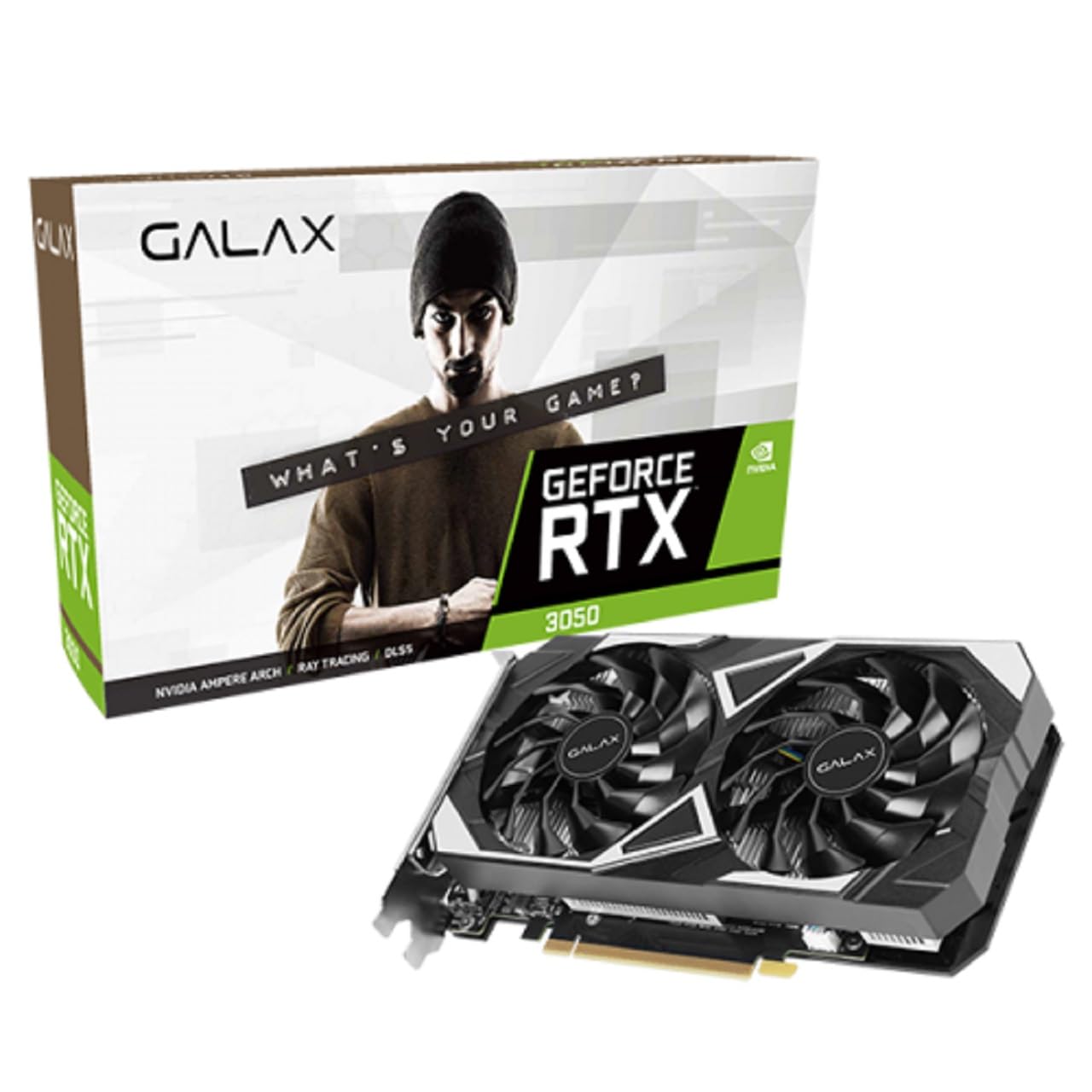
Слика: Врх view of the graphics card, emphasizing the dual-fan cooling system.
Решавање проблема
Ако наиђете на проблеме са графичком картицом, размотрите следеће уобичајене кораке за решавање проблема:
- Нема излаза на екран:
- Уверите се да је кабл монитора безбедно повезан и са графичком картицом и са монитором.
- Verify the graphics card is fully seated in the PCI-Express slot.
- Проверите да ли је ваш монитор подешен на исправан улазни извор.
- Try a different display output port or cable.
- Проблеми са возачем:
- Perform a clean installation of the latest NVIDIA drivers. Use Display Driver Uninstaller (DDU) in Safe Mode to remove old drivers before installing new ones.
- Performance Problems:
- Ensure your system meets the minimum requirements for the applications or games you are running.
- Monitor GPU temperatures to prevent thermal throttling. Ensure adequate case airflow.
- Disable any overclocking (including 1-Click OC) to see if it resolves stability issues.
- Нестабилност/падови система:
- Check your power supply unit (PSU) to ensure it provides sufficient and stable power to your system.
- Verify that all components are properly seated and connected.
For further assistance, refer to the official Galax support website or NVIDIA's support resources.
Спецификације
| Феатуре | Детаљ |
|---|---|
| Назив модела | GeForce RTX 3050 EX |
| Грапхицс Процессор | НВИДИА ГеФорце РТКС 3050 |
| ЦУДА Цорес | 2304 |
| Боост Цлоцк | 1470 МХз |
| 1-Click OC Clock | 1485 MHz (with Xtreme Tuner Plus) |
| Величина меморије | 6 ГБ |
| Тип меморије | ГДДР6 |
| Брзина меморије | 14 Гбпс |
| Memory Interface Width | 96-битни |
| Пропусност меморије | 168 ГБ/сек |
| Интерфејс | PCI-Express 4.0 x16 |
| Дисплаи Оутпутс | 3x DisplayPort 1.4a, 1x HDMI 2.1 |
| Maximum Digital Resolution | 7680 к 4320 |
| Фан Цоунт | 2 (92 мм) |
| Димензије (са држачем) | 224 к 133 к 44 мм |
| Подржани ОС | Виндовс 10/11 64-бит |
| Парт Нумбер | 35NRLDMD9OEX |
| ASIN | B0CW7D71T3 |
Гаранција и подршка
Информације о гаранцији
This Galax graphics card comes with a 12-месечна гаранција произвођачаМолимо вас да сачувате доказ о куповини за потребе гаранције. Гаранција покрива недостатке у материјалу и изради при нормалној употреби.
Техничка подршка
For technical assistance, driver updates, or further product information, please visit the official Galax website or contact their customer support. You can also find extensive resources on the NVIDIA support portal for driver-related issues and feature guides.
- Galax Official Webсајт: ввв.галак.цом
- NVIDIA подршка: ввв.нвидиа.цом/суппорт