
MYZONE MZ-20
MYZONE MZ-20 Bluetooth Digital Bathroom Scale User Manual
Модел: МЗ-20
Увод
This manual provides essential information for the safe and effective use of your MYZONE MZ-20 Bluetooth Digital Bathroom Scale. Please read these instructions thoroughly before use and retain for future reference.
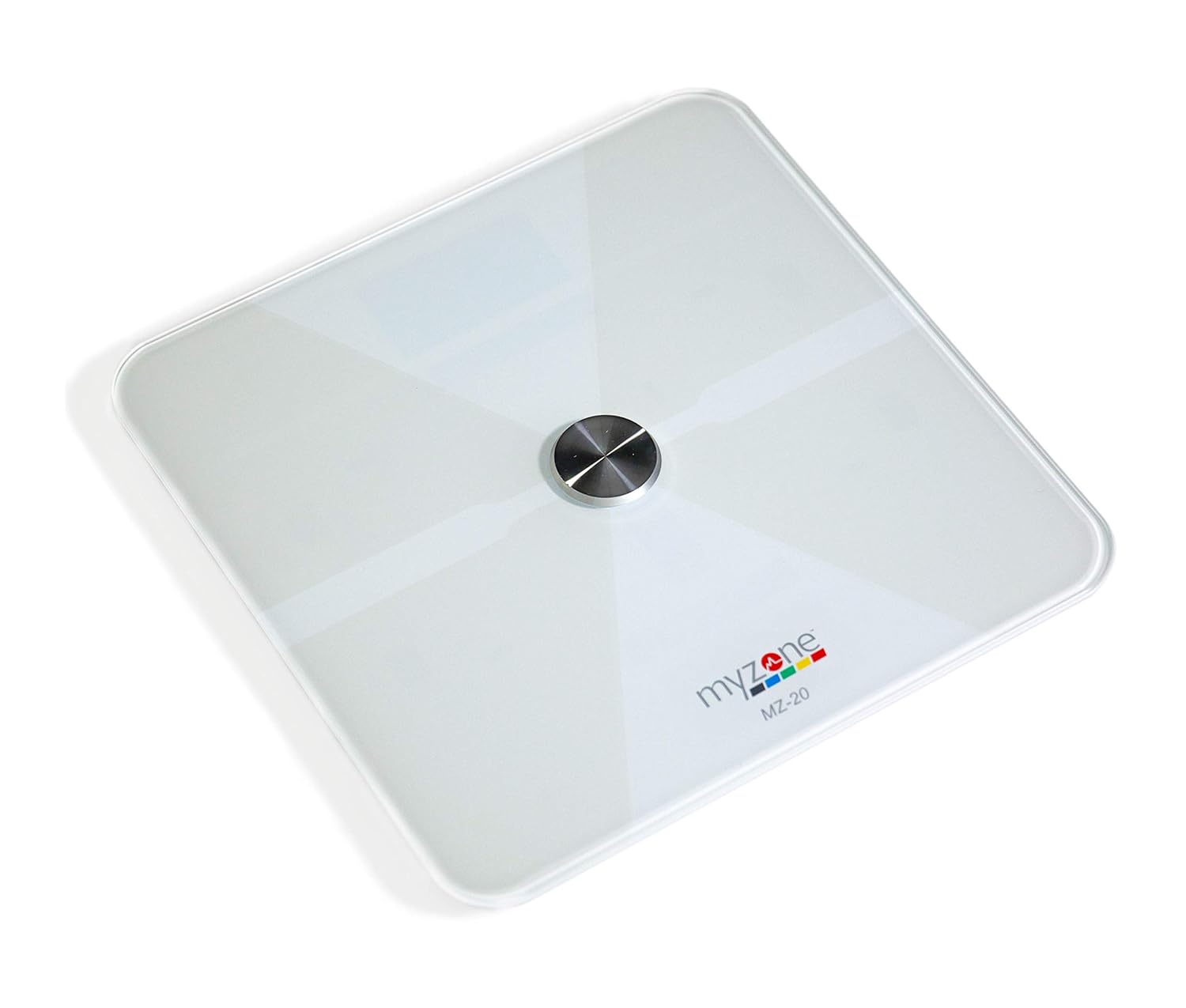
Слика: Одозго надоле view of the MYZONE MZ-20 Digital Bathroom Scale, white with a central metallic sensor and MYZONE logo.
Важне информације о безбедности
- Не користите ако имате пејсмејкер или други интерни медицински уређај.
- Немојте користити ако сте трудни.
- Увек поставите вагу на тврду, равну површину ради прецизних мерења.
- Keep the scale dry. Do not immerse in water.
- The glass surface can be slippery when wet. Step on and off carefully.
- This device is for home use only and should not be used for medical diagnosis or treatment.
Садржај пакета
- MYZONE MZ-20 Digital Bathroom Scale
- 4 к ААА батерије (укључене)
- Кориснички приручник (овај документ)
Сетуп
1. Инсталација батерије
- Отворите одељак за батерије на доњој страни ваге.
- Уметните 4 ААА батерије, водећи рачуна о исправном поларитету (+/-).
- Добро затворите одељак за батерије.
2. Преузимање и упаривање апликације
To utilize the full features of the MZ-20 scale, including body composition analysis and progress tracking, download the MYZONE app on your mobile device.
- Download the "MYZONE" app from your device's app store (iOS or Android).
- Create an account or log in to your existing MYZONE account.
- Омогућите Блуетоотх на свом мобилном уређају.
- Open the MYZONE app and navigate to the device pairing section.
- Step onto the scale to activate it. The scale will automatically attempt to pair with the app via Bluetooth Low Energy (BLE).
- Пратите упутства на екрану у апликацији да бисте завршили процес упаривања.
3. Иницијална калибрација
For the most accurate readings, it is recommended to perform an initial calibration. Place the scale on a hard, flat surface. Step on the scale briefly until a reading appears, then step off. The scale will display "0.0" or similar, indicating it is ready for use. Some users may observe slight variations in initial readings which stabilize after a few uses.
Упутство за употребу
1. Мерење
- Поставите вагу на тврду, равну површину.
- Уверите се да су вам стопала чиста и сува.
- Step onto the scale barefoot, centering your feet on the metallic pads. Stand still until the display shows your weight.
- If connected to the MYZONE app, open the app before stepping on the scale. Your measurements (weight, body fat, muscle mass, body water, bone mass, Basal Metabolic Rate) will automatically sync to the app.

Image: A person stands barefoot on the MYZONE MZ-20 scale, demonstrating how to take a measurement. An overlay graphic illustrates the various body metrics recorded, including weight, body fat, muscle mass, and visceral fat.
2. Understanding Body Metrics
The MZ-20 scale provides comprehensive tracking of various physical characteristics:
- Тежина: Ваша укупна телесна маса.
- Body Fat %: Проценатtagе ваше укупне телесне тежине која је масноћа.
- Мишићна маса: Укупна тежина мишића у вашем телу.
- % воде у телу: Проценатtagе ваше укупне телесне тежине, што је вода.
- Коштана маса: Укупна тежина костију у вашем телу.
- Базална метаболичка стопа (BMR): Број калорија потребних да би ваше тело функционисало у мировању.

Image: An infographic displaying icons and labels for the various body metrics measured by the MZ-20 scale, including Weight, Body Fat, Muscle Mass, Body Water, Bone Mass, and Basal Metabolic Rate. It also highlights features like included batteries, Bluetooth connectivity, digital display, and support for multiple users.
3. Using the MYZONE App
The MYZONE app allows you to view, track, and analyze your body metrics over time. Data is saved directly to the app for easy access and progress monitoring.

Image: A smartphone screen shows the MYZONE app interface, displaying a user's body metrics such as Resting Heart Rate, Weight, Basal Metabolic Rate, Body Fat Percentage, and Body Mass Index (BMI).
4. Више корисника
The MYZONE MZ-20 scale supports multiple users. Each user should create their own profile within the MYZONE app. When a user steps on the scale, the app will attempt to identify the user based on their weight history. If multiple users have similar weights, the app may prompt you to select the correct user.
Одржавање
1. Чишћење
Обришите површину ваге огласомamp cloth and mild detergent. Do not use abrasive cleaners or immerse the scale in water. Ensure the scale is dry before storage or next use.
2. Замена батерије
When the battery indicator appears on the display, replace all 4 AAA batteries. Always replace with new batteries of the same type. Remove batteries if the scale will not be used for an extended period.
Решавање проблема
| Проблем | Могући узрок / решење |
|---|---|
| Scale does not turn on or display is blank. |
|
| Нетачна или недоследна очитавања. |
|
| Scale reading does not match app reading. |
|
| Body metrics (fat, muscle, etc.) seem inaccurate. |
|
| Cannot connect to MYZONE app via Bluetooth. |
|
Спецификације
| Феатуре | Детаљ |
|---|---|
| Бранд | MYZONE |
| Модел | МЗ-20 |
| Боја | Бела |
| Посебне карактеристике | Body Fat, Bone Mass, Muscle Mass, Smart (Bluetooth connectivity) |
| Дисплаи Типе | ЛЕД |
| Форм Фацтор | Мини |
| Димензије производа | 12.2 к 12.2 к 0.79 инча |
| Тежина артикла | 4.18 фунте (1.9 килограма) |
| Батерије | 4 ААА батерија (укључено) |
| Повезивање | Блуетоотх са ниском потрошњом енергије (БЛЕ) |

Image: The MYZONE MZ-20 scale shown with its dimensions: 13.4 inches in length and width, and 1.97 inches in height.
Производ је завршенview Видео
Видео: Званичник прекоview of the MYZONE MZ-20 Home Scales, demonstrating its sleek design, live body metric data streaming to a mobile device, and progress tracking features within the MYZONE app.
Информације о гаранцији
Warranty claims on any MYZONE product can only be approved by Myzone.org. Please refer to the official MYZONE webсајт за детаљне услове гаранције.
Подршка
For further assistance, technical support, or frequently asked questions, please visit the official MYZONE support page or contact customer service:
- Службено Webсајт: www.myzone.org
- Служба за кориснике: Refer to the contact information on the official webсајту.
Ask a question about this manual
Ask about setup, troubleshooting, compatibility, parts, safety, or missing instructions. Manuals+ will review the question and use this page’s manual context to help answer it.