
1. Увод
Welcome to the world of drone piloting with the KOO Kotaro 036. This drone is designed as an ideal first drone for beginners, featuring a Wi-Fi camera and essential functionalities. It offers excellent value for those new to drone operation. The Kotaro 036 provides an immersive experience with its FPV Wi-Fi camera and smartphone control, allowing you to explore and capture high-definition moments from a new perspective. Integrated LED lights ensure optimal visibility in various lighting conditions. KOO is committed to environmental responsibility, equipping all its vehicles, including the Kotaro 036, with rechargeable batteries.
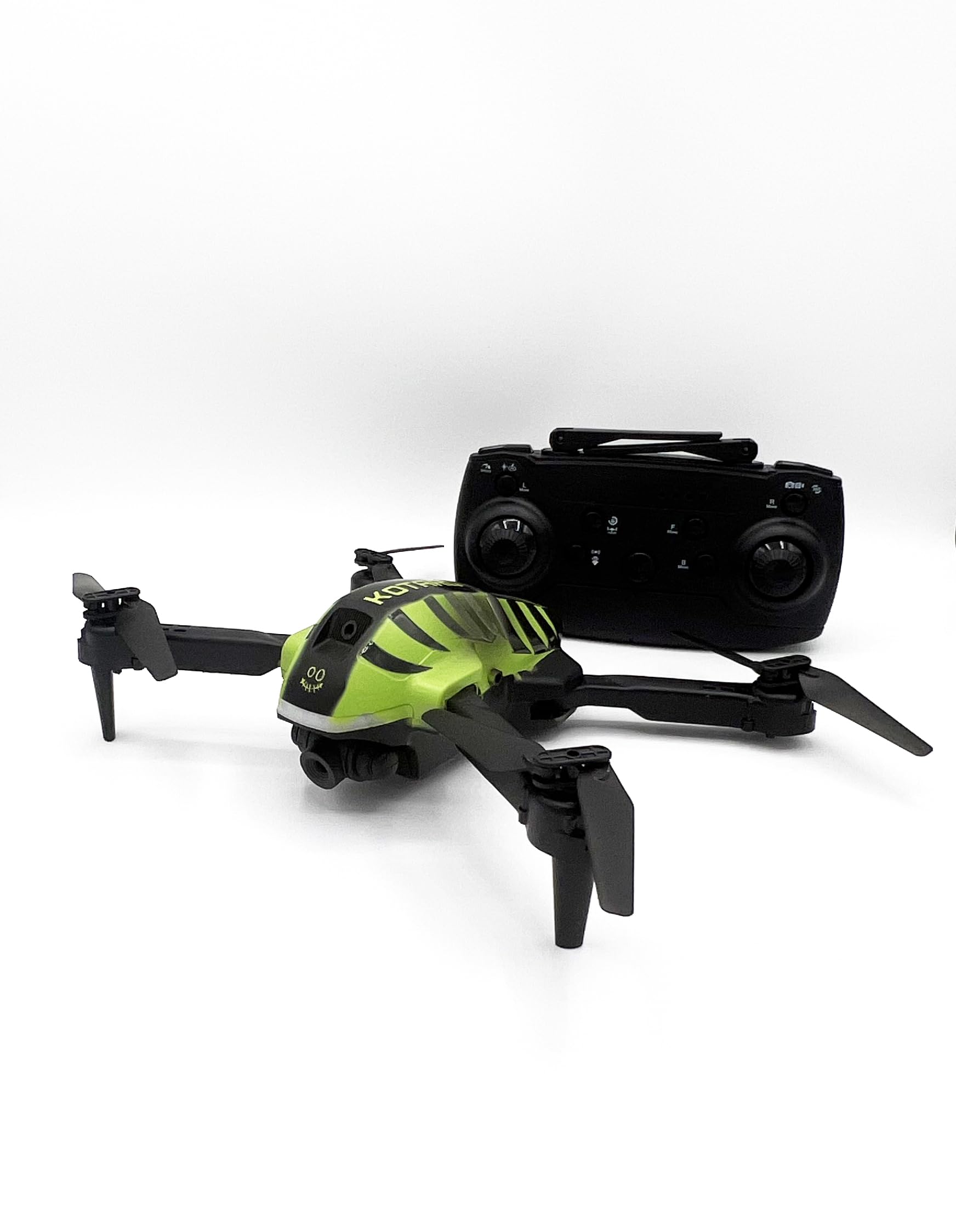
Image 1.1: KOO Kotaro 036 Drone, top-front view, емисијаasing its compact design and propellers.
2. Безбедносне информације
Please read and understand all safety warnings before operating the KOO Kotaro 036 Drone.
- Упозорење: Није погодно за децу млађу од 36 месеци због ситних делова. Гушење.
- This toy produces flashes that may trigger epilepsy in sensitized individuals. Exercise caution.
- Увек користите дрон на отвореним, чистим површинама, даље од људи, животиња и препрека.
- Do not fly near airports, restricted airspace, or power lines.
- Ensure the drone's battery and remote control batteries are fully charged before each flight.
- Adult supervision is recommended for users under 14 years of age. Recommended age for use is 10 years and up.
3. Шта је у кутији
Проверите да ли су све компоненте присутне у паковању:
- KOO Kotaro 036 Drone
- Ремоте Цонтрол
- Кориснички приручник (овај документ)
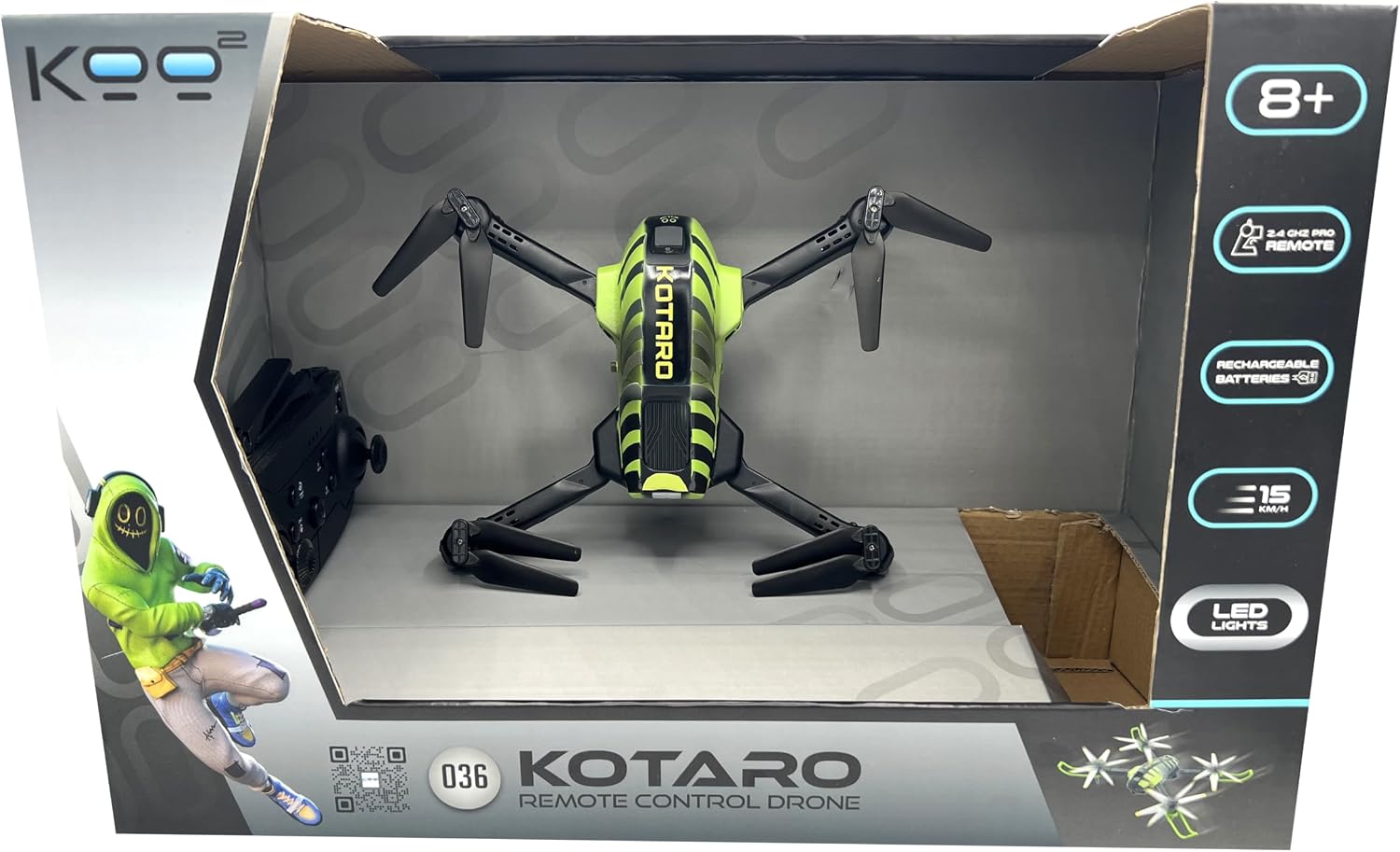
Image 3.1: Drone and remote control inside the product box, top view.

Image 3.2: Drone and remote control inside the product box, side view.
4. Подешавање
4.1. Инсталација и пуњење батерије
- Дроне батерија: The KOO Kotaro 036 Drone is equipped with a rechargeable battery. Connect the drone's battery to the provided USB charging cable and plug it into a suitable USB power source (e.g., computer USB port, USB wall adapter). The charging indicator will show the charging status. Ensure the battery is fully charged before first use.
- Батерије за даљински управљач: The universal KOO remote control requires 2 x AA batteries (not included). Open the battery compartment on the back of the remote control, insert the batteries according to the polarity markings (+/-), and close the compartment securely.
4.2. Уградња пропелера (ако је потребно)
If propellers are not pre-installed, carefully attach them to the motor shafts. Ensure each propeller is placed on the correct motor as indicated in the drone's specific diagram (refer to the included quick start guide if available). Incorrect propeller placement can prevent flight.
4.3. Wi-Fi Camera and Smartphone Connection
The Kotaro 036 features a Wi-Fi FPV camera for real-time video streaming to your smartphone.
- Download the dedicated KOO drone application from your smartphone's app store (iOS or Android).
- Укључите дрон.
- On your smartphone, go to Wi-Fi settings and connect to the drone's Wi-Fi network (usually named something like "KOO_DRONE_XXXX").
- Open the KOO drone application. You should see the live video feed from the drone's camera.
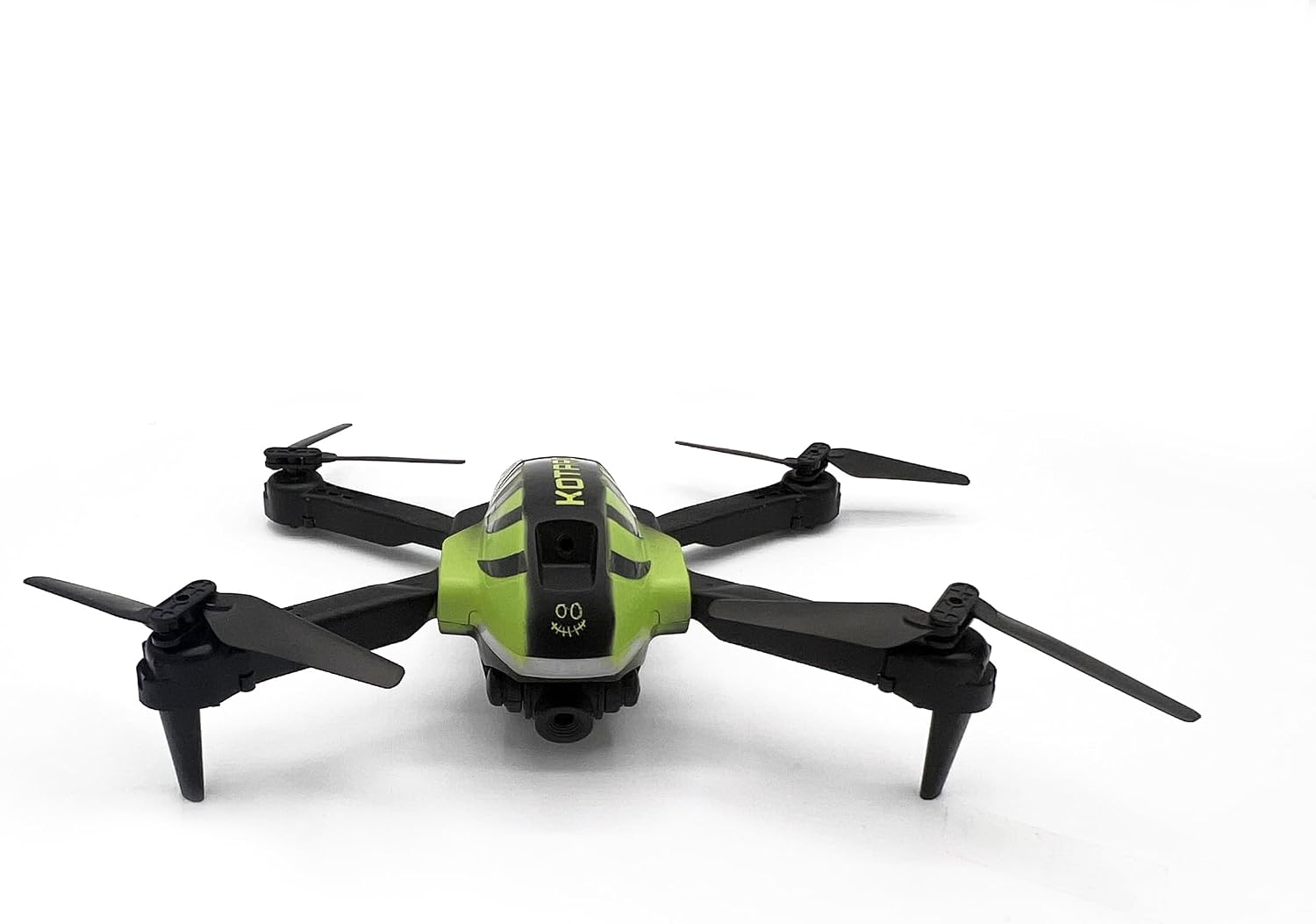
Слика 4.1: Горњи део напред view of the KOO Kotaro 036 Drone, showing propeller orientation.

Image 4.2: Side-front view of the KOO Kotaro 036 Drone, highlighting its landing gear.
5. Упутство за употребу
5.1. Упаривање дрона и даљинског управљача
- Поставите дрон на равну, равну површину.
- Turn on the drone's power switch. The LED lights on the drone will blink.
- Укључите даљински управљач.
- Push the left joystick (throttle) all the way up, then all the way down. The remote control will beep, and the drone's LED lights will become solid, indicating successful pairing.
5.2. Основне контроле лета
The KOO Kotaro 036 uses a 2.4 GHz remote control for stable signal transmission.
- Полетање/Слетање: After pairing, press the one-key take-off button (if available) or slowly push the left joystick up to ascend. To land, slowly pull the left joystick down or press the one-key landing button.
- Успон/спуштање: Use the left joystick (throttle) to control altitude. Push up to ascend, pull down to descend.
- Напред назад: Користите десни џојстик да померате дрон напред или назад.
- Left/Right (Sideways Flight): Use the right joystick to move the drone left or right sideways.
- Скрените лево/десно (скретање): Use the left joystick (left/right movement) to rotate the drone clockwise or counter-clockwise.
5.3. Напредне функције
- FPV (прво лице) View) & Smartphone Control: Once connected via Wi-Fi (Section 4.3), you can view the live camera feed and control the drone directly from the KOO app on your smartphone.
- ЛЕД светла: The integrated LED lights provide visibility and an aesthetic appeal, especially during low-light flights.
- Режими брзине: The drone may feature multiple speed modes (e.g., low, medium, high). Refer to the remote control diagram for the speed switch button.

Слика 5.1: Бочна страна view of the KOO Kotaro 036 Drone, showing its profile током лета.
6. Одржавање
6.1. Чишћење
- Gently wipe the drone's body with a soft, dry cloth to remove dust and debris.
- Avoid using water or chemical cleaners, as they can damage electronic components.
- Inspect propellers for any damage or foreign objects after each flight. Replace damaged propellers immediately.
6.2. Брига о батерији
- Do not overcharge or over-discharge the drone's rechargeable battery.
- Чувајте батерије на хладном и сувом месту, даље од директне сунчеве светлости и екстремних температура.
- If the drone will not be used for an extended period, charge the battery to about 50% before storage.
6.3. Складиштење
When not in use, store the drone and its components in a safe, dry place, preferably in its original packaging or a protective case, to prevent damage.
КСНУМКС. Решавање проблема
If you encounter issues with your KOO Kotaro 036 Drone, refer to the following common problems and solutions:
| Проблем | Могући узрок | Решење |
|---|---|---|
| Дрон се не укључује. | Батерија дрона није напуњена или није повезана. | Ensure the drone battery is fully charged and properly connected. |
| Даљински управљач се не укључује. | Remote control batteries are dead or incorrectly installed. | Replace remote control batteries with new ones and check polarity. |
| Drone does not pair with remote. | Incorrect pairing procedure or interference. | Repeat the pairing procedure (Section 5.1). Ensure no other 2.4GHz devices are causing interference. |
| Drone is unstable during flight. | Propellers are damaged or incorrectly installed; drone not calibrated. | Check and replace damaged propellers. Ensure propellers are installed correctly. Perform a drone calibration (refer to quick start guide for specific steps). |
| No FPV video feed on smartphone. | Wi-Fi not connected or app issue. | Ensure your smartphone is connected to the drone's Wi-Fi network. Restart the app and drone. |
8. Спецификације
| Феатуре | Детаљ |
|---|---|
| Назив модела | KOTARO 036 |
| Референца произвођача | KAB-KOO-0036 |
| Димензије производа (Д к Ш к В) | 16 к 20 к 6 цм |
| Тежина | 0.86 grams (Note: This weight seems unusually low for a drone of this size, please verify with product packaging if actual weight is critical.) |
| Препоручена старост | 10 година и више |
| Главни материјал | Пластика |
| Боја | Црно и зелено |
| Даљински управљач укључен | Да |
| Дроне Баттери | Пуњиво (укључено) |
| Батерије за даљинско управљање | 2 к АА (није укључено) |
| Технологија повезивања | Wi-Fi (for FPV) |
| Резолуција снимања видео записа | 720п |
| Формат видео снимања | МП4 |
| Тип контроле | Ремоте Цонтрол |
9. Видео снимци производа
Watch these official product videos for visual guidance on setup and operation.
Video 9.1: KOO Kotaro 036 Drone overview and features (0:32 duration).
Video 9.2: Demonstration of KOO Kotaro 036 Drone flight and controls (0:45 duration).
Video 9.3: KOO Kotaro 036 Drone camera and FPV features (0:51 duration).