
1. Увод
Хвала вам на куповиниasing the eKids Marvel Deadpool Wireless Earbuds. These earbuds are designed to provide a high-quality audio experience with the convenience of wireless connectivity. This manual will guide you through the setup, operation, and maintenance of your new earbuds.
Молимо вас да пажљиво прочитате ово упутство пре употребе производа и сачувате га за будуће потребе.
2. Производ је готовview
The eKids Marvel Deadpool Wireless Earbuds feature a distinctive Deadpool design and offer wireless stereo sound streaming with a built-in microphone for calls. They come with a portable charging case and multiple ear cushion sizes for comfort.
Кључне карактеристике:
- Wireless stereo sound streaming
- Уграђен микрофон за позиве
- Three sizes of rubber ear cushions (small, medium, large) for personalized comfort
- УСБ-Ц веза за пуњење
- Блуетоотх повезивање
- Up to 22 hours total music playtime with charging case
- Ergonomic shape for comfort
- Лагана конструкција
- Compatible with iPhone, Android, smartphones, tablets, and computers
- Suitable for gaming, audiobooks, video calls, and various entertainment/educational content
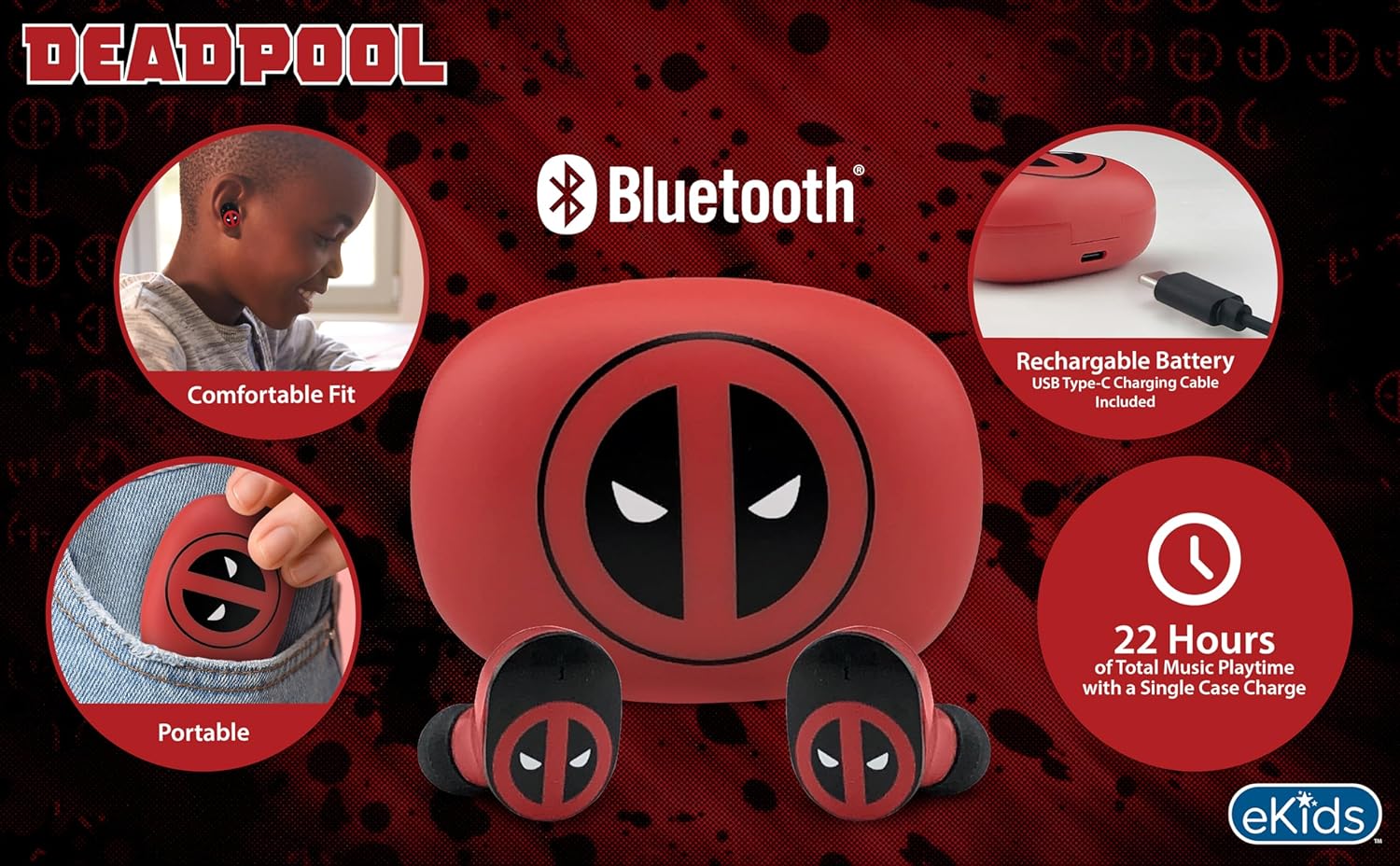
Image 2.1: The eKids Marvel Deadpool Wireless Earbuds and their charging case, showcasing the distinctive Deadpool logo.
3. Подешавање
3.1 Пуњење слушалица и футроле
- Open the charging case and place both earbuds inside, ensuring they are correctly seated.
- Повежите приложени USB-C кабл за пуњење са портом за пуњење на кућишту.
- Повежите други крај USB-C кабла са компатибилним USB извором напајања (нпр. рачунаром, адаптером за зид).
- Индикаторска лампица на кућишту за пуњење ће се упалити да би показала статус пуњења. Када се потпуно напуни, лампица може променити боју или се искључити.
A full charge provides up to 22 hours of total music playtime, with the case offering 2.5 times extra charge for the earbuds.

Image 3.1: The Deadpool-themed charging case with the USB-C charging cable connected, illustrating the charging process.
3.2 Упаривање са Bluetooth уређајем
- Уверите се да су слушалице напуњене и стављене у кутијицу за пуњење.
- Open the charging case. The earbuds will automatically power on and attempt to connect to the last paired device.
- На свом уређају (паметном телефону, таблету, рачунару) идите на подешавања Блутут-а.
- Тражи available devices and select "eKids Deadpool Earbuds" (or similar name).
- Once connected, the LED light on the earbuds will stop flashing or change to a solid color.
The earbuds are compatible with iPhone, Android, and other Bluetooth-enabled devices.
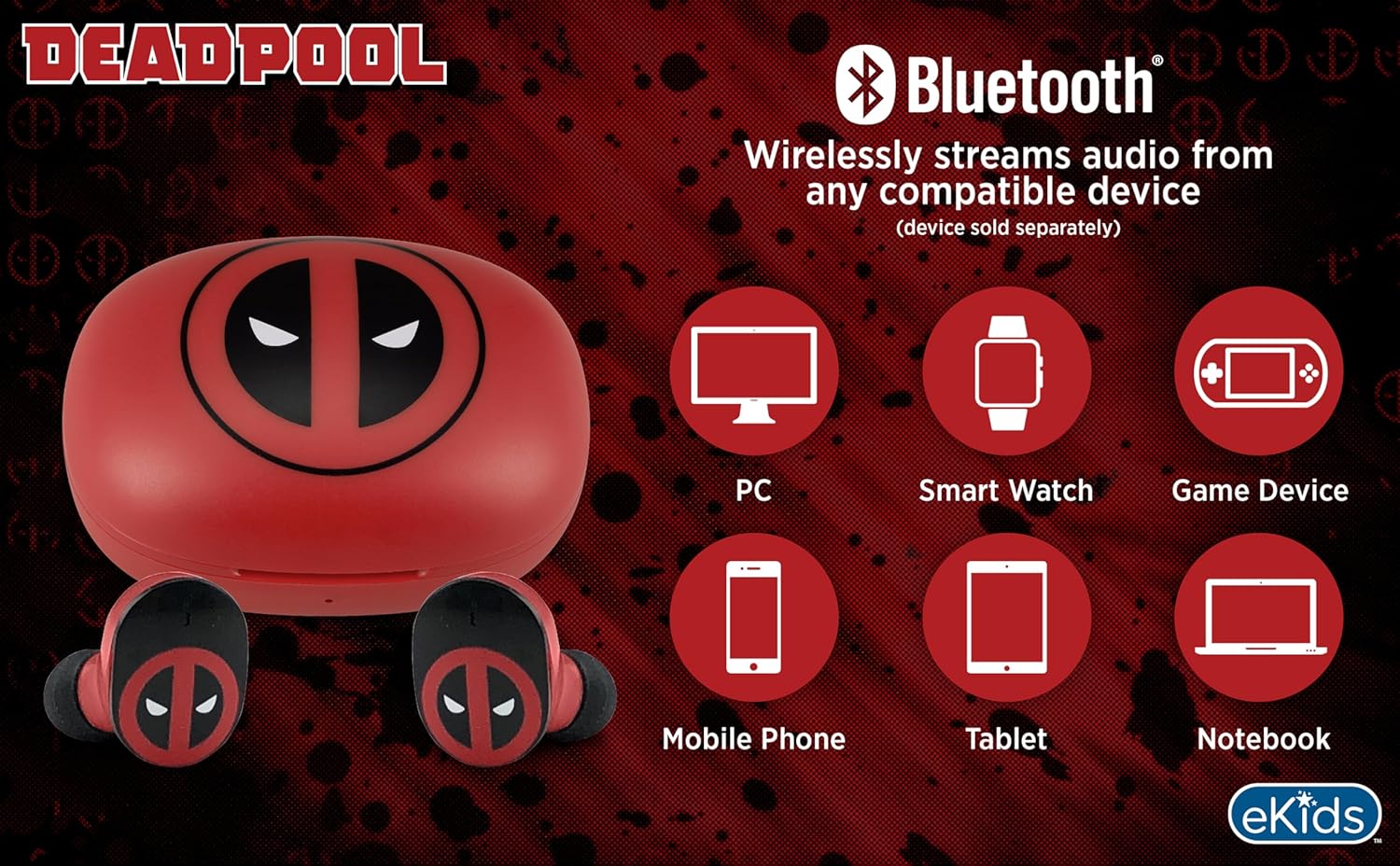
Image 3.2: An illustration showing the Bluetooth connectivity of the earbuds with various devices such as PCs, smartwatches, game devices, mobile phones, tablets, and notebooks.
3.3 Selecting Ear Cushions for Comfort
The earbuds come with three sizes of rubber ear cushions (small, medium, large) to ensure a comfortable and secure fit. Experiment with different sizes to find the best fit for your ears. A proper fit enhances sound quality and comfort.
- Gently remove the pre-installed ear cushions from the earbuds.
- Select a different size ear cushion.
- Carefully attach the new ear cushion to the earbud, ensuring it is securely fastened.

Image 3.3: The Deadpool earbuds shown with the three different sizes of ear cushions included for a customized fit.
4. Употреба слушалица
4.1 Укључивање/искључивање
- Укључено: Open the charging case, and the earbuds will automatically power on and attempt to connect to the last paired device.
- Искључивање: Вратите слушалице у кутијицу за пуњење и затворите поклопац. Аутоматски ће се искључити и почети са пуњењем.
4.2 Репродукција музике
- Пусти/паузирај: Једном додирните било коју слушалицу.
- Следећа нумера: Двапут додирните десну слушалицу.
- Претходни запис: Двапут додирните леву слушалицу.
- Контрола јачине звука: Adjust volume directly from your connected device.
4.3 Телефонски позиви
Уграђени микрофон омогућава позиве без употребе руку.
- Одговори/заврши позив: Једном додирните било коју слушалицу.
- Одбиј позив: Притисните и држите било коју слушалицу 2 секунде.
5. Одржавање
- Чишћење: Користите меку, суву крпу за чишћење слушалица и кућишта за пуњење. Не користите абразивна средства за чишћење или раствараче.
- Складиштење: Када се не користе, чувајте слушалице у њиховој футроли за пуњење како бисте их заштитили и одржали напуњеним.
- Избегавајте воду: These earbuds are not waterproof. Avoid exposure to water or excessive moisture.
- температура: Do not expose the earbuds or case to extreme temperatures.
КСНУМКС. Решавање проблема
| Проблем | Решење |
|---|---|
| Слушалице се не упарују. | Ensure earbuds are charged. Turn off Bluetooth on your device and turn it back on. Forget the device in your Bluetooth settings and re-pair. |
| Нема звука из једне слушалице. | Place both earbuds back in the charging case, close the lid, then open it again. Check device audio balance settings. |
| Кућиште за пуњење се не пуни. | Check the USB-C cable and power adapter. Ensure the cable is securely connected to both the case and the power source. |
| Лош квалитет звука. | Ensure earbuds are properly seated in your ears with the correct size ear cushions. Move closer to your connected device to avoid interference. |
7. Спецификације
- Бренд: еКидс
- Модел: B0D1CS61NB
- Боја: Deadpool (Red/Black)
- Положај уха: Ин Еар
- Фактор форме: Ин Еар
- импеданса: 32 Охмс
- Блуетоотх удаљеност: ≥ 10M / 32ft
- Осетљивост: 100dB ± 3dB at 1kHz spl
- Трајање батерије: Up to 22 hours total playtime with charging case
- Порт за пуњење: УСБ-Ц
- Димензије (случај): Approximately 2.4 in / 6.2 cm (width) x 1.8 in / 4.6 cm (height) x 1.2 in / 3.1 cm (depth)
- Dimensions (Earbud): Approximately 0.9 in / 2.5 cm (height) x 0.7 in / 1.8 cm (width)

Image 7.1: A detailed diagram illustrating the dimensions and key specifications of the Deadpool wireless earbuds and their charging case.
8. Гаранција и подршка
For warranty information and customer support, please refer to the documentation included with your purchase or visit the official eKids webсајт. Сачувајте доказ о куповини за евентуалне рекламације по гаранцији.
For additional assistance, you may contact eKids customer service directly.
9. Званични видео производа
Видео 9.1: Званична видео презентација производаasing the eKids Marvel Deadpool Wireless Earbuds, highlighting their features and design. This video provides a visual overview of the product's functionality and appearance.