
Увод
Thank you for choosing the Vention TGESB USB-C Docking Station. This manual provides essential information for the proper setup, operation, and maintenance of your device. Please read it thoroughly before use to ensure optimal performance and longevity.
Производ је завршенview
The Vention TGESB is a versatile 5-in-1 USB-C docking station designed to expand the connectivity of your USB-C enabled devices. It features multiple ports for data transfer, video output, and power delivery.

Figure 1: Vention TGESB USB-C Docking Station with port labels.
Кључне карактеристике:
- USB-C Power Delivery (PD) 100W: Supports fast charging for compatible laptops and devices.
- УСБ 3.0 портови (к3): Provides high-speed data transfer up to 5Gbps.
- ХДМИ порт: Supports video output up to 4K resolution at 30Hz.
- Durable Aluminum Shell: Ensures heat dissipation and product longevity.
- Компактан дизајн: Лако се носи и користи у покрету.
Садржај пакета
- Vention TGESB USB-C Docking Station (x1)
- Упутство за употребу (к1)
Упутства за подешавање
- Повежите се са хост уређајем: Plug the USB-C connector of the Vention TGESB docking station into an available USB-C port on your laptop, tablet, or smartphone. Ensure your device's USB-C port supports video output (DisplayPort Alternate Mode) and power delivery for full functionality.
- Повежите периферне уређаје:
- УСБ уређаји: Connect USB flash drives, external hard drives, keyboards, mice, or other USB peripherals to the USB 3.0 ports.
- HDMI дисплеј: Connect an HDMI cable from the docking station's HDMI port to your monitor or TV.
- Power Adapter (Optional): If your host device requires charging, connect your original USB-C power adapter to the PD (Power Delivery) port on the docking station. This will pass power through to your host device.
- Инсталација драјвера: The Vention TGESB is typically plug-and-play and does not require additional drivers for most operating systems (Windows, macOS, Linux, Android). If you encounter issues, ensure your operating system is up to date.
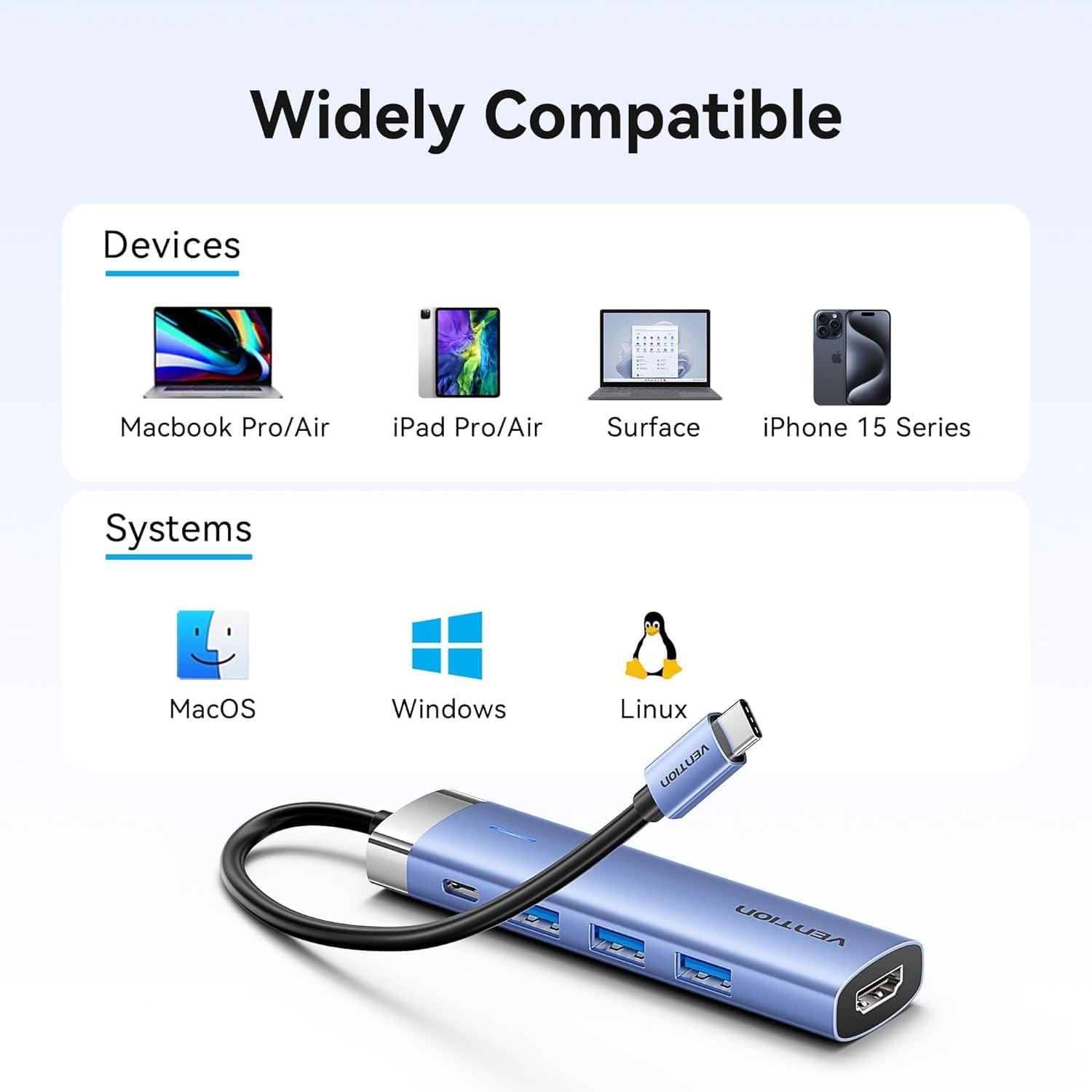
Figure 2: Device and operating system compatibility.
Упутство за употребу
Using USB 3.0 Ports:
Connect your USB devices to any of the three USB 3.0 ports. These ports support data transfer speeds up to 5Gbps, allowing for quick file transfers. For optimal performance, ensure your connected USB devices also support USB 3.0.
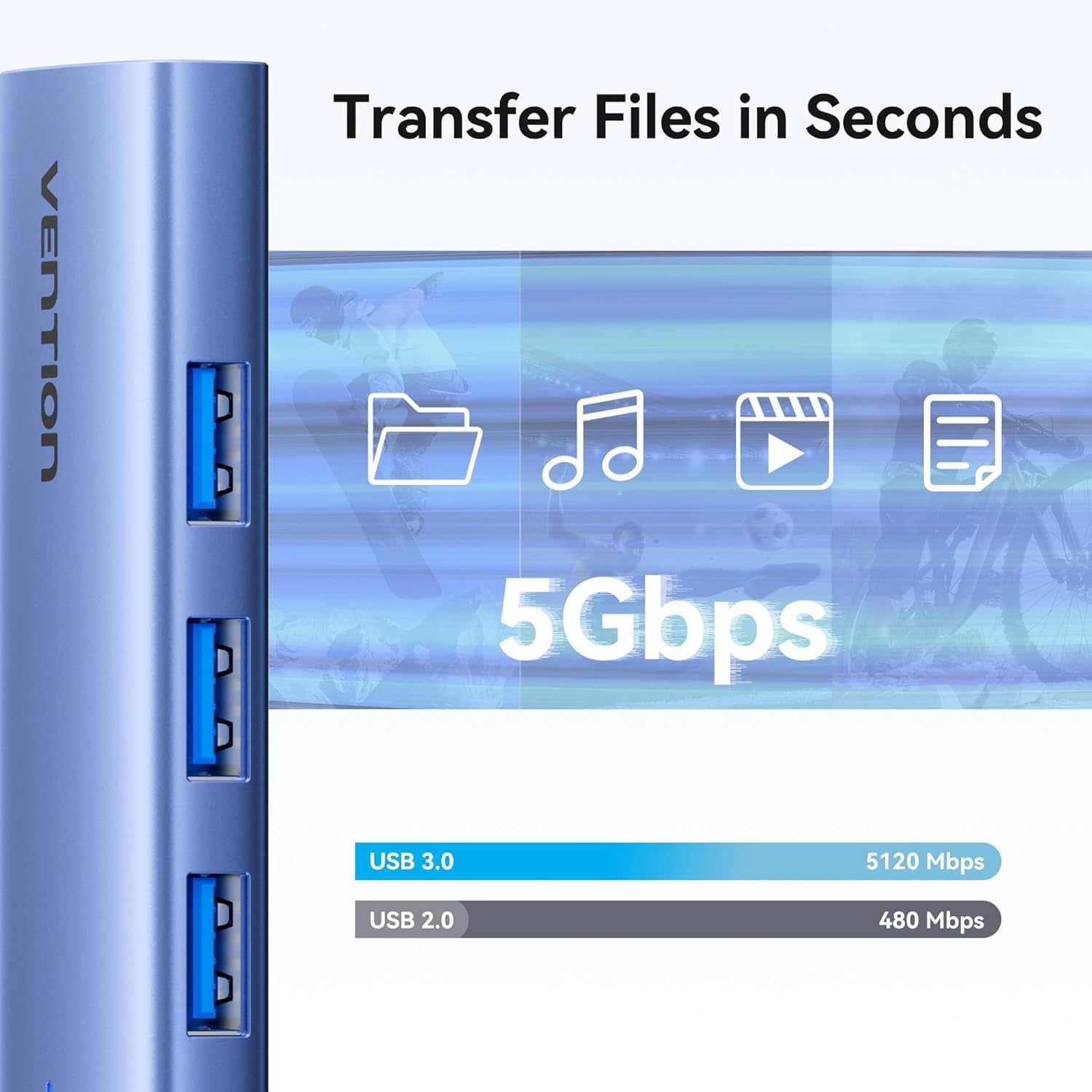
Слика 3: Пренос података великом брзином преко USB 3.0 портова.
Using HDMI Output:
The HDMI port supports resolutions up to 4K at 30Hz. After connecting your monitor, your operating system should automatically detect the external display. You can configure display settings (mirror mode, extend mode) through your device's display settings.

Figure 4: Multiple display modes (Mirror and Extend).
Using Power Delivery (PD) Port:
Connect your laptop's original USB-C power adapter to the PD port on the docking station. This port supports up to 100W power delivery, allowing you to charge your host device while using the docking station's other features.

Figure 5: Power Delivery 100W fast charging.
Одржавање
- Чишћење: Use a soft, dry cloth to clean the surface of the docking station. Avoid using liquid cleaners or solvents.
- Складиштење: Уређај чувајте на хладном и сувом месту, даље од директне сунчеве светлости и екстремних температура.
- Руковање: Avoid dropping or subjecting the device to strong impacts. Do not attempt to disassemble the docking station.
Решавање проблема
| Проблем | Могући узрок | Решење |
|---|---|---|
| No display output via HDMI. |
|
|
| USB уређаји се не препознају. |
|
|
| Host device is not charging. |
|
|
Спецификације
| Феатуре | Детаљ |
|---|---|
| Модел | TGESB |
| Бранд | ВЕНТИОН |
| Инпут | УСБ-Ц |
| Излазни портови |
|
| Димензије (Д к Ш к В) | 6.5 к 3.54 к 0.79 инча (16.5 к 9 к 2 цм) |
| Тежина | 2.46 унци (0.07 кг) |
| Материјал шкољке | Алуминијумска легура |
| Компатибилност | Devices with full-featured USB-C port (supporting DisplayPort Alt Mode and Power Delivery). Compatible with Windows, macOS, Linux, Android. |
Гаранција и подршка
Vention products come with a standard manufacturer's warranty. For detailed warranty information, technical support, or customer service, please visit the official Vention webсајт или контактирајте локалног дистрибутера. Молимо вас да сачувате доказ о куповини за потребе гаранције.
Official Vention Webсајт: Vention Store on Amazon (Link provided for reference, actual official website may vary)