
1. Увод
The seenda Bluetooth & 2.4G USB Dual Mode Wireless Mouse offers versatile connectivity and ergonomic comfort for various devices. Designed for quiet operation and portability, it features adjustable DPI settings for precise control. This manual provides detailed instructions for setup, operation, and maintenance to ensure optimal performance.

Image 1.1: The seenda mouse offering dual connectivity options to a laptop and a tablet.
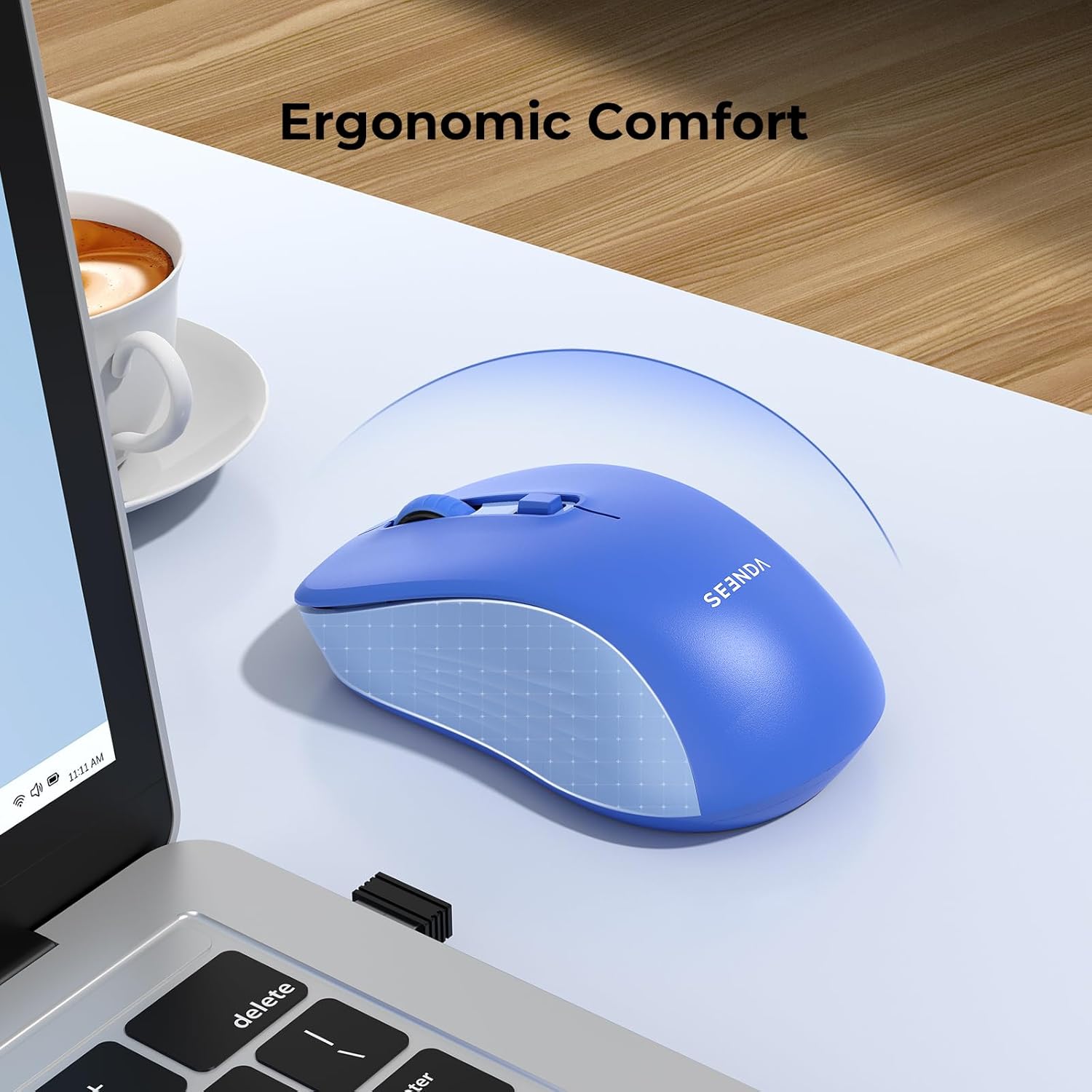
Image 1.2: The ergonomic design of the seenda mouse ensures comfortable use.
2. Садржај пакета
- seenda Dual Mode Wireless Mouse
- 2.4G USB Receiver (stored inside the mouse)
- Упутство за употребу
3. Производ је готовview
Familiarize yourself with the mouse components:

Image 3.1: Labeled components of the seenda wireless mouse.
- Лево дугме: Стандардна функција левог клика.
- Десно дугме: Стандардна функција десног клика.
- Точак за померање: For vertical scrolling and middle-click.
- Дугме ДПИ: Подешава осетљивост курсора (800/1200/1600 DPI).
- Дугме за пребацивање режима: Located on the bottom, switches between 2.4G USB and Bluetooth modes.
- Прекидач: On/Off switch to conserve battery.
- Слот за батерију: Holds 1 AA battery (not included).
- Меморија USB пријемника: Secure compartment for the 2.4G USB receiver.
4. Подешавање
4.1. Инсталација батерије
- Отворите поклопац одељка за батерију на дну миша.
- Insert one AA battery (not included) into the compartment, ensuring correct polarity.
- Затворите поклопац одељка за батерије.
4.2. 2.4G USB Receiver Connection
- Locate the 2.4G USB receiver stored in its compartment on the bottom of the mouse.
- Уклоните УСБ пријемник.
- Укључите УСБ пријемник у слободан УСБ порт на рачунару или лаптопу.
- Turn on the mouse using the Power Switch.
- The mouse should automatically connect. If not, press the Mode Switch Button on the bottom of the mouse until the indicator light for 2.4G mode is active.
4.3. Блуетоотх веза
The mouse supports Bluetooth 5.2 and Bluetooth 3.0 for wider compatibility.
- Turn on the mouse using the Power Switch.
- Press the Mode Switch Button on the bottom of the mouse to select Bluetooth mode (BT1 or BT2). The corresponding indicator light will blink.
- On your device (laptop, tablet, or smartphone), go to Bluetooth settings.
- Омогућите Блутут и потражите нове уређаје.
- Select "BT5.2 Mouse" or "BT3.0 Mouse" from the list of available devices to pair.
- Када се повеже, индикаторска лампица ће престати да трепери.
5. Упутство за употребу
5.1. Пребацивање између уређаја
The mouse can connect to up to two Bluetooth devices and one 2.4G USB device. Use the Mode Switch Button on the bottom to cycle through the connections:
- Press once to switch between BT1, BT2, and 2.4G modes.
- The corresponding indicator light will show the active mode.
5.2. Adjusting DPI (Cursor Sensitivity)
The mouse features 3 adjustable DPI levels (800-1200-1600) to suit your preference and task requirements.
- Press the DPI Button (located below the scroll wheel) to cycle through the DPI settings.
- Each press will change the sensitivity, allowing for finer control or faster movement.

Image 5.1: The DPI button allows adjustment of cursor sensitivity.
5.3. Quiet Clicks
The mouse is designed with silent click technology, reducing click noise by 95% (≤32dB). This feature makes it ideal for use in quiet environments such as offices, libraries, or shared workspaces.

Image 5.2: The mouse features quiet click buttons for a silent user experience.
5.4. Уштеда енергије
To conserve battery life, the mouse will enter a sleep mode after a period of inactivity. Click any button to wake it up. Always turn off the mouse using the Power Switch when not in use for extended periods.
6. Компатибилност
This portable mouse offers broad compatibility:
- 2.4G USB Mode: Compatible with USB-enabled devices running Windows XP, Windows 7/8/10 or higher, Mac OS X 10.10 or higher.
- Блуетоотх режим: Compatible with Bluetooth-enabled devices running Windows 8/10 or higher, Mac OS X 10.10 or higher, and Android 4.5 or higher.
7. Одржавање
- Одржавајте миш чистим тако што ћете га обрисати меком, сувом крпом.
- Избегавајте излагање миша екстремним температурама, директној сунчевој светлости или течностима.
- Чувајте УСБ пријемник у његовом предвиђеном одељку када га не користите како бисте спречили губитак.
- Replace the AA battery when the mouse performance degrades or the indicator light suggests low power.
КСНУМКС. Решавање проблема
| Иссуе | Могуће решење |
|---|---|
| Миш не реагује (2.4G режим) | 1. Ensure the mouse is turned on. 2. Check if the USB receiver is securely plugged into the computer. 3. Try a different USB port. 4. Replace the battery. 5. Press the Mode Switch Button to ensure 2.4G mode is selected. |
| Миш не реагује (Блутут режим) | 1. Ensure the mouse is turned on. 2. Check if Bluetooth is enabled on your device. 3. Press the Mode Switch Button to ensure Bluetooth mode (BT1 or BT2) is selected and its indicator is blinking for pairing. 4. Re-pair the mouse in your device's Bluetooth settings. 5. Replace the battery. |
| Покрет курсора је неправилан или спор | 1. Clean the optical sensor on the bottom of the mouse. 2. Use the mouse on a clean, non-reflective surface. 3. Adjust the DPI setting using the DPI button. 4. Replace the battery. |
| Не могу да прелазим између уређаја | Ensure the Mode Switch Button is pressed firmly. Verify that devices are properly paired in their respective modes. |
9. Спецификације

Image 9.1: Physical dimensions of the seenda wireless mouse.
| Феатуре | Детаљ |
|---|---|
| Технологија повезивања | Bluetooth (BT5.2/BT3.0), 2.4G USB Wireless |
| Технологија детекције покрета | Оптицал |
| Подесиви ДПИ | 800 / 1200 / 1600 |
| Дугмад | 5 (Left, Right, Scroll Wheel/Middle Click, DPI, Mode Switch) |
| Извор напајања | 1 к АА батерија (није укључена) |
| Трајање батерије | До 24 месеци (у зависности од употребе) |
| Оперативни опсег | До 10 метара |
| Оријентација руке | Тачно |
| Материјал | Пластика |
| Боја | Плава |
10. Гаранција и подршка
The seenda Bluetooth & 2.4G USB Dual Mode Wireless Mouse comes with a 12-month warranty from the date of purchase. For technical support, warranty claims, or any questions regarding your product, please contact seenda customer service through the retailer where you purchased the item or visit the official seenda webсајту.