
SYLVOX SYLVOX-Deck-020
SYLVOX 43-инчни Deck Pro 2.0 спољни паметни телевизор - упутство за употребу
Model: SYLVOX-Deck-020
1. Увод
Thank you for choosing the SYLVOX 43-inch Deck Pro 2.0 Outdoor Smart TV. This manual provides essential information for the safe and efficient use of your new television. Designed for partial sun outdoor areas, this TV features 4K resolution, HDR 10 support, 1000 nits brightness, and a weatherproof design, ensuring a high-quality viewing experience in various outdoor conditions.
Молимо вас да пажљиво прочитате ово упутство пре руковања уређајем и сачувате га за будуће потребе.
Безбедносне информације
- Ensure the TV is installed by qualified personnel according to local electrical codes.
- Do not attempt to repair the TV yourself. Refer all servicing to authorized service personnel.
- Држите кабл за напајање даље од извора топлоте и оштрих ивица.
- Не блокирајте отворе за вентилацију.
- Although weatherproof, avoid direct high-pressure water jets on the screen or ports.
2. Шта је у кутији
Carefully unpack your SYLVOX Outdoor TV and check that all items are present. If any items are missing or damaged, please contact your retailer.
- SYLVOX 43-inch Outdoor TV
- Waterproof Voice Remote Control
- Power Cable (59 inches)
- Упутство за употребу
- Гарантни лист
- AAA Batteries (x2) for remote
- Screws for mounting (if included with specific mounting hardware)

Image: Contents of the SYLVOX Outdoor TV box, showing the waterproof voice remote, power cable, user manual, and warranty card.
3. Подешавање
3.1 Физичка инсталација
The SYLVOX Outdoor TV is designed for outdoor use in partial sun areas. Ensure the mounting location is secure and can support the TV's weight (approximately 51.9 lbs).
- Монтажа: Use a compatible outdoor TV mount (not included) that can withstand outdoor elements. Follow the mount manufacturer's instructions for installation.
- Пласман: Position the TV in a location that minimizes direct sunlight exposure to the screen for optimal viewing. The TV is weatherproof, but protection from extreme weather conditions is recommended for longevity.
- вентилација: Ensure adequate airflow around the TV. Do not install in enclosed spaces without proper ventilation.

Image: The SYLVOX 43-inch Outdoor TV, showcasinњегов дизајн и кључне карактеристике.
3.2 Прикључак за напајање
- Connect the provided power cable to the TV's power input port.
- Plug the other end of the power cable into a grounded outdoor-rated electrical outlet.
3.3 Почетно укључивање и подешавање мреже
- Притисните дугме за напајање на даљинском управљачу или ТВ-у да бисте га укључили.
- Пратите упутства на екрану да бисте завршили почетно подешавање, укључујући избор језика и временске зоне.
- Мрежна конекција: Select your Wi-Fi network from the list and enter the password. The TV supports both 2.4G and 5G Wi-Fi for stable connectivity. Alternatively, connect an Ethernet cable to the LAN port for a wired connection.
- Блуетоотх упаривање: The TV supports Bluetooth 5.0. You can pair Bluetooth devices like soundbars or headphones during setup or later in the settings menu.

Image: The TV supports both 2.4G and 5G Wi-Fi, and Bluetooth 5.0 for enhanced connectivity.
3.4 Google TV Account Setup
Your SYLVOX Outdoor TV runs on the Google TV system. You will be prompted to sign in with your Google account to access smart features, apps, and personalized content.
- Follow the on-screen prompts to sign in or create a new Google account.
- You can set up multiple family accounts to personalize watchlists and recommendations for each user.

Image: The Google TV interface provides access to a wide range of entertainment.
4. Упутство за употребу
4.1 Функције даљинског управљача
The included waterproof voice remote control allows for easy navigation and interaction with your TV.
- Дугме за напајање: Укључује или искључује ТВ.
- Навигациона табла: Use the directional buttons to move through menus and select options.
- Дугме за гласовни асистент: Press and hold to activate Google Assistant for voice commands.
- Дугмад за јачину звука: Подесите јачину звука ТВ-а.
- Дугмад канала: Change channels (for broadcast TV, if connected).
- Дугмад пречица за апликације: Брз приступ популарним стриминг сервисима.
- Дугме за снимање екрана: Capture screenshots of the TV display.

Image: The waterproof voice remote control with Google Assistant for convenient operation.
4.2 Navigating the Smart TV System
The Google TV interface organizes your content for easy access.
- Почетни екран: Displays personalized recommendations, installed apps, and live TV options.
- апликације: Access a wide range of streaming applications from the Google Play Store.
- библиотека: Пронађите купљене филмове и емисије.
- Листа за праћење: Add movies and TV shows you want to watch later. This can be synchronized across your Google devices.

Image: The Personal Watchlist feature allows for customized content tracking for different users.
4.3 Повезивање екстерних уређаја
The TV offers multiple connectivity options for external devices.
- ХДМИ портови: Connect gaming consoles (Playstation, Xbox), Blu-ray players, or other HDMI-enabled devices.
- УСБ портови: Connect USB drives for media playback or to power streaming devices.
- Блуетоотх: Pair Bluetooth sound systems, headphones, or other compatible accessories.
- Етхернет: За стабилну жичану интернет везу.

Image: The TV supports various connectivity options for external devices.
4.4 Подешавања слике и звука
Оптимизујте своје viewискуство слушања и звука путем менија подешавања телевизора.
- Режими слике: Adjust brightness, contrast, color, and sharpness. The 1000 nits brightness ensures a clear, vibrant picture even in outdoor lighting.
- 4K резолуција: Enjoy ultra-high-definition content with 3840x2160 pixels.
- ХДР 10: Experience enhanced contrast and a wider range of colors with HDR 10 support.
- Долби Атмос: The TV supports Dolby Atmos for immersive audio. For optimal sound, consider connecting an external sound system.
- Смањење буке: This feature helps to reduce visual noise for clearer images.
- Широко Viewугао угла: Ширина од 178° viewУгао снимања обезбеђује конзистентан квалитет слике из различитих положаја.

Image: The 1000 nits high brightness ensures visibility even in bright outdoor environments.
4.5 посебних карактеристика
- Уграђен Цхромецаст: Cast content directly from your compatible smartphone or tablet to the TV.
- Режим игре: Optimize settings for gaming to reduce input lag.
- Share to TV: Easily share content from your mobile device to the TV screen.

Image: The 'Share to TV' feature allows for easy content mirroring from mobile devices.
5. Одржавање
5.1 Чишћење телевизора
Regular cleaning helps maintain the TV's appearance and performance.
- Екран: Нежно обришите екран меком крпом која не оставља влакна. За тврдокорне мрље, благо обришитеampОчистите крпу водом или благим, неабразивним средством за чишћење екрана. Не прскајте течност директно на екран.
- Frame and Back: Користите меку, дamp cloth to wipe the frame and back of the TV. Avoid harsh chemicals or abrasive cleaners.
- Портови: Ensure all port covers are securely closed when not in use to maintain waterproofing.

Image: The TV's waterproof design allows for easy cleaning and resilience against splashes.
5.2 Заштита од временских прилика
While the SYLVOX Outdoor TV is designed to be weatherproof, proper care can extend its lifespan.
- Ensure all cables are properly connected and sealed to prevent water ingress.
- In extreme weather conditions (e.g., heavy storms, prolonged freezing temperatures), consider using a protective cover or temporarily relocating the TV if possible.
КСНУМКС. Решавање проблема
If you encounter issues with your SYLVOX Outdoor TV, refer to the following common problems and solutions.
| Проблем | Могући узрок | Решење |
|---|---|---|
| Нема струје | Power cable disconnected, outlet issue, remote batteries dead. | Check power cable connection, test outlet, replace remote batteries. |
| Нема слике/звука | Incorrect input source, external device off, cable issue. | Verify input source, ensure external devices are on, check HDMI/audio cables. |
| Даљински не реагује | Batteries dead, obstruction, remote not paired. | Replace batteries, remove obstructions, re-pair remote if necessary (refer to TV settings). |
| Ви-Фи веза је нестабилна | Router distance, interference, incorrect password. | Move router closer, reduce interference, re-enter Wi-Fi password, try Ethernet connection. |
| Picture quality issues (e.g., lines on screen) | Hardware defect, external interference. | Perform a factory reset (if software related). If persistent, contact customer support. |
If the problem persists after attempting these solutions, please contact SYLVOX customer support for further assistance.
7. Спецификације
Detailed technical specifications for the SYLVOX 43-inch Deck Pro 2.0 Outdoor Smart TV.
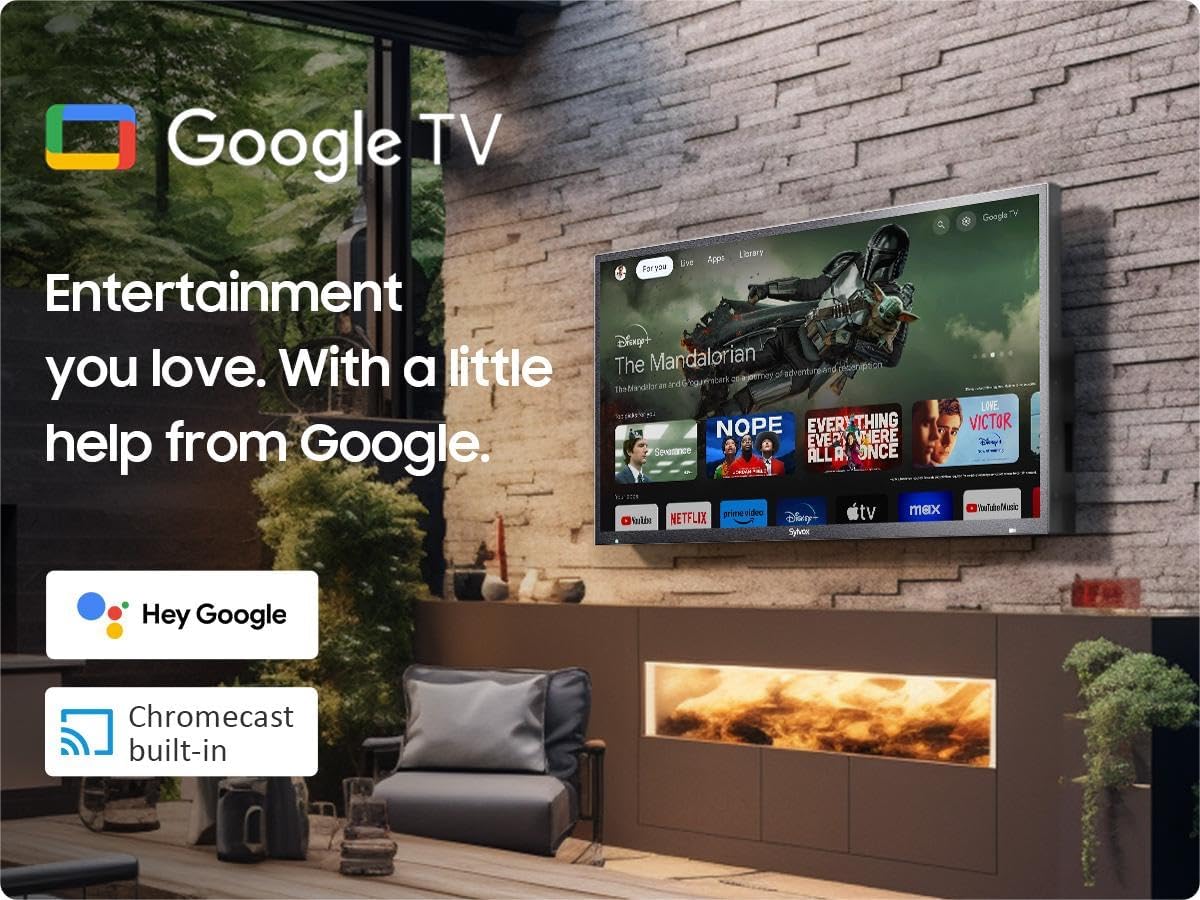
Image: Dimensions of the SYLVOX 43-inch Deck Pro 2.0 Outdoor TV.
| Феатуре | Спецификација |
|---|---|
| Бранд | СИЛВОКС |
| Број модела | SYLVOX-Deck-020 |
| Величина екрана | 43 инча (110 цм видљиве дијагонале) |
| Дисплаи Тецхнологи | ЛЕД |
| Резолуција | 4К (3840 к 2160) |
| Рефресх Рате | 60 Хз |
| Осветљеност | 1000 нита |
| Однос контраста | 3000:1 |
| Viewинг Англе | 178° |
| Посебне карактеристике | Chromecast, Waterproof, Weatherproof, High Brightness, Wide Viewing Angle, HDR 10, Dolby Atmos, Noise Reduction, Game Mode |
| Технологија повезивања | Ethernet, Wi-Fi (2.4G/5G), Bluetooth 5.0, HDMI (multiple), USB (multiple) |
| Оперативни систем | Гоогле ТВ |
| Димензије производа (Д x Ш x В) | 3.44 к 38.41 к 22.64 инча |
| Тежина артикла | 51.9 фунти |
| Батерије | 2 ААА батерије (укључене за даљински управљач) |
8. Гаранција и подршка
8.1 Информације о гаранцији
Your SYLVOX Outdoor TV comes with a 12-month free defect protection од датума куповине. Ова гаранција покрива производне недостатке при нормалној употреби. Молимо вас да сачувате доказ о куповини за потребе подношења захтева за гаранцију.
8.2 Политика враћања робе
SYLVOX offers 30-дневни поврати без проблема for quality issues. Original packaging is required for all returns. Free returns are provided for quality-related issues.
8.3 Корисничка подршка
For technical assistance, troubleshooting, or warranty inquiries, please contact SYLVOX customer support. Refer to the warranty card or the SYLVOX official webсајт за контакт детаље.