
1. Увод
This manual provides instructions for the safe and efficient use of your ELECTROPRIME HOCO AC7 Storm Power Strip. This device features three AC outlets, one USB-C port, and three USB-A ports, designed for convenient power distribution and charging of multiple electronic devices. Please read this manual thoroughly before operation and retain it for future reference.
2. Безбедносна упутства
To prevent injury or damage to the device, always follow these basic safety precautions:
- Do not exceed the maximum power rating of 2500W (10A / 250V).
- Овај производ је намењен само за употребу у затвореном простору. Не излагати влази или екстремним температурама.
- Do not disassemble, modify, or attempt to repair the device. Refer all servicing to qualified personnel.
- Чувати ван домашаја деце.
- Ensure the power cord is fully extended and not coiled or covered when in use to prevent overheating.
- Insert plugs fully into the outlets. Loose connections can cause overheating.
- Do not use with appliances that draw more power than the strip's maximum capacity.
3. Производ је готовview
The ELECTROPRIME HOCO AC7 Storm power strip provides multiple power and charging options. It features a durable, flame-retardant PC material construction for enhanced safety.
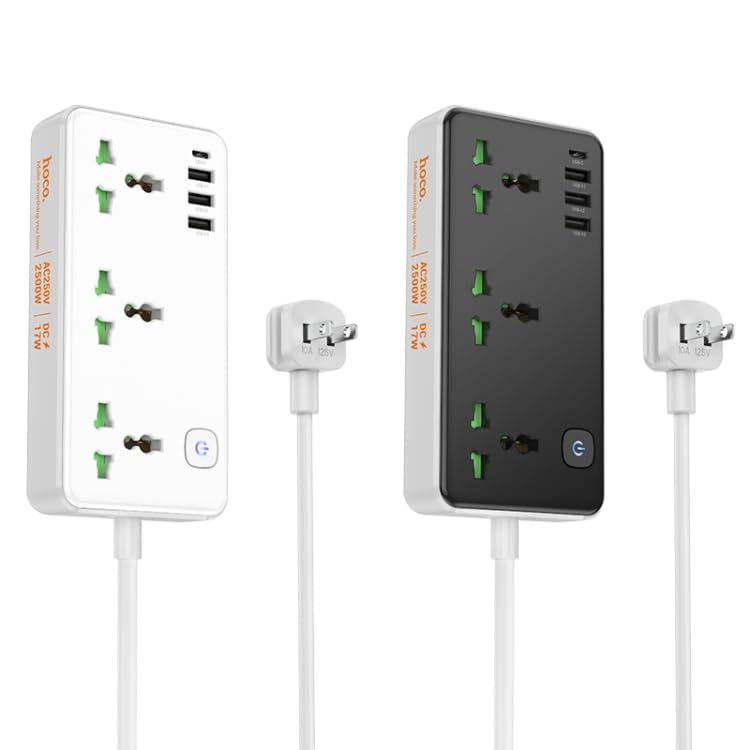
Слика 1: Готовоview of the ELECTROPRIME HOCO AC7 Storm Power Strip, illustrating both white and black color variants with their respective AC and USB ports, power button, and attached power cable with a US plug.
4. Подешавање
- Raspakujte: Пажљиво извадите продужни кабл из паковања.
- Пласман: Place the power strip on a stable, dry surface, away from heat sources, water, and direct sunlight. Ensure adequate ventilation around the unit.
- Повежите се са зидном утичницом: Plug the power strip's US plug into a standard 250V wall outlet.
- Укључено: Press the power button located on the unit to turn on the power strip. An indicator light will illuminate when the unit is powered on.
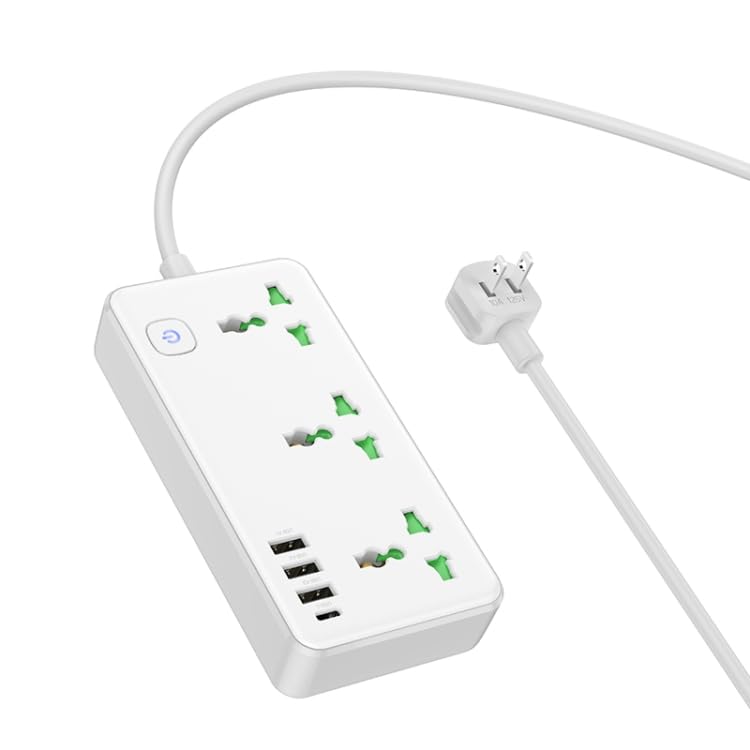
Слика 2: Англед view of the white power strip, highlighting the arrangement of AC and USB ports.
5. Упутство за употребу
5.1 Коришћење утичница за наизменичну струју
The power strip features three universal AC outlets. To use, simply plug your appliances into the available sockets. Ensure the total power consumption of all connected devices does not exceed 2500W.
5.2 Коришћење USB портова за пуњење
The power strip includes one USB-C port and three USB-A ports for charging mobile devices, tablets, and other USB-powered electronics. The total USB output is 5V/3.4A.
- Connect your device's USB charging cable to the appropriate USB-C or USB-A port on the power strip.
- Ensure your device begins charging.
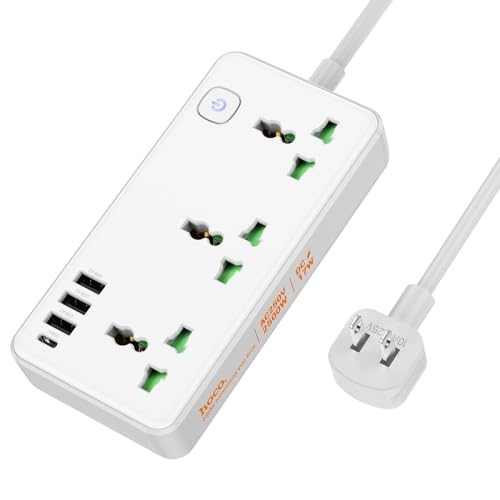
Слика 3: Одозго надоле view of the white power strip, illustrating the layout of the AC outlets and USB ports, along with the attached power cable.
6. Одржавање
- Чишћење: Disconnect the power strip from the wall outlet before cleaning. Use a dry, soft cloth to wipe the surface. Do not use liquid cleaners or aerosols.
- Складиштење: When not in use for extended periods, unplug the power strip and store it in a cool, dry place.
- инспекција: Periodically inspect the power cord and plug for any signs of damage. If damaged, discontinue use and contact customer support.
КСНУМКС. Решавање проблема
- Нема напајања:
- Уверите се да је продужни кабл безбедно прикључен у радну зидну утичницу.
- Check if the power button on the strip is pressed to the "ON" position.
- Verify that the wall outlet itself is functioning by plugging in another device.
- Devices Not Charging via USB:
- Ensure the power strip is powered on.
- Check the USB cable for damage and ensure it is properly connected to both the power strip and your device.
- Verify that your device is compatible with 5V/3.4A USB charging.
- Заштита од преоптерећења: If the power strip stops providing power, it may have triggered its overload protection. Unplug all devices, wait a few minutes, and then press the power button to reset. Reduce the number of high-power devices connected.
8. Спецификације
| Феатуре | Спецификација |
|---|---|
| Материјал | Flame retardant PC |
| АЦ Оутпут | 10А / 250В |
| Мак Повер | 2500В |
| УСБ излаз | 5V / 3.4A (Total) |
| Дужина кабла за напајање | 1.5м |
| Тип кабла за напајање | 0.75 square PVC wire |
| Димензије (Д к Ш к В) | 198 к 110 к 107 мм |
| Тежина | 340г |
| Плуг Типе | УС Плуг |
9. Гаранција и подршка
This product comes with a standard manufacturer's warranty. For detailed warranty information, technical support, or service inquiries, please contact ELECTROPRIME customer service through your purchase platform or the contact information provided with your product packaging.