
1. Увод
The KYSONA EM9 is a 57° wireless ergonomic vertical mouse designed to provide a comfortable and efficient user experience. Its unique vertical design helps reduce wrist strain and tension, making it suitable for extended use. This mouse features dual-mode connectivity (Bluetooth and 2.4G wireless), adjustable DPI settings, quiet click buttons, and customizable RGB lighting.
Напомена: This ergonomic mouse is recommended for small to medium hands. The mouse dimensions are approximately 10.7 x 7.4 x 7.1 CM (4.2 x 2.9 x 2.8 inches). Please measure your hand prior to purchasing for a comfortable fit.
2. Карактеристике производаview
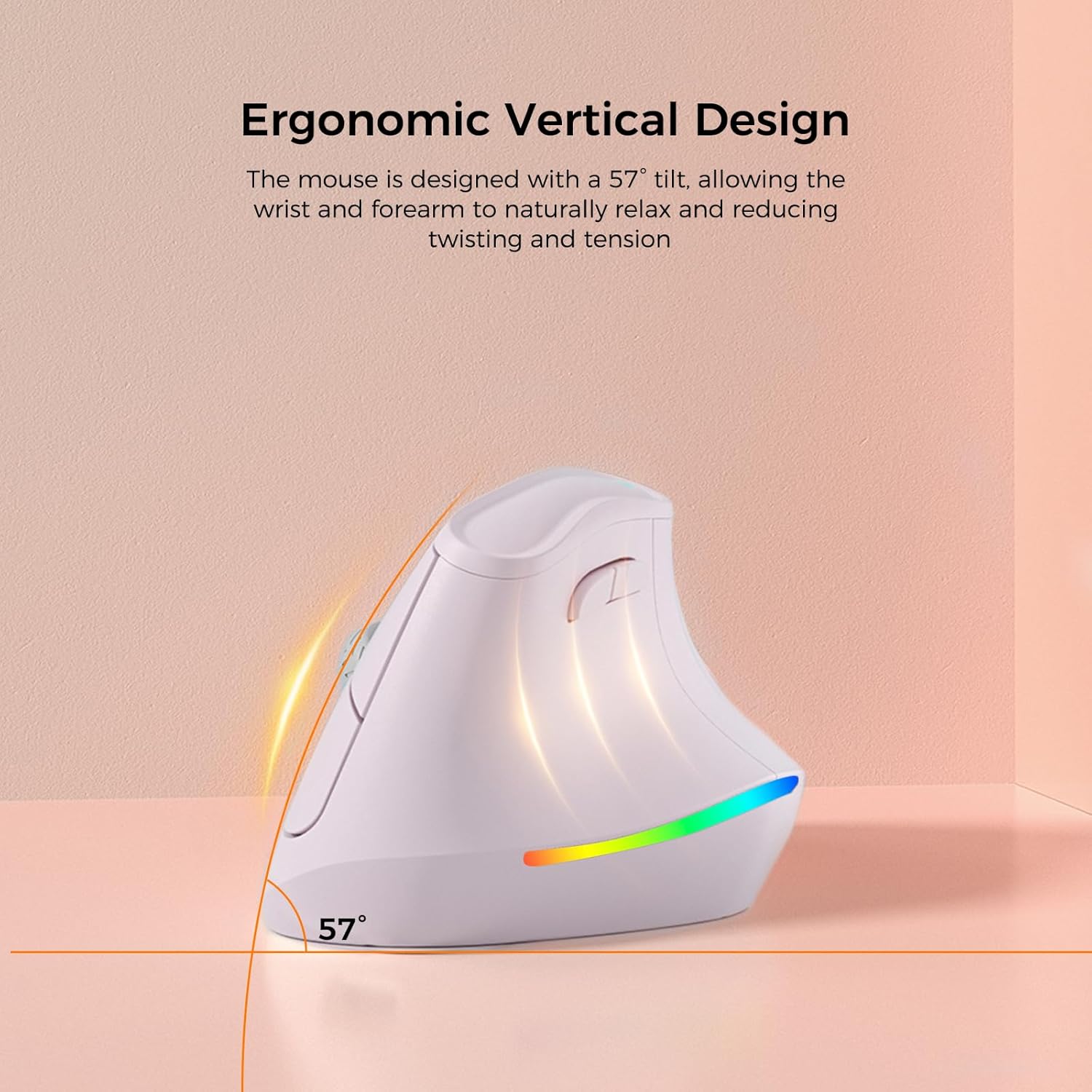
Ергономски вертикални дизајн: The mouse is designed with a 57° tilt, allowing the wrist and forearm to naturally relax and reducing twisting and tension.

5 DPI Adjustments: Features 5 adjustable DPI settings (800, 1200, 1600, 2400, 4000) for personalized sensitivity.
Silent Switch: Operates quietly, ensuring a disturbance-free environment.

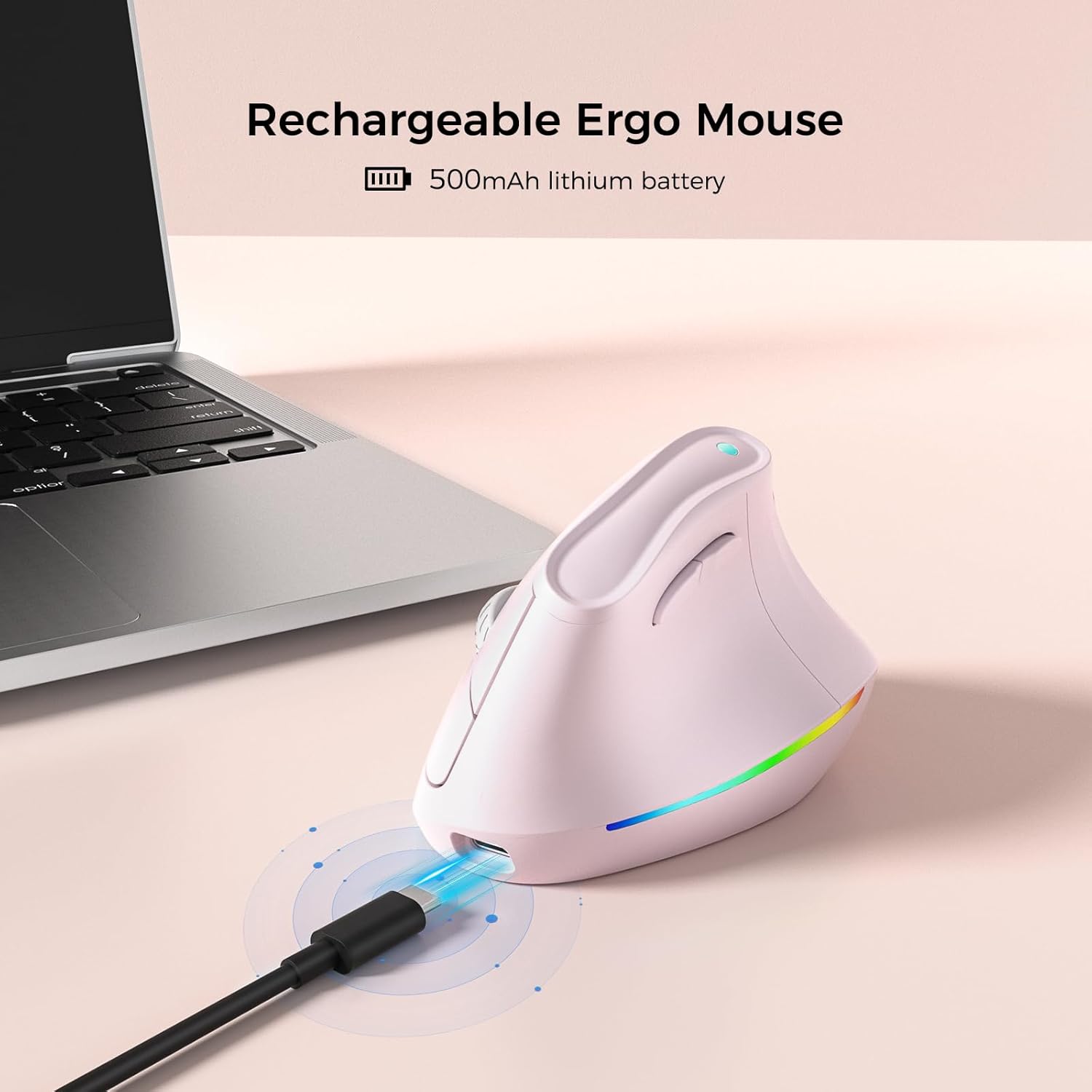
Пуњива батерија: Equipped with a 500mAh lithium battery for long-lasting use.

Двострука веза: Supports Bluetooth 3.0/5.0 and 2.4G wireless, connecting up to 3 devices.
3. Подешавање
3.1 Пуњење миша
Before first use, fully charge the mouse using the provided USB-C cable. Connect the USB-C end to the mouse's charging port and the USB-A end to a power source (e.g., computer USB port, USB wall adapter).
3.2 Connecting via 2.4G Wireless
- Пронађите УСБ пријемник, који се обично налази у одељку на доњој страни миша.
- Укључите УСБ пријемник у слободан УСБ порт на рачунару.
- Укључите миш помоћу прекидача за напајање на доњој страни.
- Миш би требало аутоматски да се повеже са рачунаром.
3.3 Повезивање преко Блуетоотх-а
- Укључите миш помоћу прекидача за напајање на доњој страни.
- Switch the connectivity mode to Bluetooth (refer to the mode switch on the underside of the mouse).
- On your device (PC, Laptop, Mac, Tablet), go to Bluetooth settings.
- Тражи new devices and select "KYSONA EM9" (or similar name) from the list.
- Пратите сва упутства на екрану да бисте довршили процес упаривања.
3.4 Производ завршенview Видео
Овај видео пружа визуелни прегледview of the KYSONA EM9 Ergonomic Vertical Mouse, demonstrating its design and features.
4. Упутство за употребу
4.1 ДПИ подешавање
The mouse features 5 adjustable DPI settings: 800, 1200, 1600, 2400, and 4000. Press the DPI button (usually located near the scroll wheel or on the top of the mouse) to cycle through these settings and adjust cursor sensitivity to your preference.
4.2 RGB контрола осветљења
The mouse includes customizable RGB lighting. To turn off the RGB lighting, simultaneously press the Тастер за напред анд тхе Тастер за назад located on the side of the mouse.
4.3 Smart Auto-Sleep Mode
The EM9 mouse incorporates smart auto-sleep technology. During periods of inactivity, the mouse will automatically enter sleep mode to conserve power. This feature contributes to a battery life of up to 12 months, though actual battery life may vary based on usage and computing conditions.
5. Одржавање
5.1 Чишћење
За чишћење миша користите меку, суву крпу. За тврдокорну прљавштину, благо обришитеampen the cloth with water or a mild cleaning solution. Avoid using harsh chemicals or abrasive materials, as these can damage the mouse's surface.
5.2 Одржавање батерије
The mouse is equipped with a rechargeable lithium polymer battery. To prolong battery life, ensure the mouse is fully charged before first use and recharge it when the battery indicator is low. The auto-sleep feature helps conserve power during inactivity.
КСНУМКС. Решавање проблема
- Миш не реагује: Ensure the mouse is powered on and correctly connected via either 2.4G wireless (USB receiver plugged in) or Bluetooth (paired). Check battery level and charge if necessary.
- Cursor movement is erratic or sluggish: Try adjusting the DPI settings. Ensure the mouse sensor is clean and free from obstructions. If using a mouse pad, ensure it is clean and suitable for optical mice.
- Mouse does not glide smoothly: Check the underside of the mouse for any protective plastic films on the glide pads. Remove any such films to ensure optimal gliding performance.
- RGB lighting is off: If the RGB lighting is not active, ensure it hasn't been manually turned off. Press the Forward key + Backward key simultaneously to toggle the RGB lighting on/off.
- Проблеми са повезивањем: For 2.4G, try plugging the USB receiver into a different USB port. For Bluetooth, unpair and re-pair the mouse with your device. Ensure no other wireless devices are causing interference.
7. Спецификације
| Феатуре | Детаљ |
|---|---|
| Димензије производа | 4.25 к 2.91 к 0.1 инча |
| Тежина артикла | 5.6 унци |
| Број модела ставке | ЕМ9 |
| Батерије | 1 литијум-полимерска батерија (укључена) |
| Бранд | КИСОНА |
| Боја | Пинк |
| Технологија повезивања | 2.4G, Bluetooth (3.0/5.0) |
| Посебне карактеристике | Ergonomic Design, Lightweight, Rechargeable, Soundless (Quiet Click), Wireless, RGB Lighting |
| Технологија детекције покрета | Оптицал |
| ДПИ подешавања | 800, 1200, 1600, 2400, 4000 |
| Произвођач | Shenzhen Huihaikang Intelligent Equipment Co., Ltd |
8. Гаранција и подршка
For warranty information and customer support, please refer to the documentation included with your product or visit the official KYSONA website. The manufacturer is Shenzhen Huihaikang Intelligent Equipment Co., Ltd.