
1. Увод и крајview
The Vaonis Vespera Pro is a compact smart telescope designed for automated stargazing and astrophotography. It integrates advanced optical and sensor technology to provide high-resolution imaging and an intuitive app-controlled experience. This manual provides essential information for setting up, operating, maintaining, and troubleshooting your Vespera Pro telescope.
- Starvis2 Sensor: The Vespera Pro incorporates the SONY IMX676 Starvis 2 sensor, offering ultra-high sensitivity for enhanced observation.
- CovalENS Technology: This exclusive Vaonis technology enables live panorama capture, expanding your field of view.
- Premium Quality Optics: Equipped with a new field corrector, the optical system is optimized to fully utilize the sensor's potential.
- Стручни режим: The Pro version provides access to an Expert Mode within the companion application, offering advanced control.
- Automatic Dark Calibration: The telescope automatically subtracts calibration frames from observations for improved image quality.
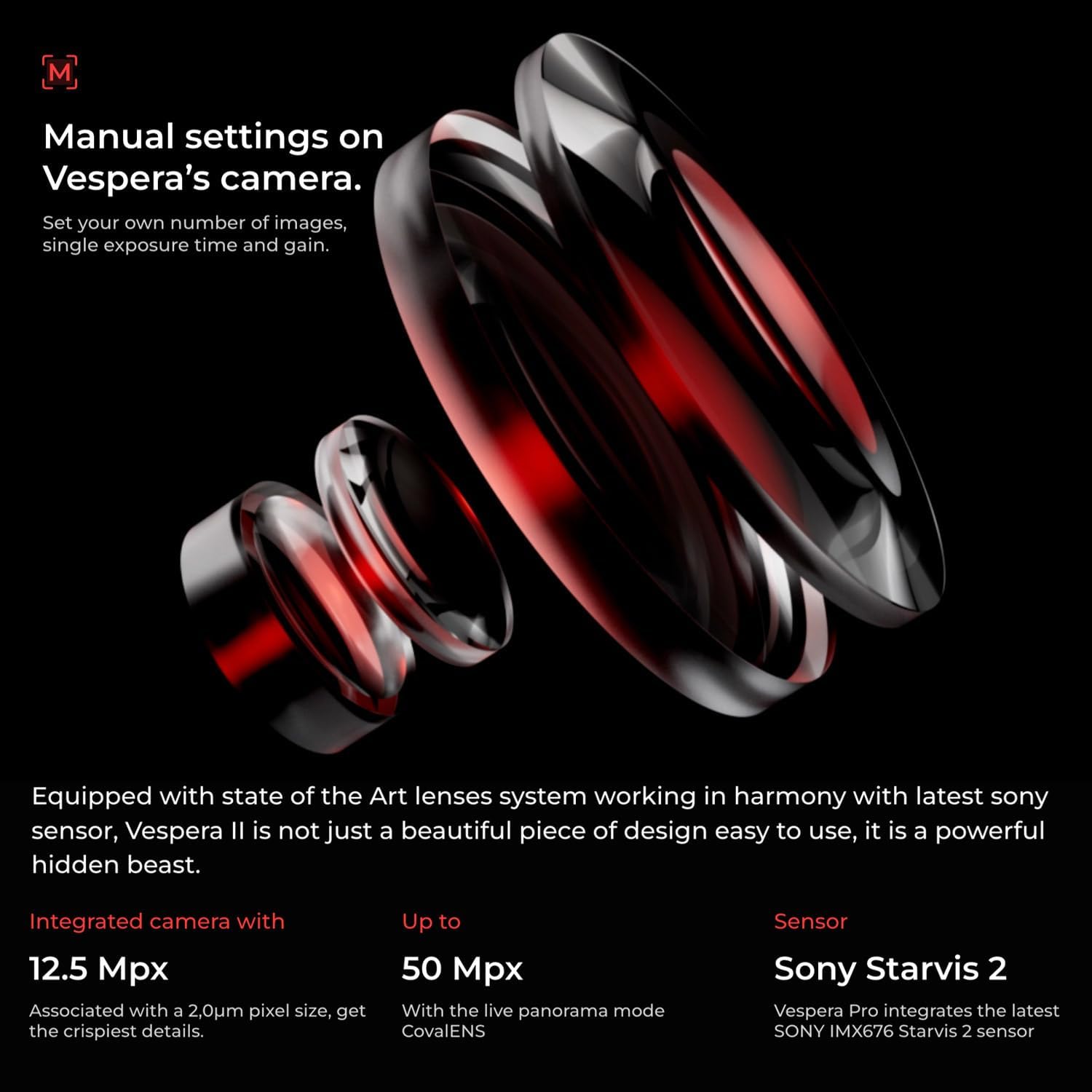
Figure 1: The Vaonis Vespera Pro Smart Telescope with its integrated screen open.
2. Подешавање
Follow these steps to prepare your Vespera Pro for observation:
- Распакивање: Пажљиво извадите све компоненте из паковања. Уверите се да су сви делови присутни и да нису оштећени.
- Додатак за статив: Extend the tripod legs and ensure they are stable on a flat surface. Securely attach the Vespera Pro unit to the tripod mount.
- Укључено: Press and hold the power button located on the side of the telescope until the indicator light illuminates.
- Веза са апликацијом: Download and install the Singularity app by Vaonis on your smartphone or tablet. Follow the in-app instructions to connect to your Vespera Pro via Wi-Fi.

Figure 2: Vespera Pro mounted on its tripod, ready for setup.
Видео 1: Производ је преостаоview Видео. Овај видео пружа општи прегледview of the Vespera Pro, including its physical components and initial handling.
3. Упутство за употребу
The Vespera Pro is primarily operated through the Singularity mobile application. Ensure your device is connected to the telescope's Wi-Fi network.
3.1 Initial Alignment and Object Selection
- Upon connecting, the app will guide you through an automatic alignment process using its internal sensors and GPS.
- Browse the celestial catalog within the Singularity app to select your desired observation target (e.g., galaxies, nebulae, star clusters).
- The telescope will automatically slew (move) to center the selected object in its field of view.
3.2 Imaging and Observation
- Once an object is targeted, the Vespera Pro begins capturing multiple short-exposure images.
- These images are automatically stacked and processed in real-time by the CovalENS technology, gradually revealing details and colors.
- Monitor the live stacking process and image enhancement directly on your connected device's screen.
- Utilize the Expert Mode in the app for manual control over imaging parameters such as exposure time and gain, if desired.
- The Automatic Dark Calibration feature works in the background to optimize image quality.

Figure 3: Vespera Pro actively observing the night sky.
Video 2: LumENS - Your real-time astro companion by Vaonis. This video demonstrates the functionality of the LumENS app, which is integral to operating the Vespera Pro.
4. Одржавање
Proper maintenance ensures the longevity and optimal performance of your Vespera Pro telescope:
- Чишћење оптике: Use a soft, lint-free cloth and specialized optical cleaning solution to gently clean the lens surfaces. Avoid abrasive materials.
- Чишћење тела: Wipe the exterior of the telescope with a soft, damp тканина. Немојте користити јаке хемикалије.
- Складиштење: Store the Vespera Pro in its protective case in a dry, temperature-controlled environment when not in use. Protect it from dust and moisture.
- Одржавање батерије: For long-term storage, ensure the battery is charged to approximately 50-60% to maintain battery health.
КСНУМКС. Решавање проблема
If you encounter issues with your Vespera Pro, consider the following:
- Проблеми са везом: Ensure your smartphone/tablet's Wi-Fi is connected to the Vespera Pro's network. Restart both the telescope and the app if connection fails.
- Лош квалитет слике: Check for clear skies and minimal light pollution. Ensure the lens is clean and free of condensation. Verify that the telescope is properly aligned.
- Telescope Not Responding: Perform a hard reset by holding the power button for an extended period (refer to the app for specific instructions). Ensure the battery is charged.
- Функционалност апликације: Ensure your Singularity app is updated to the latest version.
6. Спецификације
Key technical specifications for the Vaonis Vespera Pro:
- Назив модела: Vespera Pro
- Бренд: Vaonis
- Димензије производа: 18.89 к 7.87 к 3.54 инча
- Тежина артикла: 11.02 фунти
- Материјал: Метал
- Боја: Црно
- Посебна карактеристика: Лагана
- Компатибилни уређаји: Camera (for astrophotography integration)
- Сензор: SONY IMX676 Starvis 2

Figure 4: Visual representation of Vespera Pro's dimensions and weight.
7. Гаранција и подршка
For detailed warranty information, technical support, and service requests, please refer to the official Vaonis webсајт или директно контактирајте њихову корисничку службу. Сачувајте рачун за куповину за потребе гаранције.