
1. Безбедносне информације
Please read all safety instructions carefully before using this device. Keep this manual for future reference.
- Не излажите уређај киши, влази или екстремним температурама.
- Избегавајте постављање уређаја у близини извора топлоте или на директном сунцу.
- Use only the provided power adapter and car charger.
- Држите уређај даље од деце и кућних љубимаца.
- Не покушавајте сами да раставите или поправите уређај. Обратите се корисничкој подршци за помоћ.
2. Садржај пакета
Проверите да ли су све ставке присутне у пакету:
- Преносни ДВД плејер од 15.6 "
- Водич за брзи почетак
- Даљински управљач
- 3-у-1 АВ кабл
- Цар Цхаргер
- АЦ адаптер

Image: All components included in the pofoto PD15 Portable DVD Player package.
3. Производ је готовview
The pofoto PD15 Portable DVD Player features a 15.6-inch HD screen designed for an immersive viewing experience. It includes dual stereo speakers and supports various media formats.
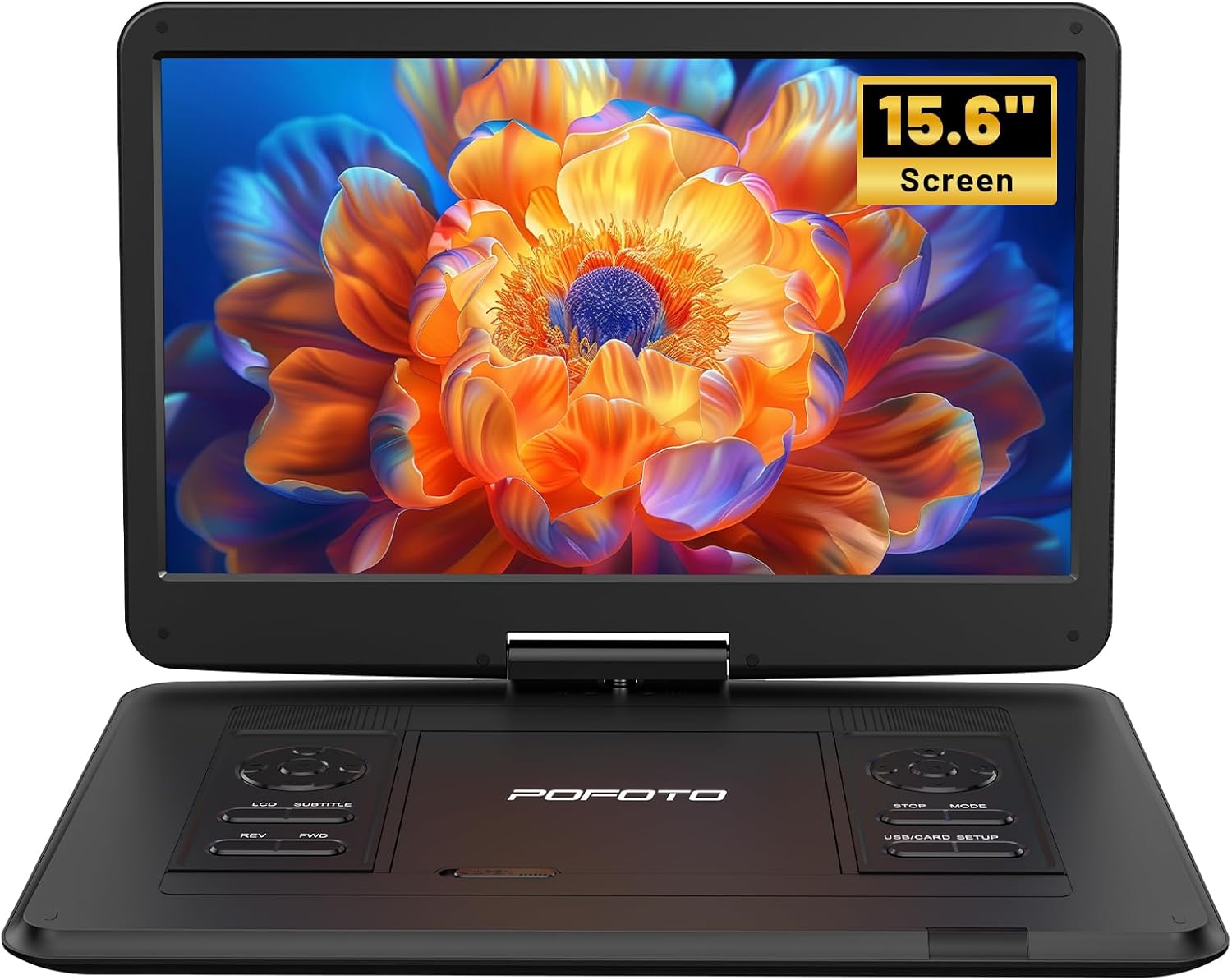
Слика: Фронт view of the pofoto PD15 Portable DVD Player with its 15.6-inch screen open.
3.1. Карактеристике екрана
The 15.6-inch screen offers a resolution of 1280*800 pixels. It can rotate 270° and flip 180°, allowing for optimal viewинг углова.

Слика: Са стране view of the pofoto PD15 Portable DVD Player highlighting the large 15.6-inch screen.
3.2. Control Panel and Ports
The device features intuitive control buttons on the base and various ports for connectivity.
- УСБ порт: For connecting USB drives (up to 32GB) to play media files.
- Слот за СД картицу: For inserting SD cards (up to 32GB) to play media files.
- Слушалице: 3.5 мм прикључак за приватно слушање.
- АВ ОУТ: Audio/Video output for connecting to external displays.
- АВ ИН: Audio/Video input for connecting external media sources.
- ДЦ ИН: Power input for charging and operating the device.
- Прекидач: Physical ON/OFF switch located on the side.
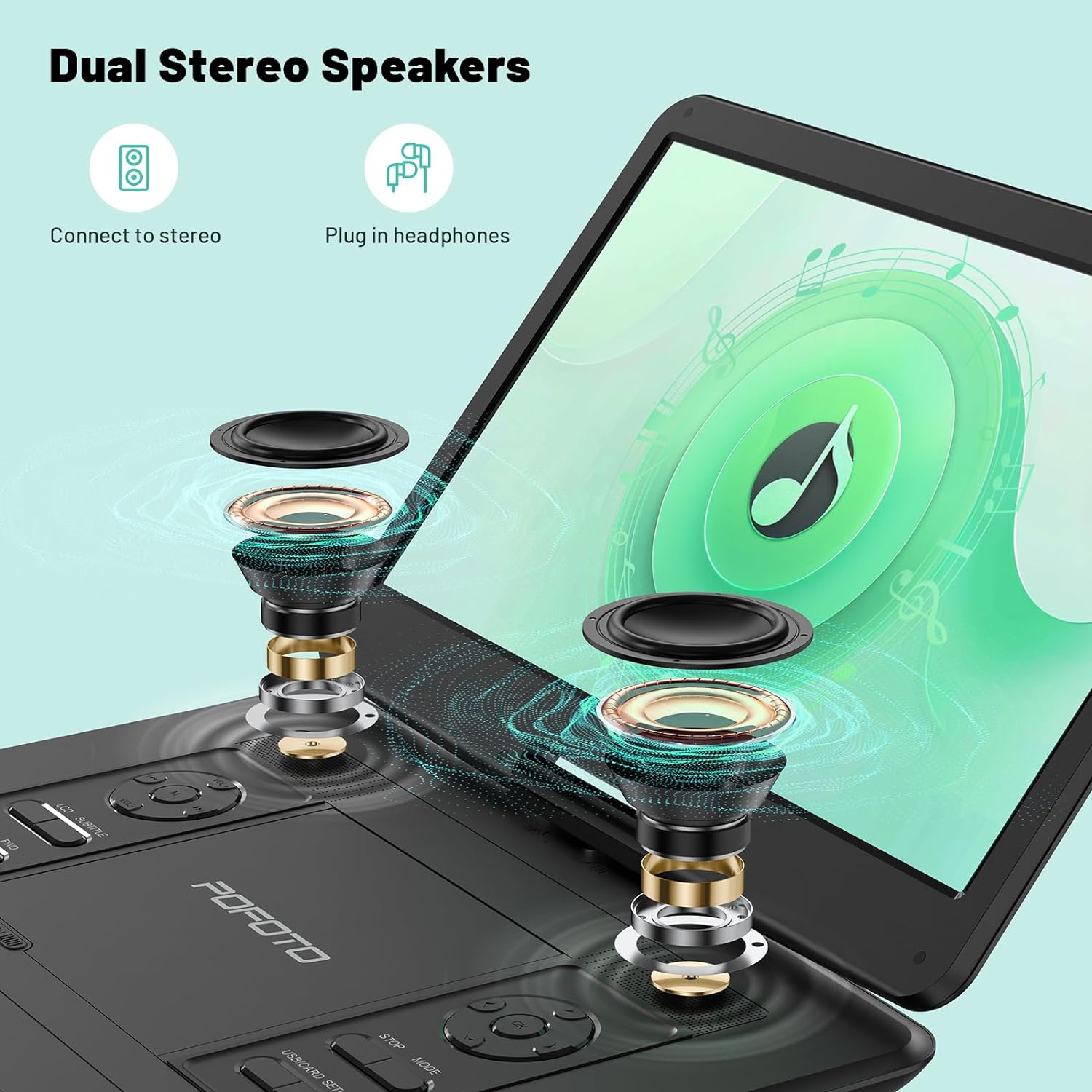
Image: Close-up of the side panel of the pofoto PD15 Portable DVD Player, detailing the various input and output ports.
4. Подешавање
4.1. Почетно пуњење
Before first use, fully charge the device using the provided AC adapter. The charging indicator light will show the charging status.
4.2. Укључивање/искључивање
- За укључивање: Slide the physical power switch on the side to the 'ON' position. Then, press the 'POWER' button on the control panel.
- За искључивање: Press the 'POWER' button on the control panel, then slide the physical power switch to the 'OFF' position.
4.3. Inserting a Disc
- Gently open the disc cover by sliding the 'OPEN' latch.
- Place the DVD or CD onto the spindle with the label side facing up. Ensure it clicks into place.
- Чврсто затворите поклопац диска док се не закључа.
5. Упутство за употребу
5.1. Основна репродукција
- After inserting a disc or connecting a USB/SD card, the player will typically begin playback automatically.
- Користите ПЛАИ/ПАУСЕ дугме за покретање или паузирање репродукције.
- Користите СТОП дугме за заустављање репродукције.
- Подесите јачину звука помоћу ВОЛ+ и ВОЛ- дугмад.
- Користите РЕВ и ФВД buttons for fast rewind and fast forward.
5.2. Подешавање екрана
The screen can be rotated 270° and flipped 180° for flexible viewing. Adjust the screen gently to your desired position.
5.3. Media Compatibility
The player is region-free and compatible with a wide range of formats:
- дискови: CD, DVD, CD-R/RW, DVD±R/±RW, VCD/SVCD (Blu-ray and pirated discs are not supported).
- USB & SD Cards (Max 32GB): Supports VOB, AVI, MPEG, MP3, WMA, JPEG formats.

Image: The pofoto PD15 Portable DVD Player displaying its compatibility with various disc and digital media formats.
5.4. Функција последње меморије
The device features a last memory function that resumes playback from where you last stopped, even after powering off.
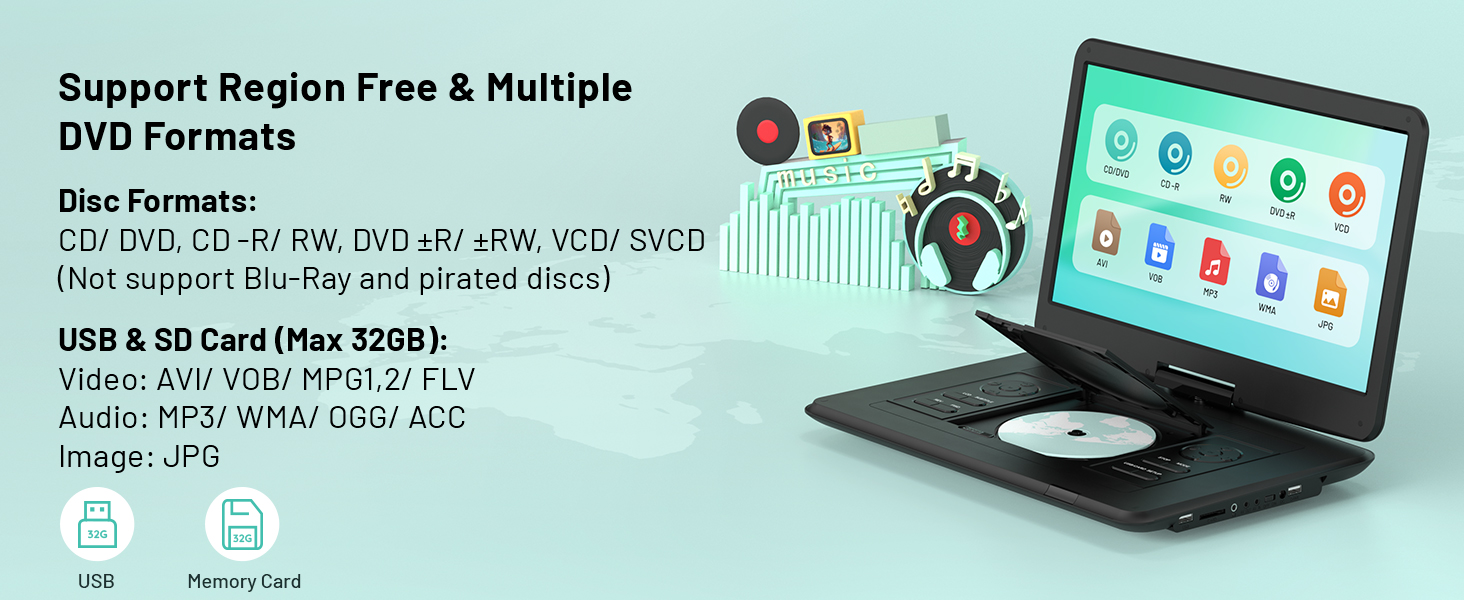
Image: Visual representation of the Last Memory Function, showing a movie resuming after the player is powered on again.
5.5. Advanced Playback Options
- АБ понављање: Use the 'A-B' button on the remote to select and loop specific video segments.
- Успорени снимак: Easily slow down the current playback speed by pressing the 'SLOW' button on the remote.
6. Connecting to External Devices
The pofoto PD15 can connect to various external devices for an enhanced viewинг искуство.
- Sync to TV: Use the AV OUT port and the provided 3-in-1 AV cable to connect to a television.
- Sync to Projector: Connect to a projector via the AV OUT port for a larger display.
- Sync to Similar Player: Connect two compatible portable DVD players for synchronized viewинг.

Image: The pofoto PD15 Portable DVD Player connected to a television, demonstrating its screen sharing feature.
7. Батерија и пуњење
The device is equipped with a 5000mAh rechargeable battery, providing up to 6 hours of continuous playback.
7.1. Методе пуњења
- АЦ адаптер: Use the certified AC adapter for charging at home or any standard power outlet.
- Ауто пуњач: Use the included car charger to power and charge the device in your vehicle.
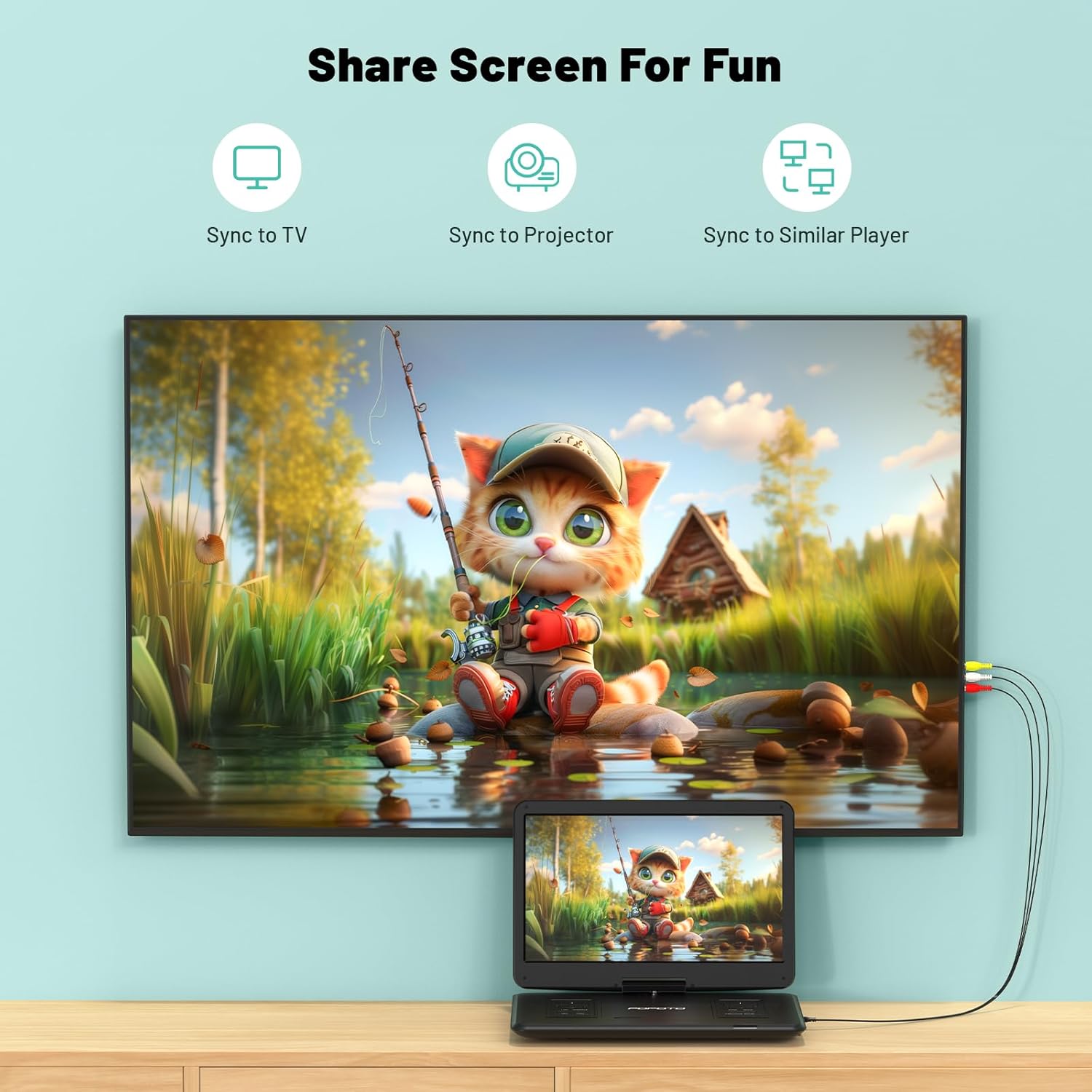
Image: The pofoto PD15 Portable DVD Player illustrating its 6-hour battery life and various charging options.
8. Одржавање
- Чишћење: Use a soft, dry cloth to clean the screen and exterior. Do not use liquid cleaners or aerosols.
- Складиштење: Чувајте уређај на хладном и сувом месту даље од директне сунчеве светлости када се не користи.
- Одржавање дискова: Handle discs by the edges to avoid fingerprints and scratches. Clean discs with a soft, lint-free cloth.
КСНУМКС. Решавање проблема
- Нема напајања: Ensure the device is charged or connected to a power source, and the physical power switch is in the 'ON' position.
- Диск се не репродукује: Check if the disc is inserted correctly (label side up) and is clean. Ensure the disc format is supported (not Blu-ray or pirated).
- Нема звука: Check the volume level. Ensure headphones are properly connected if in use. If connected to an external device, check its volume and connections.
- Лош квалитет слике: Ensure the disc is clean and unscratched. Adjust screen brightness and contrast settings if available.
- Anti-Shock Function: The built-in anti-shock function helps maintain smooth playback during movement, ideal for car travel.
10. Спецификације
| Феатуре | Детаљ |
|---|---|
| Бранд | pofoto |
| Назив модела | ПД15 |
| Величина екрана | 15.6 инча |
| Резолуција | 1280 к 800 пиксела |
| Капацитет батерије | 5000мАх |
| Трајање батерије | До 6 сати |
| Подржани типови медија | CD, DVD, CD-R/RW, DVD±R/±RW, VCD/SVCD, USB, SD Card (VOB, AVI, MPEG, MP3, WMA, JPEG) |
| Посебне карактеристике | Anti-Shock, Region Free, Last Memory, Portable, Rechargeable |
| Тежина артикла | 5.51 фунти |
| Димензије производа | 14.9 к 10.6 к 1.9 инча |
| Технологија повезивања | USB, SD, 3.5mm Headphone Jack, AV In/Out |
11. Гаранција и подршка
Your pofoto PD15 Portable DVD Player comes with a 24-месечна постпродајна услуга. If you encounter any issues or have questions, please reach out to our customer support team. We aim to respond within 24 hours to assist you.
Video: Official pofoto guide demonstrating the use of the 17.5" Portable DVD Player. This video provides a visual walkthrough of the product's features and basic operation.