
Увод
This manual provides comprehensive instructions for the JBL PartyBox Club 120 portable wireless speaker. It covers essential information regarding product setup, operation, maintenance, and troubleshooting to ensure optimal performance and longevity of your device. Please read this manual thoroughly before using the speaker.
Шта је у кутији
Upon unpacking, verify that all the following items are present:
- 1 x JBL PartyBox 120 Portable Wireless Speaker
- 1 к кабл за напајање наизменичном струјом
- 1 x Auxiliary Cable
- 1 x Microfiber Cloth

Слика: Фронт view of the JBL PartyBox Club 120 speaker, showcasing its grille and illuminated JBL logo.
Сетуп
1. Пуњење звучника
Before initial use, fully charge the speaker. Connect the provided AC power cord to the speaker's power input and then to a wall outlet. The charging indicator will show the battery status. A full charge provides approximately 12 hours of playtime.
2. Укључивање/искључивање
- To power on: Press the Power button located on the control panel.
- To power off: Press and hold the Power button until the speaker shuts down.
3. Блуетоотх упаривање
- Уверите се да је звучник укључен.
- Press the Bluetooth button on the speaker. The Bluetooth indicator will flash, indicating it is in pairing mode.
- On your mobile device (smartphone, tablet, or laptop), enable Bluetooth and search for available devices.
- Select "JBL PartyBox Club 120" from the list of devices.
- Once paired, the Bluetooth indicator will glow solid, and you will hear a confirmation sound.
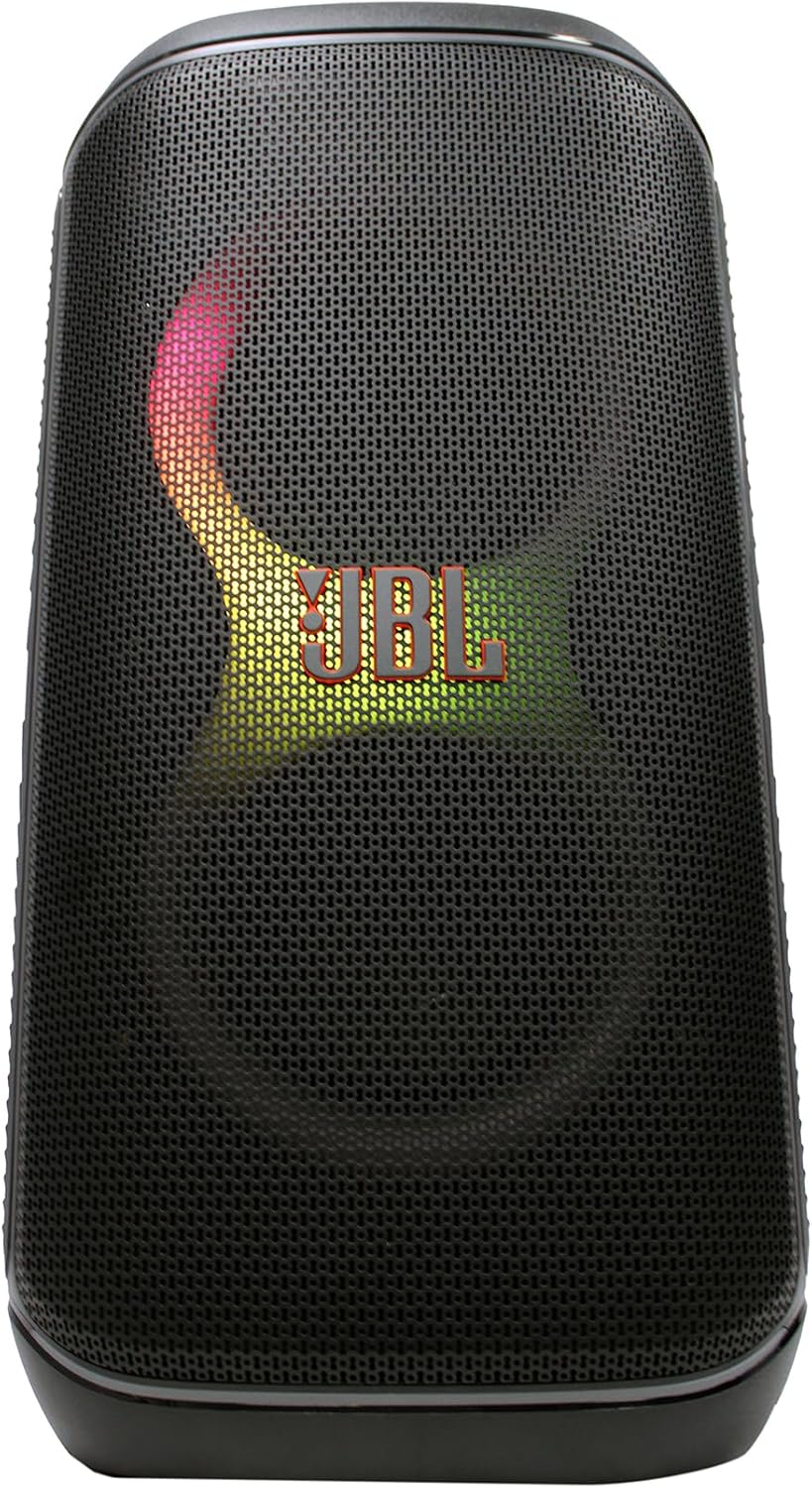
Слика: Фронт view of the JBL PartyBox Club 120 speaker, displaying dynamic multi-color lighting effects.
4. АУКС прикључак
To connect an audio device via the auxiliary input:
- Connect one end of the provided auxiliary cable to the AUX IN port on the speaker.
- Повежите други крај помоћног кабла са прикључком за слушалице или аудио излазом вашег уређаја.
- The speaker will automatically switch to AUX input mode, or you may need to select it manually using the input source button.
Упутство за употребу
1. Аудио репродукција
- Контрола јачине звука: Use the volume up (+) and volume down (-) buttons on the speaker or your connected device to adjust the audio level.
- Пусти/паузирај: Притисните дугме Репродукција/Пауза да бисте покренули или зауставили репродукцију звука.
- Навигација стаза: Use the skip forward and skip backward buttons to change tracks.
2. Light Show Features
The JBL PartyBox Club 120 features dynamic LED lighting effects that synchronize with your music. Use the dedicated Light Mode button on the speaker to cycle through different light patterns or turn the lights off.
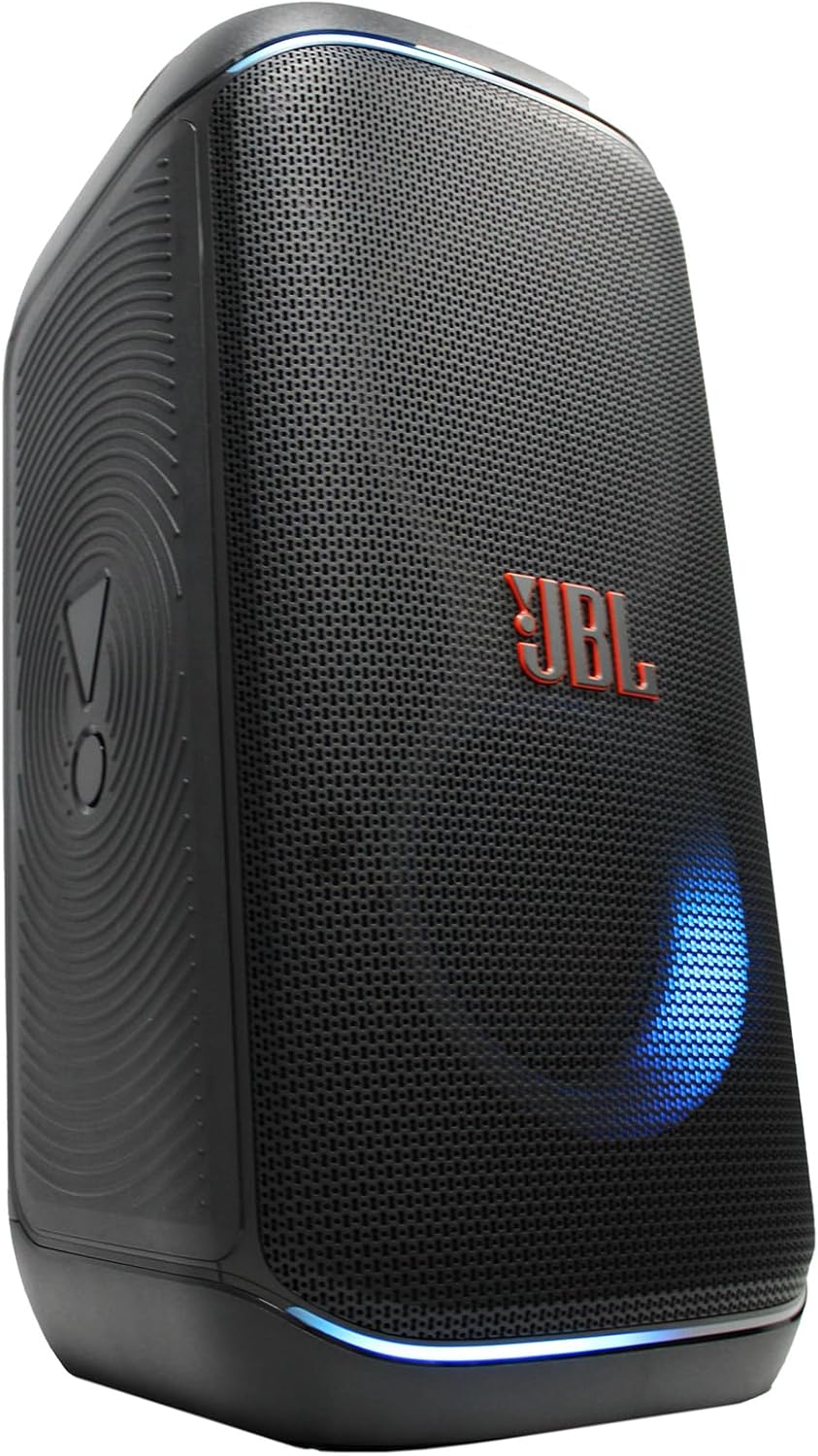
Слика: Са стране view of the JBL PartyBox Club 120 speaker, showing its robust design and a blue light effect.
3. Splash Proof Design
The speaker is designed to be splash-proof, making it suitable for outdoor use and near water. However, it is not fully waterproof and should not be submerged in water. Ensure all port covers are securely closed to maintain splash resistance.
Одржавање
- Чишћење: Use the provided microfiber cloth or a soft, damp cloth to clean the speaker's exterior. Avoid using abrasive cleaners or solvents.
- Складиштење: Чувајте звучник на хладном и сувом месту, даље од директне сунчеве светлости и екстремних температура.
- Одржавање батерије: Да бисте продужили век трајања батерије, избегавајте често потпуно пражњење батерије. Редовно пуните звучник, чак и ако га не користите дуже време.
Решавање проблема
| Проблем | Могући узрок | Решење |
|---|---|---|
| Нема струје | Battery is depleted; Power cord not connected | Charge the speaker; Ensure power cord is securely connected to speaker and outlet |
| Нема звука | Volume too low; Incorrect input source; Device not playing audio | Increase volume on speaker and device; Select correct input source (Bluetooth/AUX); Ensure audio is playing on connected device |
| Блуетоотх се не повезује | Звучник није у режиму упаривања; Блутут уређаја је искључен; Предалеко од звучника | Press Bluetooth button to enter pairing mode; Enable Bluetooth on device; Move device closer to speaker (within 30 feet) |
| Light show not working | Light mode off; Speaker malfunction | Press Light Mode button to activate; Contact support if issue persists |
Спецификације
| Бранд | ЈБЛ |
| Број модела | JBLPARTYBOX120AM |
| Оутпут Ватtage | 160 Ваттс |
| Технологија повезивања | АУКС, Блуетоотх |
| Извор напајања | Напаја се батеријама, електричним каблом |
| Тип батерије | Пуњива |
| Димензије артикла (Д к Ш к В) | 11.6 к 11.8 к 22 инча |
| Тежина артикла | 25 фунти |
| Боја | Црно |
| Материјал | Пластика, гума |
| Компатибилни уређаји | Паметни телефон, таблет, лаптоп |
| Тип монтаже | Таблетоп |
| УПЦ | 094148647852 |
Гаранција и подршка
For detailed warranty information, please refer to the warranty card included with your product or visit the official JBL website. For technical support, product registration, or service inquiries, please contact JBL customer support through their official channels.
Note: This manual provides general guidance. Specific features and operations may vary. Always refer to the latest information available from the manufacturer.