
1. Увод
This manual provides detailed instructions for the RUIZU M45 Android MP3 Player. It covers device setup, operation, maintenance, and troubleshooting to ensure optimal performance and user experience. The RUIZU M45 is a versatile portable media player featuring Android 13, Bluetooth 5.0, dual-band Wi-Fi, a 4.5-inch IPS touchscreen, and expandable storage up to 1TB.

Image: RUIZU M45 Android MP3 Player displaying various streaming music applications and connectivity icons.
2. Шта је у кутији
Проверите да ли су све ставке присутне у пакету:
- 1 x RUIZU 163GB Android MP3 Player with Bluetooth and WiFi
- 1 x USB-C cable for charging & File преносећи
- 1 x 128GB Micro SD Card (pre-installed)
- 1 x 3.5mm Wired Stereo headphones
- 1 к Заштитна торбица
- 1 x Screen protector
- 1 x Упутство за употребу (овај документ)

Image: All included accessories and the RUIZU M45 device laid out.
3. Производ је готовview
The RUIZU M45 features a compact design with a 4.5-inch IPS touchscreen. It is built with an aluminum alloy frame and a glass back for durability and a premium feel.
3.1. Изглед уређаја

Слика: Фронт view of the RUIZU M45, highlighting the 4.5-inch IPS touchscreen.
The device features a responsive touchscreen for navigation. Physical buttons for power, volume, and playback controls are located on the sides. A USB-C port is available for charging and data transfer, along with a 3.5mm headphone jack.
Слика: Са стране view of the RUIZU M45, illustrating the physical buttons and ports.
4. Подешавање
4.1. Почетно пуњење
Before first use, fully charge the device using the provided USB-C cable and a compatible power adapter (not included). A full charge takes approximately 3 hours.
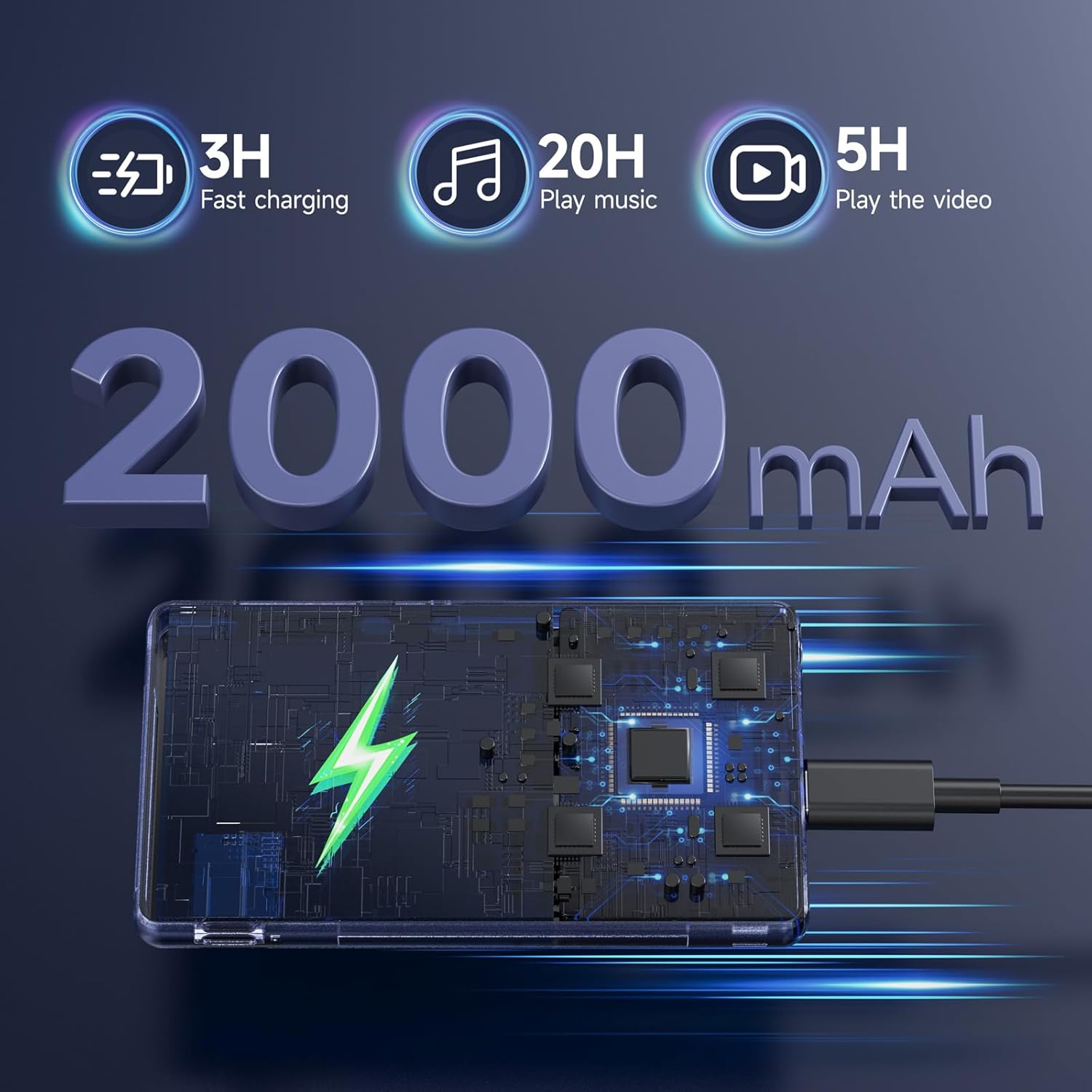
Image: The RUIZU M45 device being charged via its USB-C port, indicating battery capacity and charging speed.
4.2. Укључивање/искључивање
- Да бисте укључили: Притисните и држите дугме за напајање док се екран не упали.
- To power off: Press and hold the power button, then select "Power off" from the options.
4.3. Ви-Фи веза
Connect to a Wi-Fi network to access streaming services and online features. The device supports dual-band Wi-Fi (2.4GHz & 5GHz).
- Иди на Подешавања.
- Изаберите Мрежа и Интернет.
- Додирните Ви-Фи и укључите га.
- Изаберите жељену мрежу и унесите лозинку ако се то од вас затражи.
4.4. Блуетоотх упаривање
The RUIZU M45 features Bluetooth 5.0 for connecting to wireless headphones, speakers, or car audio systems. It supports two-way Bluetooth.
- Иди на Подешавања.
- Изаберите Повезани уређаји.
- Додирните Блуетоотх и укључите га.
- Уверите се да је ваш Bluetooth додатак у режиму упаривања.
- Изаберите додатну опрему са листе доступних уређаја за упаривање.
Video: An official RUIZU video demonstrating the MP3 player's features, including Bluetooth connectivity and music playback.
4.5. Инсталација Мицро СД картице
The device comes with a 128GB Micro SD card pre-installed. It supports expansion up to 1TB. To install or replace the card, locate the Micro SD card slot on the side of the device and gently insert or remove the card.
5. Упутство за употребу
5.1. Репродукција музике
The RUIZU M45 includes a built-in offline music app. It supports various audio formats including MP3, WAV, FLAC, AAC, APE, OGG, M4A, WMA, and MP2.
- To scan for music: Open the music app and tap to scan all songs or specific folders.
- To create playlists: Use the music app's interface to organize your tracks.
- Equalizer: Adjust audio settings for personalized sound.

Image: The RUIZU M45 displaying its local music player application with options for scanning, managing downloads, equalizer settings, and creating playlists.
5.2. Streaming and Audiobook Applications
The device comes preloaded with popular music streaming apps such as Spotify Kids, Pandora, Amazon Music, Tidal, and Deezer. Audiobook apps like Audible, Libby, LibriVox, and Kindle are also available. These applications require a Wi-Fi connection for streaming content.
5.3. Видео репродукција
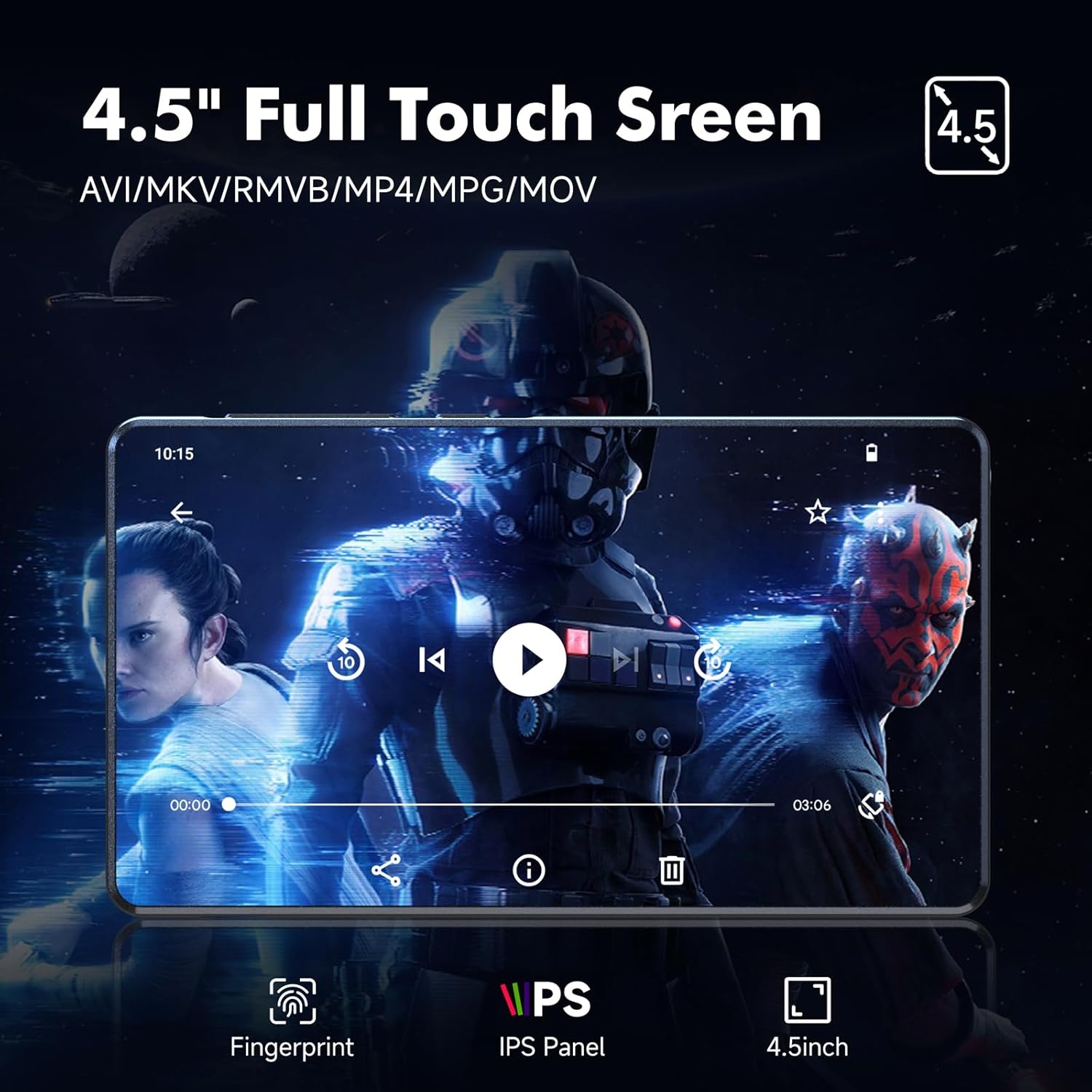
The 4.5-inch IPS touchscreen supports 720p and 1080p HD video playback. Use the pre-installed video player or download a preferred video application from the Google Play Store.
Image: The RUIZU M45 displaying a video on its 4.5-inch full touch screen, highlighting its IPS panel and video format support.
5.4. Родитељски надзор
The RUIZU M45 utilizes Google's parental control system. This allows you to manage app access, set passwords to prevent unauthorized downloads or changes, and limit content to ensure a safe environment for younger users.
- Иди на Подешавања.
- Дођите до Гоогле, онда Родитељски надзор.
- Follow the on-screen instructions to set up and customize parental control settings.
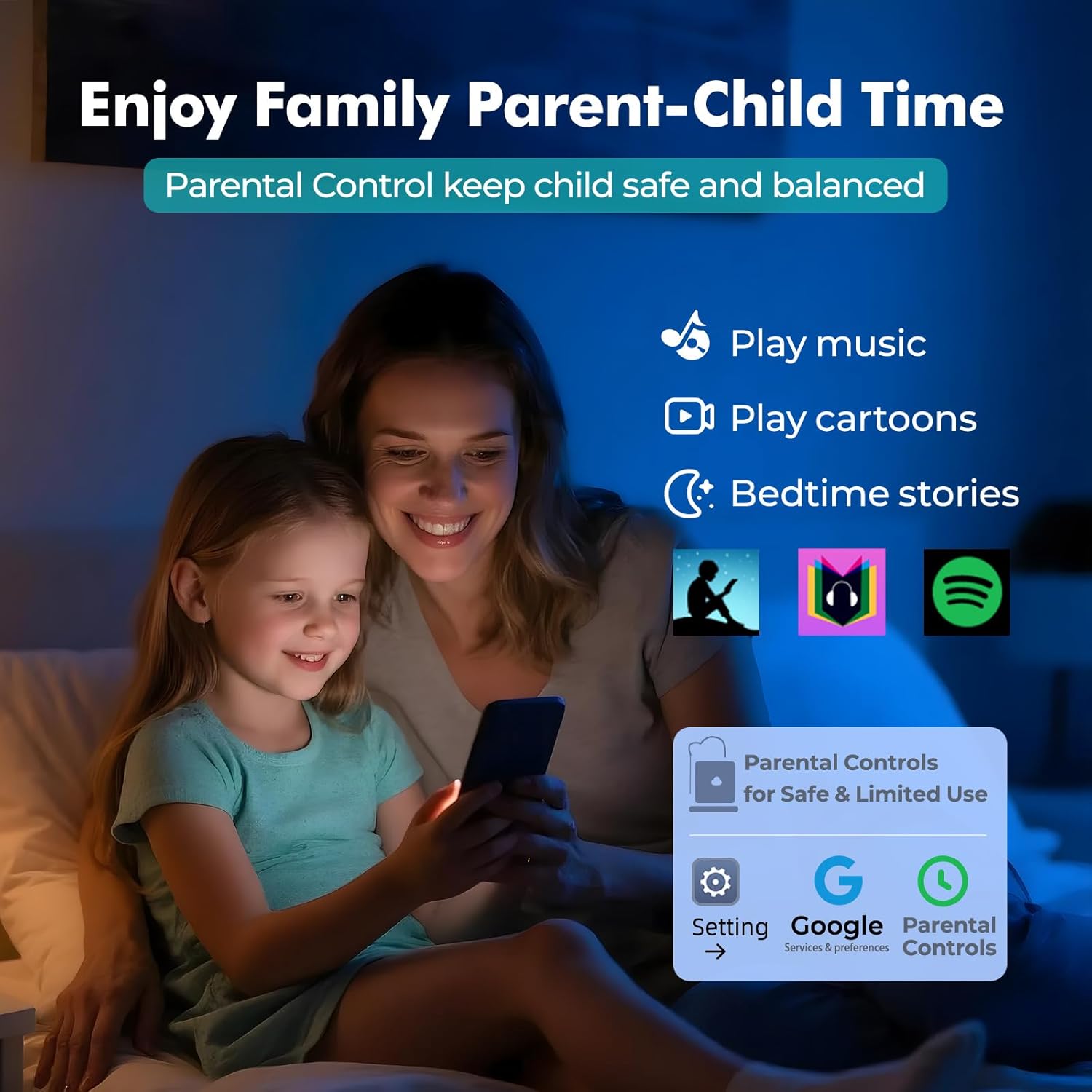
Image: A visual representation of the parental control feature on the RUIZU M45, showing options to manage apps and content.
5.5. File Трансфер
Трансфер files to and from the device using the USB-C cable or via Bluetooth. File transfer from iOS devices is not supported.
- УСБ-Ц: Connect the device to a computer using the USB-C cable. The device will appear as a removable storage drive, allowing you to drag and drop files.
- Блуетоотх: Pair with an Android phone or computer and use Bluetooth file sharing protocols.
5.6. Остале функције
The RUIZU M45 includes additional features:
- ФМ радио: Access local radio stations.
- Диктафон: Снимајте звук помоћу уграђеног микрофона.
- File Менаџер: Organize and browse files stored on the device and Micro SD card.
- Календар: Basic calendar functionality.
6. Одржавање
6.1. Брига о батерији
The device is equipped with a 2000mAh battery, providing up to 20 hours of music playback or 5 hours of video playback. To prolong battery life:
- Избегавајте екстремне температуре.
- Немојте редовно потпуно празнити батерију.
- Напуните уређај помоћу приложеног УСБ-Ц кабла.
6.2. Управљање складиштем
The device has 32GB of internal storage and includes a 128GB Micro SD card, expandable up to 1TB. To maintain optimal performance:
- Редовно пребацујте велике files (music, videos, photos) to the Micro SD card.
- Uninstall unused applications to free up internal storage.
- Periodically clear cache data from apps.
6.3. Чишћење
Wipe the device with a soft, dry, lint-free cloth. Avoid using harsh chemicals or abrasive materials.
КСНУМКС. Решавање проблема
If you encounter issues with your RUIZU M45, refer to the following common solutions:
| Проблем | Решење |
|---|---|
| Уређај се не укључује. | Ensure the device is fully charged. Connect to a power source and try again. If unresponsive, press and hold the power button for 10-15 seconds to force a restart. |
| Повезивање на Ви-Фи није могуће. | Check if Wi-Fi is enabled in settings. Verify the Wi-Fi password. Ensure the device is within range of the router. Try restarting the device and the router. |
| Блутут уређај се не упарује. | Ensure Bluetooth is enabled on both the player and the accessory. Place devices close to each other. Put the accessory in pairing mode. Try restarting both devices. |
| Music/videos not playing. | Провери file format compatibility. Ensure files are not corrupted. Verify storage space. For streaming apps, check Wi-Fi connection. |
| Споре перформансе. | Close unused background applications. Clear app caches. Ensure sufficient free storage space, especially on internal memory. Consider a factory reset if issues persist (backup data first). |
8. Спецификације
| Феатуре | Детаљ |
|---|---|
| Бранд | РУИЗУ |
| Број модела | М45 |
| Оперативни систем | Андроид 13 |
| Процесор | 8-core MTK6762 |
| РАМ | 3ГБ |
| Интерна меморија | 32ГБ |
| Екпандабле Стораге | Up to 1TB via Micro SD card (128GB included) |
| Величина екрана | 4.5 инча |
| Дисплаи Тецхнологи | ИПС екран осетљив на додир |
| Повезивање | Aux, Bluetooth 5.0, USB-C, Dual-band Wi-Fi (2.4GHz & 5GHz) |
| Подржани аудио формати | MP3, WAV, FLAC, AAC, APE, OGG, M4A, WMA, MP2 |
| Видео репродукција | 720p & 1080p HD |
| Капацитет батерије | 2000мАх |
| Трајање батерије (музика) | До 20 сати |
| Трајање батерије (видео) | До 5 сати |
| Тежина артикла | 0.3 килограма |
| Димензије | 4.59 × 2.55 × 0.39 inches (approximate) |
| Посебне карактеристике | Built-In Speaker, Equalizer, FM Radio, Touch Screen, Voice Recorder, Parental Control |

Image: Diagram illustrating the RUIZU M45's internal components, including the 8-core MTK processor, 3GB RAM, 32GB ROM, and 128GB Micro SD card.
9. Гаранција и подршка
For any questions or support needs regarding your RUIZU M45 Android MP3 Player, please contact customer support via email.
Емаил: суппорт@руизутек.цом