
1. Увод
Хвала вам на куповиниasing the Zenwire D300S Mini Projector. This manual provides essential information for the safe and efficient operation of your device. Please read it thoroughly before use and retain it for future reference.
Мере предострожности
- Не гледајте директно у сочиво пројектора када је укљученоamp је укључен.
- Обезбедите одговарајућу вентилацију како бисте спречили прегревање. Не блокирајте вентилационе отворе.
- Користите само испоручени адаптер за напајање.
- Држите пројектор даље од воде или других течности.
- Избегавајте постављање пројектора на нестабилне површине.
- Не покушавајте сами да растављате или поправљате пројектор. Обратите се квалификованом сервисеру.
2. Садржај пакета
Молимо вас да проверите да ли су све ставке присутне у вашем пакету:
- Zenwire D300S Mini Projector
- Ремоте Цонтрол
- Повер Адаптер
- АВ кабл
- Кориснички приручник (овај документ)
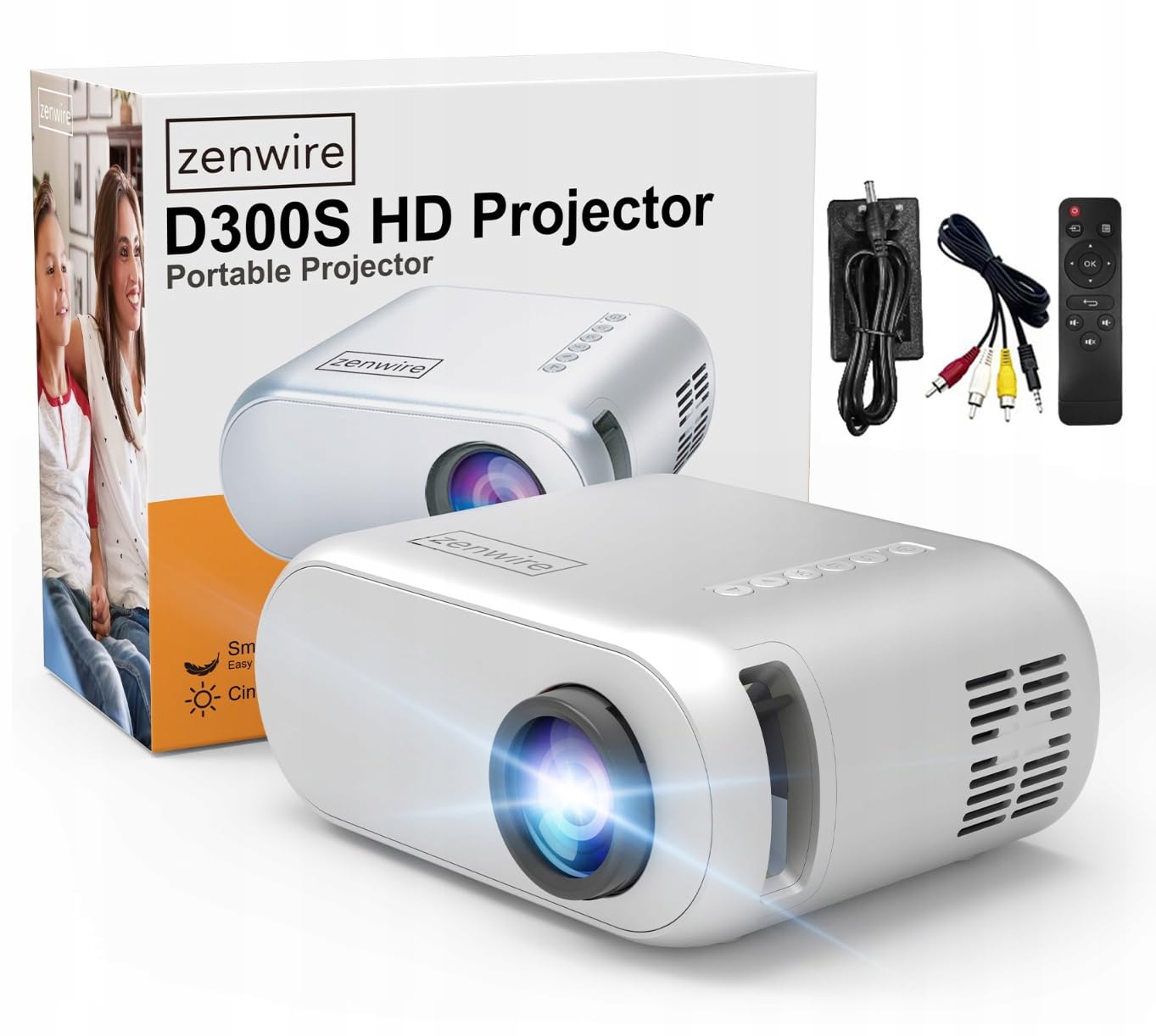
Image 2.1: Zenwire D300S Mini Projector and included accessories.
3. Производ је готовview
Предња и горња страна пројектора View
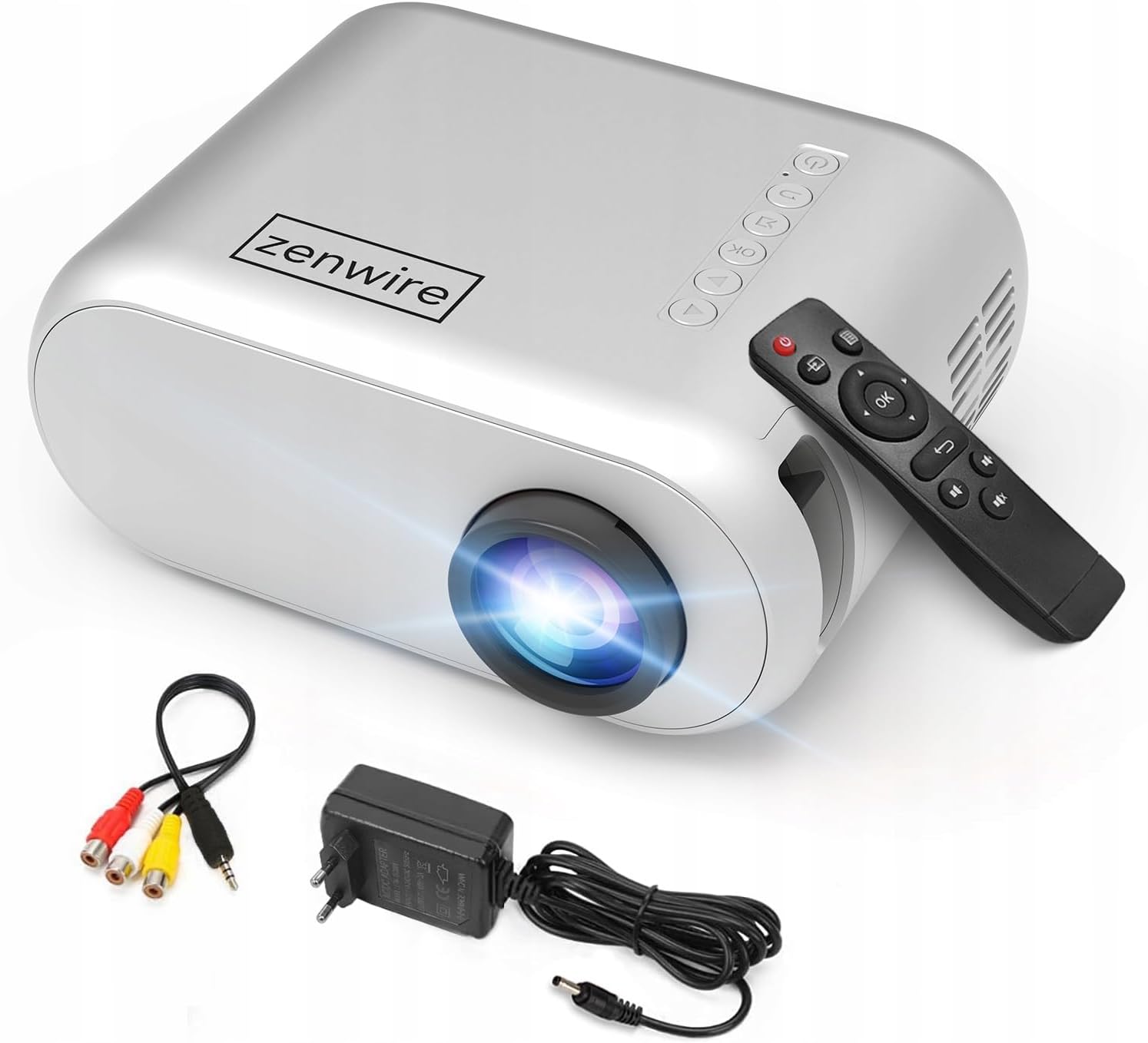
Слика 3.1: Предња и горња страна view of the projector, showing the lens and top control panel.
Задња плоча и повезивање
The rear panel of the projector features various ports for connecting external devices:

Слика 3.2: Позади view of the projector, highlighting the input/output ports.
- АВ улаз: For connecting devices using the included AV cable.
- ХДМИ улаз: For connecting devices such as laptops, gaming consoles, or streaming sticks.
- УСБ порт: За повезивање УСБ флеш дискова за репродукцију медија fileс директно.
- АУКС излаз: За повезивање екстерних звучника или слушалица.
- Улаз за једносмерну струју: За повезивање адаптера за напајање.
Горња контролна табла
The top of the projector features a control panel for basic operations:
- Дугме за напајање: Укључује или искључује пројектор.
- Навигациона дугмад (горе/доле/лево/десно): Користи се за навигацију кроз меније.
- Дугме ОК: Потврђује изборе.
- Дугме за назад: Враћа се на претходни мени или екран.
- Дугме извора: Selects input source (HDMI, AV, USB).
4. Подешавање
4.1 Постављање
Place the projector on a stable, flat surface. Ensure there is adequate space around the projector for ventilation. The projection distance affects the screen size. Refer to the image below for recommended distances and corresponding screen sizes.

Image 4.1: Recommended projection distances and screen sizes.
- For a 30-inch screen, place the projector approximately 0.9 meters away.
- For a 50-inch screen, place the projector approximately 1.5 meters away.
- For an 80-inch screen, place the projector approximately 2.4 meters away.
- For a 100-inch screen, place the projector approximately 3.0 meters away.
4.2 Прикључак за напајање
Connect the power adapter to the DC Power Input port on the projector, then plug the adapter into a power outlet.
4.3 Повезивање уређаја
The Zenwire D300S supports various input sources:
Слика 4.2: Примерamples of devices that can be connected to the projector.
- ДВИ: Connect your laptop, gaming console, or streaming device using an HDMI cable.
- УСБ: Уметните УСБ флеш диск у УСБ порт да бисте репродуковали медије fileс директно.
- АВ: Use the included AV cable to connect older devices like DVD players.
- Audio Out (AUX): Connect external speakers or headphones to the AUX port for enhanced audio.
4.4 Подешавање фокуса
Turn on the projector. Adjust the focus ring located near the lens until the projected image is clear and sharp.
5. Упутство за употребу
5.1 Укључивање/искључивање
Press the Power button on the projector or the remote control to turn the device on or off.
5.2 Избор извора
After powering on, use the 'Source' button on the projector or remote control to select the desired input source (HDMI, AV, USB).
5.3 Навигација кроз мени
Use the navigation buttons (Up/Down/Left/Right) on the projector or remote to browse through menus. Press 'OK' to confirm a selection and 'Back' to return.
5.4 Контрола јачине звука
Подесите јачину звука помоћу дугмади за јачину звука на даљинском управљачу.
5.5 Connecting to a Phone/Laptop
To project content from a phone or laptop:
- За лаптопове: Connect via HDMI cable. Select HDMI as the input source on the projector.
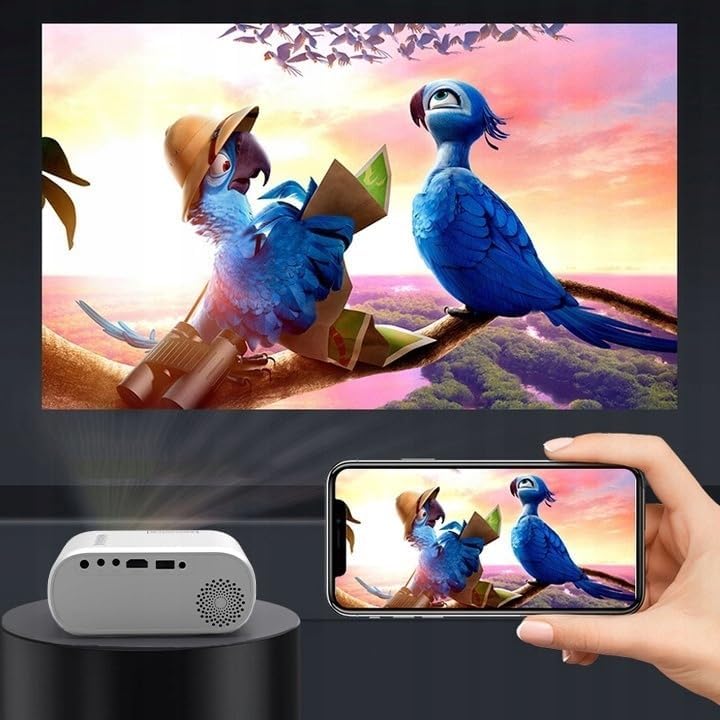
- За телефоне: Depending on your phone model, you may need an adapter (e.g., USB-C to HDMI, Lightning to HDMI) to connect via HDMI. Alternatively, some phones support wireless display technologies that can be used with a compatible streaming stick connected to the projector's HDMI port.

Image 5.1: Projecting content from a smartphone to the Zenwire D300S Mini Projector.
6. Одржавање
6.1 Чишћење сочива
Користите меку крпу без влакана, посебно дизајнирану за оптичка сочива, да бисте нежно обрисали сочиво пројектора. Не користите абразивна средства за чишћење или прекомерну силу.
6.2 Чишћење кућишта пројектора
Обришите спољашњост пројектора меком, сувом крпом. За тврдокорне мрље, благо дamp Може се користити крпа, а затим сува крпа.
6.3 Вентилација
Regularly check that the ventilation openings are free from dust and obstructions to ensure proper airflow and prevent overheating.
КСНУМКС. Решавање проблема
Ако наиђете на проблеме са пројектором, погледајте следеће уобичајене проблеме и решења:
| Проблем | Могући узрок | Решење |
|---|---|---|
| Нема пројектоване слике | Power not connected, incorrect input source, device not sending signal. | Check power connection, select correct input source, ensure connected device is on and outputting video. |
| Слика је мутна | Focus not adjusted, projector too close/far. | Adjust the focus ring, reposition the projector according to recommended distances. |
| Нема звука | Volume too low, external speakers not connected, audio format not supported. | Increase volume, connect external speakers via AUX, check audio settings on source device. |
| Даљински управљач не ради | Batteries dead, obstruction between remote and projector. | Replace batteries, ensure clear line of sight to the projector's IR receiver. |
8. Спецификације
- Модел: Zenwire D300S
- Изворна резолуција: 1280 x 720p HD
- Осветљеност: 3000 лумена (100 ANSI лумена)
- Повезивање: HDMI, USB, AUX, AV
- Размера: 16:9 / 4:3
- Удаљеност пројекције: 0.9m - 3.0m (approx. 30-100 inches)
9. Гаранција и подршка
The Zenwire D300S Mini Projector comes with a standard manufacturer's warranty. Please refer to the warranty card included in your package for specific terms and conditions. For technical support or service inquiries, please contact your retailer or the Zenwire customer service department.