
Увод
The MangoKit MD5 is a versatile digital radio offering DAB/DAB+, FM, and Bluetooth connectivity. It features a 2.4-inch TFT color display, 40 preset stations, dual alarms, a sleep timer, and a headphone port, designed for both mains and battery operation. This manual provides comprehensive instructions to help you get the most out of your device.
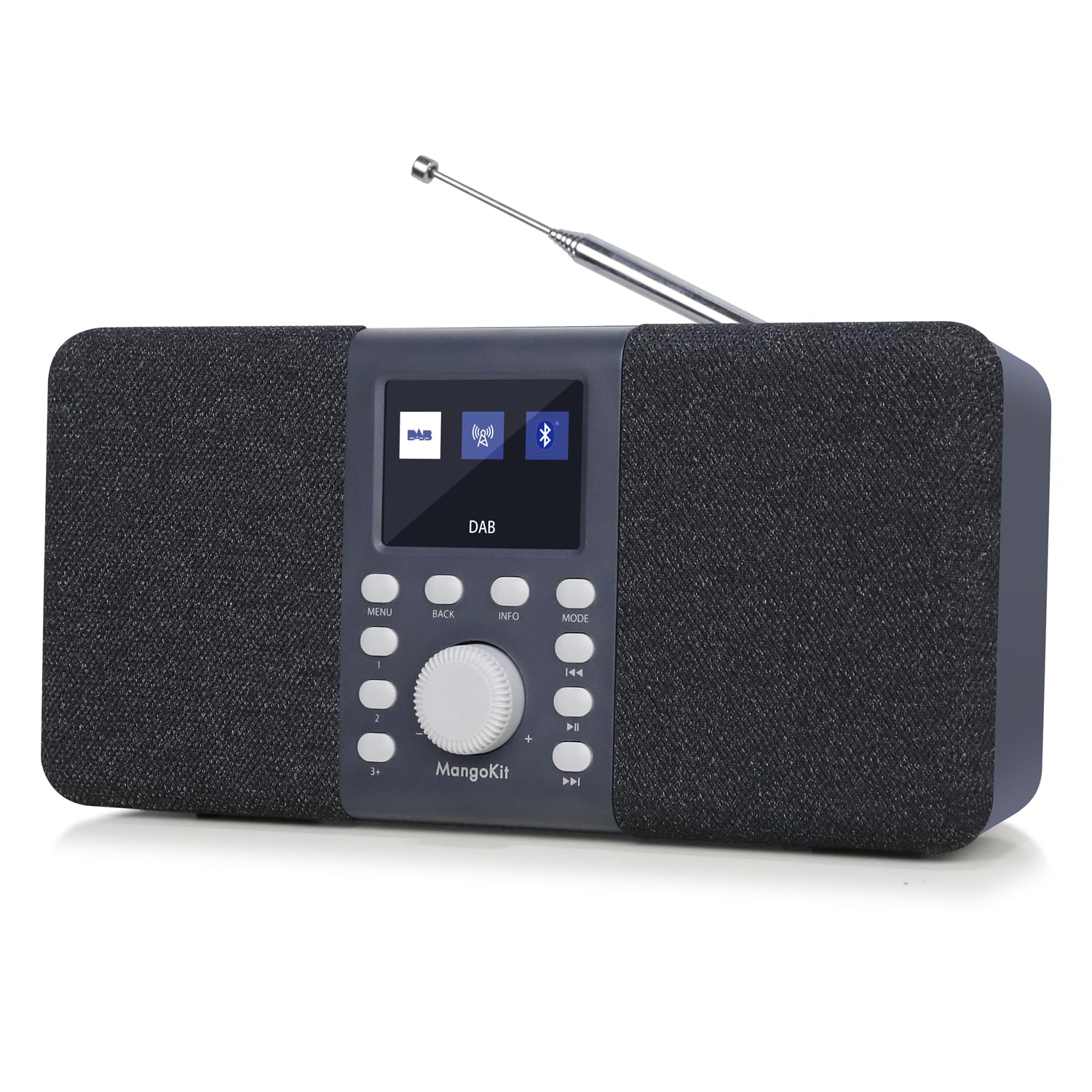
Слика: Фронт view of the MangoKit MD5 Stereo DAB/DAB+ Digital Radio, showcasinњегов дисплеј и контроле.
Безбедносне информације
- Пажљиво прочитајте сва упутства пре употребе уређаја.
- Не излажите уређај киши, влази или екстремним температурама.
- Користите само назначено напајање.
- Не покушавајте сами да растављате или поправљате уређај. Све сервисне радове препустите квалификованом особљу.
- Држите уређај даље од јаких магнетних поља.
- If using batteries, ensure they are inserted correctly and remove them if the unit will not be used for an extended period.
Садржај пакета
Молимо вас да проверите да ли су све ставке присутне:
- MangoKit MD5 Digital Radio
- Упутство за употребу
- Водич за брзи почетак
- Повер Суппли
- УСБ Ц кабел
Производ је завршенview
Familiarize yourself with the main components and controls of your MangoKit MD5 radio.

Слика: Детаљна view of the MangoKit MD5 radio's front panel, showing the display, control buttons, and rotary knob.
Контроле и екран:
- 2.4-инчни TFT екран у боји: Shows station information, time, menu options, and settings.
- Окретно дугме: Used for volume control, menu navigation, and selection.
- Контролна дугмад: Include Menu, Back, Info, Mode, Preset, Play/Pause, Skip Forward/Backward.
- Телескопска антена: For optimal DAB/DAB+ and FM reception.
Портови:
- Прикључак за слушалице (3.5 мм): За приватно слушање.
- УСБ-Ц порт: За улазну снагу.
- Одељак за батерије: Located at the rear for 4x AA batteries (not included).

Слика: Позади view of the MangoKit MD5 radio, highlighting the battery compartment and overall dimensions.
Сетуп
1. Напајање уређаја
The MangoKit MD5 can be powered by mains electricity or batteries.
- Мрежно напајање: Connect the supplied USB-C cable to the radio's USB-C port and the power supply to a wall outlet.
- Снага батерије: Open the battery compartment on the rear and insert 4x AA batteries (not included), ensuring correct polarity. The radio cannot charge rechargeable batteries.
2. Initial Setup and Auto-Scan
- Extend the telescopic antenna fully for best reception.
- Притисните тастер Повер дугме за укључивање радија.
- При првој употреби, радио ће аутоматски извршити потпуно скенирање DAB/DAB+ станица. Ово може потрајати неколико минута.
- The time and date will automatically synchronize via DAB signal once a station is found.
Упутство за употребу
ДАБ/ДАБ+ Радио режим
- Притисните тастер Режим button to select DAB radio.
- If no stations are found or you wish to rescan, navigate to the 'Full Scan' option in the menu using the rotary knob and press to confirm.
- Rotate the knob to browse available stations and press to select.

Image: The MangoKit MD5 radio displaying DAB station information on its color screen.
Режим ФМ радија
- Притисните тастер Режим button to select FM radio.
- To auto-scan for stations, press and hold the Скенирај button (often combined with Play/Pause or a dedicated button).
- To manually tune, rotate the knob to adjust the frequency.
Storing and Accessing Presets (DAB/FM)
The radio can store up to 20 DAB and 20 FM preset stations.
- Подесите жељену станицу.
- Притисните и држите Пресет button until 'Preset Store' appears on the display.
- Rotate the knob to select a preset number (1-20) and press to confirm.
- Да бисте позвали предефинисану поставку, кратко притисните Пресет button, then rotate the knob to select the desired preset and press to confirm.
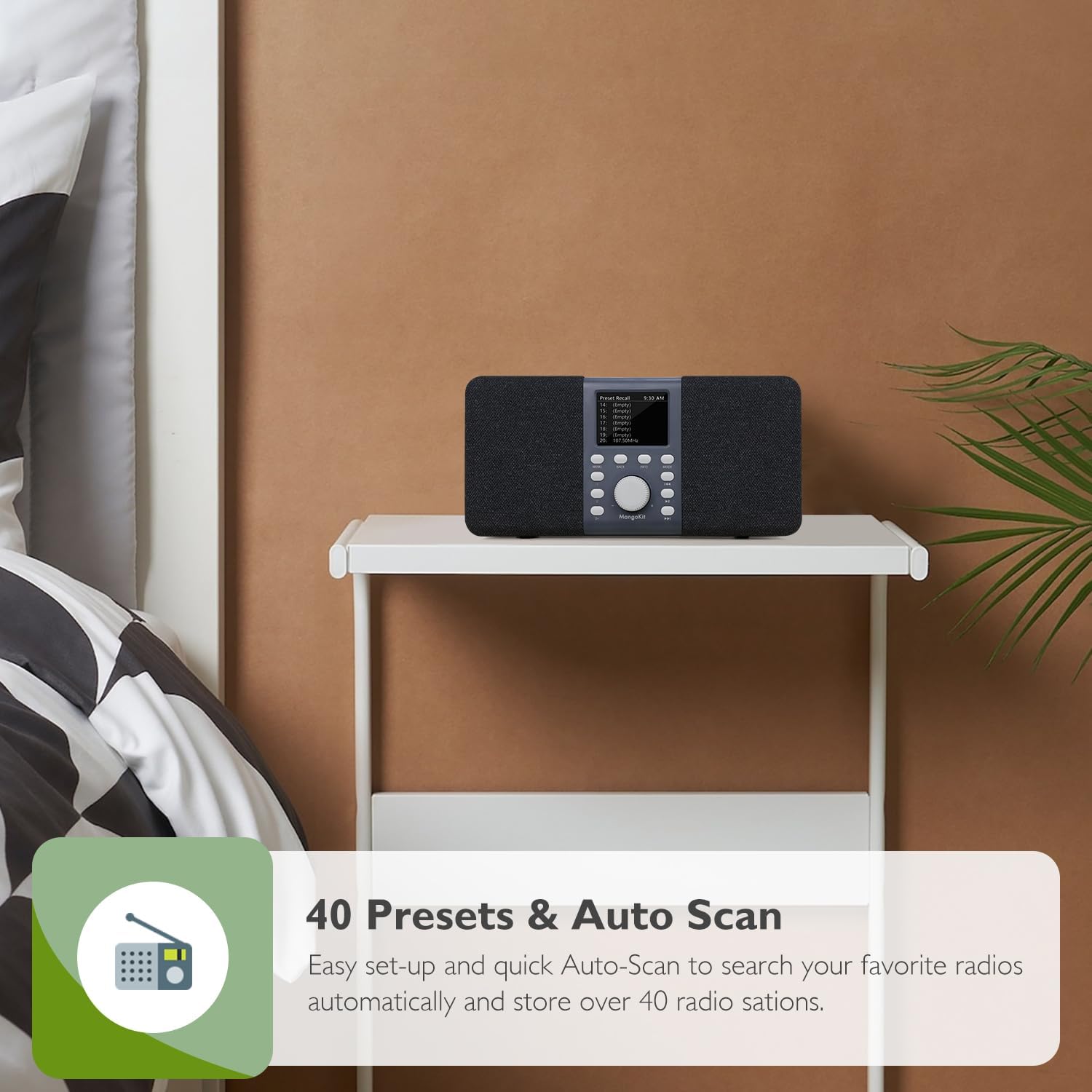
Image: The MangoKit MD5 radio showing a list of preset stations on its display.
Блуетоотх мод
Connect your smartphone or other Bluetooth-enabled device to stream audio.
- Притисните тастер Режим button to select Bluetooth. The display will show 'Bluetooth Pairing'.
- On your external device, enable Bluetooth and search for 'Stereo DAB Radio'.
- Select 'Stereo DAB Radio' to pair. Once connected, the display will show 'Bluetooth Connected'.
- You can now play audio from your device through the radio.

Image: The MangoKit MD5 radio displaying Bluetooth connection status, with a smartphone nearby.
Alarms, Sleep Timer, and Snooze
The MD5 features dual alarms and a sleep timer for convenience.
- Подешавање аларма: Access the Alarm settings via the Мени button. You can set two independent alarms with customizable times, sources (DAB/FM), and recurrence (daily, weekdays, weekends).
- Мерач спавања: Set the radio to automatically turn off after a specified duration (OFF/15/30/45/60 minutes) by accessing the Sleep Timer option in the menu.
- Одгода: Када се огласи аларм, притисните дугме Одложи button to temporarily silence it for a few minutes.

Image: The MangoKit MD5 radio on a bedside table, showing the time and an active alarm icon on its display.
Headphone Connectivity
For private listening, connect standard 3.5mm headphones to the headphone port on the back of the unit. The radio's speakers will automatically mute.

Image: A person wearing yellow headphones, listening to the MangoKit MD5 radio for private audio enjoyment.
Одржавање
- Чишћење: Обришите радио меком, сувом крпом. Не користите течна средства за чишћење или абразивне материјале.
- Брига о антени: Handle the telescopic antenna gently to avoid damage.
- Замена батерије: If using batteries, replace all four AA batteries at the same time. Do not mix old and new batteries or different types of batteries.
- Складиштење: If storing the radio for an extended period, remove the batteries to prevent leakage.
Решавање проблема
| Проблем | Могући узрок | Решење |
|---|---|---|
| Нема струје | Кабл за напајање није повезан; Батерије су празне или неправилно уметнуте. | Ensure power cable is securely connected. Check battery polarity and replace if necessary. |
| Слаб DAB/FM пријем | Антена није извучена; Подручје слабог сигнала; Сметње. | Fully extend the telescopic antenna. Reposition the radio to improve signal. Perform a full scan. |
| Блуетоотх се не повезује | Radio not in Bluetooth mode; Device not in pairing mode; Device too far. | Ensure radio is in Bluetooth mode. Put your external device in pairing mode. Move devices closer. |
| Аларм се не оглашава | Alarm not set correctly; Volume too low. | Verify alarm settings (time, source, recurrence). Increase the volume. |
Спецификације
| Феатуре | Детаљ |
|---|---|
| Бранд | МангоКит |
| Број модела | МД5 |
| Боја | Dark Grey Stereo |
| Димензије производа (Д к Ш к В) | 23.7 Д к 9.1 Ш к 11.3 В центиметара |
| Извор напајања | Mains and Battery Powered (4x AA, not included) |
| Технологија тјунера | ДАБ/ДАБ+/ФМ |
| Технологија повезивања | Bluetooth 5, Headphone (3.5mm), USB C |
| Дисплаи Типе | 2.4 inch TFT Color Display |
| Унапред подешене станице | 40 (20 DAB, 20 FM) |
| Посебне карактеристике | Stereo Portable DAB, DAB+, FM Radio and Bluetooth Speaker, Private EQ Setting, Dual Alarms, Sleep Timer, Snooze |
| Материјал кућишта | Plastic and Fabric |
Гаранција и подршка
For warranty information, technical support, or service inquiries, please refer to the documentation included with your purchase or visit the official MangoKit webсајт. Сачувајте доказ о куповини за евентуалне рекламације по гаранцији.