
Увод
This manual provides essential information for the setup, operation, and maintenance of your new TuTu 43 Inch 4K UHD LED Smart TV. Please read this manual thoroughly before using the product to ensure proper and safe operation. Keep this manual for future reference.
Important Note: When activating the TV for the first time, a Samsung account is required. Without a Samsung account, the TV cannot be activated. If you do not have a Samsung account, please register one from the Samsung official webсајту.
Шта је у кутији
Проверите да ли су све компоненте присутне у паковању:
- TV *1
- Даљински управљач *1
- Сталак *2
- Упутство за употребу *1
- Accessories Bag *1 (includes 2 AAA batteries for remote)
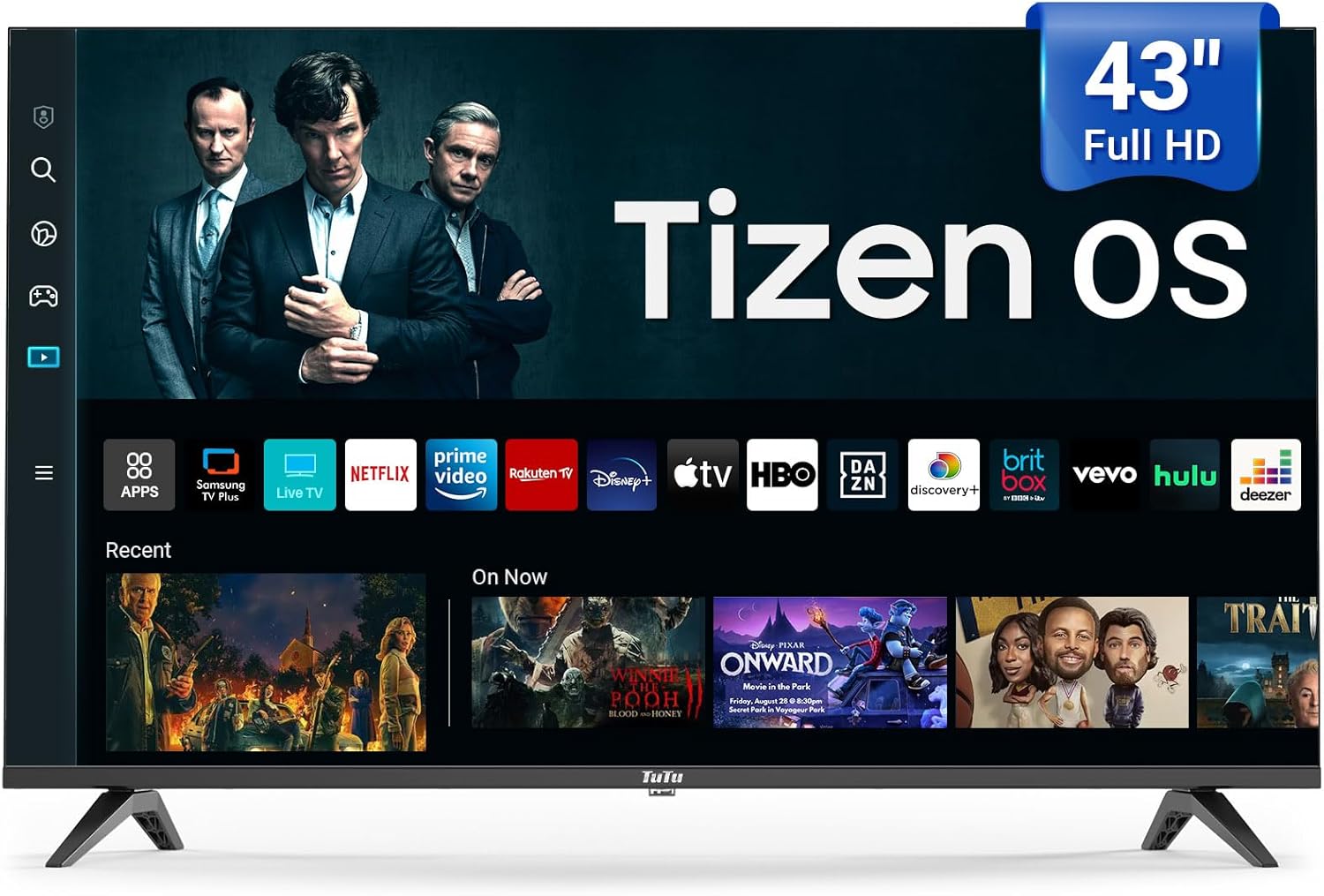
Image: The TuTu 43 Inch 4K UHD LED Smart TV, showcasing its sleek design and Tizen OS interface with various streaming app icons.
Сетуп
1. Причвршћивање постоља
- Пажљиво поставите телевизор екраном надоле на меку, равну површину како бисте спречили огреботине.
- Align the two stand pieces with the corresponding slots on the bottom of the TV.
- Secure the stands using the screws provided in the accessories bag. Ensure they are tightened firmly.
2. Повезивање периферних уређаја
Your TV offers various connectivity options. Refer to the back panel for port locations.

Слика: Позади view of the TuTu Smart TV, highlighting the USB, RF, HDMI, Optical, RCA, and RJ45 input ports for connecting external devices.
- ДВИ: Повежите Блу-реј плејере, играчке конзоле или сет-топ боксове.
- УСБ: За репродукцију медија са УСБ уређаја.
- РФ: За повезивање антене или кабла.
- Оптички: За дигитални аудио излаз на звучне панеле или кућне биоскопе.
- RCA (Video L-IN-R): За старије уређаје који користе композитни видео и стерео аудио.
- RJ45 (Етернет): За жичану интернет везу.
3. Прикључак за напајање
Plug the power cord into the TV's power input, then into a wall outlet. The TV will enter standby mode.
4. Initial Setup and Samsung Account Activation
Upon first power-on, the TV will guide you through the initial setup process, including language selection, network connection (Wi-Fi or Ethernet), and channel scanning. As noted, a Samsung account is mandatory for full TV activation and access to smart features. Follow the on-screen prompts to log in or create a Samsung account.
Управљање телевизором
Ремоте Цонтрол
The included remote control provides easy navigation and access to all TV functions. Insert the two AAA batteries (included) into the remote control, observing polarity.

Image: The remote control for the TuTu Smart TV, showing dedicated buttons for popular streaming services and navigation.
Карактеристике квалитета слике
- 4К УХД резолуција: Experience stunning visual clarity with 4K Ultra HD Resolution. This allows for a more detailed and vivid TV picture, bringing every scene to life with incredible sharpness and vibrant colors.
- ХДР10: Надоградите свој viewing experience with HDR10. This technology allows you to perceive every nuance and shade, enhancing your entertainment experience with a wider range of colors and contrast.
- MEMC (Процена покрета, Компензација покрета): The smart TV supports MEMC technology to bring smoother, clearer motion. This reduces blurring and judder in fast-moving scenes, making action sequences, sports events, and fast-paced movies flow smoothly and look crystal clear.
- Повећање резолуције на 4K: Tizen OS's 4K Upscaling boosts content quality to near-4K, giving users clearer, more detailed visuals for non-4K content.
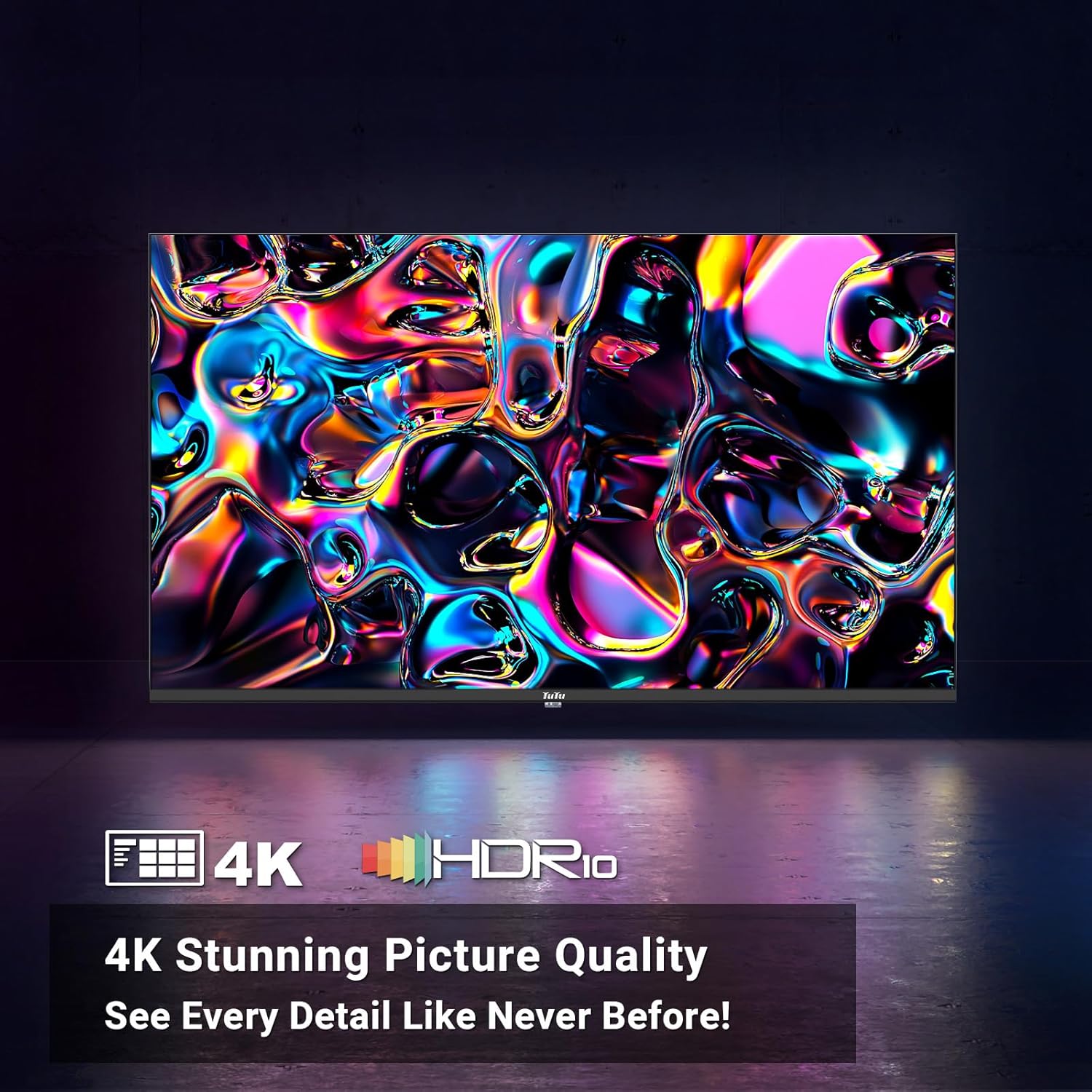
Image: A vibrant abstract image demonstrating the stunning picture quality achieved with 4K UHD and HDR10 technologies.

Image: A split image illustrating the effect of MEMC technology, showing a clear, sharp image of a skier on one side (with MEMC) and a blurred image on the other (without MEMC).
Аудио карактеристике
- Долби Аудио: The smart TV supports Dolby Audio, allowing you to immerse yourself in crystal-clear audio. Enjoy enhanced dialogue clarity, deeper bass, and a more lifelike soundstage, making every movie, TV show, and game come alive.
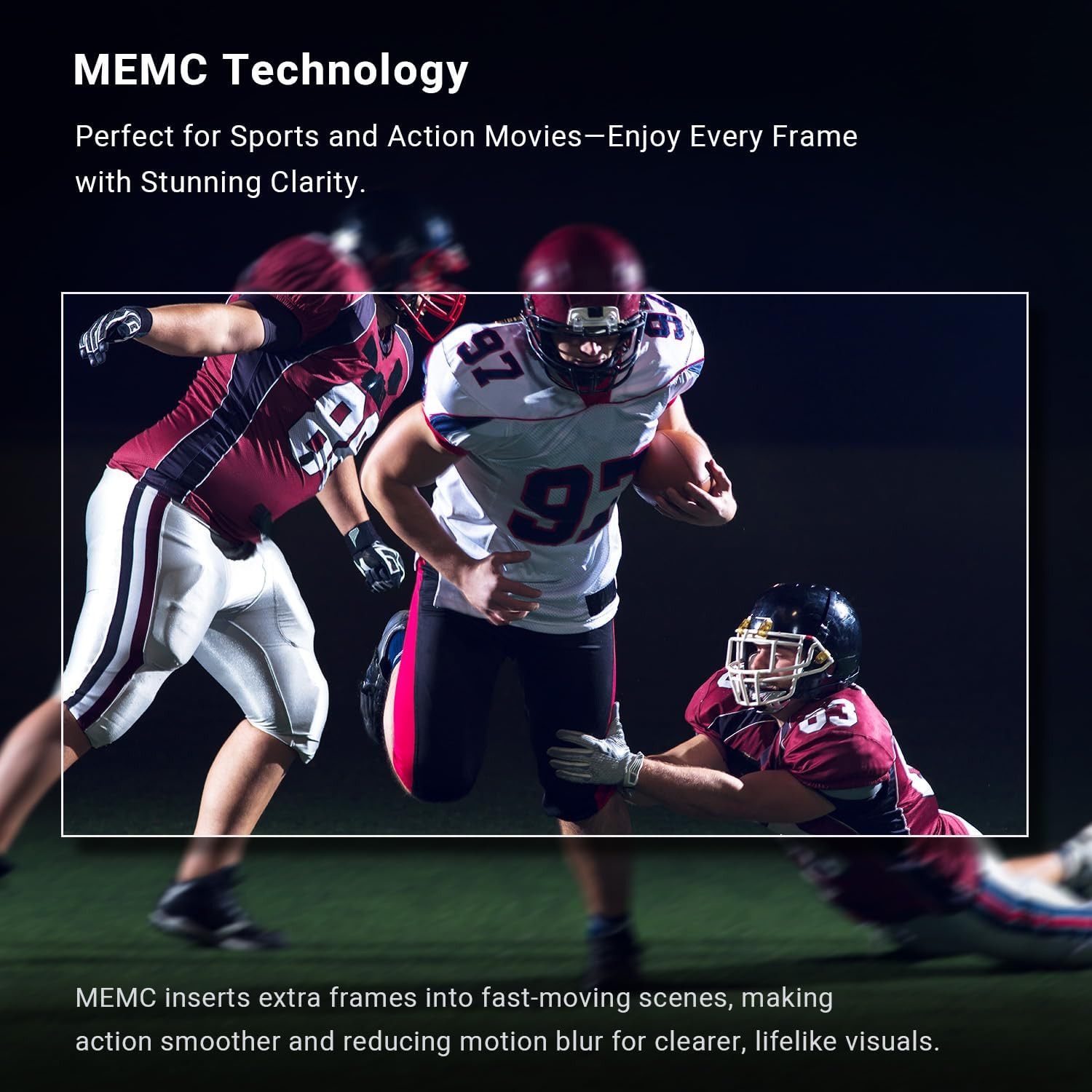
Image: A couple enjoying a movie with sound waves emanating from the TV, representing the immersive experience provided by Dolby Audio.
Карактеристике паметног телевизора (Tizen OS)
The Tizen OS is built into the smart TV, transforming it into a smart hub. Enjoy a sleek and intuitive interface for easy content discovery.

Image: A dynamic view of the Tizen OS interface, showcasing popular streaming service icons like YouTube, Netflix, Disney+, and more, floating above the TV screen.
- Quick Access to Streaming Services: With Tizen OS, you get quick access to popular streaming services like YouTube, Netflix, Disney+, and many more.
- Самсунг ТВ Плус: Primarily offers free live TV channels, covering various genres such as news, sports, entertainment, music, and family-friendly content. It's a completely free streaming service with no subscription fees or credit card details required.
- Универзални водич: Pulls in all your favorite shows, movies, and music from different streaming apps and serves them up on one easy-to-browse platform.
- Гејминг центар: The ultimate home for gaming on your Smart TV powered by Tizen.
- Амбијентални режим: Lets your TV show dynamic content like weather, news, and art when idle, and can also play music for a lively atmosphere.
- Bixby Voice Control: Explore your Smart TV with the convenience of Bixby. Tell Bixby to search, watch, or play various features for you. Bixby Voice Control makes your TV experience more dynamic and fun.
- Паметне могућности: Tizen OS includes smart features like voice control for hands-free operation, making it easy to manage your TV and find content.
- Самсунг здравље: Enjoy free premium classes and start new wellness routines, all from the comfort of your home.
Повезивање
- Беспрекорно повезивање: Connect seamlessly with Bluetooth and Wi-Fi capabilities to stream your favorite content.
- Блуетоотх: For connecting wireless headphones, soundbars, or other Bluetooth-enabled devices.
- Ви-Фи: За бежични приступ интернету и стримовање.
Одржавање
Чишћење екрана
Да бисте очистили екран, нежно га обришите меком крпом која не оставља влакна. За тврдокорне мрље, благо обришитеampen the cloth with water or a screen-cleaning solution specifically designed for electronics. Never spray liquid directly onto the screen.
Чишћење кућишта телевизора
Wipe the TV's body and stand with a soft, dry cloth. Avoid using abrasive cleaners or solvents that could damage the finish.
Вентилација
Ensure adequate ventilation around the TV. Do not block the ventilation openings on the back or sides of the TV, as this can lead to overheating.
Решавање проблема
Ако наиђете на проблеме са телевизором, погледајте следећа уобичајена решења:
| Проблем | Могући узрок / решење |
|---|---|
| ТВ се не укључује. | Check if the power cord is securely plugged into the TV and the wall outlet. Ensure the wall outlet has power. Try pressing the power button on the TV itself, not just the remote. |
| No picture or poor picture quality. | Verify the correct input source is selected. Check cable connections (HDMI, RF, etc.). Adjust picture settings (brightness, contrast, sharpness) in the TV menu. For 4K content, ensure your source device and cables support 4K. |
| Нема звука или лош квалитет звука. | Check the volume level and ensure the TV is not muted. Verify audio cable connections if using external speakers. If using internal speakers, check audio settings in the TV menu. Ensure Dolby Audio is enabled if desired. |
| Даљински управљач не ради. | Замените батерије у даљинском управљачу. Уверите се да нема препрека између даљинског управљача и инфрацрвеног сензора телевизора. |
| Cannot connect to Wi-Fi or internet. | Ensure your Wi-Fi router is on and functioning. Re-enter the Wi-Fi password. Try restarting both the TV and the router. Consider using a wired Ethernet connection if Wi-Fi issues persist. |
| Smart features/apps not working. | Ensure the TV is connected to the internet. Verify that you have successfully activated the TV with a Samsung account. Some streaming services require a separate subscription. |
Спецификације
| Феатуре | Детаљ |
|---|---|
| Бранд Наме | TuTu |
| Број модела | 43К1 |
| Величина екрана | 43 инча |
| Дисплаи Тецхнологи | ЛЕД |
| Резолуција | 4К УХД (3840 к 2160) |
| Рефресх Рате | 60 Хз |
| Оперативни систем | Тизен ОС |
| ХДР подршка | ХДР10 |
| Мотион Тецхнологи | МЕМЦ |
| Аудио технологија | Долби Аудио |
| Повезивање | Bluetooth, Ethernet, HDMI (multiple), USB (multiple), RF, Optical, RCA, RJ45, Wi-Fi |
| Аспецт Ратио | 16:9 |
| Димензије производа (Д x Ш x В) | 4.5 cm x 41 cm x 24.8 cm |
| Тежина артикла | 19.66 фунти |
| Боја | Црно |
| Оутпут Ватtage | 135 Ваттс |
| Волtage | 120 Волтс |
| Батерије су потребне | 2 AAA батерије (укључене за даљински управљач) |
| Потрошња енергије у укљученом режиму | 135 вати |
| Vidljiva dijagonala ekrana | 43" / 110 цм |
| Потрошња енергије (годишња) | 135 киловат-сати годишње (на основу 4 сата дневно) |
Гаранција и подршка
For warranty information and customer support, please refer to the documentation included with your product or contact TuTu customer service. Keep your purchase receipt for warranty claims.