
1. Увод
This manual provides essential information for the safe and effective operation of your HAVIT Smart Life Series PJ211 PRO projector. Please read this manual thoroughly before using the device and retain it for future reference.
The HAVIT PJ211 PRO is a compact smart projector designed for home entertainment, gaming, and presentations. It features a native HD resolution of 1280x720, supporting up to 4K input, and integrates Android TV 9.0 for direct access to streaming services.
2. Садржај пакета
Приликом распакивања, молимо вас да се уверите да су сви предмети присутни и у добром стању:
- HAVIT Smart Life Series PJ211 PRO Projector
- Повер Цабле
- Ремоте Цонтрол
- Кориснички приручник (овај документ)
3. Производ је готовview
Familiarize yourself with the projector's physical components and connection ports.
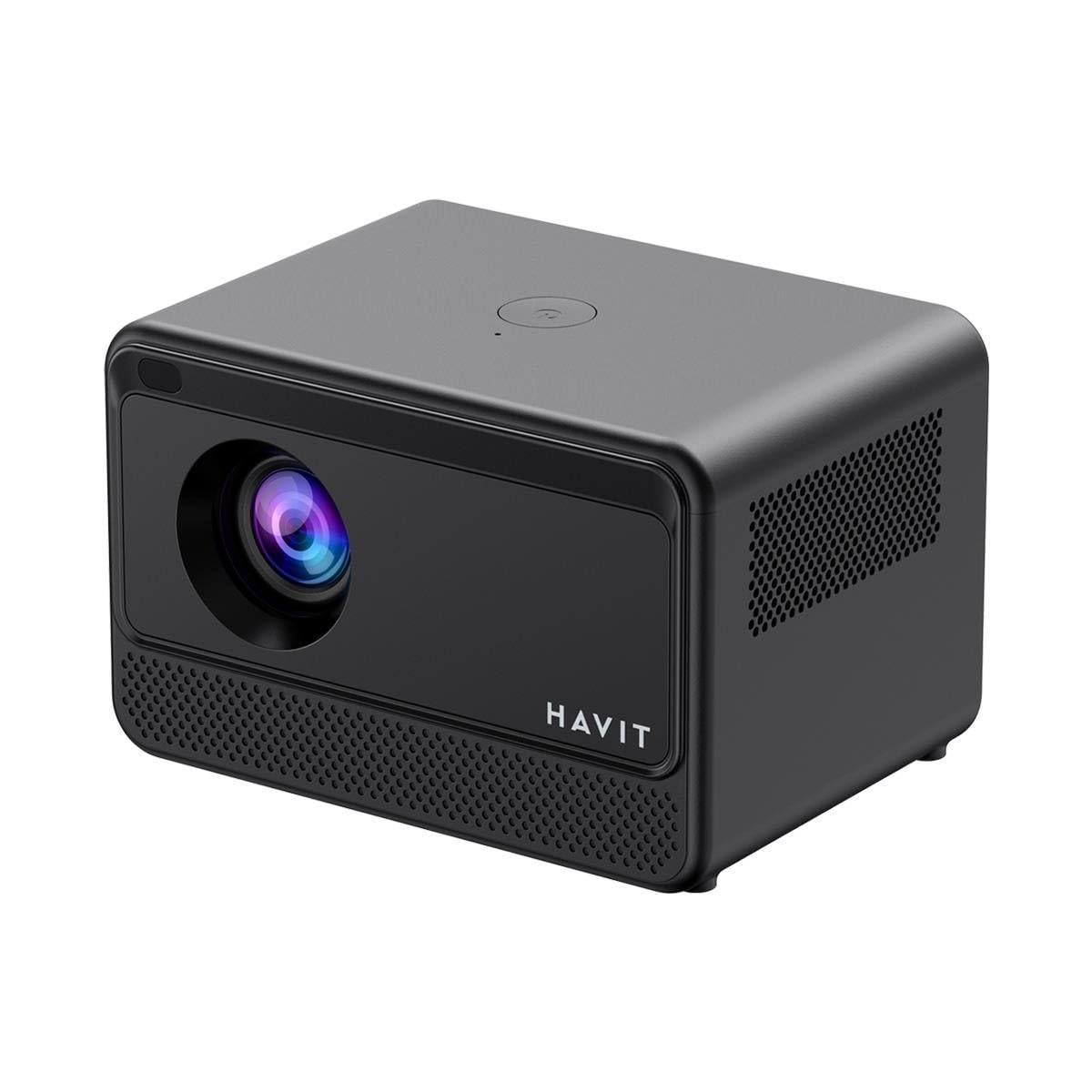
Слика: Задња и бочна страна view of the HAVIT PJ211 PRO projector, highlighting the power input, HDMI, USB, and audio ports.

Слика: Фронт view of the HAVIT PJ211 PRO projector, showing the projection lens and front grille.
Портови и контроле:
- Улазна снага: Повезује се на адаптер за напајање.
- ХДМИ порт: For connecting external video sources such as laptops, gaming consoles, or Blu-ray players.
- УСБ портови: За повезивање УСБ уређаја за складиштење података ради репродукције медија files or connect peripherals.
- АВ улаз: For connecting older devices using an AV cable.
- 3.5 мм аудио прикључак: За повезивање екстерних звучника или слушалица.
- Дугме за напајање: Located on the top panel for turning the projector on/off.
4. Подешавање
4.1 Постављање
Position the projector on a stable, flat surface. Ensure there is adequate ventilation around the device. The optimal projection distance ranges from 1 to 4 meters, yielding a screen size between 32 and 150 inches.
4.2 Прикључак за напајање
- Прикључите кабл за напајање на улазни порт за напајање пројектора.
- Укључите други крај кабла за напајање у одговарајућу електричну утичницу.
4.3 Почетно укључивање
Press the power button on the projector or the remote control to turn on the device. The projector will boot up and display the Android TV interface.
4.4 Фокус и корекција трапезоидног изобличења
The PJ211 PRO features semi-auto focus and semi-auto keystone correction. The projector will attempt to adjust these settings automatically upon startup or movement. Fine-tuning can be done via the on-screen menu if needed.
4.5 Мрежна веза
To access online content, connect the projector to a Wi-Fi network.

Image: Illustration showing the projector's support for both 2.4G and 5G dual-band Wi-Fi connections, indicating improved transmission rates and smoother online viewing with 5G.
- Navigate to the 'Settings' menu on the Android TV interface.
- Изаберите „Мрежа и интернет“.
- Изаберите жељену Wi-Fi мрежу са листе.
- Enter the password if prompted and confirm the connection. The projector supports 2.4G and 5G dual-band Wi-Fi for stable connectivity.
5. Упутство за употребу
5.1 Андроид ТВ 9.0 интерфејс
The projector runs on Android TV 9.0, providing access to various applications and streaming services. Use the remote control to navigate the interface, select apps, and adjust settings.
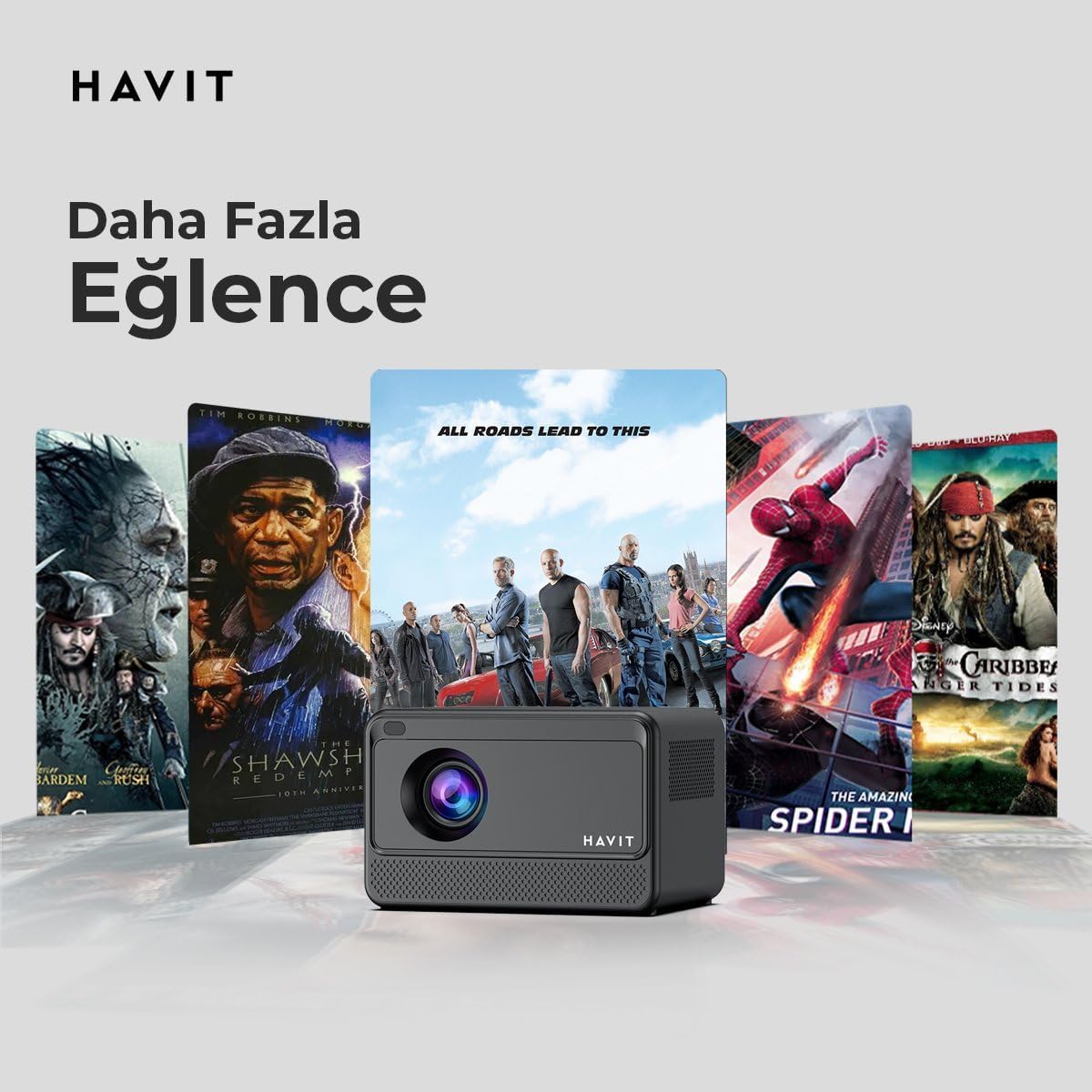
Image: The HAVIT PJ211 PRO projector displaying a selection of popular streaming service icons, illustrating its 'More Entertainment' capability through Android TV.
5.2 Повезивање екстерних уређаја
You can connect various external devices to the projector:
- ДВИ: Connect a device (e.g., laptop, game console) using an HDMI cable. Select the HDMI input source from the projector's input menu.
- УСБ: Insert a USB drive into a USB port. The projector's media player will typically detect the drive, allowing you to browse and play supported media files.
- АВ: Use an AV cable to connect compatible devices. Select the AV input source.
- Аудио излаз (3.5 мм прикључак): Connect external speakers or headphones for enhanced audio. The projector has a built-in 3W speaker for standard audio output.
6. Одржавање
6.1 Чишћење
- Објектив: Користите меку крпу која не оставља влакна, посебно дизајнирану за оптичка сочива. Не користите абразивна средства за чишћење или крпе.
- Екстеријер: Обришите спољашњост пројектора меком, сувом крпом. Избегавајте употребу течних средстава за чишћење директно на уређају.
- вентилација: Уверите се да су вентилациони отвори чисти од прашине и препрека како бисте спречили прегревање.
6.2 Лamp Живот
ЛЕД лamp in your PJ211 PRO projector has an estimated life of 30,000 hours, providing long-term reliability under normal usage conditions.
КСНУМКС. Решавање проблема
Ако наиђете на проблеме са пројектором, погледајте следеће уобичајене проблеме и решења:
| Проблем | Могући узрок | Решење |
|---|---|---|
| Нема приказане слике | Power cable disconnected, incorrect input source, lens cap on. | Check power connection, select correct input source (HDMI, USB, AV), remove lens cap. |
| Слика је мутна | Ван фокуса, нетачна пројекциона удаљеност. | Adjust focus manually via settings, ensure projector is within 1-4 meters of screen. |
| Нема звука | Volume too low, external speakers not connected properly, audio settings. | Increase volume, check external speaker connection, verify audio output settings. |
| Проблеми са Ви-Фи везом | Нетачна лозинка, проблеми са рутером, сметње сигнала. | Re-enter Wi-Fi password, restart router, ensure projector is within Wi-Fi range. |
8. Спецификације
Detailed technical specifications for the HAVIT Smart Life Series PJ211 PRO projector:

Image: A visual representation of the HAVIT PJ211 PRO projector's specifications, including system, resolution, projection distance, brightness, and connectivity.
- Технологија приказа: ЛЦД
- Изворна резолуција: 1280 к 720 (ХД)
- Подржана резолуција: До 3840 x 2160 (4K)
- Осветљеност: Over 5000 lumens (180+ ANSI lumens)
- Однос контраста: 1500:1
- Размера: 16:9 / 4:3
- Удаљеност пројекције: 1 – 4 метара
- Опсег величине екрана: 32 – 150 инча
- Подешавање фокуса: Semi-Auto Focus
- Кеистоне Цоррецтион: Semi-Auto Keystone
- Уграђени звучник: 3W
- Оперативни систем: Андроид ТВ 9.0
- Бежична повезаност: Wi-Fi (2.4G/5G Dual-Band)
- Улазни портови: HDMI, USB, AV, 3.5mm audio jack
- Lamp Тип: ЛЕД
- Lamp живот: 30,000 сата
- Потрошња енергије: 65В
- Тежина артикла: 2.3 килограма
- Боја: Црно
9. Гаранција и подршка
9.1 Информације о гаранцији
The HAVIT Smart Life Series PJ211 PRO projector comes with a 1-годишња гаранција од датума куповине. Ова гаранција покрива производне недостатке и кварове при нормалној употреби. Молимо вас да сачувате доказ о куповини за потребе подношења захтева за гаранцију.
9.2 Корисничка подршка
For technical assistance, troubleshooting beyond this manual, or warranty inquiries, please contact HAVIT customer support through their official website or the retailer where the product was purchased. Please have your model number (PJ211 PRO) and purchase details ready when contacting support.