
Увод
Thank you for choosing the Jectse M15s Wireless Video Doorbell. This manual provides essential information for the safe and efficient use of your new device. Please read it carefully before installation and operation, and keep it for future reference.
The Jectse M15s is an advanced wireless video doorbell system designed to enhance your home security and convenience. It features a high-resolution camera, a dedicated indoor display, two-way audio communication, and robust weather resistance.

Image: The Jectse M15s Wireless Video Doorbell system, showing both the outdoor doorbell unit and the indoor display.
Подешавање и инсталација
Follow these steps to set up your Jectse M15s Wireless Video Doorbell:
- Распакивање: Carefully remove all components from the packaging. Ensure all parts listed in the package contents are present.
- Пуњење: Before first use, fully charge both the doorbell unit and the indoor display. Use the provided USB power cable.

Image: The indoor display unit being charged via a USB power cable plugged into a USB port or a standard mobile phone charger.
- Doorbell Placement: Choose a suitable location for the outdoor doorbell unit. It should be placed at a height that allows for optimal viewing of visitors. The wireless connection makes installation easy; simply stick the unit to a clean, flat surface near your door.

Image: The doorbell unit installed wirelessly on a door frame, highlighting its easy installation process.
- Indoor Display Placement: Place the 4.3-inch indoor display in a convenient location within your home where it can be easily seen and accessed.
- Pairing (Automatic): The doorbell and display are typically pre-paired. If not, refer to the quick start guide for specific pairing instructions.
Упутство за употребу
Receiving a Video Call
When a visitor presses the doorbell button, the indoor display will automatically show a live video feed from the outdoor unit. This allows you to see who is at your door instantly.

Image: An elderly person and children viewing a visitor on the indoor display, demonstrating the ease of identifying guests.
Двосмерна аудио комуникација
The Jectse M15s supports clear two-way audio. You can speak to your visitors through the indoor display, and they can respond via the doorbell's microphone and speaker. The system features a high-power speaker and a sensitive microphone for clear communication. Volume levels can be adjusted as needed.
Широкоугаони View
The doorbell is equipped with an 8MP 170° wide-angle fisheye lens, providing an expansive view of your doorstep. This minimizes blind spots and allows you to see more of the surrounding area.

Image: A visual representation of the 170-degree wide-angle lens, showing its broad field of view.
Дневни и ноћни вид
The integrated high-power infrared night vision light and ICR infrared filter enable automatic switching between day and night modes. This ensures clear visibility of visitors even in complete darkness.

Image: A comparison showing clear visibility in both daylight and dark conditions, thanks to the LED night vision fill light.
8MP High Definition Camera
The doorbell features an 8-megapixel high-definition camera, providing clear and detailed video footagе од твог прага.
Слика: Детаљна view of the 8MP high-definition camera lens, illustrating its advanced optical components.
Одржавање
Баттери Царе
Both the doorbell and the display unit are equipped with high-capacity batteries designed for long-lasting performance and low power consumption. To maximize battery life:
- Recharge the devices when the battery indicator shows low power.
- Избегавајте излагање уређаја екстремним температурама.

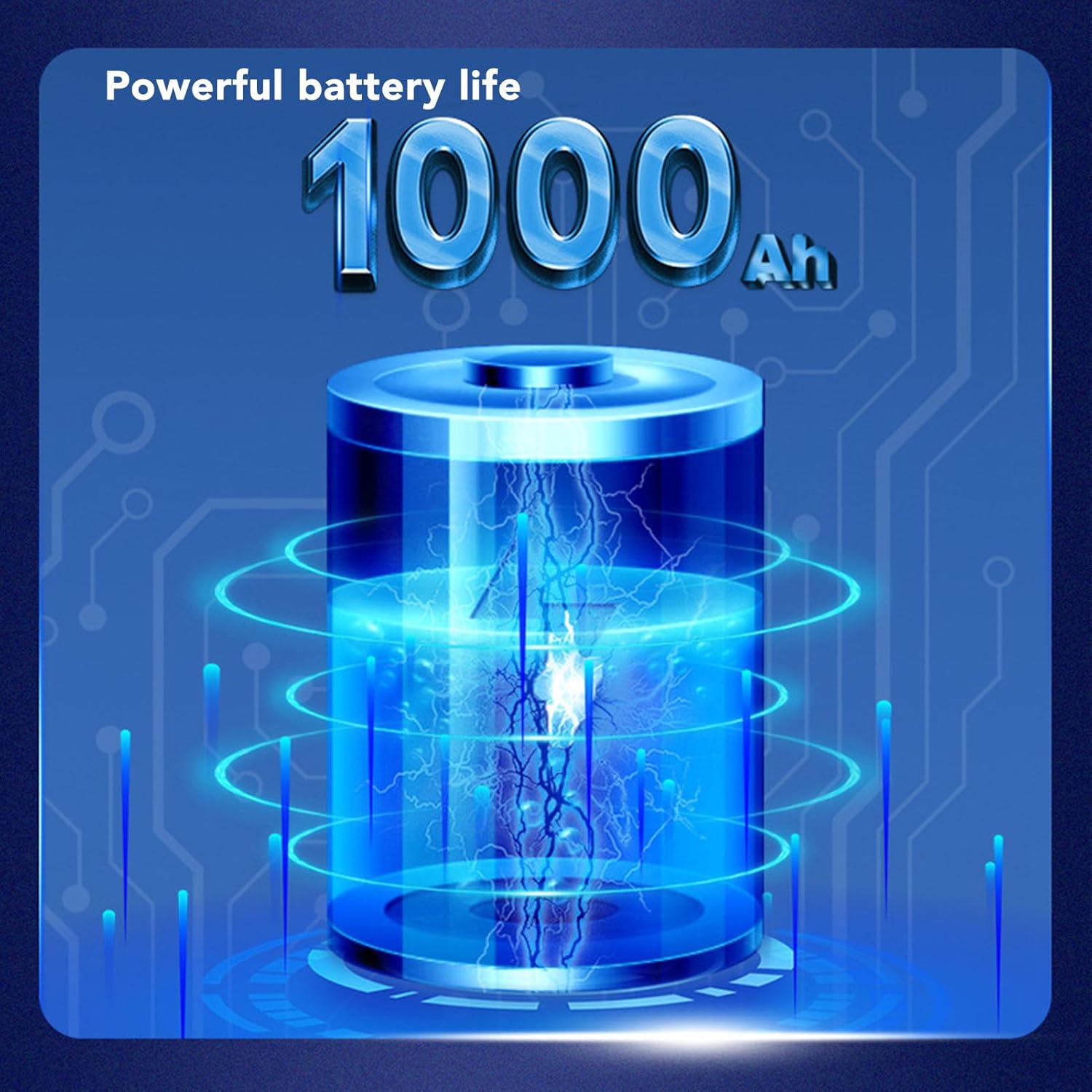
Image: An illustration representing the powerful 1000mAh battery life of the device.
Водоотпоран дизајн
The outdoor doorbell unit has an IP66 waterproof rating, making it resistant to dust and strong jets of water. This ensures reliable operation in various weather conditions.

Image: The doorbell unit installed on a door during rainfall, demonstrating its IP66 waterproof capability.
Чишћење
To clean the doorbell and display units, use a soft, dry cloth. Do not use abrasive cleaners or solvents, as these can damage the surfaces.
Решавање проблема
If you encounter any issues with your Jectse M15s, please refer to the following common solutions:
- No Video on Display:
- Ensure both the doorbell and display are charged and powered on.
- Check the wireless connection. If the units are too far apart or there are significant obstructions, reposition them closer.
- If the issue persists, try re-pairing the devices according to the quick start guide.
- Нема звука / Лош квалитет звука:
- Check the volume settings on the indoor display.
- Ensure there are no obstructions blocking the microphone or speaker on either unit.
- Verify the wireless connection strength.
- Doorbell Not Ringing:
- Confirm the doorbell unit has sufficient battery power.
- Check if the indoor display is powered on and within range.
- Кратак век трајања батерије:
- Ensure the devices are fully charged before use.
- Екстремне температуре могу утицати на перформансе батерије.
For further assistance, please contact Jectse customer support.
Спецификације
| Феатуре | Спецификација |
|---|---|
| Произвођач | Јецтсе |
| Број модела | M15s (Jectsetceb8ap14k) |
| Резолуција камере | 8МП (1080П) |
| Viewинг Англе | 170° Wide-Angle Fisheye |
| Величина екрана | 4.3 инча |
| Аудио | Two-Way (Hi-Fi Microphone & Speaker) |
| Нигхт Висион | Infrared with ICR Filter |
| Водоотпорна оцена | ИП66 |
| Тип батерије | High-Capacity Rechargeable |
| Димензије пакета | 20 к 16 к 5 цм |
| Тежина артикла | 484 грама |
| ASIN | B0D96RZ2VR |
Информације о гаранцији
Jectse products are manufactured to high-quality standards. For specific warranty terms and conditions, please refer to the warranty card included with your product or visit the official Jectse webсајт. Сачувајте рачун као доказ о куповини за евентуалне рекламације по гаранцији.
Корисничка подршка
If you have any questions, require technical assistance, or need to report an issue with your Jectse M15s Wireless Video Doorbell, please contact Jectse customer support through the following channels:
- Емаил: Refer to your product packaging or the official Jectse webсајт за контакт имејл.
- Webсајт: Visit the Jectse official webсајт за често постављана питања, ресурсе за подршку и контакт форме.
Please have your model number (M15s or Jectsetceb8ap14k) and purchase details ready when contacting support.