
WIITHINK WTB-978
WIITHINK HD Blu-Ray DVD Player User Manual
Model: WTB-978
1. Увод
This manual provides detailed instructions for the setup, operation, and maintenance of your WIITHINK HD Blu-Ray DVD Player (Model WTB-978). This player is designed to deliver a high-definition cinematic experience with versatile disc and multimedia playback capabilities. Please read this manual thoroughly before using the product to ensure proper operation and to maximize your enjoyment.
2. Садржај пакета
Молимо вас да проверите да ли су све ставке наведене у наставку укључене у ваш пакет:
- 1 x WIITHINK Blu-Ray DVD Player (Model WTB-978)
- 1 x Даљински управљач (батерије нису укључене)
- 1 к ХДМИ кабл
- КСНУМКС к АВ кабл
- 1 к Упутство за употребу

Image: Contents of the WIITHINK Blu-Ray DVD Player package. This image displays the Blu-ray DVD player, its remote control, an HDMI cable, an RCA (AV) cable, and the instruction manual, illustrating all items included in the box.
3. Подешавање
3.1 Повезивање са телевизором
The WIITHINK Blu-Ray DVD Player offers multiple connectivity options to suit your television or home theater system.
- HDMI Connection (Recommended for HD Quality):
For the best audio and video quality, connect the included HDMI cable from the HDMI OUT port on the player to an HDMI IN port on your television. Select the corresponding HDMI input on your TV.
- AV (RCA) прикључак:
Use the included AV cable to connect the player to your TV. Match the colored plugs (Yellow for Video, White for Left Audio, Red for Right Audio) from the player's AV OUT ports to the corresponding AV IN ports on your TV. Select the AV input on your TV.
- Coaxial Audio Connection:
For digital audio output to a compatible receiver or sound system, connect a coaxial cable (not included) from the Coaxial OUT port on the player to the Coaxial IN port on your audio device.
3.2 Прикључак за напајање
After connecting the player to your TV, plug the player's power cord into a standard electrical outlet.
3.3 Батерије за даљински управљач
Уметните две ААА батерије (нису укључене) у даљински управљач, водећи рачуна о исправном поларитету.
4. Упутство за употребу
4.1 Укључивање/искључивање
Притисните тастер ПОВЕР дугме на предњој плочи плејера или на даљинском управљачу да бисте укључили или искључили уређај.
4.2 Репродукција диска
This player supports a wide range of disc formats, including Blu-ray Discs (Region A/1), standard DVDs (Region Free), CDs, and VCDs.
- Притисните тастер ОПЕН/ЦЛОСЕ дугме на предњој плочи или даљинском управљачу да бисте отворили лежиште диска.
- Пажљиво поставите диск у лежиште за диск, тако да страна са етикетом буде окренута нагоре.
- Притисните тастер ОПЕН/ЦЛОСЕ поново притисните дугме да бисте затворили лежиште. Плејер ће аутоматски почети да чита диск.
- Use the remote control's navigation buttons (ГОРЕ, ДОЉЕ, ЉЕВО, ДЕСНО, ОК) to select options from the disc menu.
- Притисните ПЛАИ/ПАУСЕ да бисте покренули или паузирали репродукцију.
- Притисните СТОП да бисте прекинули репродукцију.
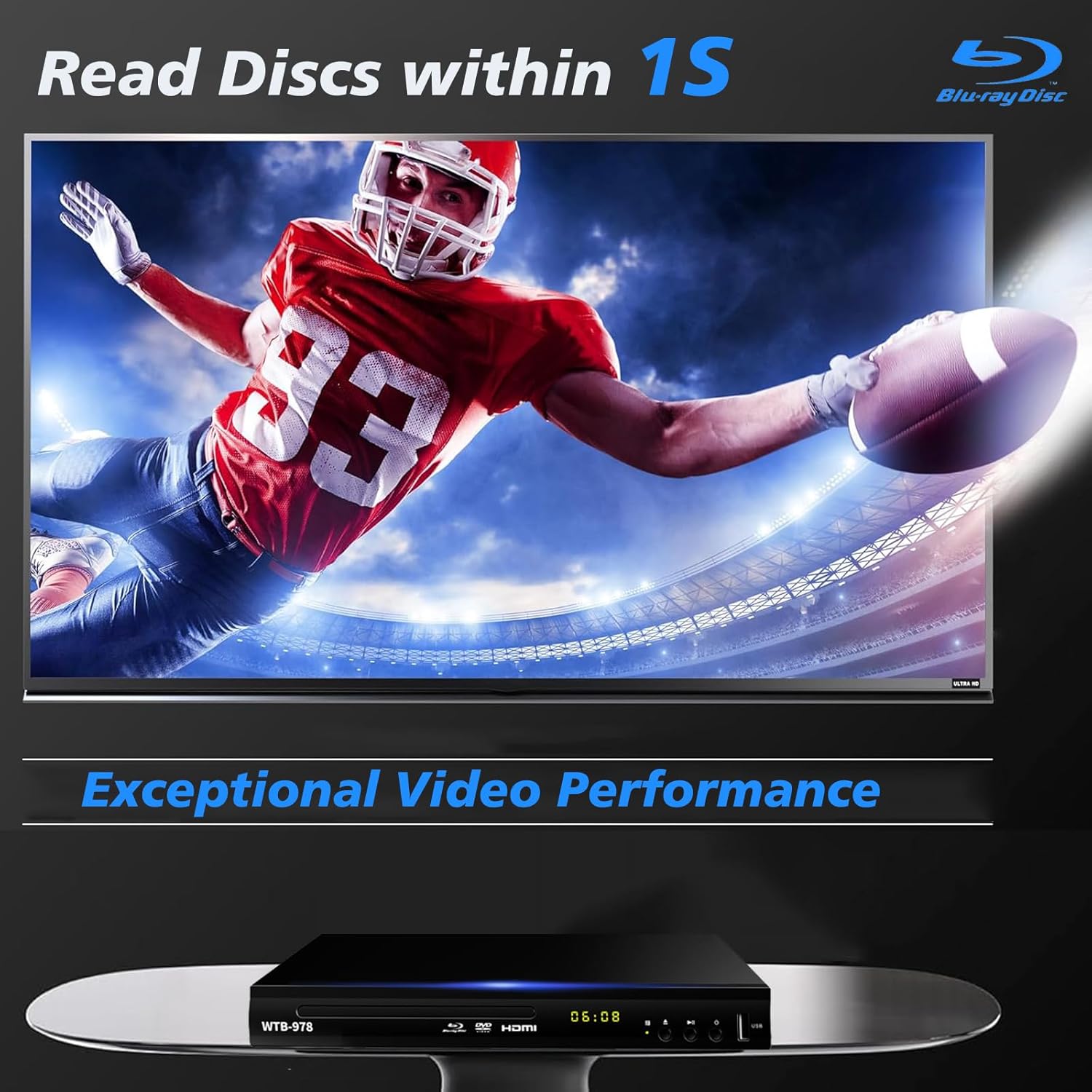
Image: The Blu-Ray DVD player is shown with a screen displaying a high-definition football game, emphasizing its exceptional video performance and quick disc reading capabilities.

Image: A Blu-Ray DVD player with its disc tray open, revealing a Blu-ray disc. The image highlights the player's ability to deliver 1080P HD picture quality, with a film strip graphic above suggesting movie playback.

Image: The Blu-Ray DVD player is positioned in front of a world map, illustrating its "ALL Region Free" capability for DVD playback across multiple countries, while also specifying support for Blu-ray Discs from Region A/1.
4.3 USB Multimedia Playback
The player features a USB input for playing multimedia files from external storage devices (up to 2TB USB flash drives/HDDs).
- Insert your USB flash drive or external HDD into the USB port on the front of the player.
- The player should automatically detect the USB device and display a menu. If not, navigate to the USB input using the remote control.
- Use the navigation buttons to browse through your files (MP4, AVI, MP3, etc.) and press OK да изаберете и репродукујете.
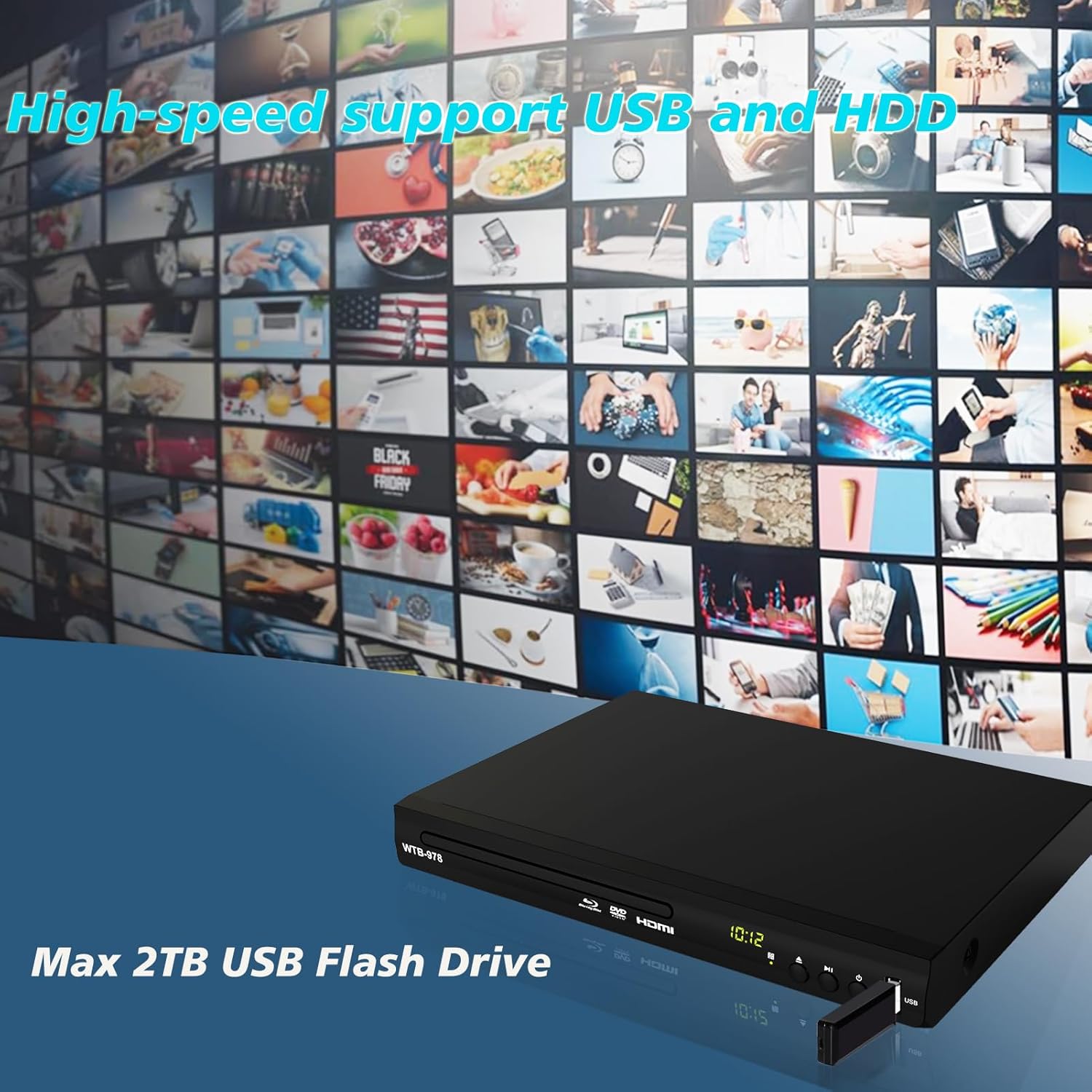
Image: The Blu-Ray DVD player is shown with a USB flash drive inserted into its port, set against a background of numerous video thumbnails, illustrating its high-speed support for USB and HDD multimedia playback.
4.4 Audio Features (Dolby & DTS)
The player supports Dolby and DTS audio formats for an immersive sound experience. Ensure your audio receiver or sound system is properly connected and configured to utilize these features.
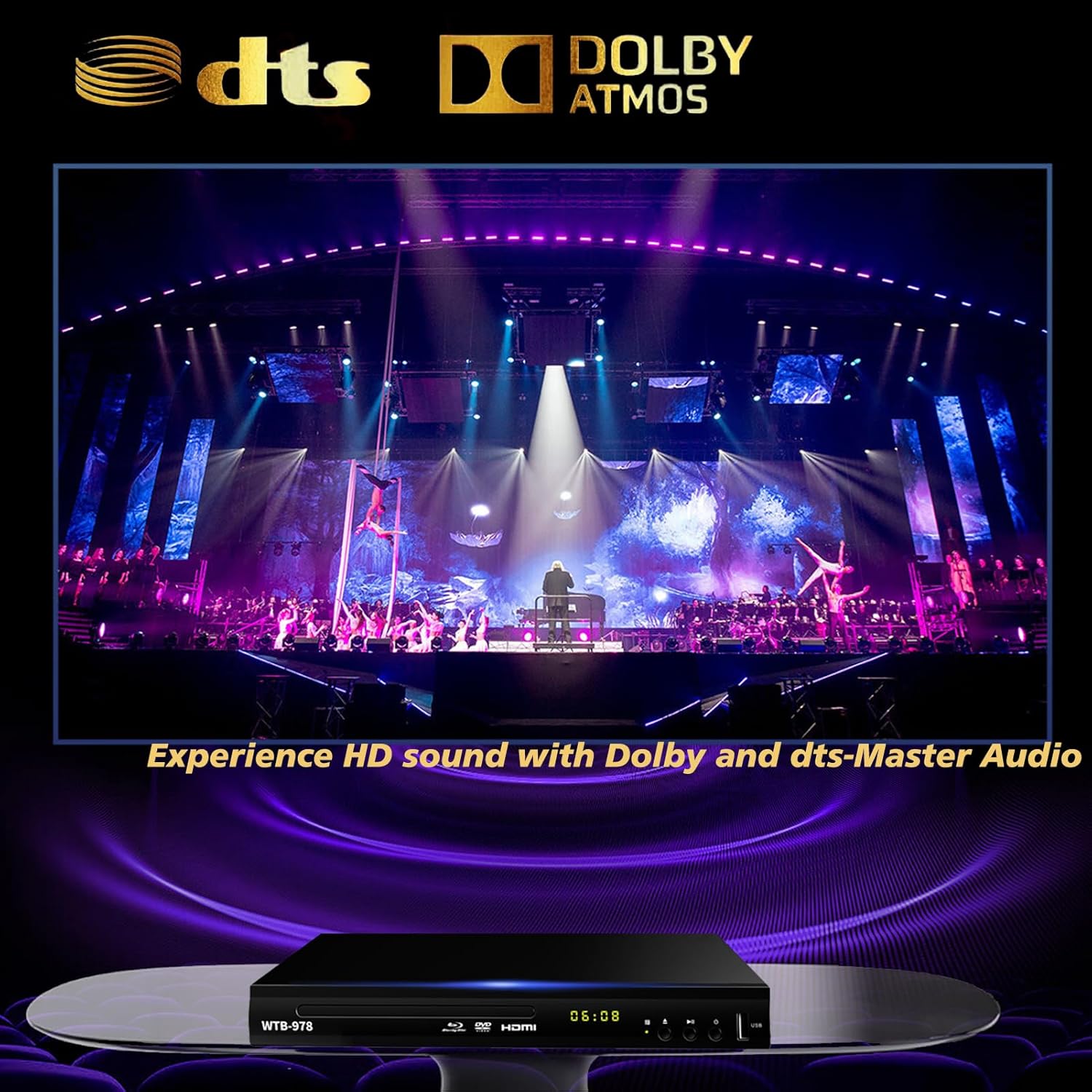
Image: The Blu-Ray DVD player is displayed with prominent DTS and Dolby logos, and a concert scene on the screen, highlighting its capability to deliver HD sound with Dolby and DTS-Master Audio.
4.5 Resume Playback
The player features a resume function, allowing it to continue playback from where it was last paused, even after being powered off.

Image: Two television screens illustrate the resume playback feature. The first screen shows a video paused, and the second shows the video resuming from the exact point after the player was powered off, demonstrating seamless continuity.
5. Одржавање
- Чишћење: Use a soft, dry cloth to clean the exterior of the player. Do not use liquid cleaners or abrasive chemicals.
- Одржавање дискова: Handle discs by their edges. Keep them clean and free of scratches. Use a soft, lint-free cloth to wipe discs from the center outwards.
- вентилација: Ensure the player has adequate ventilation. Do not block the ventilation openings.
- Складиштење: Чувајте плејер на хладном и сувом месту, даље од директне сунчеве светлости и екстремних температура.
КСНУМКС. Решавање проблема
| Проблем | Могући узрок | Решење |
|---|---|---|
| Нема струје | Кабл за напајање није повезан; утичница није активна. | Уверите се да је кабл за напајање добро прикључен. Тестирајте утичницу са другим уређајем. |
| Нема слике | Incorrect input selected on TV; Loose HDMI/AV cable connection. | Select the correct HDMI or AV input on your TV. Check cable connections at both ends. |
| Нема звука | Audio cables not connected; TV/receiver volume too low or muted. | Ensure audio cables (HDMI/AV/Coaxial) are properly connected. Increase volume and check mute settings on TV/receiver. |
| Диск се не репродукује | Disc is dirty, scratched, or inserted incorrectly; Incorrect disc region. | Clean the disc. Ensure the disc is inserted label-side up. Verify Blu-ray disc region (Region A/1 supported). DVDs are region-free. |
| Даљински управљач не ради | Батерије су празне или су неправилно уметнуте; Препрека између даљинског управљача и плејера. | Replace batteries, ensuring correct polarity. Remove any obstructions and point the remote directly at the player's sensor. |
7. Спецификације
- Модел: ВТБ-978
- Резолуција: 1920x1080 (1080p)
- Компатибилни уређаји: Телевизија
- Посебне карактеристике: Surround Sound, Standard DVDs All-Region Free, Anti-Shock, Noise Reduction Technology, Blu-Ray Region A discs support
- Режим аудио излаза: Сурроунд
- Подржани аудио формати: DTS, Dolby
- Типови конектора: RCA, USB, HDMI, Coaxial
- Media Types Supported: CD, DVD, VCD, Blu-Ray Disc (BD, BD-R, BD-RE, DVD-R/RW, DVD+R/RW, DVD-Video, VCD, CD, CD-R/RW)
- Подржано File Formats (USB): MP4, AVI, MP3
- USB Drive Support: Max 2TB USB Flash Drive/HDD
- Димензије (Д к Ш к В): Approximately 10.24 in x 7.56 in x 1.57 in
- Тежина: Отприлике 1.62 кг
8. Гаранција и подршка
For warranty information and technical support, please refer to the contact details provided on the product packaging or visit the official WIITHINK webсајт. Сачувајте рачун као доказ о куповини.
For further assistance, you may contact WIITHINK customer service through their official channels.
Ask a question about this manual
Ask about setup, troubleshooting, compatibility, parts, safety, or missing instructions. Manuals+ will review the question and use this page’s manual context to help answer it.