
1. Производ је готовview
The Vieta Pro VM-BS1000WH is a portable, battery-powered Bluetooth speaker designed for high-quality audio playback. Its elegant design allows it to integrate seamlessly into various environments, while its robust features make it suitable for both indoor and outdoor use.
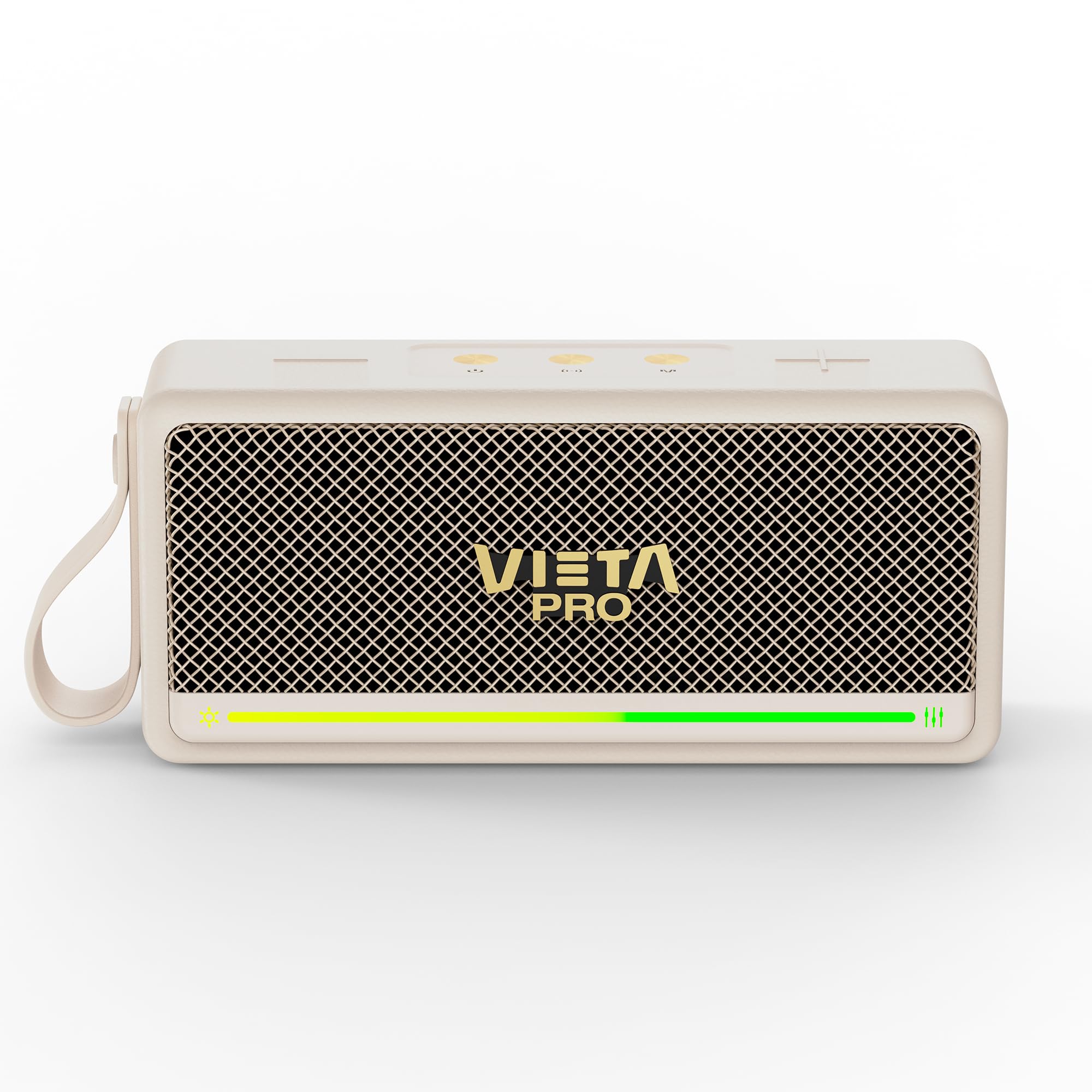
Слика 1: Предња страна view of the Vieta Pro VM-BS1000WH Portable Bluetooth Speaker.
2. Кључне карактеристике
- Блуетоотх КСНУМКС: Advanced wireless technology for fast and stable connections.
- ТВС (Прави бежични стерео) режим: Enables a true wireless stereo sound experience for immersive listening.
- ИПКС7 отпорност на воду: Certified to withstand splashes and brief immersion in water.
- УСБ плејер: Allows direct music playback from a USB drive.
- 10-сатни век трајања батерије: Provides extended use without frequent recharging.
- Shock-resistant design: Enhanced durability for active lifestyles.
- Контрола додиром: Intuitive control method for ease of use.
3. Водич за подешавање
3.1. Пуњење звучника
Before initial use, fully charge the speaker. Connect the provided USB charging cable to the speaker's charging port and a compatible USB power adapter (not included). The charging indicator light will illuminate during charging and turn off when fully charged. A full charge provides up to 10 hours of playback.
3.2. Укључивање/искључивање
To power on the speaker, press and hold the power button located on the control panel until you hear an audible prompt and the indicator light turns on. To power off, press and hold the power button again until the indicator light turns off.

Слика 2: Страна view of the speaker, highlighting the control panel and ports.
4. Упутство за употребу
4.1. Блуетоотх упаривање
- Уверите се да је звучник укључен и у режиму упаривања путем Bluetooth-а (што је назначено трепћућом LED лампицом).
- На свом уређају (паметном телефону, таблету, лаптопу) омогућите Блутут и потражите доступне уређаје.
- Select "Vieta Pro VM-BS1000WH" from the list of devices.
- Once paired, the speaker will emit an audible confirmation, and the LED indicator will become solid.
4.2. TWS (Прави бежични стерео) режим
To achieve a true wireless stereo experience, you can pair two VM-BS1000WH speakers together:
- Уверите се да су оба звучника укључена и да нису повезана ни са једним другим Bluetooth уређајем.
- On one speaker, press and hold the TWS button (refer to the control panel diagram) until you hear a pairing tone.
- The two speakers will automatically connect to each other. Once connected, one speaker will act as the master and the other as the slave.
- Now, connect your device to the master speaker via Bluetooth as described in section 4.1. Audio will play in stereo through both speakers.
4.3. УСБ репродукција
Insert a USB drive containing MP3 audio files into the USB port on the speaker. The speaker will automatically detect the USB drive and begin playing music. Use the playback controls to navigate tracks.
4.4. Volume and Playback Control
The speaker features touch controls for volume adjustment and music playback:
- Појачавање звука: Tap the '+' button.
- Смањивање јачине звука: Tap the '-' button.
- Пусти/паузирај: Додирните дугме Репродукуј/Паузирај.
- Следећа нумера: Притисните и држите дугме „+“.
- Претходни запис: Притисните и држите дугме '-'.
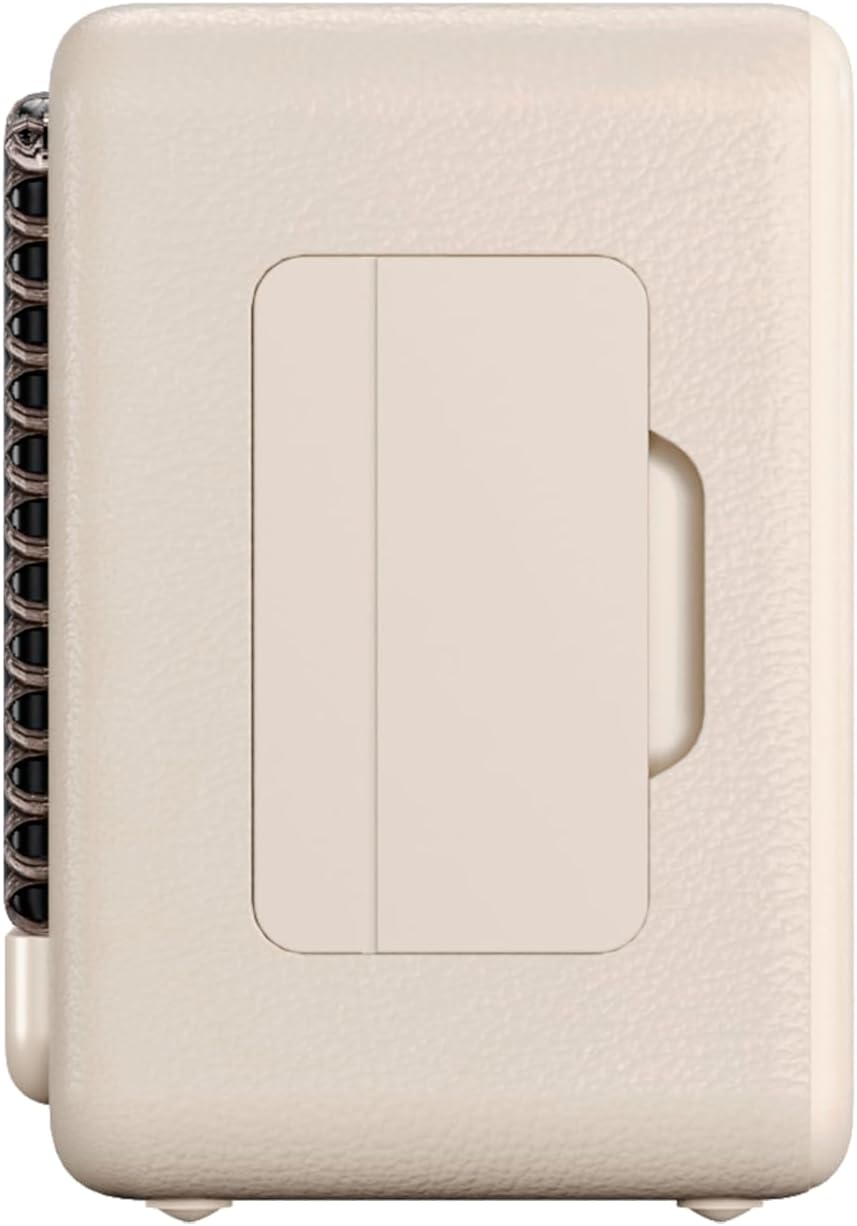
Слика 3: Бочни професионалацfile of the speaker, illustrating its compact design.
5. Одржавање
5.1. Чишћење
Wipe the speaker with a soft, dry cloth. Do not use abrasive cleaners, alcohol, or chemical solvents, as these may damage the surface. Ensure all ports are dry before charging or connecting other devices.
5.2. Отпорност на воду (IPX7)
The VM-BS1000WH speaker is IPX7 water-resistant, meaning it can be immersed in water up to 1 meter for up to 30 minutes. However, it is not designed for continuous underwater use. Always ensure the charging port cover is securely closed before exposing the speaker to water. After exposure to water, dry the speaker thoroughly before charging.
КСНУМКС. Решавање проблема
- Нема напајања: Уверите се да је звучник напуњен. Прикључите га на извор напајања и покушајте поново.
- Не могу да упарим Bluetooth: Make sure the speaker is in pairing mode and within range of your device. Disconnect from any previously paired devices. Try restarting both the speaker and your device.
- Нема звука: Проверите нивое јачине звука и на звучнику и на повезаном уређају. Уверите се да је звучник правилно упарен.
- Лош квалитет звука: Move the speaker closer to your Bluetooth device to reduce interference. Ensure there are no obstructions between the speaker and the device.
- Репродукција са УСБ-а не ради: Ensure the USB drive is formatted correctly (FAT32) and contains compatible audio files (MP3). Try a different USB drive.
7. Техничке спецификације
| Феатуре | Спецификација |
|---|---|
| Бранд Наме | Виета Про |
| Назив модела | VM-BS1000WH |
| Спеакер Типе | Преносиви Блуетоотх звучник |
| Максимална излазна снага звучника | 25 Ваттс |
| Технологија повезивања | Блуетоотх |
| Блуетоотх верзија | 5.3 |
| Режим аудио излаза | Стерео |
| Ниво отпорности на воду | ИПКС7 (отпоран на воду) |
| Трајање батерије | До 10 сати |
| Извор напајања | Battery Powered (1 C battery included) |
| Контролни метод | Додирните |
| Величина звучника | 7.5 цм |
| Димензије производа (Д x Ш x В) | 7.7 к 5.6 к 17.1 цм |
| Компатибилни уређаји | Паметни телефон, таблет, лаптоп, MP3 плејер |
| Посебне карактеристике | Shock-resistant, Wireless speakers, USB port |
8. Гаранција и подршка
8.1. Ограничена гаранција
This Vieta Pro VM-BS1000WH speaker comes with a Limited Warranty. Please refer to the warranty card included in the product packaging for detailed terms and conditions, including coverage period and limitations. Keep your proof of purchase for warranty claims.
8.2. Корисничка подршка
For technical assistance, troubleshooting, or warranty inquiries, please contact FRAMASON AUDIO S.A., the manufacturer. Contact information can typically be found on the product packaging or the official Vieta Pro website. Please have your model number (VM-BS1000WH) and proof of purchase ready when contacting support.