
Goldtouch GTE-08899
Goldtouch Elite Adjustable Ergonomic Keyboard User Manual
Model: GTE-08899
Увод
The Goldtouch Elite Adjustable Ergonomic Keyboard is engineered to provide a customizable typing experience, promoting comfort and reducing strain. Its unique design allows for independent adjustment of the keyboard halves, enabling users to find their optimal ergonomic position.
Подешавање и подешавање
Повезивање тастатуре
- Locate the USB-A cable attached to the Goldtouch Elite keyboard.
- Plug the USB-A connector into an available USB port on your computer (PC or Mac).
- Тастатура је „plug-and-play“ и ваш оперативни систем би требало да је аутоматски препозна.
Adjusting Splay and Tenting
The Goldtouch Elite keyboard features adjustable splay (horizontal angle) and tenting (vertical angle) to accommodate various hand and wrist positions. The improved handle design facilitates easier adjustment.
- Horizontal Splay Adjustment: The keyboard can be splayed from 0 to 30 degrees. To adjust, gently pull the two halves apart or push them together to achieve the desired angle. The mechanism will hold the position once released.
- Vertical Tenting Adjustment: The keyboard can be tented from 0 to 60 degrees. To adjust, lift the inner edges of the keyboard halves. The integrated mechanism will allow you to set the vertical angle.

Image: The Goldtouch Elite keyboard shown in its flat, unadjusted configuration.
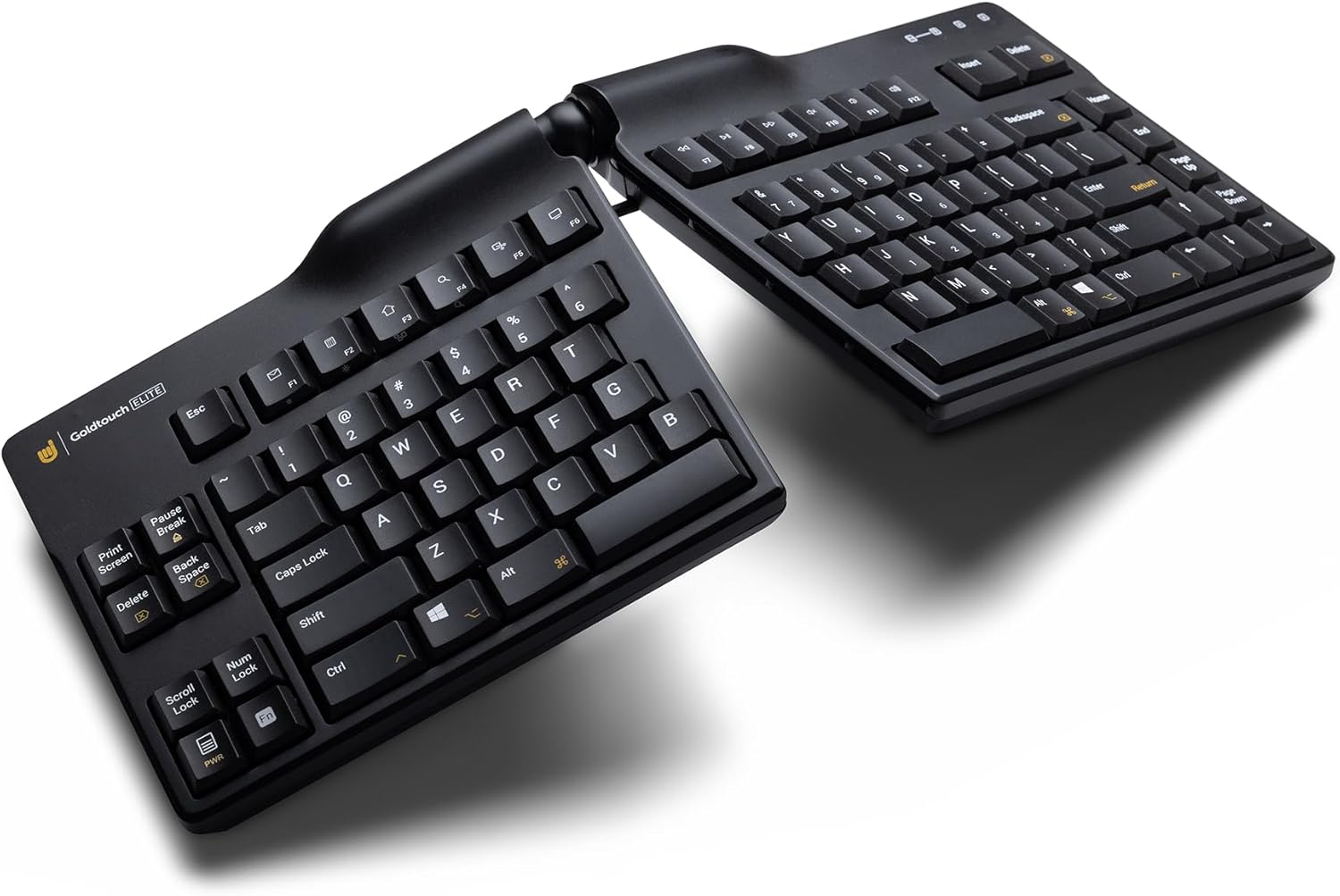
Image: The Goldtouch Elite keyboard demonstrating horizontal splay, where the two halves are angled outwards.

Image: The Goldtouch Elite keyboard configured with both horizontal splay and vertical tenting, elevating the inner edges.
Упутство за употребу
Компатибилност са рачунаром и Mac рачунарима
The keyboard includes a toggle switch on the rear to select between PC and Mac compatibility. Ensure the switch is set to the correct operating system for optimal functionality.
Распореди тастатуре
A rear toggle switch allows you to enable either the Default or Alternate keyboard layouts. Refer to the keyboard's keycaps for specific layout differences if applicable.
Кључне карактеристике
- Silicon Domed Keys: The keys are designed with silicon domes for a consistent tactile response.
- Laser-Printed Text: Keycap legends are laser-printed to ensure durability and prevent wear over time.
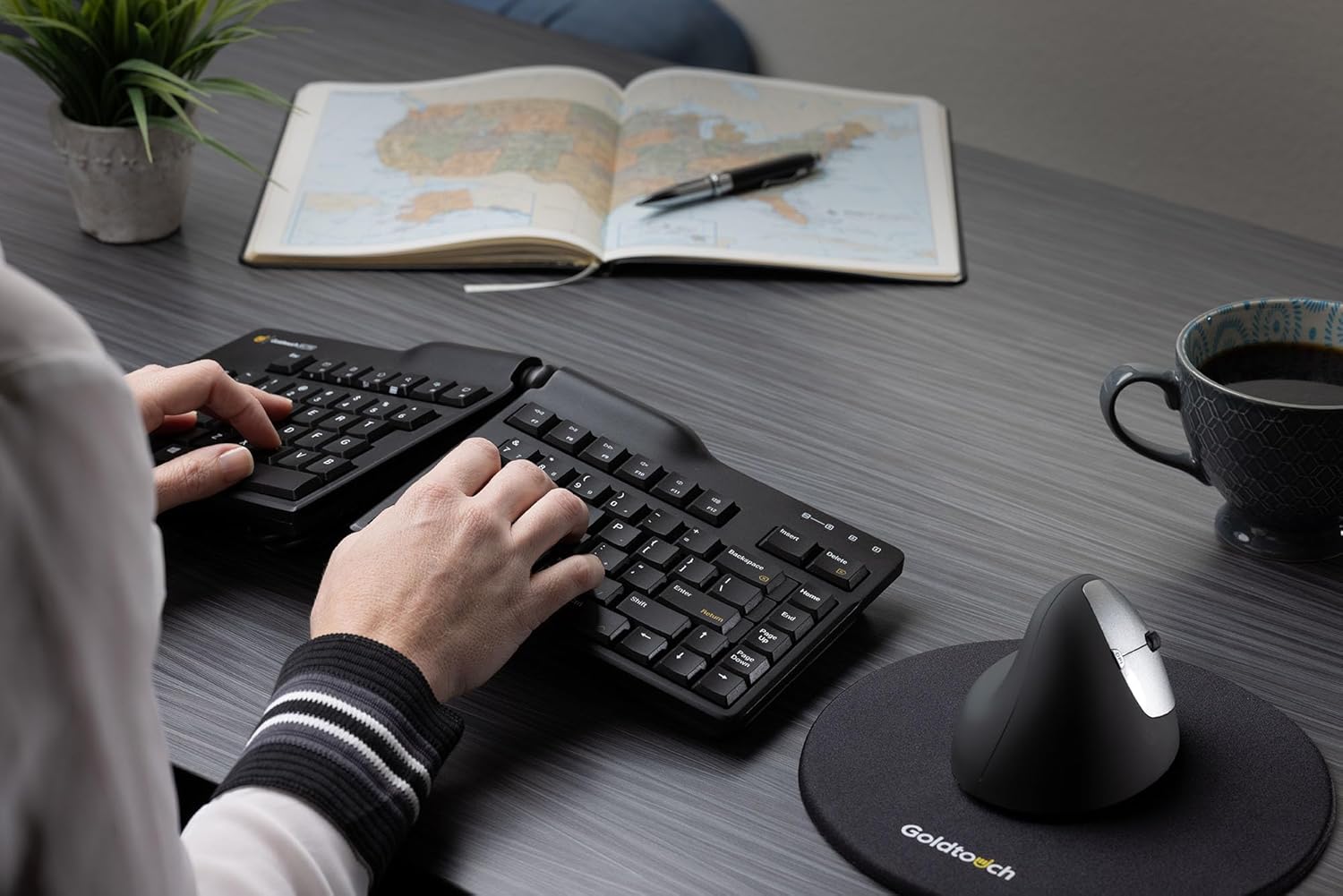
Image: A user demonstrating proper hand placement while typing on the Goldtouch Elite keyboard, highlighting its ergonomic design.
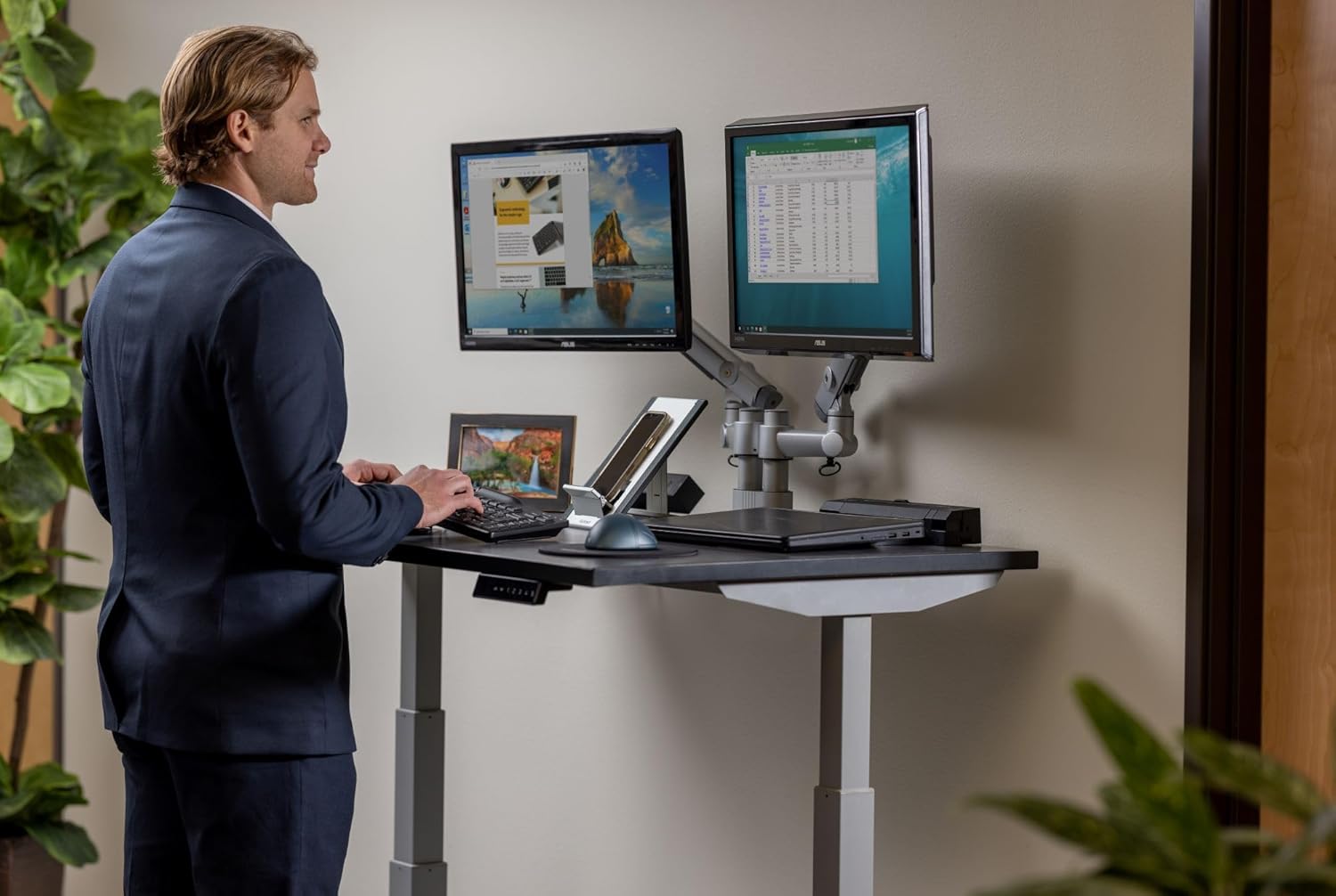
Image: A user operating the Goldtouch Elite keyboard alongside an external numeric keypad, illustrating a comprehensive ergonomic setup.
Одржавање и њега
To ensure the longevity and optimal performance of your Goldtouch Elite keyboard, follow these maintenance guidelines:
- Чишћење: Користите меку крпу која не оставља длачицеampened with water or a mild, non-abrasive cleaning solution to wipe down the keycaps and keyboard surface. Avoid excessive moisture.
- Уклањање прашине: Користите компримовани ваздух да уклоните прашину и остатке између тастера.
- Избегавајте оштре хемикалије: Do not use strong solvents, alcohol, or abrasive cleaners, as these can damage the keycap legends or the keyboard's finish.
- Складиштење: Када се тастатура не користи дуже време, чувајте је на чистом и сувом месту, даље од екстремних температура.
Решавање проблема
Тастатура не реагује
- Проверите УСБ везу: Ensure the USB cable is securely plugged into both the keyboard and the computer. Try a different USB port.
- Поново покрените рачунар: A simple system restart can often resolve connectivity issues.
- Тестирајте на другом рачунару: If possible, test the keyboard on a different computer to determine if the issue is with the keyboard or the original computer's setup.
Тастери не функционишу исправно
- Check PC/Mac Switch: Verify that the compatibility switch on the rear of the keyboard is set to your operating system (PC or Mac).
- Check Layout Switch: Ensure the Default/Alternate layout switch is set to your preferred configuration.
- Чисти тастери: Dust or debris under the keys can sometimes cause issues. Refer to the Maintenance section for cleaning instructions.
Спецификације
| Димензије производа | 15.25 x 6.5 x 0.75 цм (15.25 x 6.5 x 0.75 цм) |
| Тежина артикла | 2.72 фунти |
| Произвођач | Голдтоуцх |
| Број модела | ГТЕ-08899 |
| Технологија повезивања | USB-A (жичани) |
| Компатибилни уређаји | Laptop, Mac, PC, Tablet |
| Опис тастатуре | Ergonomic, Split Keyset Design |
| Боја | Црно |
| Материјал | Пластика |
| Укључене компоненте | Ergonomic Keyboard, Copy & Paste Keycaps |
Гаранција и подршка
For specific warranty information regarding your Goldtouch Elite Adjustable Ergonomic Keyboard, please refer to the documentation included with your product at the time of purchase or visit the official Goldtouch website. The manufacturer, Goldtouch, provides customer support for product-related inquiries.
For further assistance, please contact Goldtouch customer service directly through their official support channels.
Ask a question about this manual
Ask about setup, troubleshooting, compatibility, parts, safety, or missing instructions. Manuals+ will review the question and use this page’s manual context to help answer it.