
Tronsmart Mirtune H1
Tronsmart Mirtune H1 Outdoor Bluetooth Speaker User Manual
Увод
This manual provides detailed instructions for the safe and efficient use of your Tronsmart Mirtune H1 Outdoor Bluetooth Speaker. Please read this manual thoroughly before operating the device and retain it for future reference. The Tronsmart Mirtune H1 is a portable, waterproof, and dustproof speaker designed for outdoor use, featuring powerful sound, long playtime, and an integrated carabiner for easy portability.
Садржај пакета
Проверите да ли су све ставке наведене у наставку укључене у ваш пакет:
- 1x Tronsmart Mirtune H1 Portable Outdoor Speaker
- 1к Типе-Ц кабл за пуњење
- 1к упутство за употребу
- Гарантни лист
Производ је завршенview
Компоненте звучника
The Tronsmart Mirtune H1 features intuitive controls and a robust design for outdoor adventures.

Слика: Фронт view of the Tronsmart Mirtune H1 speaker in blue, displaying the volume down (-), play/pause (triangle), and volume up (+) buttons, along with the Tronsmart logo and the integrated carabiner at the top.
- Интегрисани карабинер: Located at the top of the speaker for easy attachment to backpacks, belts, or other gear.
- Дугме за смањивање јачине звука (-): Притисните да бисте смањили јачину звука.
- Дугме за репродукцију/паузирање (троугао): Притисните за репродукцију или паузирање звука.
- Дугме за појачавање јачине звука (+): Притисните за појачавање јачине звука.
- Порт за пуњење типа Ц: Located on the side, used for charging the speaker.
- микрофон: Уграђено за позивање без употребе руку.

Слика: Детаљна view of the Tronsmart Mirtune H1's integrated carabiner, showing its spring-loaded mechanism for secure attachment.
Сетуп
Пуњење звучника
Before initial use, fully charge the speaker to ensure optimal performance.
- Повежите приложени кабл за пуњење типа C са портом за пуњење звучника.
- Повежите други крај кабла са УСБ адаптером за напајање (није укључен) или УСБ портом рачунара.
- Индикаторска лампица пуњења ће светлети током пуњења и искључити се када се уређај потпуно напуни.
A full charge takes approximately 2.6 hours and provides up to 20 hours of playtime at 50% volume.

Image: Two Tronsmart Mirtune H1 speakers, one blue and one black, with a large graphic displaying '20H' and a battery icon, emphasizing the speaker's extended playtime.
Блуетоотх упаривање
Follow these steps to connect your Tronsmart Mirtune H1 speaker to a Bluetooth-enabled device:
- Укључено: Press and hold the Power button (often integrated with the Play/Pause button or a separate button, refer to product for exact location) until the indicator light flashes, indicating it's in pairing mode.
- Активирајте Блуетоотх: Enable Bluetooth on your smartphone, tablet, or other audio device.
- Изаберите говорника: In your device's Bluetooth settings, search for available devices and select "Tronsmart Mirtune H1".
- Потврдите везу: Када се повеже, звучник ће емитовати звучну потврду, а индикаторска лампица ће остати непрекидно упаљена.
The speaker utilizes advanced Bluetooth 5.3 technology for a stable and efficient connection.
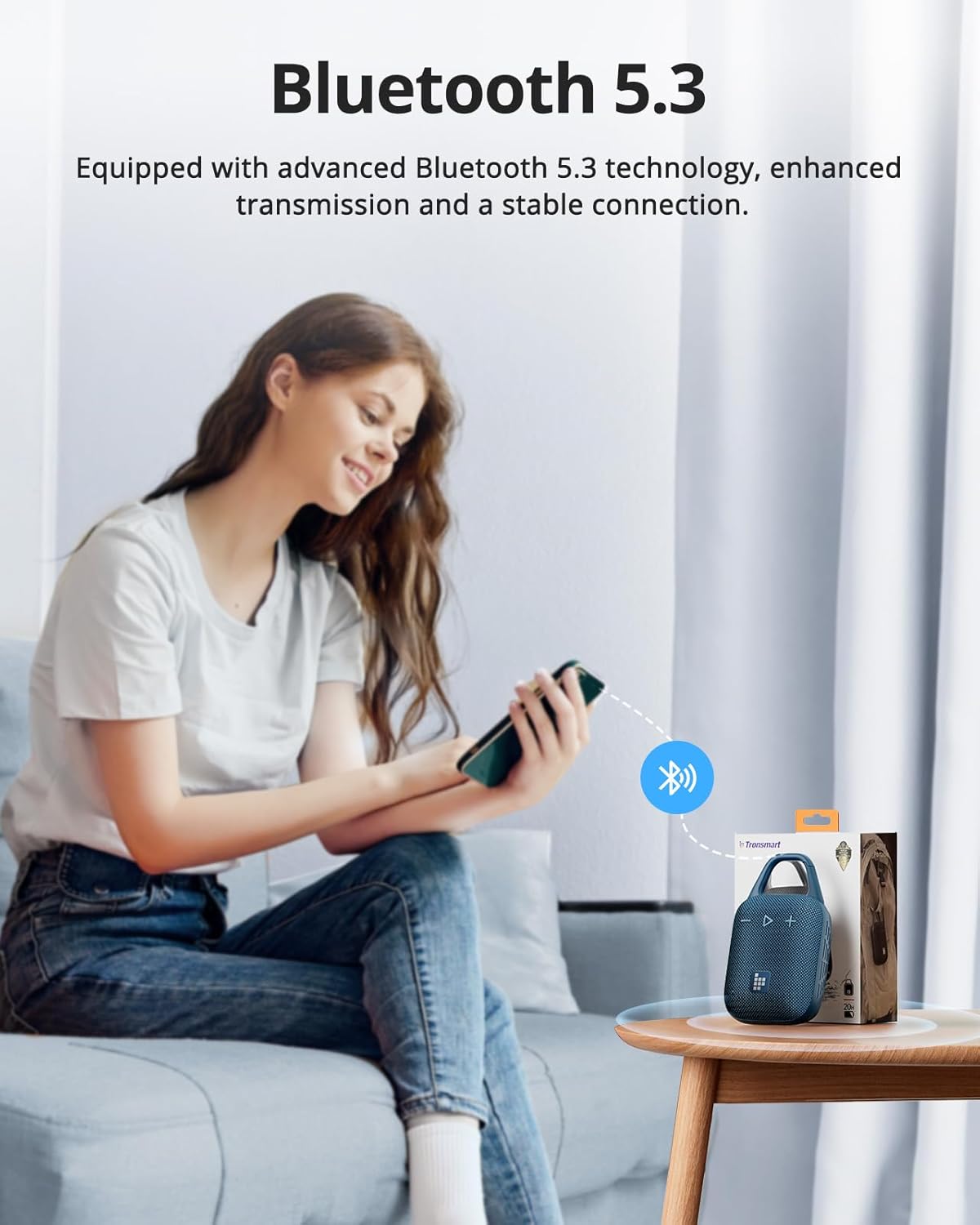
Image: A person sitting on a couch, holding a smartphone that displays a Bluetooth connection icon, with a Tronsmart Mirtune H1 speaker and its packaging on a nearby table, illustrating the Bluetooth 5.3 pairing process.
Управљање звучником
Основне контроле
- Укључивање/искључивање: Press and hold the Power button (or Play/Pause button if combined) for 2-3 seconds.
- Пусти/паузирај: Short press the Play/Pause (triangle) button.
- Појачавање звука: Кратко притисните дугме '+'.
- Смањивање јачине звука: Кратко притисните дугме '-'.
- Следећа нумера: Дуго притисните дугме „+“.
- Претходни запис: Дуго притисните дугме '-'.
Хандс-фрее позивање
The built-in microphone allows for convenient hands-free calls when connected to your smartphone.
- Одговори на позив: Кратко притисните дугме Плаи/Паусе.
- Заврши позив: Кратко притисните дугме Репродукуј/Паузирај током позива.
- Одбиј позив: Дуго притисните дугме Плаи/Паусе.
Customizable EQ via Tronsmart App
Enhance your audio experience by customizing the equalizer settings through the Tronsmart App.
- Download the Tronsmart App from your device's app store.
- Connect your Mirtune H1 speaker to your device via Bluetooth.
- Open the Tronsmart App and select your Mirtune H1 speaker.
- Приступите подешавањима еквилајзера да бисте подесили звучни професионалацfileпрема вашим жељама.

Image: A Tronsmart Mirtune H1 speaker placed on a wooden outdoor table, next to a hand holding a smartphone that shows the Tronsmart App's equalizer screen, demonstrating the customizable EQ feature.
Бежично стерео упаривање
For a more immersive audio experience, you can pair two Tronsmart Mirtune H1 speakers together to create a stereo sound system.
- Ensure both Mirtune H1 speakers are powered on and not connected to any other Bluetooth device.
- On one speaker (this will be the primary speaker), press and hold the Bluetooth pairing button (if available, or refer to specific instructions in the app/manual for TWS pairing) until it enters TWS pairing mode.
- The two speakers will automatically connect to each other. Once connected, the primary speaker's indicator light will flash, and the secondary speaker's light will remain solid.
- Connect your device to the primary speaker via Bluetooth as described in the