
1. Увод
This manual provides detailed instructions for the installation, operation, and maintenance of your Luowice Solar Security Camera. This wireless outdoor camera features a 3W solar panel for continuous power, 360° pan and tilt functionality, 3MP color night vision, and is designed to be weatherproof for reliable outdoor use. Please read this manual thoroughly before use to ensure proper setup and functionality.

Image 1.1: Luowice Solar Security Camera with integrated solar panel.
2. Производ је готовview
2.1 Кључне карактеристике
- 100% бежично подешавање: Operates on WiFi and powered by a 3W solar panel, eliminating the need for frequent battery charging and complex wiring.
- Широкоугаона покривеност: Offers 355° horizontal and 90° vertical rotation for comprehensive area monitoring via the O-KAM PRO app.
- 3MP Ноћни вид у боји: Provides clear, high-resolution video day and night, including full-color night vision with floodlights.
- Motion-Triggered Floodlights & Auto Tracking: Automatically activates floodlights and tracks human-shaped objects upon detection, enhancing security.
- Двосмерни аудио: Allows real-time communication with visitors or deterrence of intruders.
- Локално и складиштење у облаку: Supports micro SD card (up to 128GB, not included) for 24/7 loop recording and optional cloud storage services.
- Дизајн отпоран на временске услове: IP66 rated, ensuring reliable performance in various severe weather conditions.
- Multi-User Sharing & Data Encryption: Securely share camera access with family members with advanced encryption.
2.2 Компоненте
Пакет обично укључује:
- Luowice Solar Security Camera
- 3W Solar Panel (integrated or separate with mounting bracket)
- Монтажни носач и завртњи
- УСБ кабл за пуњење
- Упутство за употребу
3. Упутства за подешавање
3.1 Пуњење батерије
Before initial use, fully charge the camera's internal battery using the provided USB cable. Connect the cable to the camera's charging port and a standard 5V USB power adapter (not included). The indicator light will show charging status.
3.2 Инсталација апликације и креирање налога
- Преузмите О-КАМ ПРО апликацију из продавнице апликација на вашем паметном телефону (iOS или Android).
- Отворите апликацију и пратите упутства на екрану да бисте креирали нови налог или се пријавите ако га већ имате.
3.3 Connecting the Camera to Wi-Fi
- In the O-KAM PRO app, tap the "+" icon to add a new device.
- Изаберите модел камере или скенирајте QR код на камери ако се то од вас затражи.
- Follow the app's instructions to connect the camera to your 2.4 GHz Wi-Fi network. Ensure your phone is connected to the same 2.4 GHz network during setup.
- Once connected, the camera's indicator light will change, and you will receive a confirmation in the app.

Image 3.1: The camera supports 2.4 GHz Wi-Fi for stable data transmission.
3.4 Монтирање камере
Choose a location with optimal sunlight exposure for the solar panel and a clear view of the area you wish to monitor. Ensure the camera is within range of your Wi-Fi network.
- Mark the drilling positions using the mounting bracket as a template.
- Избушите рупе и по потреби уметните анкере у зид.
- Причврстите монтажни носач на зид помоћу завртњева.
- Attach the camera to the mounting bracket. Adjust the angle of the solar panel to maximize sunlight exposure.

Image 3.2: Camera mounted outdoors, demonstrating continuous solar power.
4. Упутство за употребу
4.1 Уживо View и контрола панорамирања/нагиба
Open the O-KAM PRO app and select your camera to access the live view. Use the on-screen controls to pan (355° horizontal) and tilt (90° vertical) the camera to adjust its viewугао уласка.

Image 4.1: Remote pan and tilt control via the O-KAM PRO app.
4.2 Двосмерни аудио
Од уживо view, tap the microphone icon to speak through the camera's speaker. Tap the speaker icon to listen to audio from the camera's vicinity.

Image 4.2: Demonstrating two-way audio communication.
4.3 Детекција покрета и упозорења
The camera features advanced motion detection with human shape recognition. When motion is detected, the camera can automatically turn on floodlights, track the object, and send instant alerts to your phone.
- Setting Detection Sensitivity: In the app settings, adjust the detection sensitivity to minimize false alarms.
- Defining Detection Zones: Create specific detection zones to focus monitoring on critical areas and ignore irrelevant movements.
- Обавештења: Receive instant app notifications and email alerts when motion is detected.

Image 4.3: Motion detection with intelligent recognition for humans, vehicles, and pets.

Image 4.4: Configuring custom motion detection zones.
4.4 Снимање и складиштење
The camera supports two primary storage methods:
- Мицро СД картица: Insert a micro SD card (up to 128GB, not included) into the designated slot for continuous 24/7 loop recording, even without network access.
- Цлоуд Стораге: Optional cloud storage services are available through the O-KAM PRO app for secure, remote access to your footage.

Image 4.5: Micro SD card slot for local storage.
5. Одржавање
5.1 Чишћење
- Редовно бришите сочиво камере и соларни панел меком крпомamp cloth to remove dust and debris. This ensures optimal image clarity and solar charging efficiency.
- Не користите јаке хемикалије или абразивна средства за чишћење.
5.2 Заштита од временских прилика
The camera is IP66 weatherproof, designed to withstand rain, snow, and dust. However, extreme weather conditions may temporarily affect performance. Ensure all ports are securely sealed.
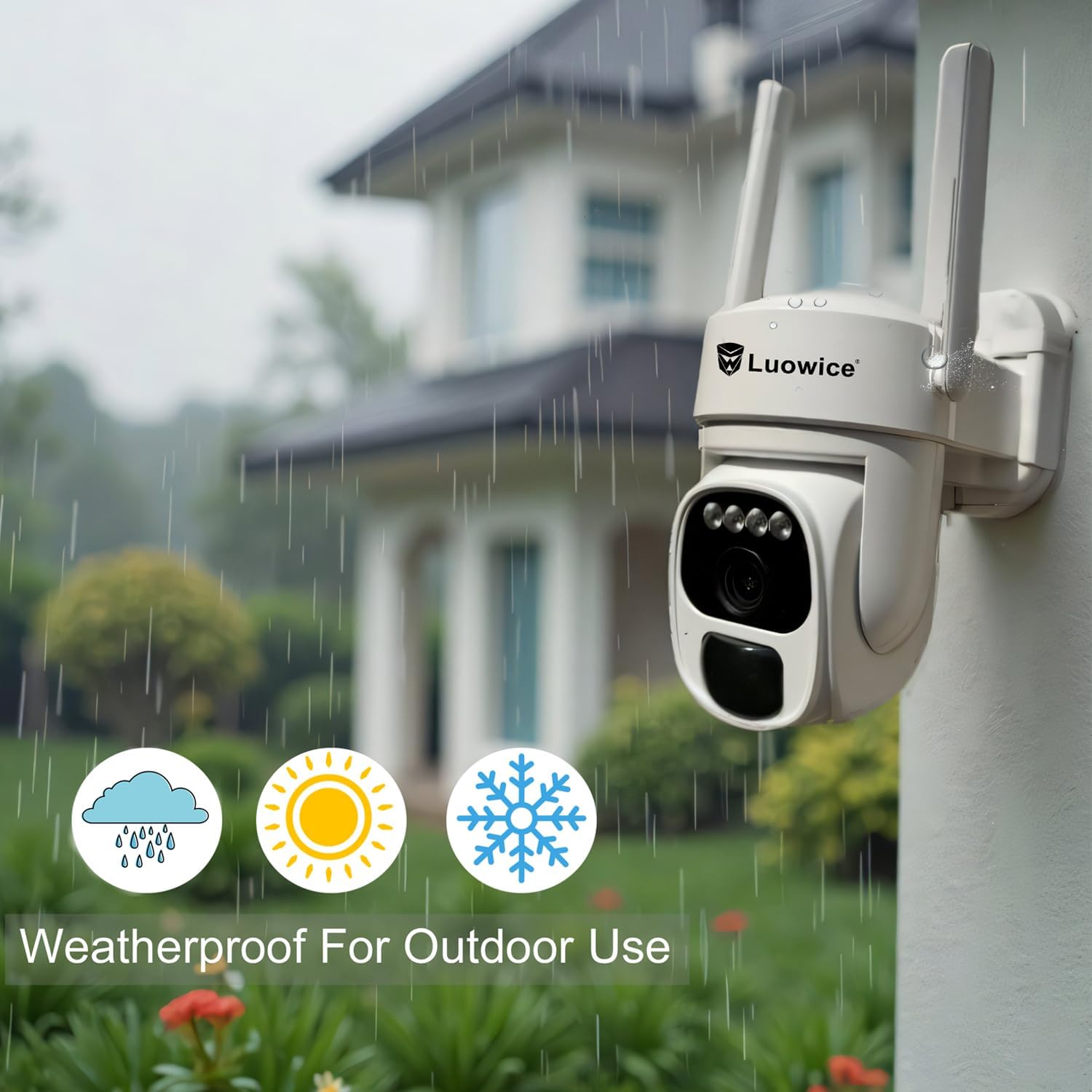
Image 5.1: The camera's weatherproof design for outdoor use.
КСНУМКС. Решавање проблема
- Камера се не повезује на Wi-Fi: Ensure your Wi-Fi is 2.4 GHz. Check Wi-Fi signal strength at the camera's location. Restart your router and the camera.
- Батерија се не пуни: Verify the solar panel is clean and receiving direct sunlight. Check the USB charging cable connection. Ensure the ambient temperature is within the operating range for charging.
- Лош квалитет видеа: Clean the camera lens. Ensure adequate lighting. Check your internet connection speed.
- Упозорења на лажно кретање: Подесите осетљивост детекције покрета у апликацији. Дефинишите одређене зоне детекције да бисте искључили небитне области.
- Pan/Tilt not responding: Check app connectivity. Ensure there are no physical obstructions. Restart the camera.
7. Спецификације
| Феатуре | Спецификација |
|---|---|
| Резолуција снимања видео записа | 3 МП |
| Извор напајања | Соларни напајање (соларни панел од 3 W) |
| Цоннецтивити Протоцол | Ви-Фи (КСНУМКС ГХз) |
| Опсег померања/нагиба | 355° хоризонтално, 90° вертикално |
| Нигхт Висион | Color Night Vision with Floodlights |
| Опције складиштења | Микро СД картица (до 128 ГБ), складиштење у облаку |
| Оцена отпорности на временске услове | ИП66 |
| Батерије су потребне | 1 литијум-јонска батерија (укључена) |
| Тежина артикла | 1.85 фунти |
| Димензије | 7.87 x 6.18 x 5.55 инча (паковање) |
| Компатибилни уређаји | Паметни телефони, таблети, рачунари |
8. Гаранција и подршка
8.1 Информације о гаранцији
Luowice products typically come with a manufacturer's warranty. Please refer to the product packaging or the official Luowice website for specific warranty terms and conditions. Optional extended protection plans may be available for purchase.
8.2 Корисничка подршка
For technical assistance, troubleshooting, or warranty claims, please contact Luowice customer support through their official website or the contact information provided with your product. When contacting support, please have your product model (B0DF4TVZ7Z) and purchase details ready.