
Увод
This manual provides instructions for the Xtrike Me 12800 DPI Gaming Mouse. It covers setup, operation, maintenance, troubleshooting, and product specifications. Please read this manual thoroughly before using the device to ensure proper function and longevity.
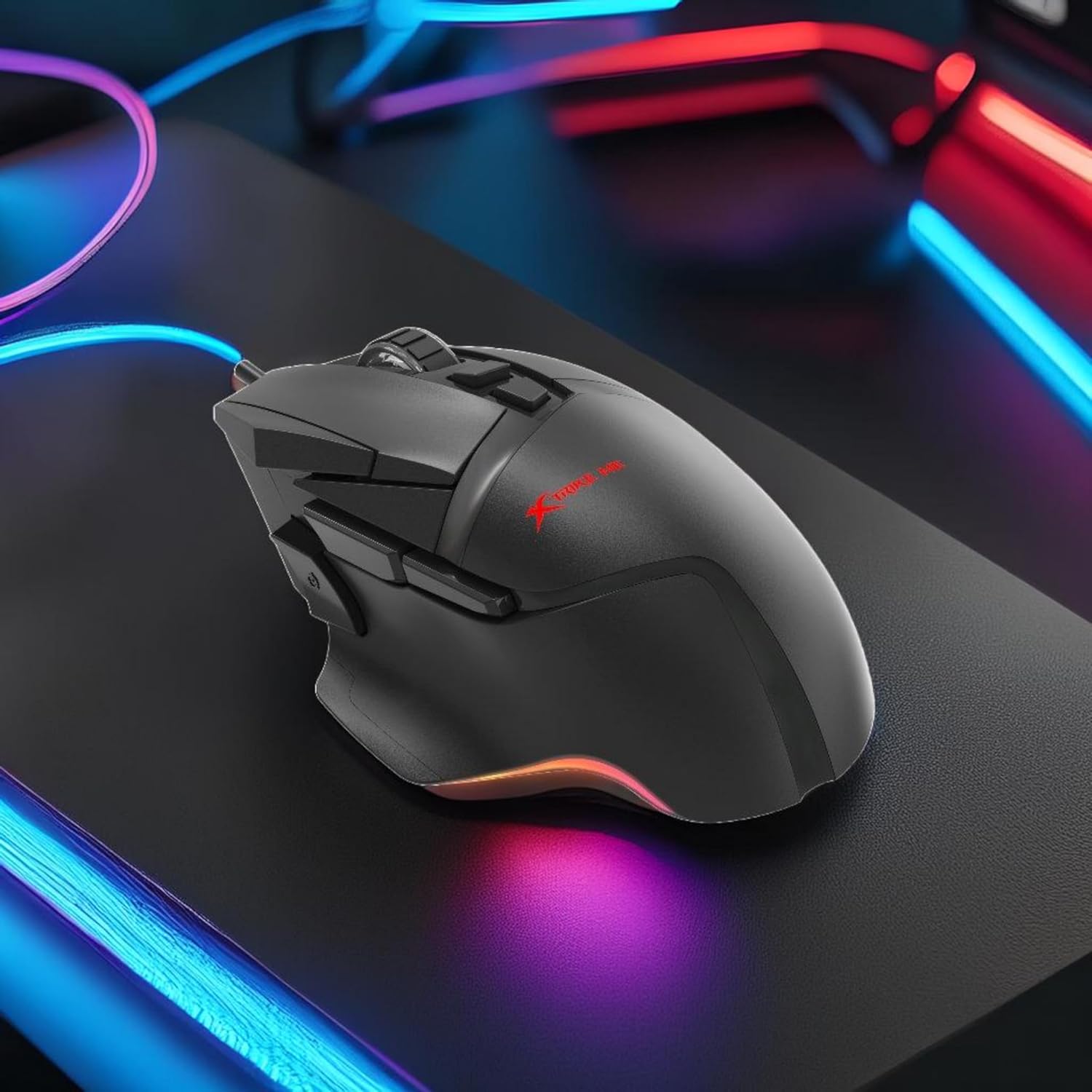
Слика 1: Xtrike Me 12800 DPI Gaming Mouse. This image shows the gaming mouse from a side angle, highlighting its ergonomic shape and dynamic RGB lighting along the base, set against a dark, illuminated gaming setup.
Производ је завршенview
The Xtrike Me 12800 DPI Gaming Mouse is designed for precision and customization. It features an advanced optical sensor, 8 programmable buttons, and dynamic RGB backlighting.
Слика 2: Под горњим углом view of the mouse. This image provides a clear view of the mouse's top surface, showcasing the scroll wheel, main click buttons, and several programmable side buttons, along with the Xtrike Me logo.

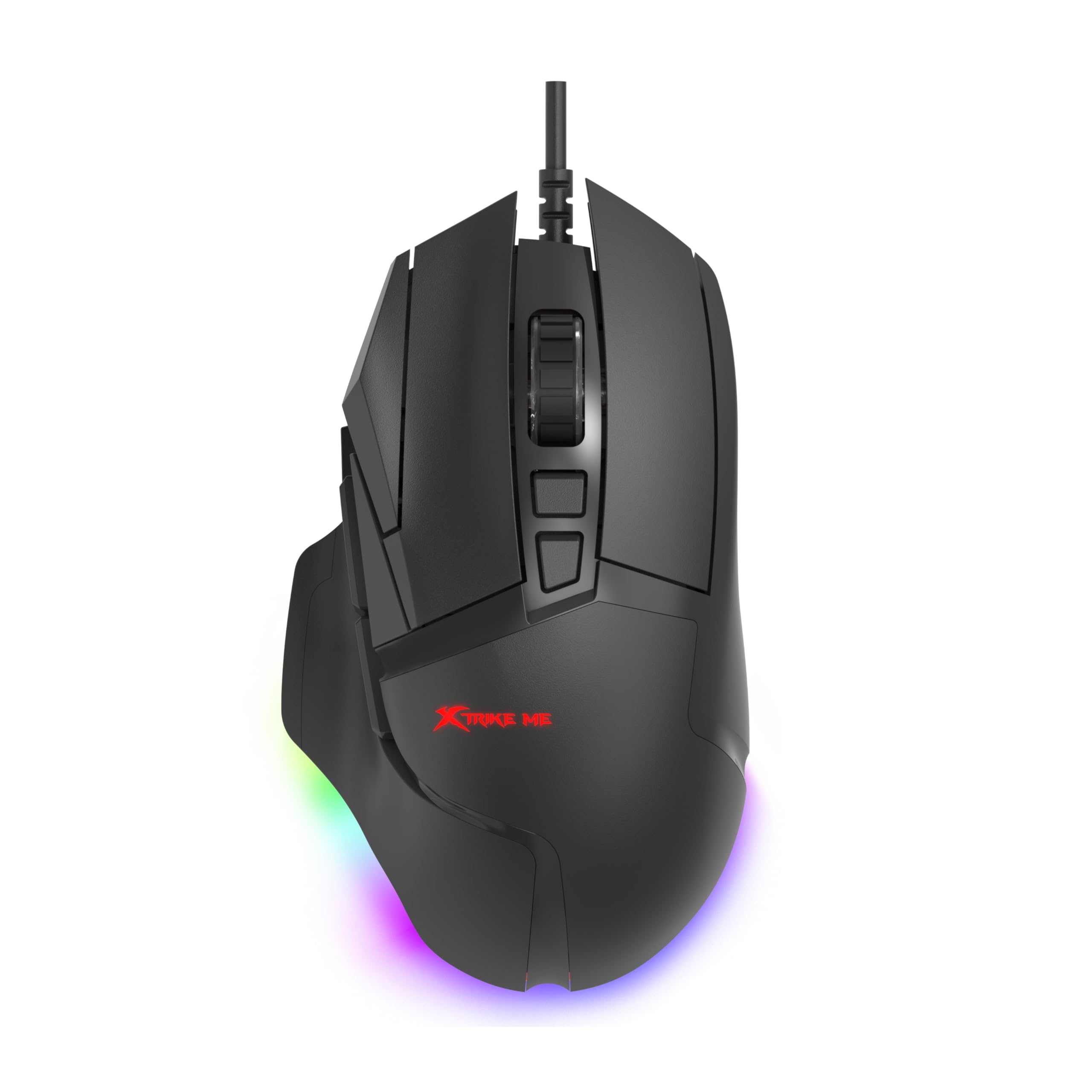
Слика 3: Одозго надоле view of the mouse. This image presents the mouse from directly above, emphasizing its symmetrical design and the layout of its primary buttons and scroll wheel.
Кључне карактеристике:
- 12800 DPI Optical Sensor: Adjustable sensitivity for precise control.
- 8D Programmable Buttons: Customizable commands and shortcuts.
- 13 RGB Lighting Effects: Personalize lighting to match your setup.
- 5 Million Click Rating: Durable switches for extended use.
- Брзина анкетирања од 1000Hz: Ultra-smooth and responsive tracking.
- Ергономски дизајн: Comfortable for prolonged gaming sessions.
- 1.6m Braided Cable: Durable and tangle-free connectivity.
Сетуп
- Повежите миш: Plug the USB connector of the Xtrike Me Gaming Mouse into an available USB port on your computer (PC or Mac).
- Аутоматска инсталација драјвера: Your operating system (Windows XP and newer, or Mac) should automatically detect and install the necessary drivers.
- Инсталација софтвера (опционо): For advanced customization, including button programming and RGB lighting effects, download the dedicated software from the Xtrike Me official webсајт. Пратите упутства на екрану да бисте завршили инсталацију.

Слика 4: Mouse connected via USB. This image shows the Xtrike Me gaming mouse positioned on a desk, with its braided USB cable clearly visible, indicating its wired connectivity.
Упутство за употребу
ДПИ подешавање:
The mouse features an adjustable DPI (Dots Per Inch) sensor, allowing you to change sensitivity on the fly. Use the dedicated DPI buttons (usually located near the scroll wheel) to cycle through preset DPI levels (800, 1600, 2400, 3200, 4800, 6400, 12800 DPI). The current DPI setting may be indicated by a change in the mouse's RGB lighting color or pattern.
Програмабилна дугмад:
The 8D programmable buttons can be assigned various functions, macros, or shortcuts. To customize these buttons:
- Ensure the optional software is installed.
- Open the Xtrike Me Gaming Mouse software.
- Navigate to the "Button Assignment" or "Macro" section.
- Select the button you wish to program and assign your desired function.
- Сачувајте промене.
Контрола RGB позадинског осветљења:
The mouse features 13 dynamic RGB lighting effects. These can typically be controlled via the optional software. Within the software, you can select different lighting modes, adjust brightness, speed, and choose specific colors or turn the lighting off entirely.

Слика 5: Сиде view with RGB. This image captures the side profile of the Xtrike Me gaming mouse, highlighting its ergonomic curve and the vibrant RGB lighting emanating from its base, creating an ambient glow.
Одржавање
- Чишћење: Користите меку, суву крпу за чишћење површине миша. За тврдокорну прљавштину, благо дampИсперите крпу водом. Избегавајте јаке хемикалије или абразивна средства за чишћење.
- Брига о сензорима: Одржавајте оптички сензор на доњој страни миша чистим и без прашине или прљавштине како бисте осигурали прецизно праћење.
- Управљање кабловима: Avoid sharp bends or excessive pulling on the braided cable to prevent damage.
- Складиштење: Када се не користи, чувајте миш на чистом и сувом месту, даље од екстремних температура.
Решавање проблема
- Миш не реагује:
- - Уверите се да је USB кабл безбедно прикључен у исправан USB порт.
- - Try plugging the mouse into a different USB port or another computer to rule out port issues.
- - Поново покрените рачунар.
- Нетачно праћење или кашњење курсора:
- - Очистите оптички сензор на доњој страни миша.
- - Ensure you are using the mouse on a suitable surface (e.g., a mouse pad). Avoid highly reflective or transparent surfaces.
- - Adjust the DPI settings to a lower value if the cursor is too sensitive.
- RGB осветљење не ради:
- - Check the optional software settings to ensure lighting is enabled and configured correctly.
- - Ensure the mouse is properly connected to your computer.
- Програмабилни тастери не раде:
- - Verify that the Xtrike Me software is installed and running.
- - Check the button assignments within the software and ensure they are saved.
- - Ensure the software is up to date.
Спецификације
| Феатуре | Детаљ |
|---|---|
| Бранд | Кстрајк ме |
| Модел | Гаминг миш од 12800 ДПИ |
| Технологија повезивања | УСБ Виред |
| Технологија детекције покрета | Оптицал |
| Mouse Maximum Sensitivity | 12800 DPI (Adjustable: 800-12800 DPI) |
| Поллинг Рате | 1000Хз |
| Количина дугмета | 8 (Програмабилно) |
| Click Rating | 5 милиона кликова |
| Цабле Ленгтх | 1.6 метара (плетено) |
| Позадинско осветљење | RGB (13 effects) |
| Оријентација руке | Амбидектроус |
| Компатибилни уређаји | Конзола за игре, лични рачунар |
| Оперативни систем | Windows XP and newer, Mac |
| Тежина артикла | 180 грама |
| Материјал | Пластика |
| Боја | Црно |
| Произвођач | Кстрајк ме |
Гаранција и подршка
Информације о гаранцији:
The product warranty is provided "As Per Amazon" policy. Please refer to your purchase documentation or Amazon's customer service for detailed warranty terms and conditions.
Контакт произвођача:
For technical support or further inquiries, please contact the manufacturer:
Произвођач: Кстрајк ме
Контакт информације: White Cloud Ventures Canada
For the most up-to-date support information, please visit the official Xtrike Me webсајту или контактирајте свог продавца.