
СМРГБЦД001
Wireless Mouse for Laptop PC Bluetooth RGB Rechargeable Mouses
Упутство за употребу
Brand: Generic | Model: SMRGBCD001
1. Увод
Хвала вам на куповиниasing the Generic Wireless Mouse. This manual provides detailed instructions for setting up, operating, and maintaining your new mouse to ensure optimal performance and longevity. Please read this manual thoroughly before using the product and keep it for future reference.
This sleek and stylish wireless mouse is designed to elevate your computing experience. Its ergonomic design ensures comfortable use for extended periods, while the smooth gliding surface allows for precise cursor control. Featuring a striking RGB lighting system that cycles through a vibrant spectrum of colors, this mouse adds a touch of flair to your desktop setup. With its plug-and-play functionality and reliable wireless connectivity, you can bid farewell to tangled cords and enjoy seamless operation. Crafted with durability in mind, this mouse is built to withstand the demands of daily use.
2. Производ је готовview
The Generic Wireless Mouse combines ergonomic comfort with advanced features for an enhanced user experience. Key features include:
- Seamless RGB Lighting: A vibrant RGB lighting strip that cycles through a spectrum of colors.
- Ергономски дизајн: Contoured shape and textured grips for comfortable and secure handling.
- Прецизно праћење: High-precision optical sensor for smooth and accurate cursor control.
- Двоструко повезивање: Supports 2.4GHz wireless connection and Bluetooth (3.0 and 5.2) for versatile pairing.
- Пуњива батерија: Built-in 500mAh lithium polymer battery for extended use.
- Тихи дугмићи: Mute buttons for a quiet clicking experience.
- Плуг анд Плаи: No software installation required for 2.4GHz mode.
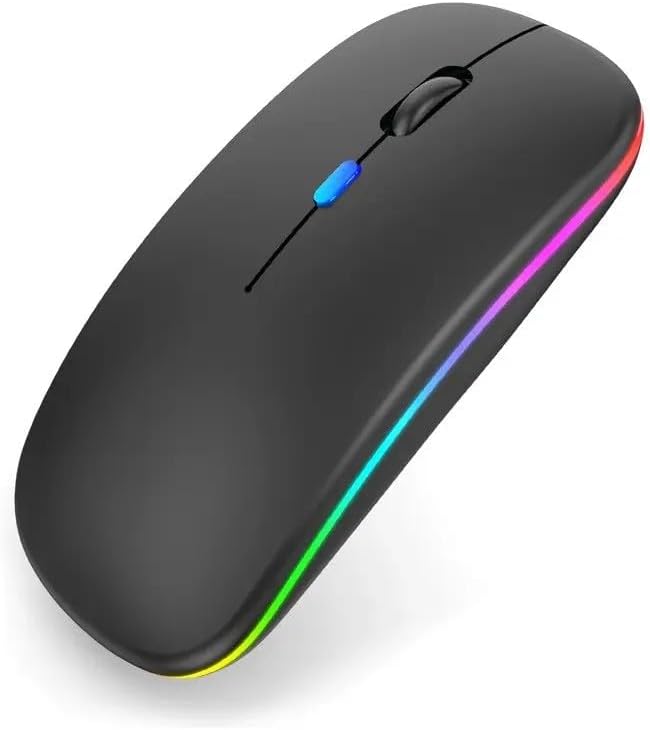
Слика 2.1: Предња страна view of the Generic Wireless Mouse, showcasing its sleek black design and vibrant RGB lighting strip along the sides.
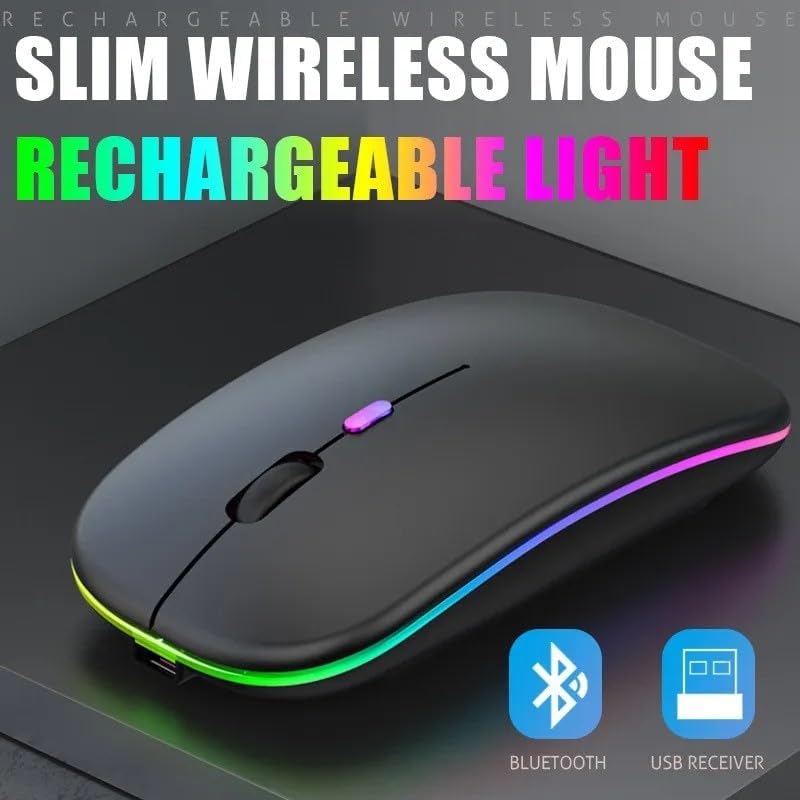
Figure 2.2: The slim profile of the wireless mouse, highlighting its rechargeable light feature and indicating support for both Bluetooth and USB receiver connectivity.
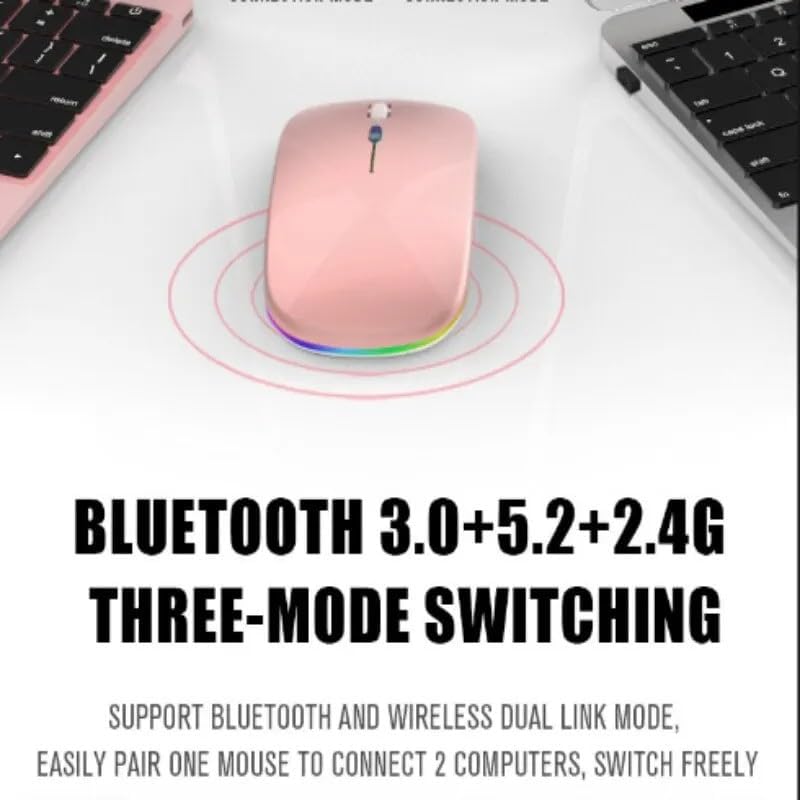
Figure 2.3: Illustration of the mouse's versatile connectivity options, supporting Bluetooth 3.0, Bluetooth 5.2, and 2.4G wireless modes, allowing connection to multiple devices.
3. Подешавање
3.1 Почетно пуњење
Before first use, it is recommended to fully charge the mouse. Connect the included USB charging cable to the mouse's charging port and the other end to a USB power source (e.g., computer USB port, USB wall adapter).

Figure 3.1: The mouse connected to a charging cable, illustrating its 500mAh battery and long endurance after a single charge.
The RGB lighting may indicate charging status. A full charge typically provides up to 60 days of use, depending on usage patterns and RGB lighting settings.
3.2 Повезивање миша
Your mouse supports two primary connection modes: 2.4GHz Wireless and Bluetooth.
3.2.1 Бежична веза од 2.4 GHz
- Locate the USB nano receiver, usually stored in a compartment on the bottom of the mouse.
- Прикључите USB nano пријемник у слободан USB порт на рачунару.
- Укључите миш помоћу прекидача за напајање који се налази на дну.
- Switch the mouse to 2.4G mode (refer to the mode switch on the bottom of the mouse).
- The computer should automatically detect and install the necessary drivers. The mouse is ready for use.
3.2.2 Блуетоотх веза
The mouse supports Bluetooth 3.0 and Bluetooth 5.2. You can easily pair one mouse to connect to two computers and switch freely between them.
- Укључите миш помоћу прекидача за напајање на дну.
- Switch the mouse to Bluetooth mode (BT1 or BT2, refer to the mode switch on the bottom of the mouse).
- На рачунару или уређају отворите подешавања за Bluetooth.
- Тражи new devices. The mouse should appear as "Wireless Mouse" or similar.
- Select the mouse to pair. Follow any on-screen prompts.
- Једном упарен, миш је спреман за употребу.
4. Упутство за употребу
4.1 Укључивање/искључивање
Use the power switch located on the bottom of the mouse to turn it ON or OFF.
4.2 Пребацивање режима повезивања
The mouse features a mode switch on its underside, allowing you to toggle between 2.4G wireless mode and two Bluetooth modes (BT1, BT2). This enables seamless switching between up to three connected devices.
4.3 ДПИ подешавање
The mouse typically features a DPI (Dots Per Inch) button, often located near the scroll wheel, to adjust cursor sensitivity. Press this button to cycle through different DPI settings (e.g., 800, 1200, 1600 DPI) to match your preference and task requirements.
4.4 RGB контрола осветљења
The mouse features dynamic RGB lighting. The lighting typically activates automatically when the mouse is in use. Some models may allow cycling through different lighting modes or turning the lighting off by pressing a specific button (often the DPI button or a dedicated light button) or a combination of buttons. Refer to the product's specific button functions for detailed control.

Figure 4.1: The mouse's colorful and cool RGB lights, designed to enhance the aesthetic of your desktop setup.
4.5 Функција тихог клика
This mouse is designed with mute buttons, providing a quiet clicking experience. This feature is particularly beneficial in quiet environments, ensuring you do not disturb others.

Figure 4.2: Demonstrating the silent button feature, allowing for comfortable and undisturbed use, even in quiet environments.
5. Одржавање
5.1 Чишћење
To clean your mouse, gently wipe its surface with a soft, dry, or slightly damp cloth. Avoid using harsh chemicals, abrasive cleaners, or excessive moisture, as these can damage the mouse's finish or internal components.
5.2 Одржавање батерије
- Avoid exposing the mouse to extreme temperatures (hot or cold) as this can affect battery life.
- If the mouse will not be used for an extended period, it is advisable to turn it off to conserve battery life.
- Charge the mouse using only the provided cable or a compatible USB charging cable.
КСНУМКС. Решавање проблема
| Проблем | Могуће решење |
|---|---|
| Mouse not responding (2.4GHz) |
|
| Миш не реагује (Блутут) |
|
| Курсор је неправилан или скаче |
|
| РГБ светла не раде |
|
| Миш се не пуни |
|
7. Спецификације
| Феатуре | Детаљ |
|---|---|
| Број модела | СМРГБЦД001 |
| Бранд | Генериц |
| Технологија повезивања | Bluetooth (3.0, 5.2), 2.4GHz USB Wireless |
| Технологија детекције покрета | Оптицал |
| Боја | Црно |
| Посебна карактеристика | Ergonomic Design, RGB Lighting, Silent Click Buttons |
| Тип батерије | 1 Lithium Polymer battery (500mAh) |
| Произвођач | Ch |
| Датум првог доступног | 26. августа 2024. године |
8. Гаранција и подршка
For warranty information and customer support, please refer to the documentation included with your purchase or visit the manufacturer's official webсајт. Сачувајте доказ о куповини за евентуалне рекламације по гаранцији.
If you encounter any issues not covered in this manual, please contact the retailer or manufacturer's customer service for assistance.
Ask a question about this manual
Ask about setup, troubleshooting, compatibility, parts, safety, or missing instructions. Manuals+ will review the question and use this page’s manual context to help answer it.