
1. Увод
Welcome to the SIMATE 6.5-inch Bluetooth Scooter user manual. This guide provides essential information for the safe and efficient operation, setup, and maintenance of your new electric scooter. Please read this manual thoroughly before first use to ensure proper function and to prevent damage or injury.
2. Безбедносне смернице
УПОЗОРЕЊЕ: Непоштовање ових безбедносних упутстава може довести до озбиљних повреда или смрти.
- Увек носите одговарајућу заштитну опрему, укључујући кацигу, штитнике за колена и штитнике за лактове, када управљате скутером.
- Ensure the scooter is fully charged and in good working condition before each use.
- Do not ride on public roads, near motor vehicles, or in heavy pedestrian traffic.
- Avoid riding on uneven surfaces, steep inclines (maximum 15-degree slope), or slippery conditions.
- The maximum load capacity for this scooter is 220 lbs (approximately 100 kg). Do not exceed this limit.
- Children should only operate the scooter under direct adult supervision.
- This product has achieved UL2272 Safety Certification from SGS, complying with U.S. safety regulations.
- Do not attempt to modify the scooter or its components.
- Упознајте се са локалним законима и прописима који се односе на употребу електричних тротинета.
3. Шта је у кутији
Upon opening your SIMATE 6.5-inch Bluetooth Scooter package, you should find the following items:
- SIMATE 6.5-inch Bluetooth Scooter
- Кориснички приручник (овај документ)
- Адаптер за пуњење
4. Подешавање
4.1. Charging the Scooter
Before first use, fully charge your SIMATE scooter. A full charge typically takes 2-3 hours.
- Пронађите прикључак за пуњење са стране скутера.
- Прикључите адаптер за пуњење на прикључак за пуњење скутера.
- Укључите адаптер за пуњење у стандардну зидну утичницу.
- The battery indicator light on the scooter will show the charging status. It will typically turn green when fully charged.

4.2. Прво укључивање
To power on your scooter:
- Press and hold the power button located near the center of the scooter.
- The scooter will emit an audible signal, and the LED lights will illuminate, indicating it is ready for use.
4.3. Инсталација апликације и повезивање
Enhance your riding experience by connecting your scooter to the exclusive SIMATE app, "XsCar".
- Download the "XsCar" app from your device's app store.
- Ensure your scooter is powered on and Bluetooth is enabled on your mobile device.
- Open the "XsCar" app and follow the on-screen instructions to pair with your SIMATE scooter.
- Through the app, you can control various functions including power on/off, adjusting lights, monitoring speed and battery power, and setting speed modes.

5. Operating Your SIMATE Scooter
5.1. Основна операција
The SIMATE scooter features a self-balancing control system designed for ease of use. Practice in a safe, open area before riding in more challenging environments.
- Step onto the footpads one foot at a time, ensuring the scooter remains level.
- Lean gently in the direction you wish to move. Slight pressure from your feet on the footpads controls acceleration and turning.
- To stop, slowly shift your weight back to a neutral position.
5.2. Режими брзине
The scooter offers three adjustable speed modes to suit different skill levels:
- Безбедни режим: Maximum speed 5 mph (suitable for beginners).
- Режим за почетнике: Maximum speed 6.5 mph (suitable for novices).
- Спортски режим: Maximum speed 7.5 mph (suitable for proficient users).
These modes can be selected via the "XsCar" app.
5.3. Блуетоотх звучник
Your SIMATE scooter includes a built-in Bluetooth speaker for music playback.
- Уверите се да је скутер укључен.
- Омогућите Блуетоотх на свом мобилном уређају.
- Тражи and connect to the scooter's Bluetooth device name (usually "SIMATE Scooter" or similar).
- Once connected, you can play audio from your device through the scooter's speaker.
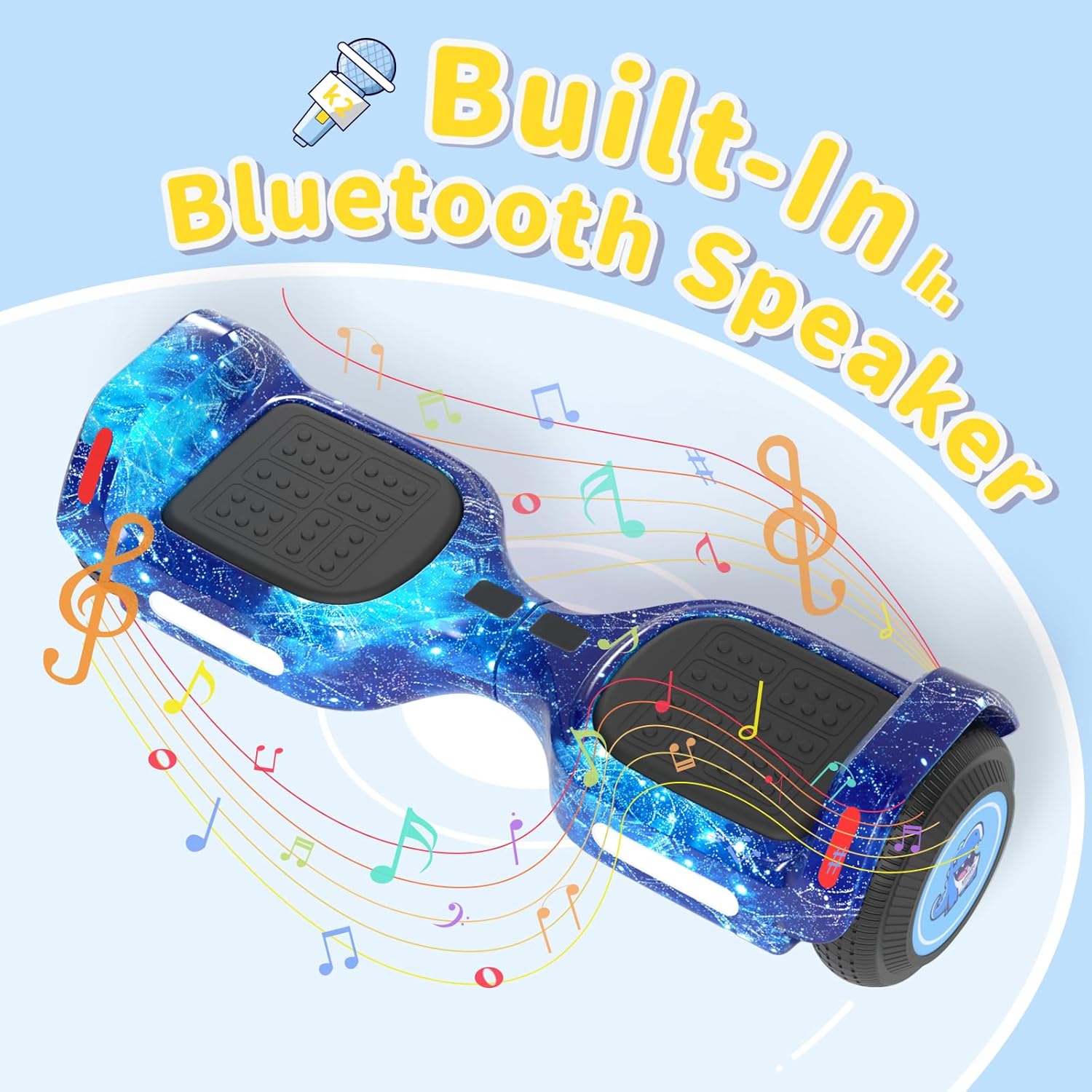
5.4. ЛЕД светла
The scooter is equipped with colorful LED lights and flashing wheels for enhanced visibility and aesthetics.
- The LED lights automatically activate when the scooter is powered on.
- Light patterns and colors may be adjustable via the "XsCar" app.

6. Одржавање
Regular maintenance ensures the longevity and optimal performance of your SIMATE scooter.
- Чишћење: Обришите скутер огласомamp cloth after use. Do not use harsh chemicals or abrasive cleaners. Avoid direct water spray.
- Складиштење: Чувајте скутер на хладном и сувом месту, даље од директне сунчеве светлости и екстремних температура.
- Одржавање батерије: Charge the battery regularly, even if not in use, to maintain battery health. Do not allow the battery to fully discharge for extended periods.
- гуме: The scooter features 6.5-inch solid rubber wheels, which require minimal maintenance. Periodically check for debris or damage.
КСНУМКС. Решавање проблема
If you encounter issues with your SIMATE scooter, refer to the following common problems and solutions:
| Проблем | Могући узрок | Решење |
|---|---|---|
| Скутер се не укључује. | Слаба батерија или дугме за напајање није правилно притиснуто. | Charge the scooter fully. Ensure the power button is pressed firmly for a few seconds. |
| Scooter is not balancing correctly. | Incorrect foot placement or calibration issue. | Ensure feet are centered on the footpads. Refer to the app for calibration options if available. Practice balancing in a safe area. |
| Блутут звучник се не повезује. | Bluetooth not enabled on device, scooter not discoverable, or already paired. | Ensure scooter is on and Bluetooth is active on your phone. Forget previous connections and try pairing again. |
| Смањен домет или брзина. | Low battery, riding conditions, or excessive load. | Charge the scooter fully. Avoid riding on steep inclines or with loads exceeding 220 lbs. |
8. Спецификације
| Феатуре | Детаљ |
|---|---|
| Број модела | K2 |
| Вхеел Сизе | 6.5 inches (Solid Rubber) |
| Максимална брзина | 7.5 Miles per Hour (adjustable modes) |
| Максимални домет | Up to 7.5 miles (on a full charge) |
| Снага мотора | Двоструки мотори од 250 В |
| Максимално оптерећење | 220 лбс |
| Максимални нагиб | 15 степени |
| Време пуњења | 2-3 сати |
| Материјал | Алуминијум, гума |
| Посебне карактеристике | Built-In Bluetooth Speaker, Colorful LED Lights, Light-Up Wheels, App Control |
| Сертификат о безбедности | UL2272 (SGS Certified) |
| Димензије артикла (ДкШкВ) | 24 к 8 к 8 инча |
| Тежина пакета | 6.35 килограма |
9. Гаранција и подршка
9.1. Информације о гаранцији
The SIMATE 6.5-inch Bluetooth Scooter comes with a 1 година гаранције од датума куповине. Ова гаранција покрива производне недостатке при нормалној употреби. Не покрива штету насталу услед злоупотребе, незгода, неовлашћених модификација или непоштовања упутстава у овом упутству.
Сачувајте доказ о куповини за гаранцијске захтеве.
9.2. Корисничка подршка
For any questions, technical assistance, or warranty inquiries, please contact SIMATE US customer support. Our team is available to assist you with any issues you may encounter.
Contact information for SIMATE US can typically be found on the product packaging, the official SIMATE webсајту или путем ваше платформе за куповину.