
Увод
Thank you for choosing the Raddy RF320 Shortwave Radio. This manual provides essential information for the safe and efficient operation of your device. Please read it thoroughly before use and retain it for future reference. The RF320 is a versatile portable radio offering comprehensive reception across AIR, FM, VHF, MW, SW, and WB bands, along with Bluetooth 5.0 connectivity, TF card playback, and emergency features like a flashlight and SOS function.
Безбедносне информације
- Не излажите радио екстремним температурама, директној сунчевој светлости или високој влажности.
- Избегавајте испуштање или излагање уређаја јаким ударима.
- Keep the radio away from water and other liquids. It is not waterproof.
- Use only the specified charging cable and power adapter to prevent damage.
- Do not attempt to disassemble or modify the radio. This will void the warranty and may cause harm.
- Батерије одложите у складу са локалним прописима.
Садржај пакета
Проверите да ли су све ставке присутне у пакету:
- Raddy RF320 Shortwave Radio
- УСБ кабл за пуњење
- 3m Cable Antenna
- Слушалице
- Упутство за употребу
Производ је завршенview
Упознајте се са компонентама и контролама радија.
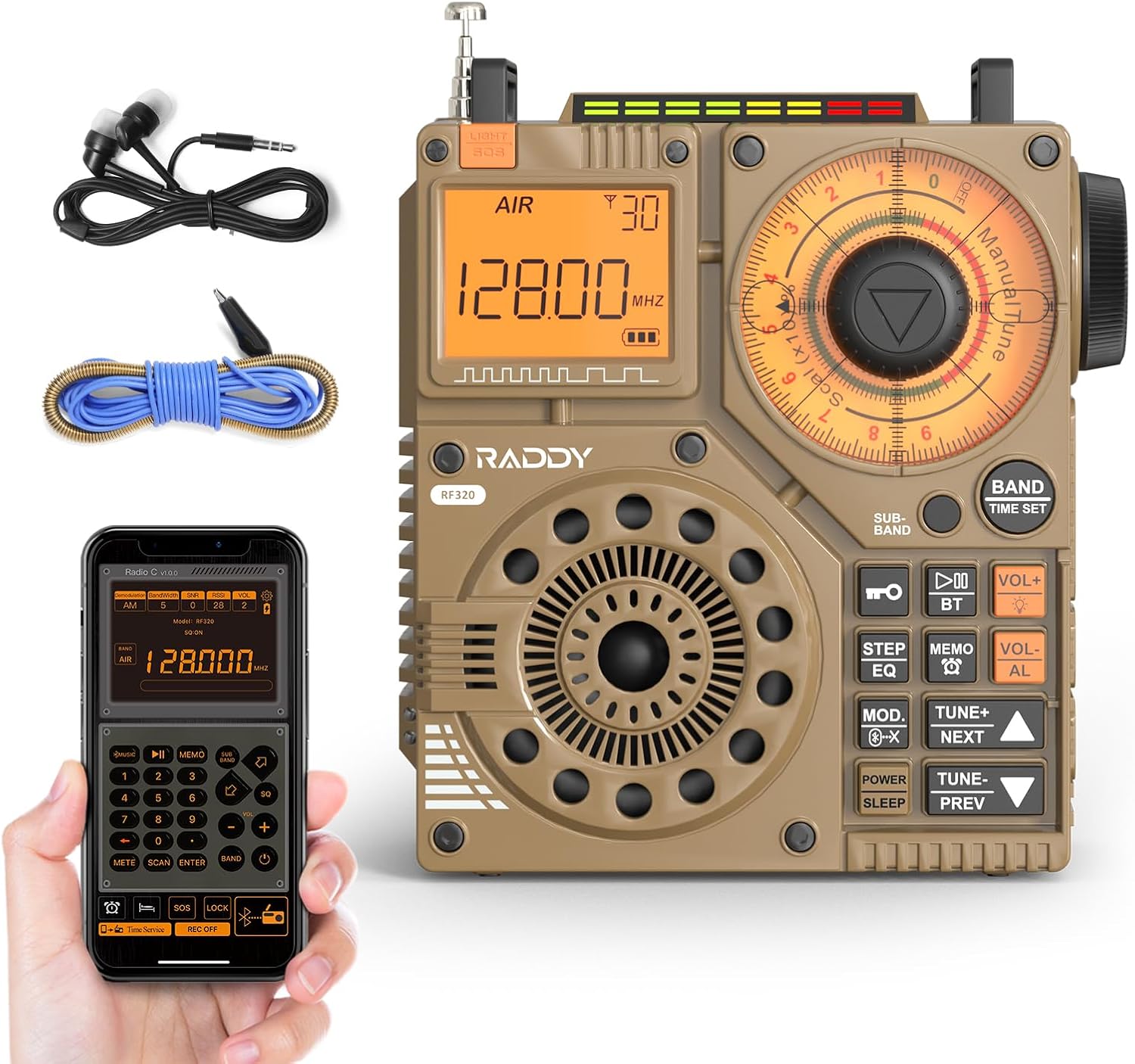
Слика 1: Предња страна view of the Raddy RF320 Shortwave Radio, showing the display, speaker, and control buttons.

Слика 2: Страна view of the Raddy RF320, illustrating the fine-tuning knobs and their function for precise frequency adjustment.
Кључне карактеристике:
- Дигитални екран: Shows frequency, band, and other operational information.
- Tuning Knobs: For manual and fine-tuning adjustments.
- Band Selection Buttons: To switch between AIR, FM, VHF, MW, SW bands.
- Контрола јачине звука: Подешава ниво аудио излаза.
- Интегрисана батеријска лампа: За осветљење у условима слабог осветљења.
- СОС функција: Активира сигнал за хитне случајеве.
- Блуетоотх КСНУМКС: За бежични аудио стриминг.
- Слот за ТФ картицу: For direct playback of stored audio files.
- 3.5 мм аудио прикључак: For earphone connection.
Сетуп
1. Пуњење батерије
The RF320 is powered by a built-in Lithium-ion battery. Before first use, fully charge the radio.
- Connect the USB charging cable to the radio's charging port.
- Повежите други крај USB кабла са компатибилним USB адаптером за напајање (није укључен) или USB портом рачунара.
- The charging indicator on the display will show the charging status. It will typically turn off or change color when fully charged.
2. Причвршћивање антене
For optimal reception, especially on SW and AIR bands, extend the telescopic antenna or connect the included 3m cable antenna.
- Телескопска антена: Extend it fully and adjust its direction for best signal.
- Cable Antenna: Plug the cable antenna into the designated antenna jack on the radio. Extend the cable antenna as much as possible, ideally outdoors or near a window, for improved shortwave reception.
Упутство за употребу
1. Укључивање/искључивање
Притисните и држите ПОВЕР дугме за укључивање или искључивање радија.
2. Избор бенда
Притисните тастер БАНД button repeatedly to cycle through the available frequency bands: FM, AM (MW), SW, VHF, AIR, WB.
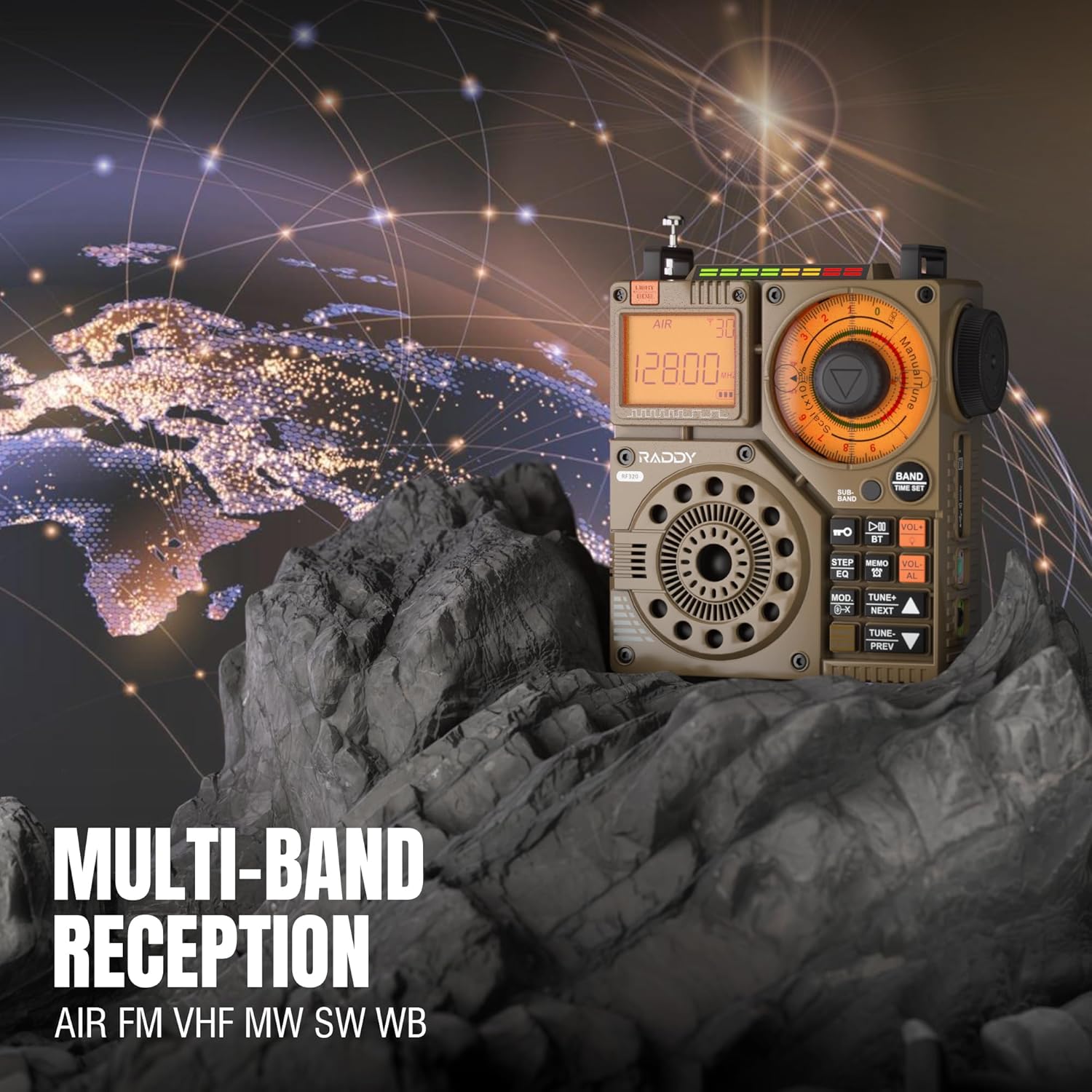
Figure 3: The Raddy RF320 radio on a rocky surface, symbolizing its multi-band reception capabilities across AIR, FM, VHF, MW, SW, and WB bands.
3. Методе подешавања
The RF320 offers multiple tuning options:
- Ручно подешавање: Use the main tuning knob to adjust the frequency incrementally. The precise tuning knobs offer a minimum step value of 0.005 MHz for accurate frequency selection.
- Digital Tuning: Use the numeric keypad (if available on the device or via app) to directly enter a frequency.
- Аутоматска претрага: Притисните тастер АУТОМАТСКО СКЕНИРАЊЕ button to automatically scan and store available stations.
- Semi-Automatic Search: This function allows for scanning within a specific range or with user intervention. Refer to the on-screen prompts or app interface for details.
4. Station Storage
The radio can store up to 955 stations (199 for each of AIR, FM, VHF, MW, and SW bands).
- Подесите жељену станицу.
- Притисните и држите МЕМО button (or equivalent) to save the station.
- Користите НЕКСТ/ПРЕВ дугмад за навигацију кроз сачуване станице.
5. Bluetooth (BT) Mode
Повежите свој паметни телефон или други уређај са омогућеним Bluetooth-ом да бисте бежично стримовали звук.
- Притисните тастер МОДЕ button until 'BT' or 'Bluetooth' is displayed.
- On your device, search for Bluetooth devices and select 'Raddy RF320'.
- Након упаривања, можете репродуковати звук са свог уређаја преко звучника радија.
6. Репродукција TF картице
Пусти аудио files directly from a TF (MicroSD) card.
- Insert a TF card (up to 32GB, FAT32 format) with audio fileс у отвор за ТФ картицу.
- Притисните тастер МОДЕ button until 'TF' or 'Card' is displayed.
- Користите НЕКСТ/ПРЕВ дугмад за навигацију по стазама.

Figure 4: The Raddy RF320 radio next to a smartphone displaying music, highlighting its three operational modes: Bluetooth, TF Card, and Radio Receiver.
7. Flashlight and SOS Function
The RF320 includes an integrated flashlight and an SOS emergency signal.
- Лампа: Притисните тастер ЛИГХТ button to turn the flashlight on/off.
- СОС: Притисните и држите СОС button to activate the emergency alarm and flashing light. Press again to deactivate.

Figure 5: Close-up of the Raddy RF320 radio with its integrated flashlight active, demonstrating its outdoor lighting capability.
8. Контрола апликација
The Raddy RF320 can be controlled via a dedicated application on iOS, Android, and HarmonyOS systems.
- Download the 'Radio C' application from your device's app store.
- Ensure Bluetooth is enabled on your smartphone and the RF320 radio.
- Open the app and follow the on-screen instructions to connect to your RF320.
- The app allows for digital tuning, channel naming, recording broadcasts, and other advanced controls.

Figure 6: The Raddy RF320 radio displayed alongside a smartphone running its control application, illustrating the ease of use with app integration.
Одржавање
- Очистите радио меком, сувом крпом. Не користите абразивна средства за чишћење или раствараче.
- Када се радио не користи дуже време, чувајте га на хладном и сувом месту.
- Periodically charge the battery to maintain its lifespan, even if the radio is not being used.
- Ensure the telescopic antenna is retracted when not in use to prevent damage.
Решавање проблема
| Проблем | Могући узрок | Решење |
|---|---|---|
| Радио се не укључује. | Батерија је празна. | Потпуно напуните радио. |
| Лош радио пријем. | Слаб сигнал; антена није извучена. | Extend the telescopic antenna or connect the 3m cable antenna. Adjust antenna position. Move to an area with better signal. |
| Блуетоотх веза не успева. | Radio not in BT mode; device too far; pairing issue. | Ensure radio is in BT mode. Bring devices closer. Delete 'Raddy RF320' from your device's BT list and re-pair. |
| ТФ картица не репродукује. | Card not inserted correctly; unsupported format; corrupted files. | Reinsert TF card. Ensure card is FAT32 format. Check if audio fileс су подржани. |
| Контрола апликације не ради. | Bluetooth not connected; app not updated. | Ensure radio is paired via Bluetooth. Update the 'Radio C' app to the latest version. |
Спецификације
| Феатуре | Спецификација |
|---|---|
| Бранд | Ради |
| Број модела | РФ320 |
| Подржани радио опсези | AIR, FM, VHF, MW (AM), SW |
| Технологија подешавања | FM, AM, VHF, SW, AIR |
| Технологија повезивања | Блуетоотх 5.0 |
| Посебне карактеристике | Digital Display, Integrated Flashlight, Rechargeable, Automatic Squelch, Keypad Lock, TF Card Playback, App Control, SOS Function |
| Димензије производа (Д к Ш к В) | 15Д к 9В к 15Х центиметара |
| Извор напајања | Напајање батеријама (1 литијум-јонска батерија укључена) |
| Дисплаи Типе | Digital Display (LCD/LED) |
| Хардверски интерфејс | КСНУМКСмм Аудио Јацк |
| Ниво отпорности на воду | Није водоотпоран |
| Интерни материјал | Метал |
| Земља порекла | Кина |
Гаранција и подршка
Информације о гаранцији
Raddy products typically come with a standard manufacturer's warranty. Please refer to the warranty card included in your package or visit the official Raddy website for detailed warranty terms and conditions specific to the RF320 model. Keep your purchase receipt as proof of purchase for warranty claims.
Корисничка подршка
For technical assistance, troubleshooting beyond this manual, or warranty inquiries, please contact Raddy customer support through their official website or the contact information provided with your product packaging. When contacting support, please have your product model (RF320) and purchase details ready.