
GGSTOPWATER JM13
Open Ear Headphones Wireless Bluetooth 5.4 User Manual
Model: JM13 | Brand: GGSTOPWATER
1. Увод
Thank you for choosing the GGSTOPWATER Open Ear Headphones. These wireless earbuds are designed to provide a comfortable listening experience while maintaining awareness of your surroundings. Featuring advanced Bluetooth 5.4 technology and an IPX5 waterproof rating, they are ideal for various activities including sports, running, workouts, and driving.

The open-ear design ensures comfort and awareness of your environment.

Key features of the GGSTOPWATER Open Ear Headphones.
2. Шта је у кутији
Молимо вас да проверите садржај пакета како бисте били сигурни да су сви предмети присутни:
- Праве бежичне Bluetooth слушалице (2 јединице)
- Одељак за пуњење слушалица (1 јединица)
- Кабл за пуњење типа C (1 јединица)
- Упутство за употребу (1 јединица)
- Силиконска трака за везивање (1 комад)
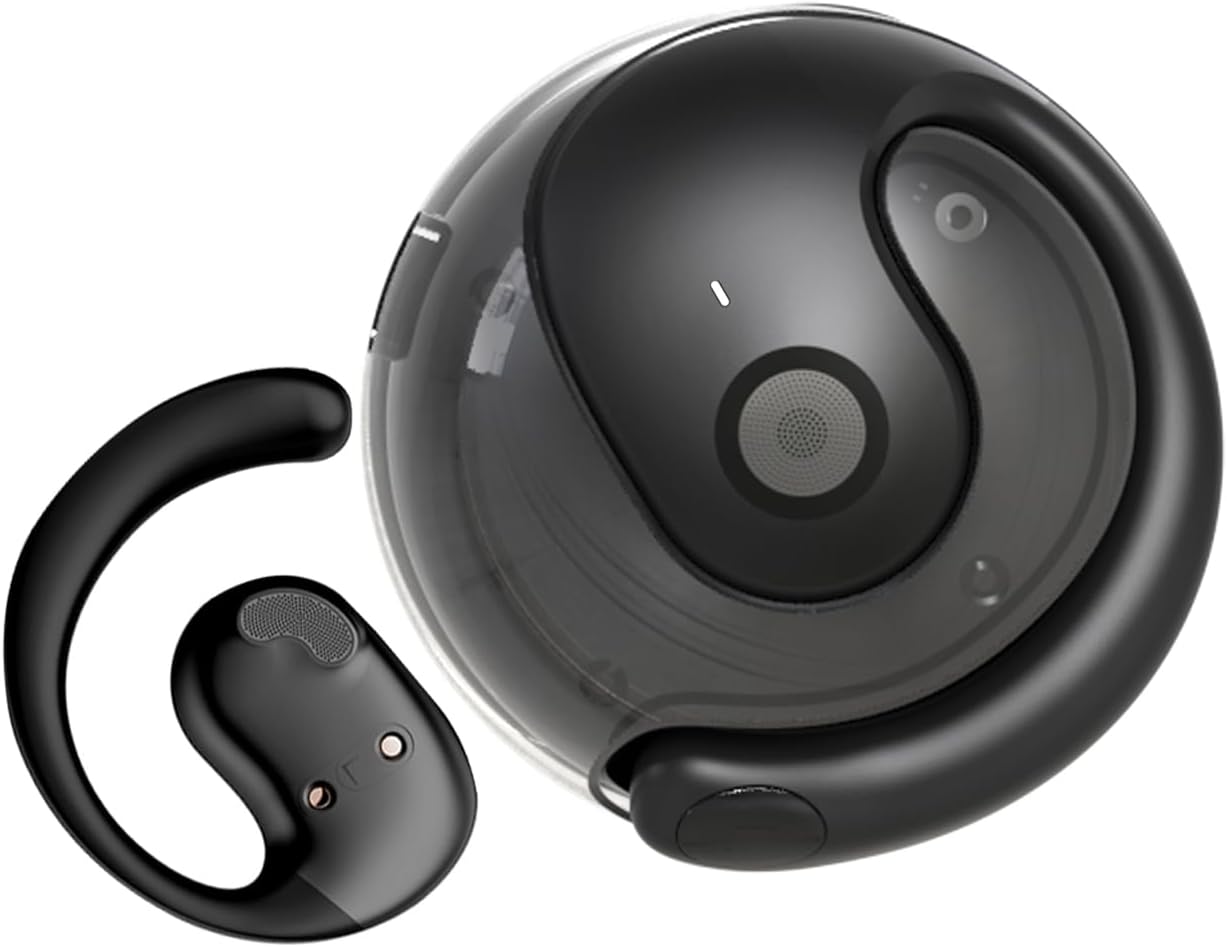
The GGSTOPWATER Open Ear Headphones and their compact charging case.
Погледајте овај видео за крајview производа и његових компоненти.
3. Подешавање и упаривање
3.1 Почетно упаривање
- Ensure the headphones are charged (refer to Section 4).
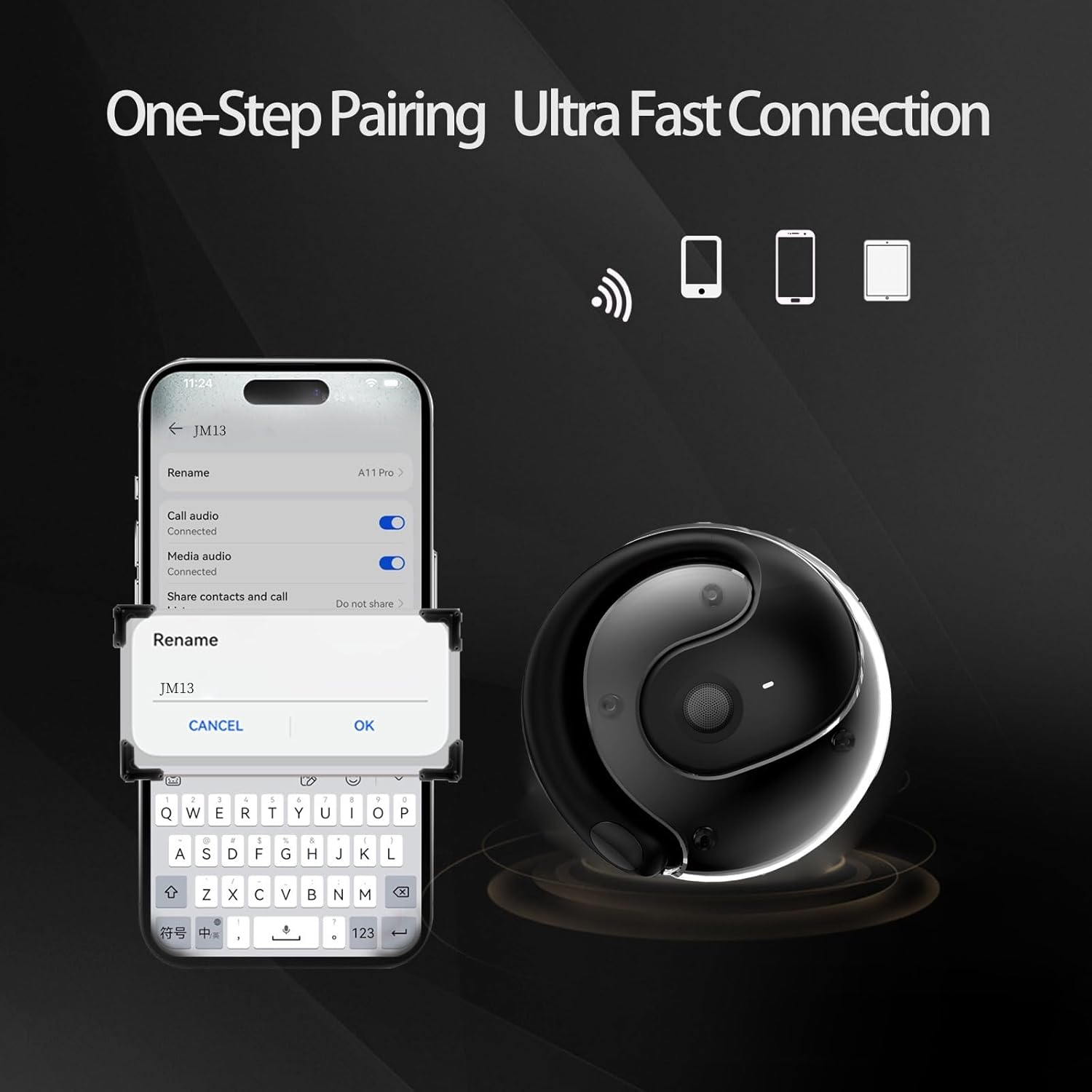
- Отворите кућиште за пуњење. Слушалице ће се аутоматски укључити и ући у режим упаривања.
- На свом уређају (паметном телефону, таблету, лаптопу) омогућите Блутут.
- Тражи "JM13" in the list of available Bluetooth devices.
- Select "JM13" to connect. A voice prompt will confirm successful pairing.
3.2 Ношење слушалица
For optimal comfort and sound, follow these steps to wear your headphones:

Ergonomic design for easy and comfortable wear.
4. Упутство за употребу
The GGSTOPWATER Open Ear Headphones feature intuitive touch controls on each earbud. Refer to the diagram and descriptions below for common functions:

Detailed touch control commands for your headphones.
This video demonstrates the touch controls for music playback and call management.
4.1 Telephone Mode
- Одбиј позив: Дуго притисните 2 секунде.
- Incoming Call (Answer): Single click to answer.
- Incoming Call (Hang Up): Single click to hang up.
4.2 Музички режим
- Пусти/паузирај: Један додир.
- Претходна песма: Double touch (Left earbud).
- Следећа песма: Double touch (Right earbud).
4.3 Binaural Mode (General Controls)
- Укључено: Дуго притисните 3 секунде.
- Искључивање: Дуго притисните 5 секунде.
- Смањивање јачине звука: Three touches (Left earbud).
- Појачавање звука: Three touches (Right earbud).
5. Батерија и пуњење
The headphones and charging case are equipped with high-capacity batteries for extended use. The charging case has a 300mAh capacity.
- Headset Usage Time: Отприлике 4 сати.
- Време пуњења: Approximately 1.5 hours for the case.
- Време приправности: До 120 сата.
To charge the case, connect the provided Type-C charging cable to the charging port on the case and a compatible USB power source.
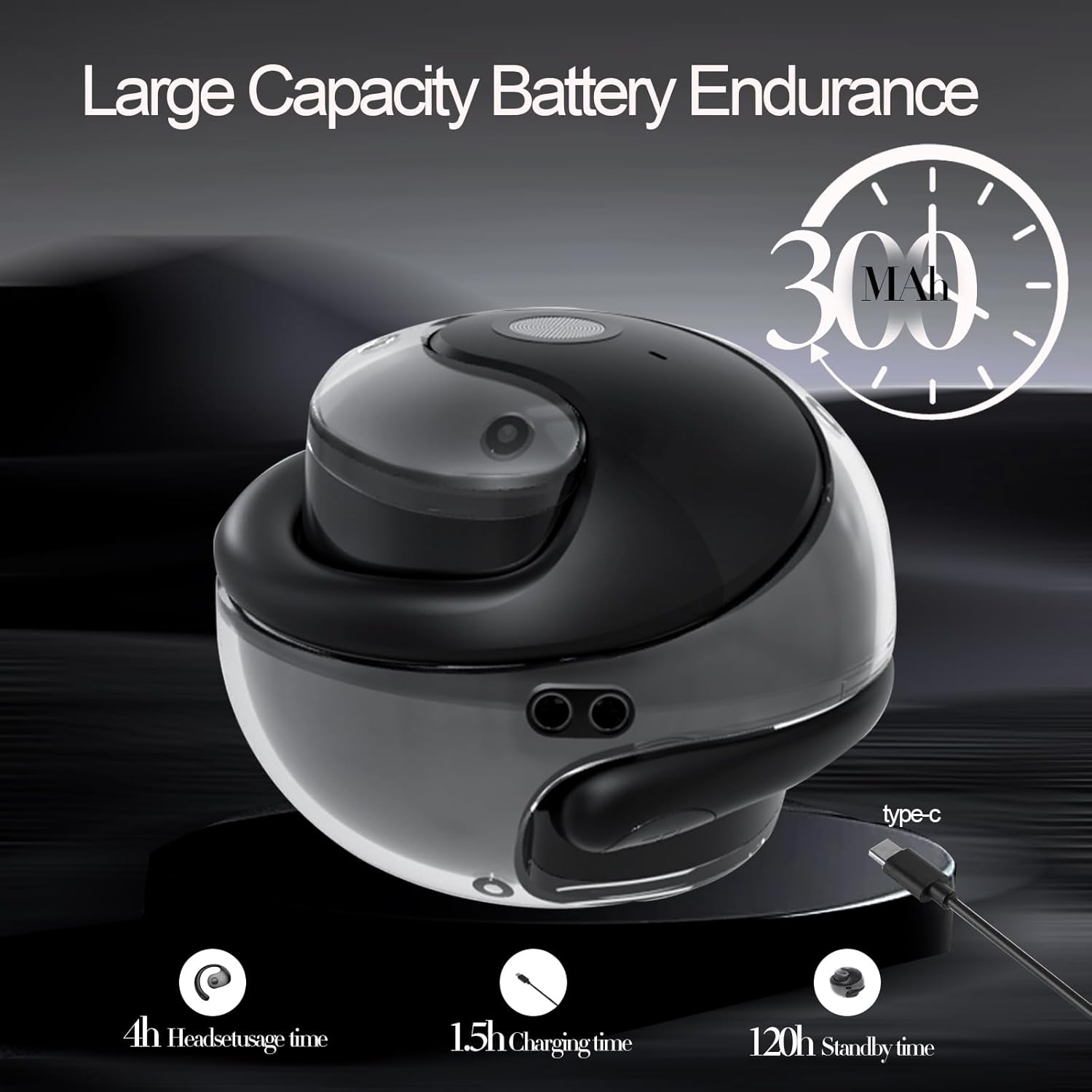
Battery life and charging indicators.
6. Одржавање и њега
To ensure the longevity and optimal performance of your GGSTOPWATER Open Ear Headphones, please follow these maintenance guidelines:
6.1 Водоотпорност (IPX5)
The headphones feature an IPX5 waterproof rating, meaning they are protected against low-pressure water jets from any direction. This makes them suitable for protection against daily sweat and light rain. However, they are not designed for submersion in water or use during heavy rainfall.
The IPX5 rating protects against sweat and light rain.
6.2 Чишћење
Wipe the headphones and charging case with a soft, dry, lint-free cloth. Do not use abrasive cleaners, alcohol, or chemical sprays.
6.3 Складиштење
Store the headphones in their charging case when not in use to protect them from dust and damage. Avoid extreme temperatures.
КСНУМКС. Решавање проблема
Ако имате проблема са слушалицама, покушајте са следећим решењима:
- Нема проблема са звуком/везом:
- Уверите се да су слушалице напуњене.
- Искључите и укључите Блутут на свом уређају.
- Forget "JM13" in your device's Bluetooth settings and re-pair.
- Поново покрените уређај.
- Једна слушалица не ради:
- Вратите обе слушалице у кућиште за пуњење, затворите поклопац, сачекајте неколико секунди, а затим их поново извадите.
- Уверите се да су обе слушалице напуњене.
- Проблеми са наплатом:
- Проверите кабл за пуњење и адаптер да ли су оштећени.
- Уверите се да је порт за пуњење на кућишту чист и без прљавштине.
8. Спецификације
| Феатуре | Спецификација |
|---|---|
| Назив модела | ЈМ13 |
| Бранд | ГГСТОПВАТЕР |
| Технологија повезивања | бежични (Блуетоотх) |
| Блуетоотх верзија | 5.4 |
| Постављање уха | Отворено ухо |
| Ниво отпорности на воду | ИПКС5 (отпоран на воду) |
| Тип аудио драјвера | Динамички драјвер (16 мм) |
| Фреквенцијски опсег | 20Хз - 20,000Хз |
| Импеданса | 32 Охм |
| Контролни метод | Remote (Touch) |
| Укључене компоненте | Футрола за бежично пуњење |
| Тежина артикла | 3.52 унци |
| Произвођач | ГГСТОПВАТЕР |
9. Безбедносне информације
When using your GGSTOPWATER Open Ear Headphones, always prioritize your safety and the safety of others. The open-ear design enhances spatial awareness, allowing you to hear your surroundings, which is particularly beneficial for outdoor activities.
- Do not use at excessively high volumes for prolonged periods to prevent hearing damage.
- Be aware of your surroundings, especially when operating vehicles, cycling, or walking in traffic.
- Keep the headphones away from extreme temperatures, direct sunlight, and moisture.
- Do not attempt to disassemble or modify the headphones.
10. Гаранција и подршка
GGSTOPWATER is committed to providing high-quality products. For warranty information, technical support, or any inquiries regarding your Open Ear Headphones, please refer to the contact details provided in your product packaging or visit the official GGSTOPWATER store on Amazon.
Note: Specific warranty terms and support contact information may vary by region and purchase location. Please retain your proof of purchase.
Ask a question about this manual
Ask about setup, troubleshooting, compatibility, parts, safety, or missing instructions. Manuals+ will review the question and use this page’s manual context to help answer it.