
1. Производ је готовview
The Machenike Machcreator Mini Desktop, Model 4762H, is a compact and powerful computing solution designed for various applications, from business to everyday use. It features a 13th Gen Intel Core i7-13620H processor, 16GB DDR5 RAM, and a 512GB PCIe M.2 SSD, providing high-speed performance and efficient multitasking capabilities. This mini PC supports 4K dual monitor output and comes pre-installed with Windows 11 Pro.
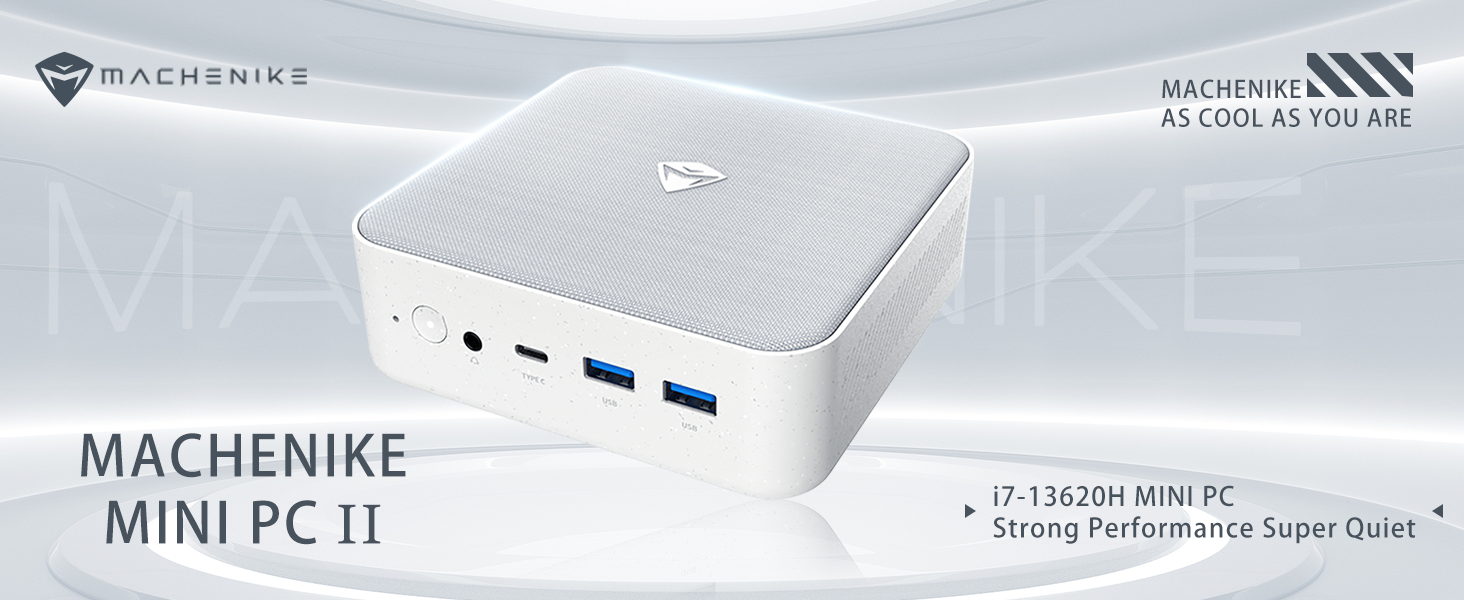
Слика: Прекоview of the Intel Core i7 processor, highlighting 10 Cores, 16 Threads, 4.90 GHz Max Turbo Frequency, and 24 MB L3 Cache.
Кључне карактеристике:
- процесор: Intel Core i7-13620H (10 језгара, 16 нити, до 4.9 GHz)
- Меморија: 16GB DDR5 SODIMM RAM (expandable up to 64GB)
- Складиштење: 512GB PCIe M.2 Solid State Drive (supports dual M.2 expansion)
- Оперативни систем: Виндовс 11 Про
- Графика: Integrated Intel UHD Graphics, supporting 4K dual monitor output via HDMI 2.0 and DisplayPort 1.4
- Повезивање: Wi-Fi 6, Bluetooth, 2 x RJ45 Ethernet, USB 3.2 Gen2 Type-A, USB Type-C
- Систем за хлађење: Twin turbine cooling fan with deluxe all-copper radiator
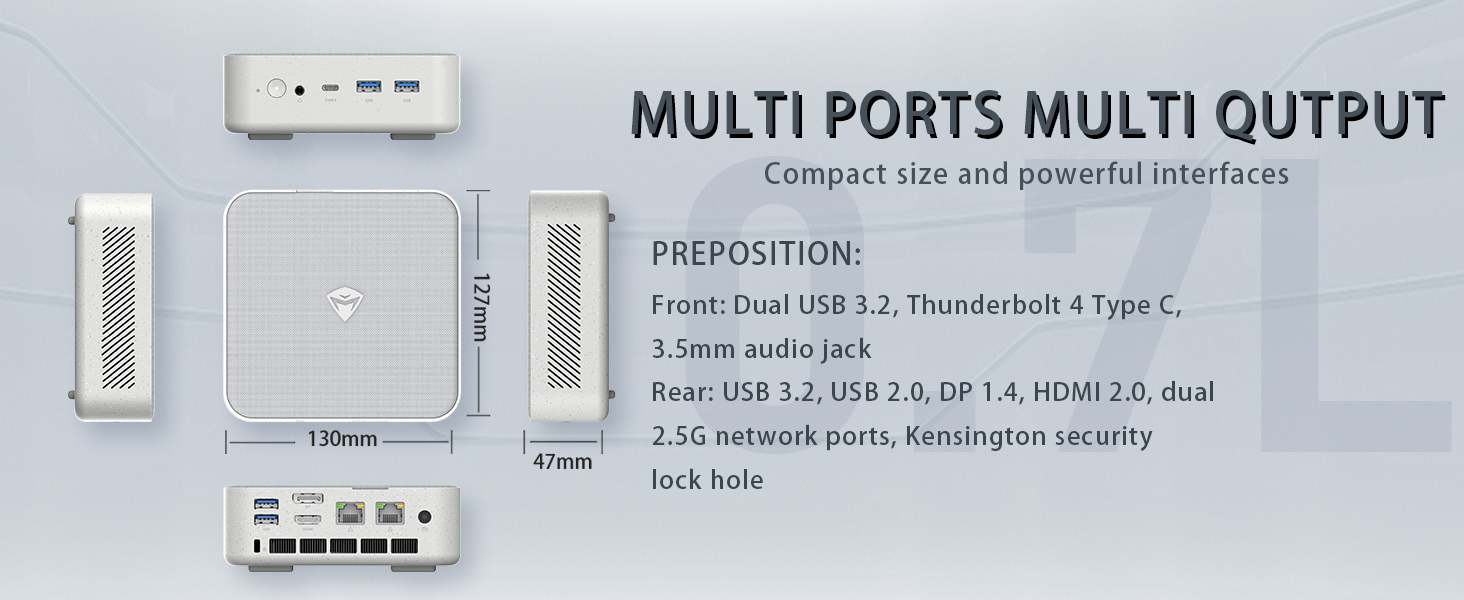
Image: Illustration of PCIe 4.0 SSD and memory slots, indicating support for up to 64GB DDR5 RAM and up to 4TB PCIe SSD expansion.
2. Водич за подешавање
2.1 Распакивање уређаја
Пажљиво извадите све компоненте из паковања. Уверите се да су присутне следеће ставке:
- Machenike Machcreator Mini Desktop (Model 4762H)
- Повер Адаптер
- Кориснички приручник (овај документ)
- (Optional) VESA Mount Kit
2.2 Повезивање периферних уређаја
Пре укључивања, повежите неопходне периферне уређаје:
- Приказ: Connect your monitor(s) to the HDMI 2.0 or DisplayPort 1.4 ports on the rear of the mini PC. The USB Type-C port also supports video output.
- Тастатура и миш: Connect your USB keyboard and mouse to any of the available USB 3.2 Gen2 Type-A ports.
- Мрежа: For a wired connection, connect an Ethernet cable to one of the RJ45 ports. For wireless, ensure your Wi-Fi network is available.
- Снага: Connect the power adapter to the DC-in port on the mini PC, then plug the adapter into a power outlet.
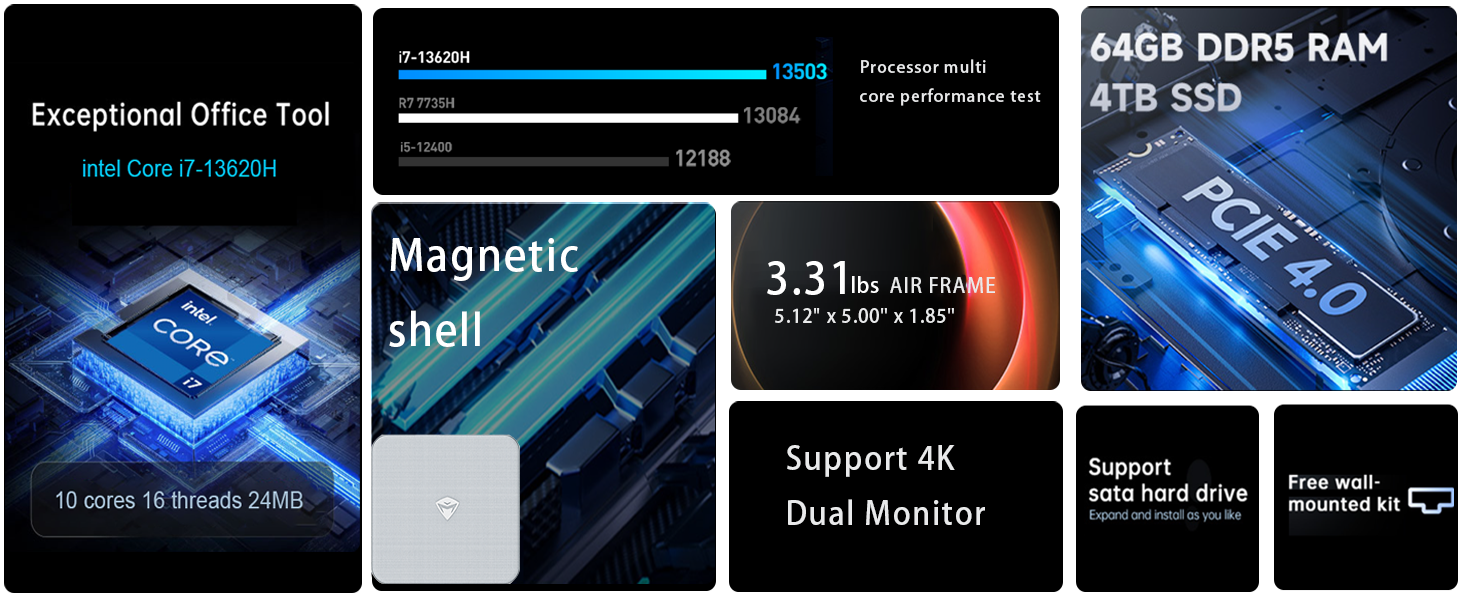
Слика: Детаљна view of the mini PC's front and rear ports, including USB 3.2 Gen2 Type-A, USB Type-C, 3.5mm Audio Jack, HDMI 2.0, DisplayPort 1.4, and RJ45 Ethernet ports. Dimensions are also shown.
2.3 Initial Boot-up and Windows 11 Pro Setup
- Притисните дугме за напајање које се налази на предњој страни мини рачунара.
- The system will boot into the Windows 11 Pro setup wizard. Follow the on-screen instructions to configure your language, region, network, and user account.
- Once setup is complete, your mini PC is ready for use.
3. Упутство за употребу
3.1 Укључивање/искључивање
- Укључено: Притисните дугме за напајање једном.
- Искључи: Кликните на дугме Старт у оперативном систему Windows, а затим изаберите Напајање > Искључи.
- Поново покрени: Кликните на дугме Старт у оперативном систему Windows, а затим изаберите Напајање > Поново покрени.
- спавање: Кликните на дугме Старт у оперативном систему Windows, а затим изаберите Напајање > Спавање.
3.2 Конфигурација екрана
The mini PC supports up to two 4K displays simultaneously. To configure display settings:
- Кликните десним тастером миша на радну површину и изаберите „Подешавања екрана“.
- Here you can detect multiple displays, arrange them, change resolution, and adjust scaling.
3.3 Мрежна повезаност
- Ви-Фи: Click the network icon in the taskbar, select your Wi-Fi network, enter the password, and connect.
- Етхернет: If an Ethernet cable is connected, the system should automatically establish a wired network connection.
3.4 Cooling System Modes
The mini PC features an advanced cooling system with adjustable modes via the BIOS to optimize performance and noise levels. These modes include:
- Режим тишине: Prioritizes quiet operation, suitable for light tasks.
- Режим равнотеже: Offers a good balance between performance and noise.
- Режим перформанси: Maximizes performance (up to 65W power release), ideal for demanding applications.
To change these settings, access the BIOS during startup (typically by pressing Дел or F2 repeatedly after powering on) and navigate to the relevant power or performance settings.
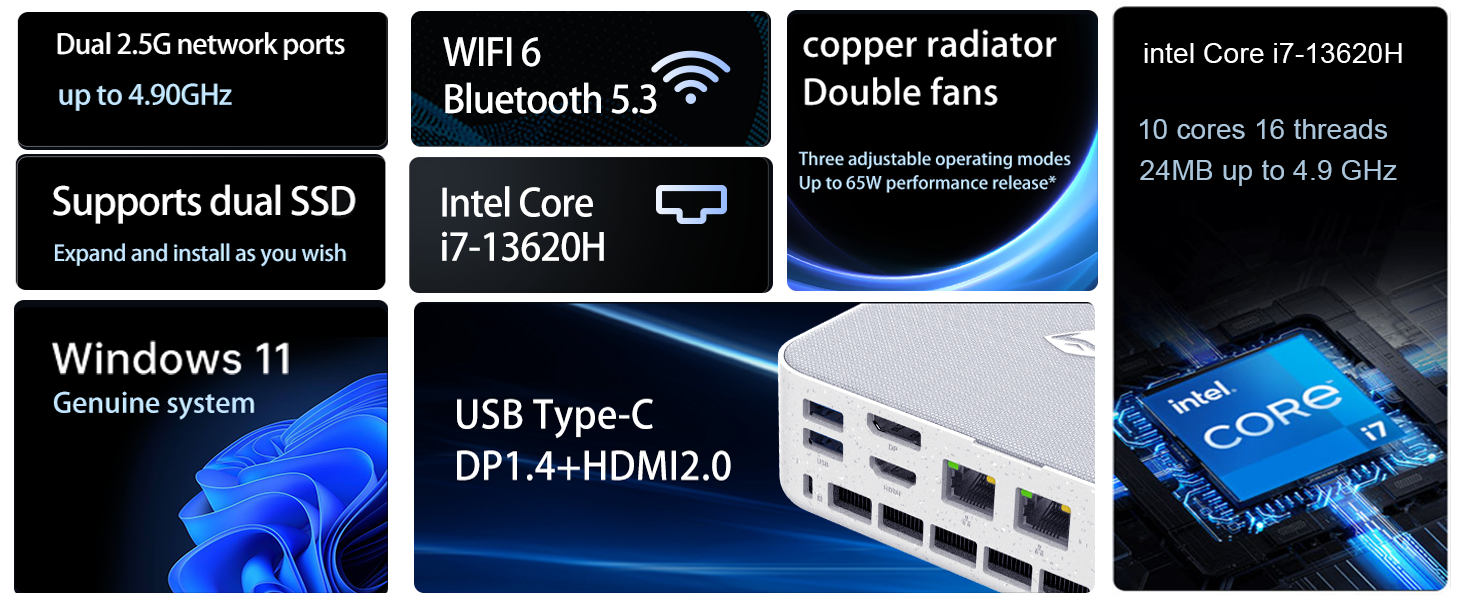
Image: Illustration of the twin turbine cooling fan and deluxe all-copper radiator, explaining how it prevents slowdowns due to overheating and offers silence, balance, and performance modes.
4. Одржавање
4.1 Чишћење уређаја
To ensure optimal performance and longevity, regularly clean your mini PC:
- Power off the device and disconnect it from the power outlet.
- Користите меку, суву крпу за брисање спољашњости.
- Use compressed air to gently clear dust from ventilation openings. Do not insert any objects into the vents.
4.2 Ажурирања софтвера
Keep your Windows 11 Pro operating system and drivers updated to ensure security and performance:
- Ажурирања за Windows: Go to Start > Settings > Windows Update and check for updates.
- Ажурирања драјвера: Visit the Machenike official webсајт за најновије драјвере за ваш специфични модел.
4.3 Storage and Memory Expansion
The Machenike Machcreator Mini Desktop supports upgrades for both RAM and storage:
- РАМ: The device has 2 SODIMM slots and supports up to 64GB DDR5 RAM.
- Складиштење: It supports dual PCIe M.2 SSDs, allowing for significant storage expansion up to 4TB.
Напомена: Opening the device for upgrades may void your warranty. Consult a qualified technician or refer to specific upgrade guides from Machenike if available.
КСНУМКС. Решавање проблема
Овај одељак се бави уобичајеним проблемима на које можете наићи. За сложеније проблеме, обратите се корисничкој подршци.
5.1 Нема напајања
- Уверите се да је адаптер за напајање безбедно повезан и са мини рачунаром и са исправном утичницом.
- Проверите да ли је утичница функционална тако што ћете укључити други уређај.
- Проверите адаптер за напајање да ли има видљивих оштећења.
5.2 Нема излаза за приказ
- Confirm that the monitor is powered on and the correct input source is selected.
- Ensure the HDMI or DisplayPort cable is securely connected to both the mini PC and the monitor.
- Пробајте други кабл за дисплеј или монитор ако је доступан.
- If using multiple displays, try connecting only one display at a time.
5.3 Проблеми са мрежном повезивањем
- Жична (Етернет): Check if the Ethernet cable is properly connected to both the mini PC and the router/modem. Verify router/modem status.
- Бежично (Wi-Fi): Ensure Wi-Fi is enabled in Windows settings. Restart your router/modem. Check if other devices can connect to the Wi-Fi network.
- Run Windows Network Troubleshooter (Start > Settings > Network & internet > Advanced network settings > Network troubleshooter).
6. Спецификације
Detailed technical specifications for the Machenike Machcreator Mini Desktop, Model 4762H:
| Феатуре | Спецификација |
|---|---|
| Бранд | Мацхенике |
| Број модела | 4762Х |
| Оперативни систем | Виндовс 11 Про |
| ЦПУ модел | Интел Цоре и7-13620Х |
| Брзина процесора | Up to 4.9 GHz (Max Turbo Frequency) |
| Величина инсталиране РАМ меморије | 16 GB DDR5 (Expandable to 64 GB) |
| Брзина меморије | 4800 МХз |
| Доступни меморијски слотови | 2 |
| Капацитет меморије | 512 GB PCIe M.2 SSD (Supports dual M.2, up to 4TB) |
| Грапхицс Цопроцессор | Intel UHD графика (интегрисана) |
| Видео излазни интерфејс | HDMI 2.0, DisplayPort 1.4, USB Type-C |
| Максимална резолуција екрана | 3840x2160 (4K) |
| Хардверски интерфејс | 3.5mm Audio, Bluetooth, DisplayPort, Ethernet (2x RJ45), HDMI, USB, USB Type C |
| Бежично повезивање | Wi-Fi 6 (802.11ax), Bluetooth |
| Димензије артикла (ДкШкВ) | 5.12 к 5 к 1.85 инча |
| Тежина артикла | 49.8 фунти (Note: This weight may be a data entry error; actual weight for a mini PC is typically much less.) |
| УПЦ | 193200587317 |
7. Гаранција и подршка
7.1 Информације о гаранцији
Machenike products typically come with a limited manufacturer's warranty. Please refer to the warranty card included with your purchase or visit the official Machenike webсајт за детаљне гарантне одредбе и услове специфичне за ваш регион и модел производа. Сачувајте доказ о куповини за потребе гаранције.
7.2 Корисничка подршка
For technical assistance, troubleshooting beyond this manual, or warranty inquiries, please contact Machenike customer support:
- Подршка на мрежи: Visit the official Machenike webсајт (www.machenike.com - example link, actual link may vary) и идите до одељка за подршку.
- Подршка путем е-поште: Погледајте документацију производа за конкретну адресу е-поште за подршку.
- Телефонска подршка: Check the Machenike webсајт за регионалне бројеве телефонске подршке.
When contacting support, please have your product model number (4762H) and serial number ready.