
Увод
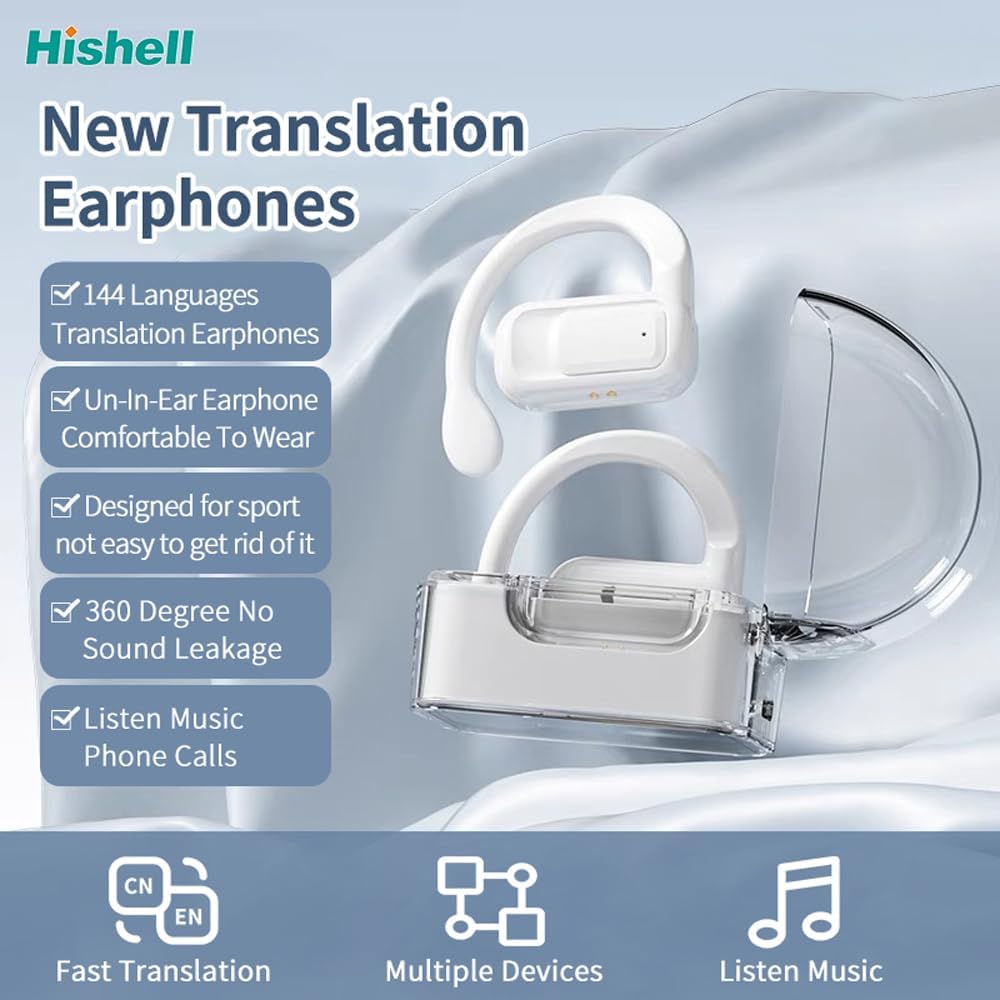
Thank you for choosing the HISHELL Language Translator Earbuds. These open-ear headphones are designed to provide seamless real-time language translation across 144 online languages, powered by 6 top translation engines. Beyond translation, they also function as versatile devices for music streaming and phone calls. This manual will guide you through the setup, operation, and maintenance of your new device to ensure an optimal user experience.

Image: The HISHELL Language Translator Earbuds, showing both earbuds and their transparent charging case.
Шта је у кутији
- 2 x Language Translator Earphones
- 1 x Одељак за пуњење
- 1 x Data Cable (USB-C)
- 1 x Headset User Manual
- 1 x APP Translation User Manual

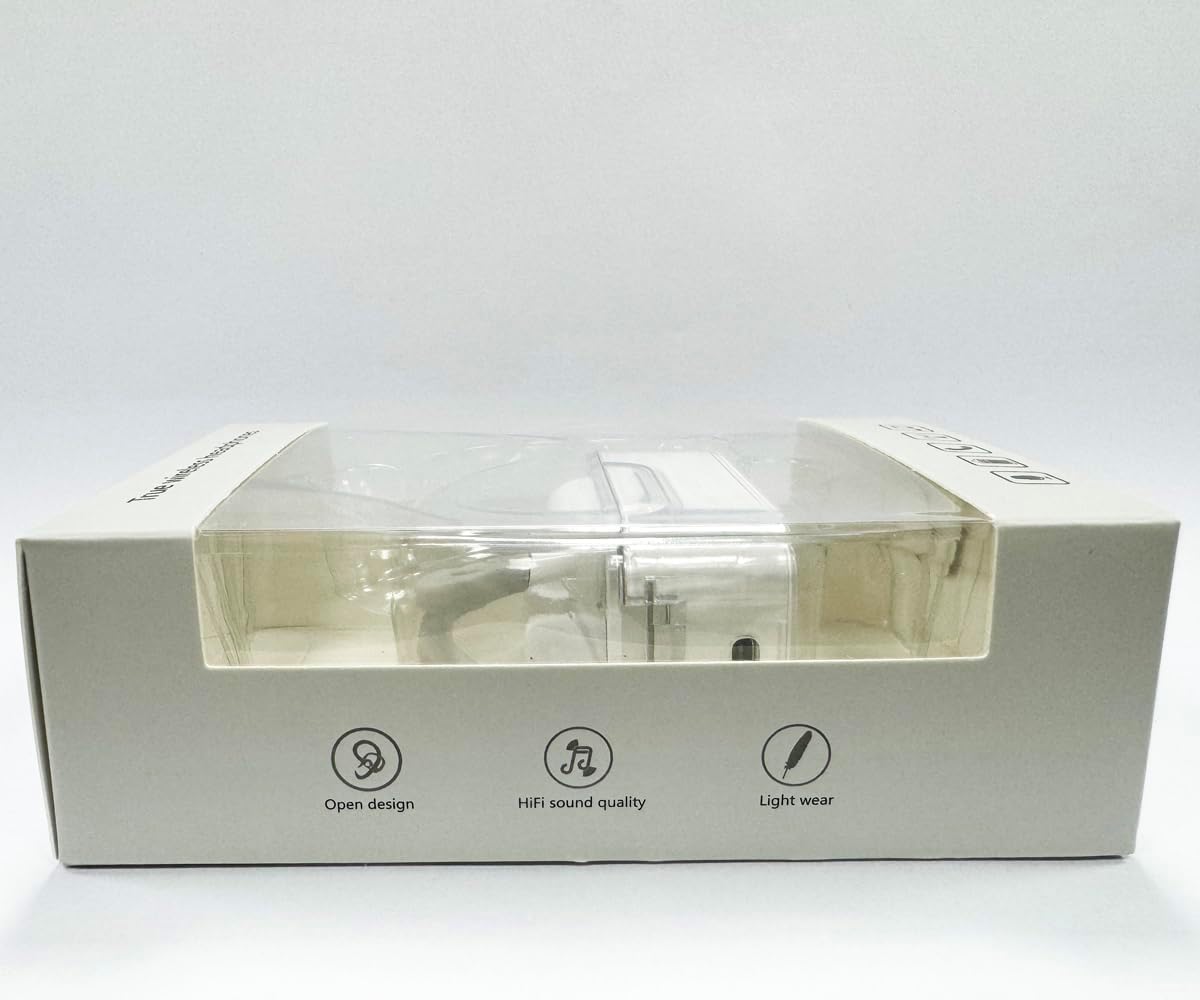
Слика: Фронт view of the product packaging, displaying the earbuds inside.
Сетуп
1. Пуњење слушалица и футроле
Before first use, fully charge the earbuds and the charging case. Connect the provided USB-C data cable to the charging port on the case and plug the other end into a USB power source (e.g., computer, wall adapter). The indicator lights on the case will show charging status.
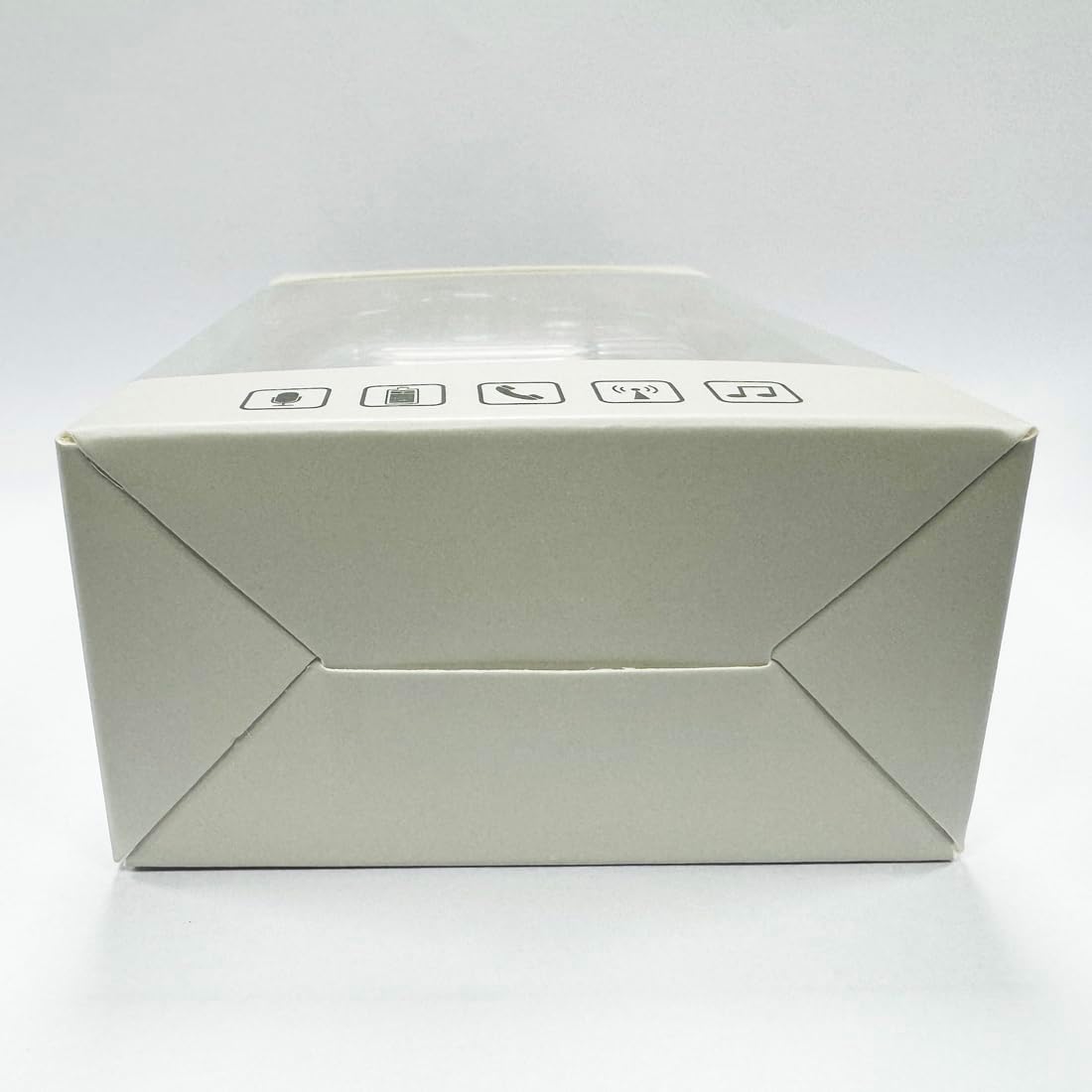
Слика: Доња страна view of the charging case, highlighting the USB-C charging port.
2. Инсталација апликације
To utilize the translation features, you must download the dedicated HISHELL translation app on your smartphone (iOS or Android). Scan the QR code provided in the APP Translation User Manual or search for "HISHELL Translator" in your device's app store.
3. Блуетоотх упаривање
- Уверите се да су слушалице напуњене и извађене из кућишта за пуњење. Аутоматски ће ући у режим упаривања.
- On your smartphone, go to Bluetooth settings and turn Bluetooth on.
- Select "HISHELL BL02" (or similar name) from the list of available devices.
- Када се повежу, чуће се звук потврде и слушалице ће бити спремне за употребу.
Упутство за употребу
The HISHELL Language Translator Earbuds offer three primary translation modes, along with standard audio functions.
Режими превођења

Image: Visual representation of the three distinct translation modes available with the earbuds.
- Режим додира:
Two people each wear one earphone. Click or double-click the earphone to translate in real-time. This mode is suitable for acquaintances who are willing to wear your earphone.

Image: Two individuals using the translator earbuds in a conversational setting.
- Режим звучника:
One person wears the earphones, and the other person holds the mobile phone. The phone's speaker will output the translation. This mode is suitable for strangers or situations where it's inconvenient for the other person to wear an earphone.
- Режим слободног разговора:
Both users wear an earphone. The device translates in real-time, allowing for natural, continuous conversation without needing to press buttons. This mode facilitates smooth and uninterrupted communication.
Music and Call Functions
In addition to translation, the earbuds function as standard Bluetooth headphones:
- Репродукција музике: Once connected via Bluetooth, you can stream audio from your device. Use your phone's media controls for play/pause, skip tracks, and volume adjustment.
- Телефонски позиви: The earbuds support hands-free calling. Answer/end calls directly through the earbuds (refer to the APP Translation User Manual for specific touch controls). The binaural HD microphone ensures clear communication.

Слика: прamples of individuals comfortably wearing the open-ear translator earbuds.
Одржавање
Чишћење
- Обришите слушалице и кућиште за пуњење меком, сувом крпом која не оставља влакна.
- Не користите абразивна средства за чишћење, алкохол или хемијске раствараче.
- Избегавајте улазак влаге у било које отворе.
Складиштење
Када се не користе, чувајте слушалице у њиховој футроли за пуњење како бисте их заштитили и одржали напуњеним. Чувајте на хладном и сувом месту, даље од директне сунчеве светлости и екстремних температура.
Решавање проблема
| Проблем | Могући узрок | Решење |
|---|---|---|
| Слушалице се не упарују | Low battery; out of range; not in pairing mode; previous connection issue. | Ensure earbuds are charged. Place them closer to your device. Re-insert into case and remove to re-enter pairing mode. Forget device in Bluetooth settings and re-pair. |
| Translation not accurate or delayed | Poor internet connection; background noise; speaking too fast/unclearly; incorrect language selection. | Ensure stable internet connection. Speak clearly and at a moderate pace. Reduce background noise. Verify correct source and target languages in the app. |
| Нема звука из слушалица | Јачина звука је прениска; није повезано; медијски садржај је паузиран. | Појачајте јачину звука на уређају. Проверите Bluetooth везу. Уверите се да се медијски садржај репродукује. |
| Кућиште за пуњење се не пуни | Неисправан кабл/адаптер; прљав порт за пуњење. | Try a different USB-C cable and power adapter. Clean the charging port gently with a dry cotton swab. |
For further assistance, please refer to the APP Translation User Manual or contact customer support.
Спецификације
| Феатуре | Детаљ |
|---|---|
| Број модела | БЛ02 |
| Димензије пакета | 5.16 к 3.15 к 1.69 инча |
| Тежина артикла | 2.12 унци |
| Батерије | 1 литијум-полимерска батерија (укључена) |
| Језици превода | 144 online languages |
| Translation Engines | Powered by 6 top translation engines |
| Микрофон | Binaural HD microphone |
| Трајање батерије (слушање) | Прибл. 3 сата |
| Време приправности | Прибл. 240 сата |
| Порт за пуњење | УСБ-Ц |


Слика: Разно views of the HISHELL charging case, showing its dimensions and design.
Гаранција и подршка
Информације о гаранцији
HISHELL products typically come with a standard manufacturer's warranty. Please refer to the warranty card included in your product packaging or visit the official HISHELL webсајт за детаљне услове гаранције специфичне за ваш регион и датум куповине.
Корисничка подршка
If you encounter any issues or have questions not covered in this manual, please contact HISHELL customer support. You can usually find contact information (email, phone, or support portal) on the official HISHELL webсајту или преко продавца где сте купили производ.


