
1. Увод
This manual provides comprehensive instructions for setting up, operating, maintaining, and troubleshooting your Cudy AX3000 WiFi 6 Mesh System M3000. Please read this guide carefully to ensure optimal performance and longevity of your device.
The Cudy AX3000 WiFi 6 Mesh System is designed to replace your traditional router and extenders, offering seamless, whole-home mesh WiFi coverage. It features a powerful 1.3 GHz dual-core CPU for fast data transmission and low latency, supporting up to 200 devices simultaneously.
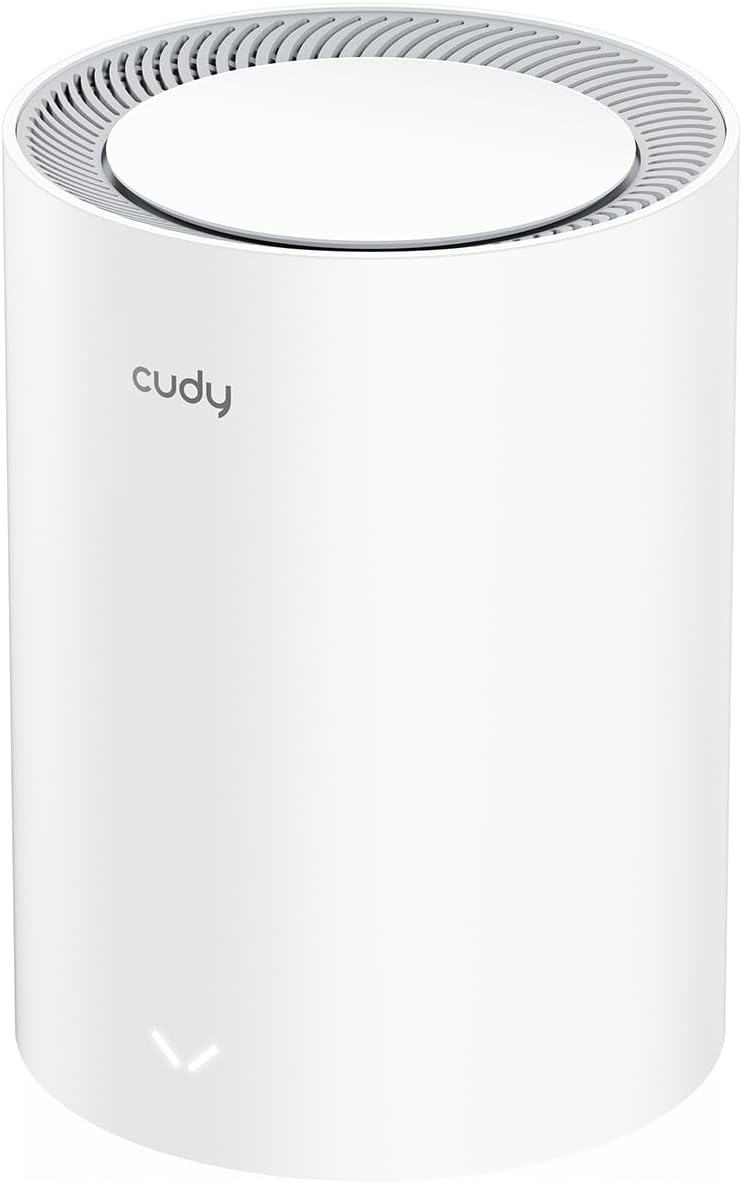
Image: Two Cudy M3000 Mesh Units displayed on a wooden surface, highlighting their design and the product's premium multi-gig AX3000 Wi-Fi 6 capabilities.
2. Садржај пакета
Проверите да ли су све ставке присутне у вашем пакету:
- Cudy M3000 Mesh Unit
- Повер Адаптер
- Етхернет Цабле
- Водич за брзу инсталацију

Image: The retail box for the Cudy M3000 Mesh System, showing the product and branding.
3. Производ је готовview
The Cudy M3000 Mesh Unit features a sleek design with essential ports and indicators for easy management.
3.1. Физички изглед и портови
Слика: Позади view of the Cudy M3000 Mesh Unit, highlighting the WAN and LAN ports, power input, and reset button.
The unit typically includes:
- WAN Port (2.5G Multi-Gigabit): Connects to your modem or existing router for internet access.
- ЛАН порт(и): For wired connections to devices like PCs, gaming consoles, or network storage.
- Повер Инпут: Connects to the provided power adapter.
- Дугме за ресетовање: Used to restore factory default settings.
3.2. ЛЕД индикатори
The LED indicator on the front of the unit provides status information:
- Солид Блуе: Device is powered on and operating normally.
- Пулсинг Блуе: Device is starting up or establishing a connection.
- Солид Ред: No internet connection or an error has occurred.
4. Водич за подешавање
Follow these steps to set up your Cudy AX3000 Mesh System.
4.1. Почетно смештање
Place your first M3000 unit (main unit) in a central location in your home, away from obstructions and interference sources like microwaves or cordless phones. For multi-unit systems, strategically place additional units to maximize coverage.

Image: A diagram illustrating optimal placement of mesh units for comprehensive WiFi coverage across different floor plans, including single-unit, two-unit, and three-unit setups for varying square meterages.
4.2. Повезивање хардвера
- Повер Офф: Disconnect power from your modem (if applicable) and any existing router.
- Повежите главну јединицу: Connect one end of the provided Ethernet cable to the WAN port (2.5G) of the Cudy M3000 unit and the other end to your modem's LAN port.
- Повер Он: Connect the power adapter to the Cudy M3000 unit and plug it into a power outlet. Wait for the LED indicator to turn solid blue.
- Connect Additional Units (if applicable): For multi-unit systems, place additional M3000 units and power them on. They will automatically connect to the main unit.
4.3. Конфигурација мреже
You can configure your mesh system using the Cudy App or a web претраживач.
Коришћење апликације Cudy:
- Download the "Cudy" app from your mobile device's app store.
- Open the app and follow the on-screen instructions to detect and set up your Cudy M3000 Mesh System.

Image: Screenshots of the Cudy mobile application interface, demonstrating device management and setup features.
Коришћењем а Web Прегледач:
- Connect your computer or mobile device to the Cudy M3000's default WiFi network (SSID and password are on the bottom label of the unit).
- Отвори а web претраживач и унесите
http://cudy.netor192.168.10.1у адресној траци. - Follow the setup wizard to configure your internet connection and WiFi settings.
5. Упутство за употребу
Once set up, your Cudy M3000 Mesh System provides seamless WiFi coverage. Here are key operational aspects:
5.1. Беспрекорни роминг
The mesh system allows your devices to automatically switch to the strongest WiFi signal as you move around your home, ensuring an uninterrupted connection.
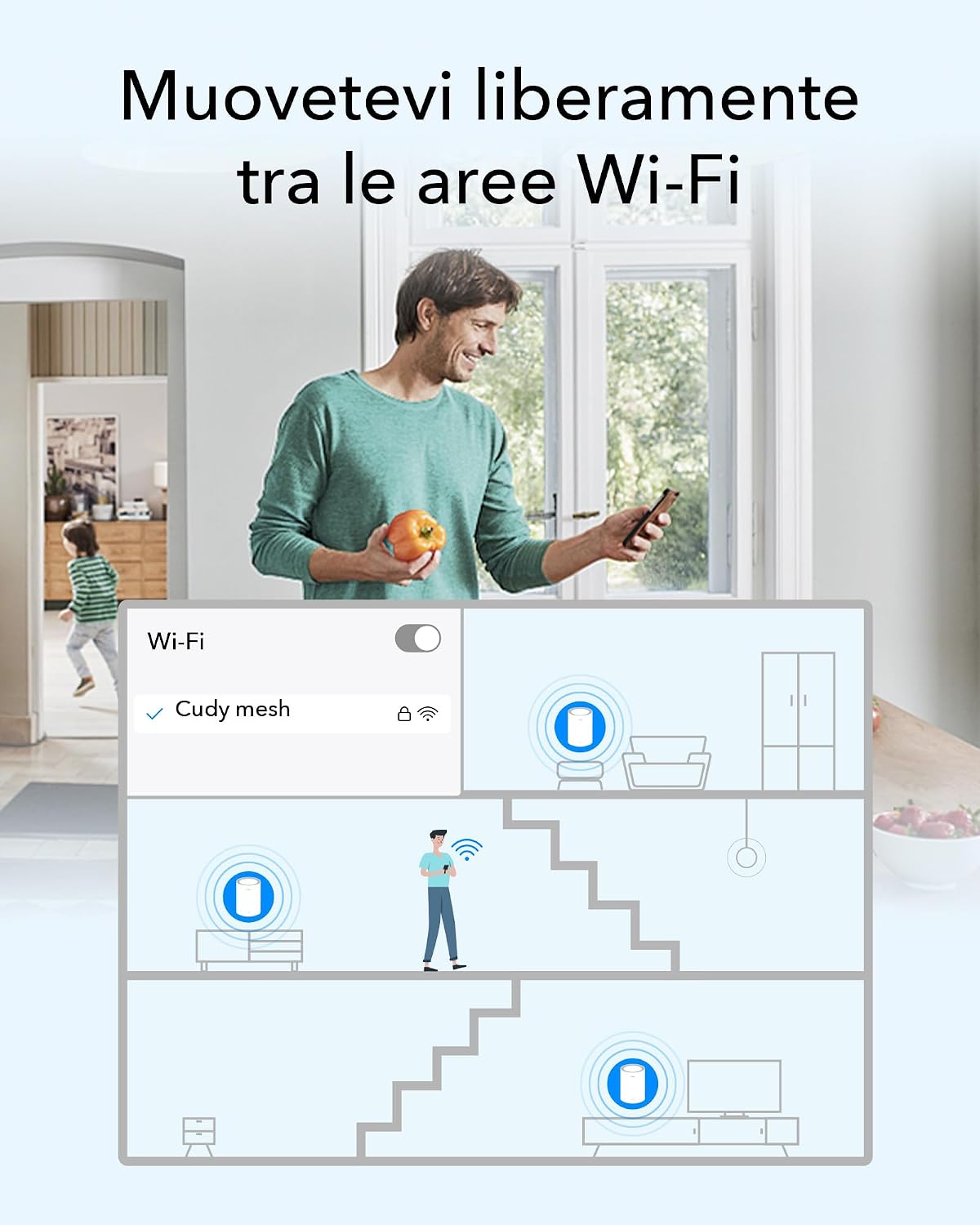
Image: A visual representation of a person moving through a house while their device maintains a continuous WiFi connection by seamlessly switching between mesh units.
5.2. Етхернет бацкхаул
For optimal performance, especially in larger homes or with high-bandwidth applications, you can connect mesh units via Ethernet cables. This creates a dedicated wired connection between units, improving speed and stability.
5.3. Повезивање уређаја
Connect your wireless devices to the WiFi network using the SSID and password you configured during setup. For wired devices, use the available LAN ports on any mesh unit.
6. Напредне функције
The Cudy M3000 offers several advanced features for enhanced control and security.
6.1. VPN Support
The system supports various VPN protocols, including WireGuard, OpenVPN, ZeroTier, IPSec, PPTP, and L2TP, allowing for secure remote connections and privacy.

Image: A collection of logos representing the VPN protocols supported by the Cudy M3000, including WireGuard, OpenVPN, ZeroTier, IPSec, L2TP, and PPTP.
6.2. Родитељски надзор
Manage internet access for specific devices or users with features like website filtering and time limits.

Image: A child reading a book in bed, accompanied by icons for home network management and parental controls, illustrating the ability to manage internet access.
6.3. Квалитет услуге (КоС)
Prioritize network traffic for specific applications or devices to ensure smooth performance for critical tasks like gaming or video conferencing.
6.4. Security Protocols
The system supports WPA2 and WPA3 security protocols to protect your network from unauthorized access.

Image: Three golden shield icons symbolizing WPA3 encryption, Guest Network functionality, and DoS Protection, highlighting the system's security features.
7. Одржавање
Regular maintenance ensures your mesh system operates efficiently.
- Ажурирања фирмвера: Check for and install firmware updates regularly through the Cudy App or web interface to benefit from new features and security enhancements.
- Поновно покретање: Periodically reboot your mesh units to refresh network connections and resolve minor issues.
- Чишћење: Keep the units clean and free from dust to prevent overheating. Use a soft, dry cloth.
КСНУМКС. Решавање проблема
Ако наиђете на проблеме, испробајте следећа решења:
8.1. No Internet Connection (Red LED)
- Check the connection between your main M3000 unit and the modem. Ensure the Ethernet cable is securely plugged into the WAN port.
- Reboot your modem and then your Cudy M3000 unit.
- Verify your internet service is active by connecting a computer directly to the modem.
8.2. Слаб WiFi сигнал или мртве зоне
- Adjust the placement of your mesh units to ensure optimal coverage. Avoid placing them near large metal objects or thick walls.
- Consider adding another Cudy M3000 unit to expand coverage.
- If using multiple units, ensure they are within effective range of each other.
8.3. Немогућ приступ Web Страница за управљање
- Ensure your device is connected to the Cudy M3000's WiFi network or via an Ethernet cable.
- Покушајте да обришете кеш меморију прегледача или да користите други прегледач.
- Проверите да ли користите исправну адресу:
http://cudy.netor192.168.10.1.
8.4. Фацтори Ресет
If problems persist, you may need to perform a factory reset. With the unit powered on, press and hold the Reset button (usually located on the back) for about 10 seconds until the LED indicator changes. The unit will reboot with factory default settings.
9. Спецификације
| Феатуре | Спецификација |
|---|---|
| Бранд | Цуди |
| Назив модела | M3000 (1-PACK)_EU V2.0 |
| Класа фреквенцијског опсега | Дуал Банд |
| вирелесс стандард | 802.11ак (Ви-Фи 6) |
| Брзина преноса података | 3000 Мбпс |
| Max Upstream Data Transfer Rate | 2500 Мбпс |
| WAN Port Bandwidth | 2.5G Multi-Gigabit |
| Пропусни опсег LAN порта | 1000Мбпс |
| Број портова | 2 (1x WAN, 1x LAN) |
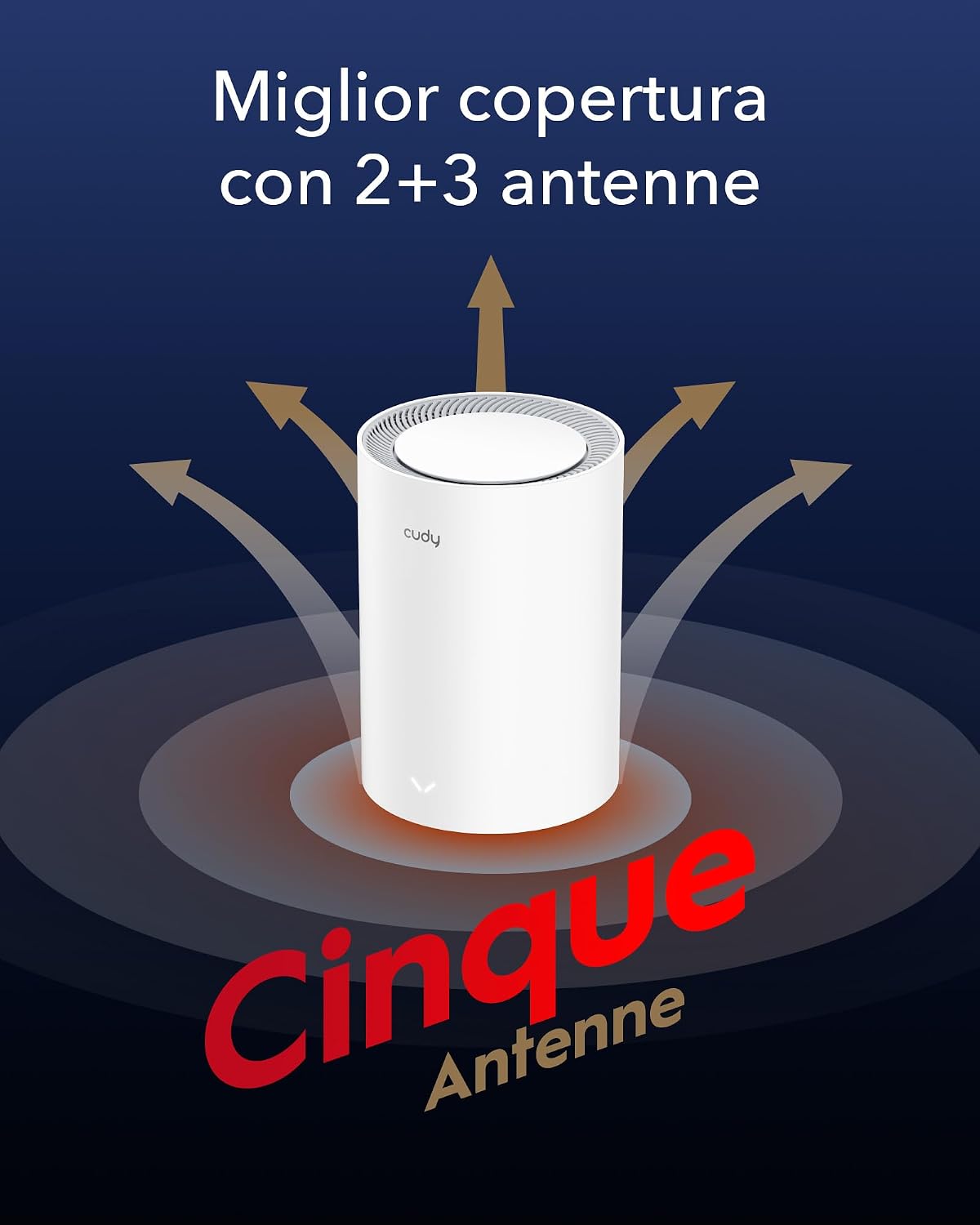
| Антенна Типе | Internal (5 Antennas) |
| Покривеност сигналом | Up to 270 m² (with multiple units) |
| ЦПУ | 1.3 GHz Dual-Core Cortex-A53 |
| Инсталирана РАМ меморија | 256 МБ |
| Безбедносни протоколи | ВПА2, ВПА3 |
| ВПН подршка | WireGuard, OpenVPN, ZeroTier, IPSec, PPTP, L2TP |
| Оперативни системи | CudyOS, OpenWRT Compatible |
| Контролни метод | апликација, Web Интерфејс |
| Димензије (ДкШкВ) | 11L x 11l x 15.5H cm |
| Тежина | 360 грама |
| Волtage | 12 Волт |
| Препоручена употреба | Индоор |
10. Гаранција и подршка
10.1. Гаранција на производ
The Cudy AX3000 WiFi 6 Mesh System M3000 comes with a 2 година гаранције од датума куповине. Молимо вас да сачувате доказ о куповини за потребе гаранције.
10.2. Техничка подршка
For technical assistance, troubleshooting, or any questions regarding your Cudy product, please contact Cudy technical support or customer service. You can find contact information on the official Cudy webсајту или у Водичу за брзу инсталацију који је испоручен уз ваш производ.
Official Cudy videos are available to guide users step-by-step through configuration and setup processes.