
WisFox 2.4GHz Full-Size Silent Wireless Keyboard and Mouse Combo (White)
WisFox 2.4GHz Wireless Keyboard and Mouse Combo User Manual
Model: Full-Size Silent Wireless Keyboard and Mouse Combo (White)
1. Увод
Thank you for choosing the WisFox 2.4GHz Wireless Keyboard and Mouse Combo. This product is designed to provide a comfortable, efficient, and quiet wireless computing experience. This manual will guide you through the setup, operation, and maintenance of your new device.

Figure 1: WisFox Wireless Keyboard and Mouse Combo (White) with USB receiver.
2. Безбедносне информације
- Држите уређај даље од воде, ватре и високих температура.
- Не покушавајте сами да растављате или поправљате уређај. За помоћ контактирајте квалификовано сервисно особље.
- Dispose of batteries according to local regulations. Do not mix old and new batteries.
- Избегавајте испуштање или излагање уређаја јаким ударима.
3. Садржај пакета
Молимо вас да проверите садржај паковања након отварања:
- 1 x WisFox Wireless Keyboard
- 1 x WisFox Wireless Mouse
- 1 x USB Receiver (stored in the mouse battery compartment)
- 1 x Упутство за употребу (овај документ)
Напомена: Appropriate batteries are not included and must be purchased separately.
4. Водич за подешавање
4.1. Инсталирање батерија
- За миша: Open the battery compartment cover on the bottom of the mouse. Insert the appropriate battery (not included), ensuring correct polarity (+/-). Close the cover.
- За тастатуру: Open the battery compartment cover on the back of the keyboard. Insert the appropriate batteries (not included), ensuring correct polarity (+/-). Close the cover.

Figure 2: Location of battery compartment and USB receiver storage on the mouse.
4.2. Повезивање USB пријемника
- Locate the USB receiver, which is conveniently stored in the battery compartment of the mouse. Gently pull it out.
- Plug the USB receiver into an available USB port on your computer, laptop, or compatible device.
- Your operating system should automatically detect and install the necessary drivers. This is a Plug and Play device, requiring no additional software installation.

Figure 3: USB receiver connected to a device, enabling 2.4GHz wireless communication.
4.3. Укључивање
- За миша: Locate the ON/OFF switch on the bottom of the mouse (near the battery compartment) and slide it to the "ON" position.
- За тастатуру: The keyboard typically powers on automatically once batteries are inserted and the USB receiver is connected. Some models may have an ON/OFF switch on the back or side.
Ваша тастатура и миш су сада спремни за употребу.
5. Упутство за употребу
5.1. Општа употреба
The WisFox Wireless Keyboard and Mouse Combo provides a seamless and responsive experience for daily computing tasks. The 2.4GHz wireless connection ensures a stable link up to 33 feet (10 meters) with minimal delays or dropouts.
5.2. Ергономски дизајн и удобност
- Keyboard Tilt: The keyboard features an 8° foldable stand on the back, allowing you to adjust the typing angle for optimal comfort and to reduce wrist fatigue during long periods of use.
- Изглед у пуној величини: The keyboard includes a full-size F-keys row, a dedicated numeric keypad, and arrow keys for enhanced productivity.

Figure 4: Keyboard with 8° foldable tilt and ergonomic mouse design.
5.3. Тихи рад
- Silent Mouse: The mouse is designed for 100% silent clicking, ensuring a quiet working environment.
- Quiet Keyboard: The keyboard's keys are engineered to be over 90% quieter than standard keyboards, minimizing typing noise.
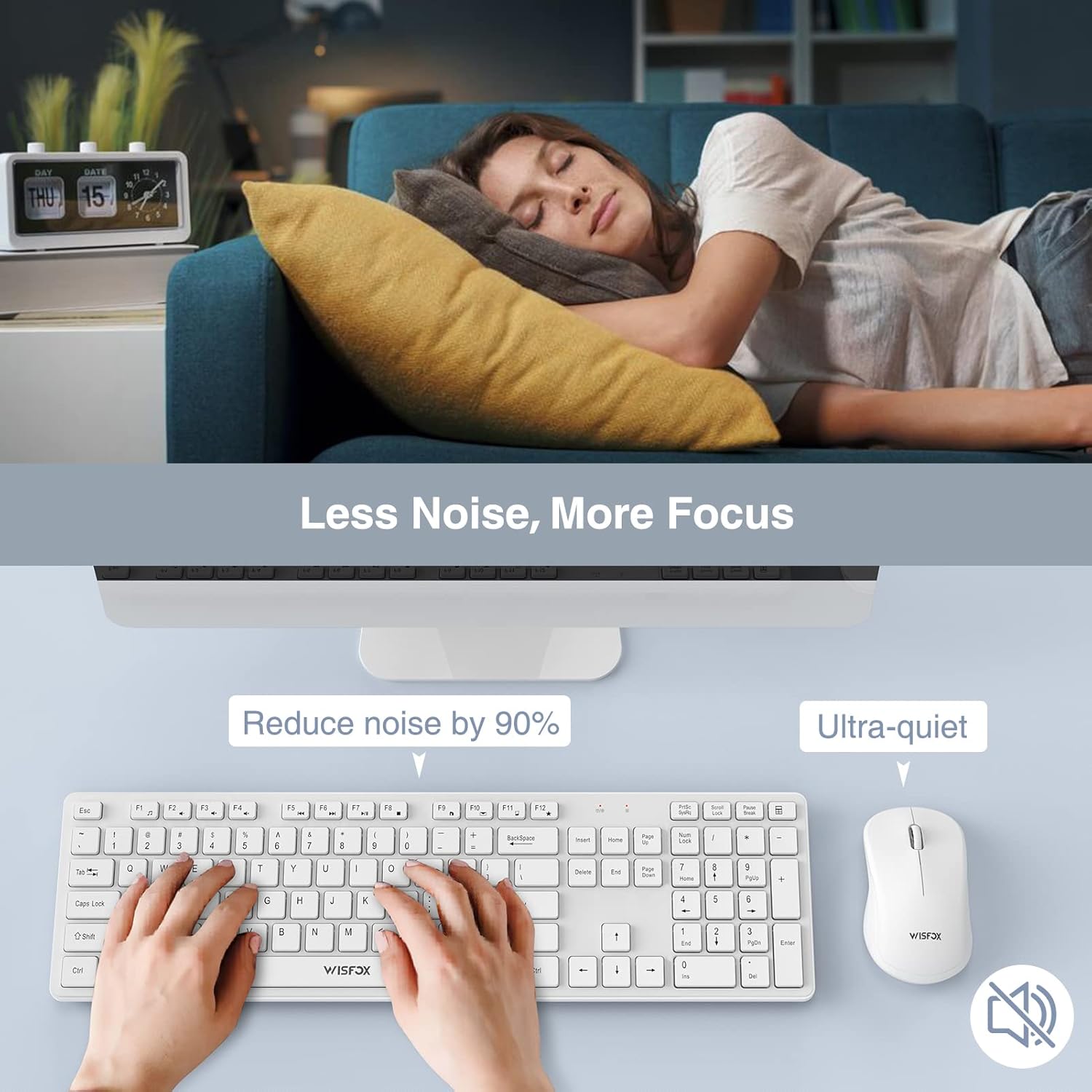
Figure 5: The quiet design of the combo promotes a peaceful work environment.
5.4. Функције за уштеду енергије
To conserve battery life, both the keyboard and mouse feature intelligent power-saving modes:
- The mouse will enter sleep mode after 1 minute of inactivity.
- Тастатура ће ући у режим мировања након 8 минута неактивности.
- To wake the devices, simply press any key on the keyboard or click/move the mouse.
- Both devices also have ON/OFF switches to manually power them down for extended storage or travel, further prolonging battery life up to 365 days.
5.5. Multimedia Keys (Fn+ Keys)
The keyboard includes 12 multimedia keys accessible by pressing the Fn key in combination with the F1-F12 keys. These provide quick access to functions such as volume control, media playback, and more.

Figure 6: The combo's features, including multimedia keys, enhance efficiency.
5.6. Широка компатибилност
This keyboard and mouse combo is compatible with a broad range of operating systems and devices, including:
- All Windows system versions (e.g., Windows 2000/Vista/XP/7/8/10/Visa)
- Линук
- Цхроме ОС
- Мац ОС
It works well with desktops, Chromebooks, PCs, laptops, computers, and even Smart TVs and HTPCs.
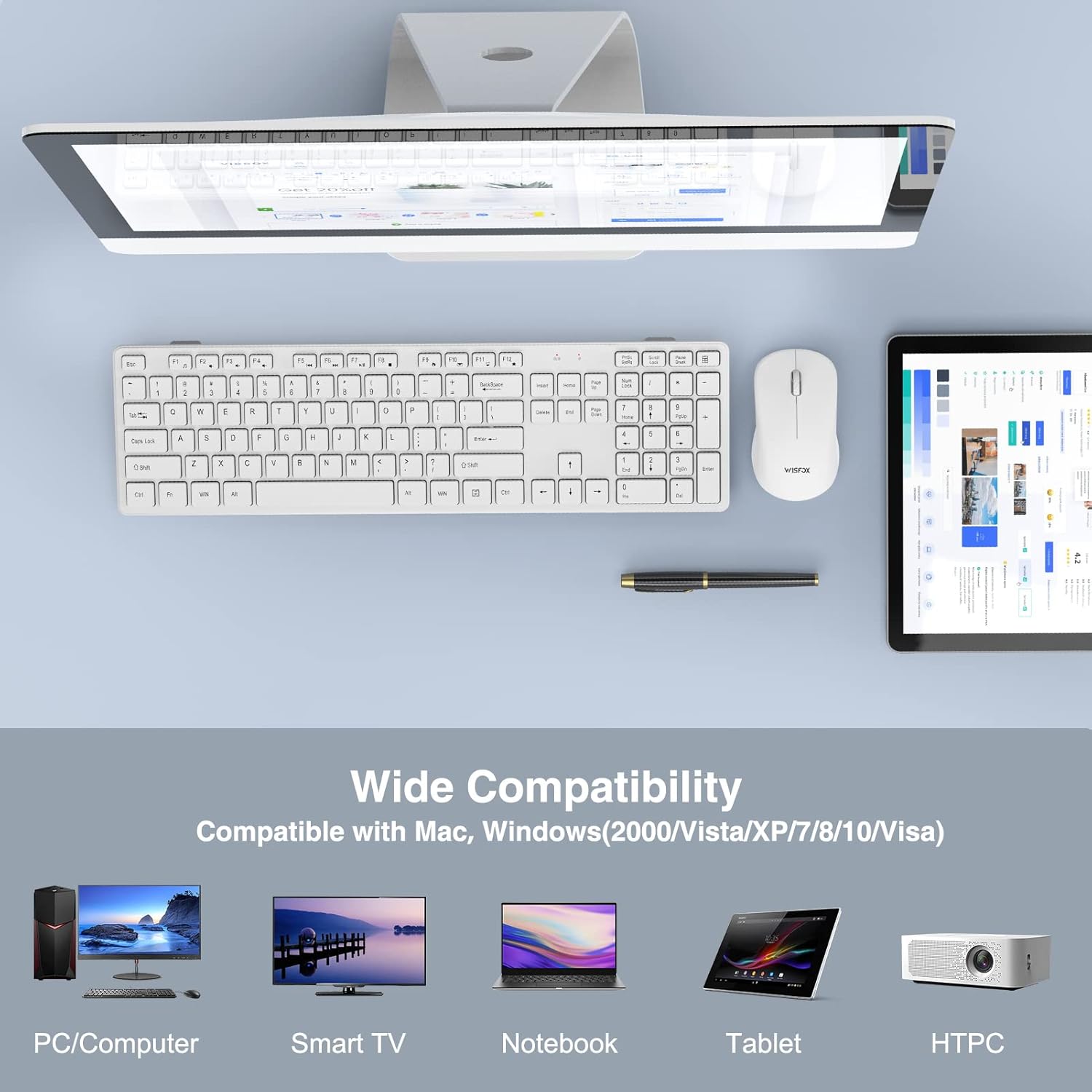
Figure 7: Broad compatibility with various devices and operating systems.
6. Одржавање
- Чишћење: Користите меку, суву крпу за чишћење површина тастатуре и миша. За тврдокорну прљавштину, благо дamp cloth can be used, but ensure no liquid enters the device. Do not use harsh chemicals or abrasive cleaners.
- Замена батерије: When the devices stop responding or show signs of low power, replace the batteries with new ones, ensuring correct polarity.
- Складиштење: If storing the devices for an extended period, remove the batteries to prevent leakage and turn off the power switches.
КСНУМКС. Решавање проблема
| Проблем | Могући узрок | Решење |
|---|---|---|
| Тастатура/миш не реагује |
|
|
| Кашњење или повремена веза |
|
|
| Курсор миша је неправилан или се не креће глатко |
|
|
8. Спецификације
| Феатуре | Детаљ |
|---|---|
| Бранд | WisFox |
| Модел | 2.4GHz Full-Size Silent Wireless Keyboard and Mouse Combo |
| Боја | Бела |
| Технологија повезивања | 2.4 GHz бежични (USB пријемник) |
| Домет | До 33 стопе (10 метара) |
| Распоред тастатуре | Full-Size with Numeric Keypad and F-keys |
| Специјалне функције тастатуре | 8° Foldable Tilt, 12 Multimedia Keys, Quiet Operation |
| Mouse Special Features | 100% Silent Click, Optical Sensor |
| Уштеда енергије | Auto-sleep mode, ON/OFF switches |
| Трајање батерије (приправност) | До 365 дана |
| Компатибилни уређаји | Personal Computer (Desktops, Laptops, Chromebooks, Smart TVs, HTPCs) |
| Компатибилност оперативног система | Windows (all versions), Linux, Chrome OS, Mac OS |
| Димензије тастатуре | 16.93 к 4.72 к 0.7 инча (43 к 12 к 1.8 цм) |
| Димензије миша | 4.16 к 2.4 к 1.45 инча (10.6 к 6.1 к 3.7 цм) |
| Тежина артикла | 1.54 фунте (0.7 кг) |
| Произвођач | WisFox |
| Земља порекла | Кина |
9. Гаранција и подршка
For warranty information or technical support, please refer to the product packaging or contact WisFox customer service directly. You can typically find contact details on the manufacturer's official webсајту или преко вашег места куповине.
За најновије информације и подршку, посетите WisFox Store on Amazon.
Ask a question about this manual
Ask about setup, troubleshooting, compatibility, parts, safety, or missing instructions. Manuals+ will review the question and use this page’s manual context to help answer it.