
Увод
Хвала вам на куповиниasing the MangoKit MS1 CD Player HiFi System. This manual provides essential information for setting up, operating, and maintaining your device. Please read these instructions carefully before use and retain them for future reference.

Image: The MangoKit MS1 CD Player HiFi System in a maple finish, showcasinг његов компактан дизајн и контроле на предњој плочи.
Важне информације о безбедности
- Прочитајте сва упутства пре употребе уређаја.
- Keep the unit away from water, moisture, and direct sunlight.
- Не блокирајте отворе за вентилацију.
- Користите само додатке/прибор које је навео произвођач.
- Искључите јединицу из струје током олуја са грмљавином или када се не користи дуже време.
- Све сервисирање препустите квалификованом сервисном особљу.
Садржај пакета
Проверите да ли су све ставке присутне у кутији:
- 1 x MangoKit MS1 CD Player System
- 1 к даљински управљач
- 1 x NA Mains Power Adapter with Cable
- 1 x Упутство за употребу (овај документ)
Производ је завршенview
The MangoKit MS1 is a versatile HiFi system featuring a CD player, FM radio, Bluetooth streaming, AUX input, and USB playback/charging. It includes a full-color display, 60 presets, and a remote control for convenient operation.
Видео: Оверview of the MangoKit MS1 CD Player FM Radio HiFi System, demonstrating its various features and functions.
Сетуп
1. Прикључак за напајање
- Connect the provided NA mains power adapter to the DC IN port on the rear of the MS1 unit.
- Укључите адаптер за напајање у стандардну зидну утичницу.
2. Подешавање антене
For optimal FM radio reception, fully extend the telescopic antenna located on the rear of the unit. Adjust its position for the best signal quality.
3. Прво укључивање
Притисните тастер ПОВЕР button on the front panel or remote control to turn on the unit. The display will illuminate, and the system will enter the last used mode.
Упутство за употребу
1. Избор извора
Притисните тастер ИЗВОР button repeatedly on the front panel or remote control to cycle through available modes: CD, FM Radio, Bluetooth, AUX In, and USB Playback.
2. Управљање CD плејером
- Изаберите CD извор.
- Gently insert a CD into the disc tray with the label side facing up. The tray will automatically draw the disc in.
- Репродукција ће почети аутоматски. Користите ПЛАИ/ПАУСЕ, НАПРАВИТЕ НАПРЕД, и ПРЕСКОЧИ НАЗАД дугмад за контролу репродукције.

Image: A hand inserting a CD into the MangoKit MS1 CD player, with the remote control positioned next to the unit, showing ease of use.
3. Рад ФМ радија
- Изаберите ФМ Радио извор.
- Притисните тастер СЦАН дугме за аутоматско претраживање и чување доступних станица.
- Користите ТУНЕ +/- buttons to manually tune to a specific frequency or navigate between scanned stations.

Image: The MangoKit MS1 CD Player HiFi System on a shelf, with its full-color display showing FM radio station information.
4. Блуетоотх стриминг
- Изаберите Блуетоотх source. The display will show "Pairing".
- On your smartphone or other Bluetooth device, enable Bluetooth and search for "MangoKit MS1".
- Select "MangoKit MS1" to pair. Once connected, you can stream audio from your device to the MS1.
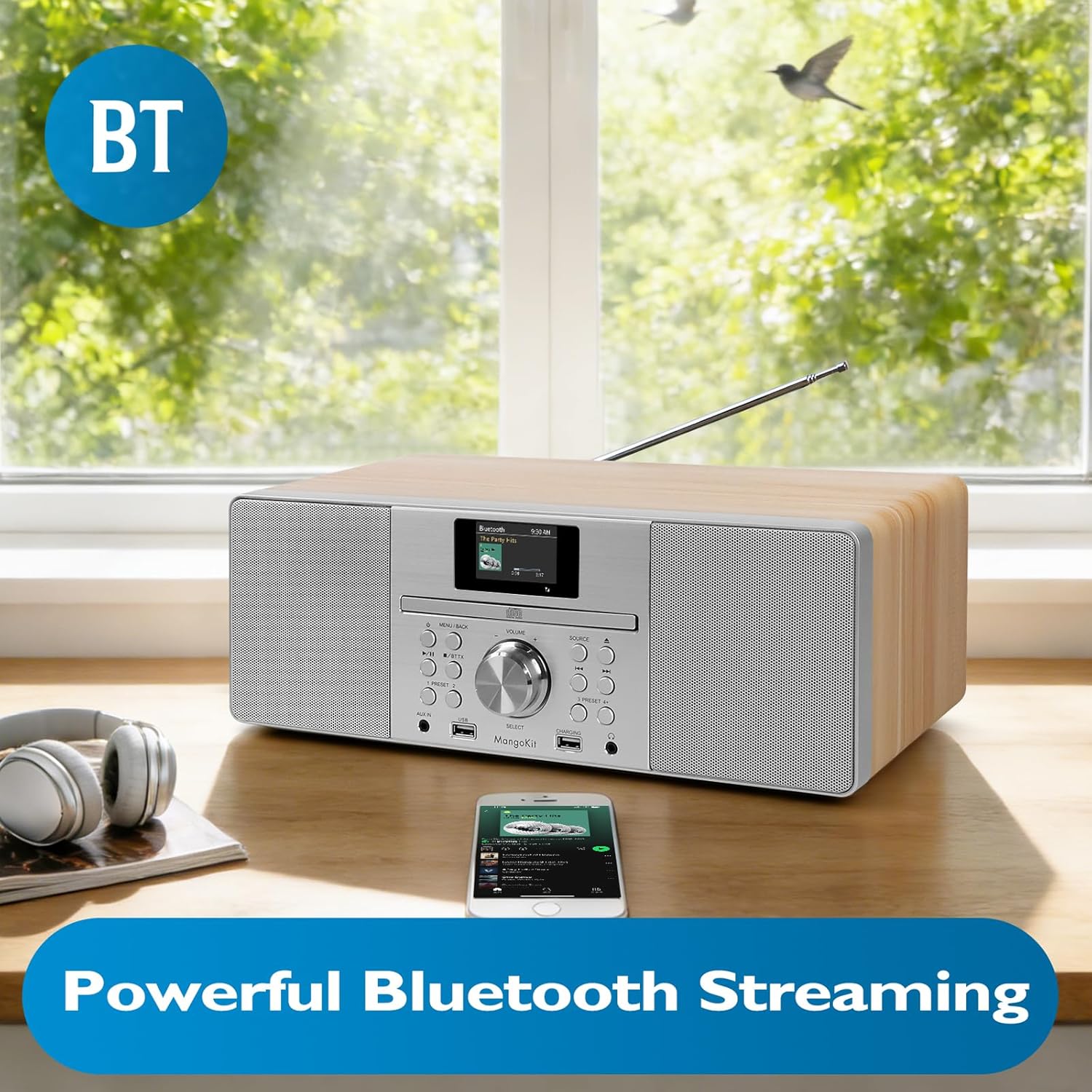
Image: The MangoKit MS1 HiFi System positioned next to a smartphone, illustrating a successful Bluetooth connection for wireless music streaming.
5. АУКС улаз
Повежите екстерни аудио уређај (нпр. MP3 плејер) са АУКС ИН port on the front panel using a 3.5mm audio cable. Select the АУКС Ин source to play audio from the connected device.
6. USB Playback and Charging
Уметните УСБ флеш диск који садржи МП3 аудио fileс инто тхе УСБ port. Select the УСБ репродукција source to access and play your music files. The dedicated ЦХАРГИНГ USB port can be used to charge compatible devices.
7. Употреба слушалица
Connect headphones to the 3.5mm HP Jack on the front panel for private listening. The main speakers will mute automatically when headphones are connected.
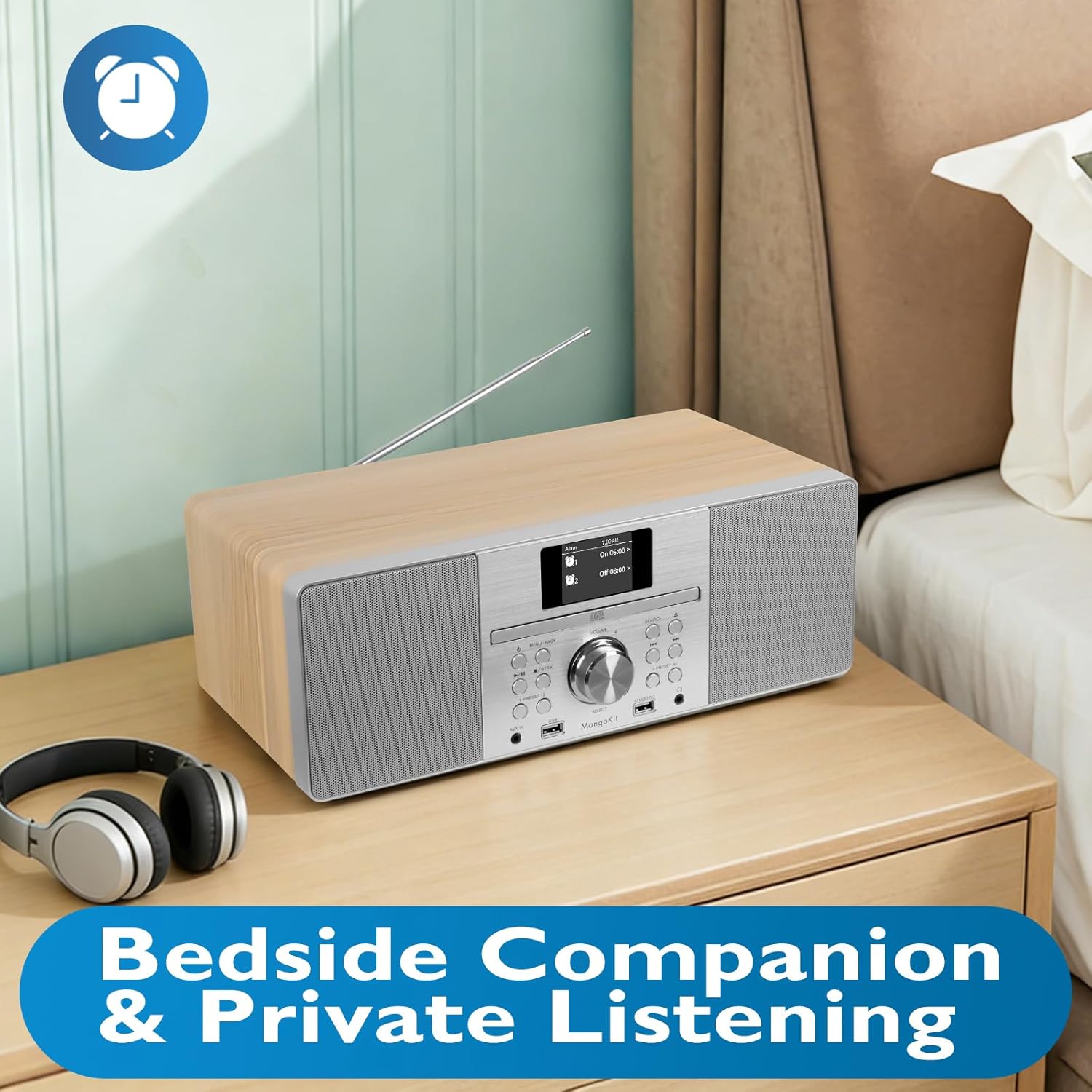
Image: The MangoKit MS1 HiFi System placed on a bedside table, accompanied by a pair of headphones, illustrating its suitability for private listening.
8. Setting Alarms and Sleep Timer
Приступите МЕНУ to set dual alarms (Alarm 1, Alarm 2) to wake up to your favorite radio station or a buzzer. The sleep timer function allows the unit to automatically turn off after a set period.
9. Saving Radio Presets
The MS1 allows you to store up to 60 favorite radio stations. Tune to your desired station, then press and hold a ПРЕСЕТ button (1-60) until the display confirms the station is saved. To recall, simply press the corresponding ПРЕСЕТ дугме.
10. Audio Equalizer Settings
Идите до Системске поставке menu to adjust the equalizer. You can select from preset EQ modes or customize your own settings for bass and treble to optimize sound for music or speech.
Одржавање
1. Чишћење
Wipe the unit with a soft, dry cloth. Do not use abrasive cleaners, waxes, or solvents as they may damage the finish. Ensure the unit is unplugged before cleaning.
2. Складиштење
Ако складиштите уређај дуже време, искључите га из утичнице и чувајте га на хладном и сувом месту, даље од директне сунчеве светлости и екстремних температура.
Решавање проблема
| Проблем | Могући узрок | Решење |
|---|---|---|
| Но Повер | Кабл за напајање није повезан; утичница је неисправна. | Уверите се да је кабл за напајање безбедно повезан. Покушајте са другом утичницом. |
| Нема звука | Volume too low; Mute activated; Headphones connected. | Increase volume. Check if mute is active. Disconnect headphones. |
| Слаб ФМ пријем | Antenna not extended or positioned incorrectly. | Потпуно извуците и подесите телескопску антену. |
| Блуетоотх упаривање није успело | Device too far; Bluetooth not enabled on source device; MS1 not in pairing mode. | Ensure devices are close. Enable Bluetooth on your device. Select Bluetooth source on MS1 to enter pairing mode. |
| CD Skipping | Dirty or scratched CD; Unit on unstable surface. | Clean the CD. Place the unit on a stable, flat surface. |
Спецификације
| Феатуре | Детаљ |
|---|---|
| Бранд | МангоКит |
| Број модела | МС1 |
| Технологија повезивања | Помоћни, Блутут |
| Боја | Мапле |
| Спеакер Типе | Стерео |
| Димензије артикла (Д к Ш к В) | 14.96 к 8.27 к 5.51 инча |
| Извор напајања | Цордед Елецтриц |
| Компатибилни уређаји | МП3 плејер, паметни телефон, таблет |
| Ватtage | 20 вати |
| Подржани стандарди | Bluetooth, CD |
| Блуетоотх подршка | Да |
| Подржани аудио формат | MP3, CD-DA |
| Број звучника | 2 |
| Режим аудио излаза | Стерео |
| Компатибилност паметног дома | Not Smart Home Compatible |
| Конфигурација канала сурроунд звука | 2.0 |
Информације о гаранцији
The MangoKit MS1 CD Player HiFi System comes with a Limited Warranty. Please refer to the warranty card included in your package for specific terms, conditions, and duration of coverage. Retain your proof of purchase for warranty claims.
Корисничка подршка
If you encounter any issues not covered in this manual or require further assistance, please contact MangoKit customer support. Refer to the contact information provided on the warranty card or the official MangoKit webсајту.